PostgreSQL Error Role Does Not Exist and How to Prevent It
Fix PostgreSQL role does not exist: createuser, psql defaults to your OS user, the missing database error, quoting case-sensitive names and idempotent setup.
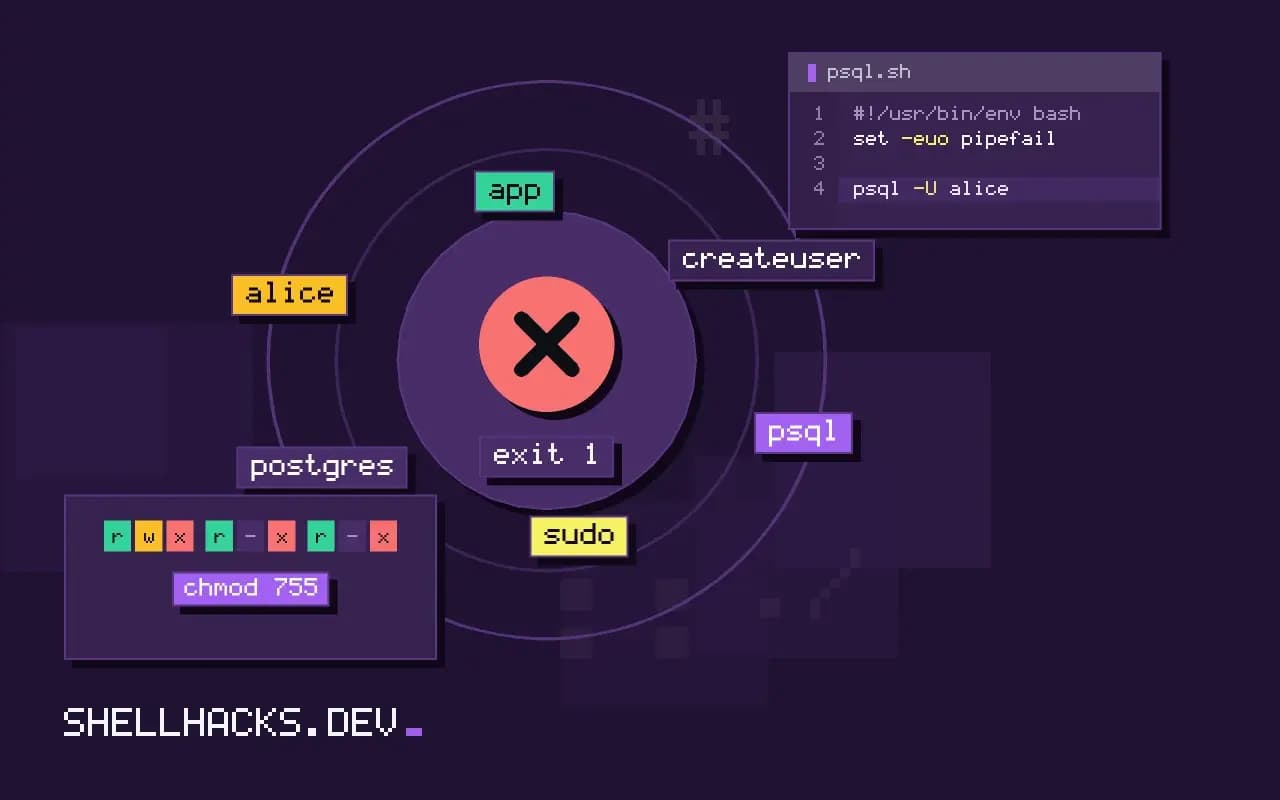
The error FATAL: role "alice" does not exist shows up the first time someone runs psql after installing PostgreSQL. The server is fine, and has only the roles it was given: postgres and whatever you created. The command-line client fills in the role from the OS user, so a bare psql asks for a role called after you. The steps use PostgreSQL 16; the access side is in peer authentication failed.
Why the name is "alice"
whoami
psql
psql -U app -d appdb -h localhostalice
psql: error: connection to server on socket "/var/run/postgresql/.s.PGSQL.5432" failed: FATAL: role "alice" does not exist
With no -U, psql uses the value of PGUSER or, if unset, your operating system user name, and with no database it uses the role name again. Both are conveniences from the days of local installs. On a fresh Debian or Ubuntu server, only postgres exists, so the fix is either to create the role, or to connect as the right one with -U and -d.
Create the role
sudo -u postgres createuser --pwprompt app
sudo -u postgres createdb -O app appdb
sudo -u postgres psql -c "CREATE ROLE alice LOGIN CREATEDB PASSWORD 'change-me'"
sudo -u postgres psql -c "\du" List of roles
Role name | Attributes
-----------+------------------------------------------------------------
alice | Create DB
app |
postgres | Superuser, Create role, Create DB, Replication, Bypass RLS
A role with LOGIN is what other systems call a user. createuser and createdb are command-line wrappers around the SQL commands. Give the role only the attributes it needs: no SUPERUSER for application accounts. A password typed on a command line leaks into history and the process list, so prefer --pwprompt or \password inside psql. Privileges on tables are granted separately with GRANT, see creating a database user and grants.
The related error: database does not exist
sudo -u postgres createuser alice
psql -U alice
psql -U alice -d postgrespsql: error: connection to server on socket ... failed: FATAL: database "alice" does not exist
Once the role exists, the next default bites: psql tries to open a database named like the role. Connect to an existing one, postgres or template1, and create the database, or set PGDATABASE. This is the second half of the same convenience.
Case and quoting
sudo -u postgres psql -c 'CREATE ROLE "Alice" LOGIN'
psql -U alice -d postgres       # role "alice" does not exist
psql -U Alice -d postgres       # the client passes the name as given: "Alice"
Unquoted identifiers in SQL are folded to lower case, but the name passed with -U is used exactly, so CREATE ROLE Alice makes alice, and a role created with quotes keeps its capital letter and must be matched exactly. Stick to lower case names with underscores, and you never meet this.
Idempotent setup
sudo -u postgres psql -v ON_ERROR_STOP=1 <<'SQL'
DO $$
BEGIN
  IF NOT EXISTS (SELECT FROM pg_roles WHERE rolname = 'app') THEN
    CREATE ROLE app LOGIN PASSWORD 'change-me';
  END IF;
END
$$;
SELECT 'CREATE DATABASE appdb OWNER app'
WHERE NOT EXISTS (SELECT FROM pg_database WHERE datname = 'appdb')\gexec
SQL
PostgreSQL has no CREATE ROLE IF NOT EXISTS, so a provisioning script checks pg_roles first, as in the DO block, and \gexec runs the generated CREATE DATABASE only when it is missing. The script can then run on every deploy, see idempotent provisioning scripts.
How roles and databases relate
PostgreSQL has one kind of principal, the role. A role can be allowed to log in, own objects, create databases or other roles, and be a member of other roles, which inherit its privileges. What other systems call users and groups are both roles, with the login attribute separating them. Roles are cluster-wide, so a role created in one database exists in all of them, but the privileges on objects are per database. The connection is controlled by two layers. The first is the pg_hba.conf file, which decides, by host, database, user and method, whether a connection attempt is accepted and how it authenticates. The second is the role's own attributes and grants, which decide what the session can do. A "role does not exist" error comes from the second layer, after the first has let the attempt through.
Peer authentication on local sockets
The default setup on Debian and Ubuntu authenticates local socket connections with the peer method: the server reads the operating system user of the connecting process from the kernel, and requires that the role name match. That is why sudo -u postgres psql works with no password, and why a new Linux user gets the error even though the person is trusted. There are three ways forward. Create a role with the same name as the Linux user, and the peer method accepts it. Connect over TCP with -h localhost and a password, which uses the method configured for host connections, usually scram-sha-256. Or change the method for a given user in pg_hba.conf, and reload the server with SELECT pg_reload_conf(). Prefer the first for administrators on the database host and the second for applications, and avoid trust except in throwaway test containers.
Grants that a new role needs
Creating the role is only the start, because it can log in but cannot do much. Grant connect on the database, usage on the schema, and the table privileges the application needs: GRANT CONNECT ON DATABASE appdb TO app;, GRANT USAGE ON SCHEMA public TO app; and GRANT SELECT, INSERT, UPDATE, DELETE ON ALL TABLES IN SCHEMA public TO app;. Tables created later are not covered by that last grant, so add default privileges for the role that creates them with ALTER DEFAULT PRIVILEGES. Since PostgreSQL 15, ordinary roles can no longer create objects in the public schema by default, so a role that must create tables needs an explicit grant or its own schema, and a migration tool that worked before an upgrade can fail with a permission error on the schema.
Naming and ownership conventions
Use separate roles for separate jobs. An owner role owns the objects and runs migrations, an application role has only data privileges, and a read-only role serves reports and dashboards. People log in with their own roles that are members of a group role, so removing a person is a single drop, and access reviews read from the membership list. Name roles in lower case snake style to avoid the quoting trap above. Keep the passwords out of scripts by using a password file, ~/.pgpass, with mode 600, or the PGPASSFILE variable, and prefer certificate or cloud identity authentication where the platform supports it.
Troubleshooting checklist
When the error appears, check five things in order. Which role name is the client sending? Run with -U explicitly, and print \conninfo once connected to see it. Is it connecting to the server you expect, and not a second PostgreSQL instance on another port or in a container? The socket path and port in the error show it. Does the role exist in that cluster, according to \du? Is the case right? And is there a pg_hba.conf line that matches this connection and sends it to the method you expect? The server log at /var/log/postgresql/ records the reason on its side, with the exact role and database it saw, which settles most arguments.
Where this does not apply
In the official Docker image the superuser is named by POSTGRES_USER, which defaults to postgres, and the initial database by POSTGRES_DB, so connect with those. Managed services create a first admin role with a name you chose, and others must be created from it. See the PostgreSQL database roles chapter and the psql environment variables.