How Python Import Paths Differ From Shell PATH Step by Step
Python's sys.path and the shell PATH look alike but work differently. Learn how imports are found, why ModuleNotFoundError appears, and how to debug both.
Both settings are lists of directories searched in order, and both are changed with a colon-separated environment variable, so it is easy to treat them as one thing. They are not. PATH is read by the shell to find a command, and sys.path is read by the Python interpreter to find an import. The examples use Python 3.12 and Bash 5.2; the command lookup side is covered in Bash command lookup order.
Show both
echo "$PATH" | tr ':' '\n' | head -4
python3 -c 'import sys; print("\n".join(sys.path))'/home/alice/.local/bin
/usr/local/bin
/usr/bin
/bin
/usr/lib/python312.zip
/usr/lib/python3.12
/usr/lib/python3.12/lib-dynload
/home/alice/.venv/lib/python3.12/site-packages
The empty first line in the Python output stands for sys.path[0], which is the directory of the script being run, or an empty string meaning the current directory in the interactive shell and with -c. After it come entries from PYTHONPATH, the standard library, and finally site-packages of the current environment, where pip installs. The order matters: the first match wins.
Where the confusion causes bugs
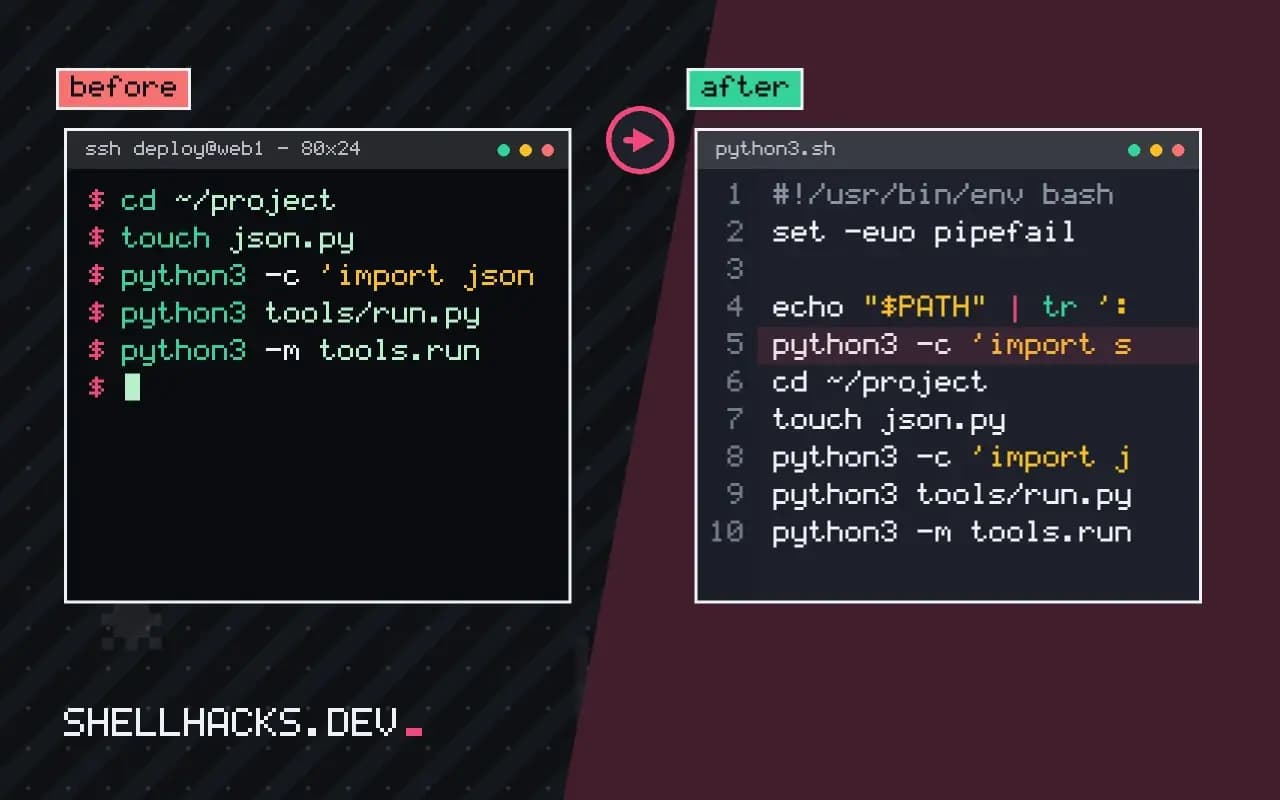
cd ~/project
touch json.py
python3 -c 'import json; print(json.__file__)'/home/alice/project/json.py
A file in your own directory that has the name of a standard library module, such as json.py, random.py, email.py or test.py, shadows the real one, because sys.path[0] comes first. The symptom is a confusing error from inside a library, like "partially initialized module" or a missing attribute. Print module.__file__ to see which file was loaded, and rename yours.
Scripts versus -m
python3 tools/run.py        # sys.path[0] is tools/
python3 -m tools.run        # sys.path[0] is the current directory
Running a file puts that file's directory first, so imports of sibling packages fail if the script lives in a subdirectory. Running with -m puts the current directory first and treats the argument as a module name, which makes from tools import helpers work from the project root. For code that must be imported from anywhere, install the project into the environment with pip install -e . rather than editing sys.path or relying on PYTHONPATH, as explained in virtual environments and uv.
Interpreter and environment
which -a python3
python3 -c 'import sys; print(sys.executable, sys.prefix)'
python3 -m pip --version
"ModuleNotFoundError" after a successful pip install usually means pip and python3 belong to different interpreters. Using python3 -m pip guarantees the same interpreter. A virtual environment changes sys.prefix and adds its site-packages, which is why a cron job that calls /usr/bin/python3 does not see the packages of your project's environment; give cron the full path to the venv's python, as in scheduling Python scripts. A Python script with a shebang #!/usr/bin/env python3 uses whichever python3 comes first on PATH, which is where the two lists meet.
How Python builds its search path
At startup, the interpreter assembles sys.path from several sources in a fixed order. First comes the script directory or the current directory, as described. Then the directories listed in the PYTHONPATH environment variable, in order. Then the standard library locations, and finally the site-packages directories of the active environment, including the ones that .pth files add. An import walks that list from the top and takes the first match, which is why a local file shadows a library and why a stray entry in PYTHONPATH can override a package installed in a virtual environment. Print module.__file__ when a module behaves oddly, and compare it with where you expected it to come from.
The shell's PATH is different in what it finds: executables, by name, with the first match winning. The two mechanisms meet in places that cause trouble. A console script installed by pip lands in a bin directory, which must be on PATH to run, and its shebang names the interpreter that has the package, which may differ from the one first on PATH. Running the tool as python3 -m tool sidesteps the mismatch.
Virtual environments make the pairing explicit
A virtual environment bundles an interpreter, a site-packages directory and scripts. Activating it puts its bin directory first on PATH, so python and pip both refer to the environment. Calling the interpreter by its full path, .venv/bin/python, works without activation, which is the dependable form for cron jobs, systemd units and CI scripts, where no one has activated anything. Check an environment with python -c 'import sys; print(sys.prefix != sys.base_prefix)', which prints true inside one. Avoid installing into the system Python on distributions that mark it as externally managed, a rule in recent releases that makes pip refuse with an error and suggests an environment.
Setting PYTHONPATH, and when not to
Setting PYTHONPATH works for a quick test and is a poor way to structure a project. It applies to every Python process started from that shell, including tools you did not mean to affect, and it hides the fact that the project is not installable. The better answer is an editable install with pip install -e . in a virtual environment, which adds the project to site-packages through a link and keeps imports working from any directory. For scripts that live in a repository, put the importable code in a package and have the scripts import it, instead of manipulating sys.path at the top of each file. A line like sys.path.insert(0, "..") is a sign of a layout that needs fixing.
Diagnosing a bad import in five steps
Print the version and location of the interpreter with sys.executable. Print sys.path. Ask where the module came from with importlib.util.find_spec("name"), which shows the path without importing it. List installed packages with python -m pip list to be sure the one you want is present in this environment. Then compare with the shell: type -a python3 lists every match on PATH in order, revealing that the first is not the interpreter you thought. These five outputs resolve nearly every reports of a script that works in a terminal and not in cron report, since cron's short PATH and lack of an activated environment cause the mismatch.
Cron, services and other bare environments
A scheduler or service manager starts a process with a minimal environment. The shell PATH is short, the activation script has not run, and PYTHONPATH is unset. A script that depends on any of them works when typed in a terminal and fails unattended. Fix this at the top of the job: use absolute paths for the interpreter and the script, set the working directory, and pass any needed variables explicitly in the unit file or the crontab. Print sys.executable and sys.path to the log on start-up during the first runs, so a mismatch is visible in the first failure and not after a day of guessing.
Where this does not apply
Since Python 3.11, python -P or PYTHONSAFEPATH=1 stops adding the script directory or current directory to sys.path, which removes the shadowing risk at the cost of breaking scripts that import siblings. Zip imports, .pth files and namespace packages add further search locations. The behaviour is specified in the sys.path initialization documentation and the PYTHONPATH reference.