How to Use rclone to Sync Files to Cloud Storage Easily
Use rclone sync and copy to move files to S3, Backblaze and Google Drive, configure remotes, preview with dry run, filter, and avoid deleting data.
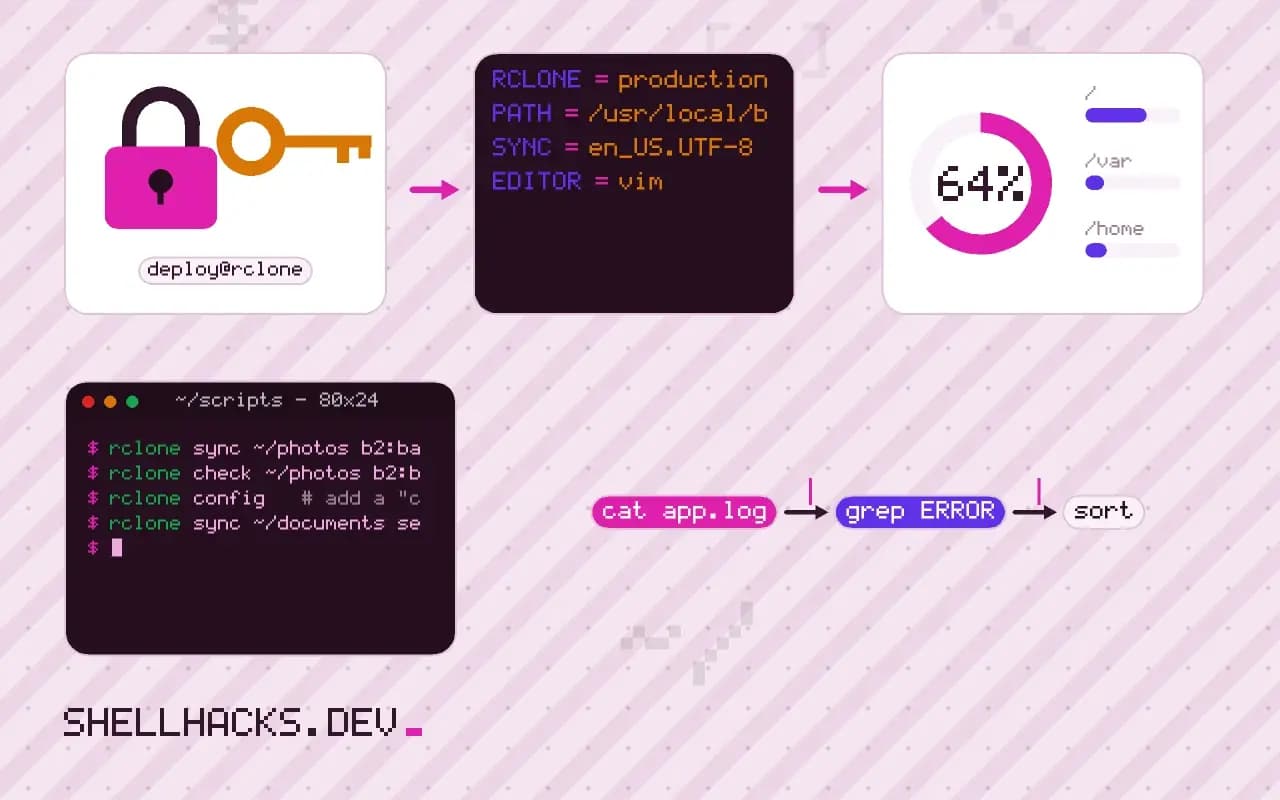
rclone is rsync for cloud storage: one tool that speaks to S3, Backblaze B2, Google Drive, Dropbox, SFTP, WebDAV and dozens of other backends with the same commands. The risk is the same as with rsync: sync deletes. The examples use rclone 1.68 on Linux; the local equivalent and its flags are in rsync exclude, delete and dry run.
Configure a remote
rclone config
rclone listremotes
rclone lsd b2:b2:
-1 2026-09-14 08:02:11 -1 backups
The interactive config command asks for the backend type and credentials and stores them in ~/.config/rclone/rclone.conf, a file that holds secrets, so keep its mode at 600. For unattended jobs, environment variables of the form RCLONE_CONFIG_B2_TYPE and RCLONE_CONFIG_B2_ACCOUNT work without a file. A remote is then used as b2:bucket/path.
Copy and sync
rclone copy ~/photos b2:backups/photos --progress
rclone sync ~/photos b2:backups/photos --dry-run -v
rclone sync ~/photos b2:backups/photos --transfers 8
copy uploads new and changed files and leaves everything else. sync also deletes files from the destination that are not in the source, so the second command is a dry run: it prints what it would do and changes nothing. Unlike rsync, the trailing slash on the source does not matter, and rclone always copies the contents of the source directory. --transfers sets the parallel uploads, which helps on cloud backends with many small files.
Safety brakes
rclone sync ~/photos b2:backups/photos \
  --backup-dir b2:backups/photos-old/$(date +%F) \
  --max-delete 100 --check-first -v
--backup-dir moves files that would be overwritten or deleted into another path on the same remote, keeping a history for the price of storage. --max-delete 100 aborts if more than 100 deletions are planned, which protects against a source directory that is unmounted and looks empty. --check-first compares everything before the first transfer.
Verify and encrypt
rclone check ~/photos b2:backups/photos --one-way
rclone config   # add a "crypt" remote layered on b2:backups/encrypted
rclone sync ~/documents secret:documents
rclone check compares file sizes and hashes, and --one-way ignores extra files at the destination. A crypt remote wraps another remote and encrypts file contents and names before upload, with a password and salt you keep, so the provider never sees plain data. Lose the password and the data is gone, so store it in a password manager, see pass, gopass and age.
How rclone decides what to transfer
Each backend reports size and modification time for objects, and many also report a hash such as MD5 or SHA-1. By default rclone compares size and time, and where the backend cannot store a modification time, it falls back to size and, if configured, hashes. A change to a file that keeps size and time is missed in that mode, so for integrity-sensitive data add --checksum, which compares hashes and costs extra reads on the local side. Some backends, such as plain WebDAV or certain S3-compatible stores, support hashes only at upload time, and rclone documents which hash each backend provides. Read the backend page before depending on one, because a missing hash silently reduces the check to size.
The same design explains the cost model. Listing millions of objects is slow and billed per request on object stores, so rclone offers --fast-list, which lists a bucket recursively in fewer calls at the cost of memory. Choose it for large buckets and leave it off for small ones. Transfers use parallel connections controlled by --transfers and --checkers, and the right numbers depend on the provider's rate limits and your bandwidth. Raising them too far produces rate-limit errors that rclone retries with backoff, which can make the run slower.
Credentials and least privilege
A cloud key used for backups should be able to write and nothing else where the provider supports it. With S3-compatible stores and Backblaze B2, create an application key restricted to one bucket, and where possible without delete permission, and combine with the provider's object versioning or lock features. Then even a stolen key, or a bug in the sync that deletes remote files, cannot destroy the history. Store the config file with mode 600, or supply credentials with environment variables such as RCLONE_CONFIG_B2_KEY from a secrets manager. The rclone config file can itself be encrypted with a password through rclone config encryption set, and the password supplied by an environment variable or a command named in RCLONE_PASSWORD_COMMAND.
Scheduling and monitoring
Run syncs from a systemd timer or cron with a lock around them, so a long run is not started again while it is still going. Write output to a log with --log-file and --log-level INFO, and use --stats-one-line for a summary. The exit code distinguishes outcomes: 0 for success, 3 for a missing directory, 5 for a temporary error that persisted after retries, 9 when no files were transferred while --error-on-no-transfer is set. A scheduled job should notify someone on any non-zero code, and a quiet success that never arrives is also worth catching, with a dead-man's switch service that alerts when the expected ping is missing.
Restoring is the real test
A backup is proven when a restore works. Once a quarter, restore a sample to a scratch location with rclone copy, compare it with rclone check or by checksums, and open a few files. With a crypt remote, test with the config on a different machine to confirm that the password and salt, stored with the config, are recorded somewhere safe. Losing them means the data in the bucket cannot be decrypted by anyone, including you. Write the restore steps in a runbook that someone else could follow.
Excluding, filtering and bandwidth
Filters use the same ideas as in other sync tools but with their own syntax: --exclude, --include and --filter rules are applied in order, and --exclude-from reads patterns from a file. Use --min-age 1h to skip files that were modified recently, which avoids uploading a file that is still being written, such as a database dump in progress. Limit bandwidth with --bwlimit 5M, or give a timetable like 08:00,1M 18:00,off to throttle during working hours. Put these in a small wrapper script, keep the filter file in version control, and run the dry run in CI against a test remote whenever the file changes.
Where this does not apply
Cloud storage has no atomic rename for directories on some backends, so a sync interrupted halfway leaves a mixed state; the next run repairs it, but readers can see it in between. Providers differ in hashes, modification time precision and limits on file names, which rclone handles with flags such as --size-only or --update. For versioned, deduplicated backups restic or borg are a better fit, as in restic and borg. Mount a remote with rclone mount only for casual access, since performance is not that of a local disk. The commands are documented in the rclone sync reference and the crypt documentation.