How to Use Redis cli for Quick Checks and Scripts Fast
Use redis-cli for quick checks and scripts: connect safely, inspect keys with scan, read INFO and slowlog and avoid KEYS and MONITOR in production.
Redis ships with a command line client that is also its best monitoring tool for a quick look, and several of its commands are safe on a test box and harmful on a production one. This post covers the checks you run daily and the ones to avoid, with the scripting options. It relates to throwaway databases for practice. Examples use redis-cli 7.4 against Redis 7.4.
Connect without exposing the password
export REDISCLI_AUTH='s3cret'
redis-cli -h cache.example.org -p 6379 --tls ping
redis-cli -h cache.example.org --user app --no-auth-warning get greetingPONG
"hello"
A password given with -a is visible to other users in the process list, which is why the client warns about it. The REDISCLI_AUTH variable avoids that, and an ACL user (--user) limits what the script can do. ping answering PONG is the basic health check and exits 0, so it fits if redis-cli ping >/dev/null 2>&1; then in a script; see readiness checks for databases.
Health at a glance
redis-cli info memory | grep -E 'used_memory_human|maxmemory_human|mem_fragmentation_ratio'
redis-cli info stats | grep -E 'keyspace_hits|keyspace_misses|evicted_keys'
redis-cli dbsize
redis-cli slowlog get 5
redis-cli config get maxmemory-policyused_memory_human:412.55M
maxmemory_human:1.00G
mem_fragmentation_ratio:1.08
keyspace_hits:9214411
keyspace_misses:104120
evicted_keys:0
Memory against the limit, the hit rate (hits divided by hits plus misses) and any evictions tell you whether the cache is healthy. A non-zero evicted_keys with a policy such as allkeys-lru means Redis is at its limit and dropping data. SLOWLOG GET lists the slowest recent commands with their duration in microseconds and arguments, the first place to look for a latency problem.
Find keys the safe way
redis-cli --scan --pattern 'session:*' | head
redis-cli --scan --pattern 'session:*' | xargs -n 100 redis-cli del
redis-cli --bigkeys
redis-cli ttl session:abc123
KEYS pattern walks the whole keyspace in one blocking call; with millions of keys the server stalls for seconds. --scan uses the SCAN command, which returns a batch at a time and lets other clients run, at the cost of possibly returning a key twice or missing one that changes during the scan. --bigkeys samples the keyspace for the largest keys of each type, useful for finding the one that eats memory. Test a delete pattern with a count first: redis-cli --scan --pattern 'x:*' | wc -l. Prefer UNLINK over DEL for large keys; it frees memory in a background thread.
Scripting and bulk loads
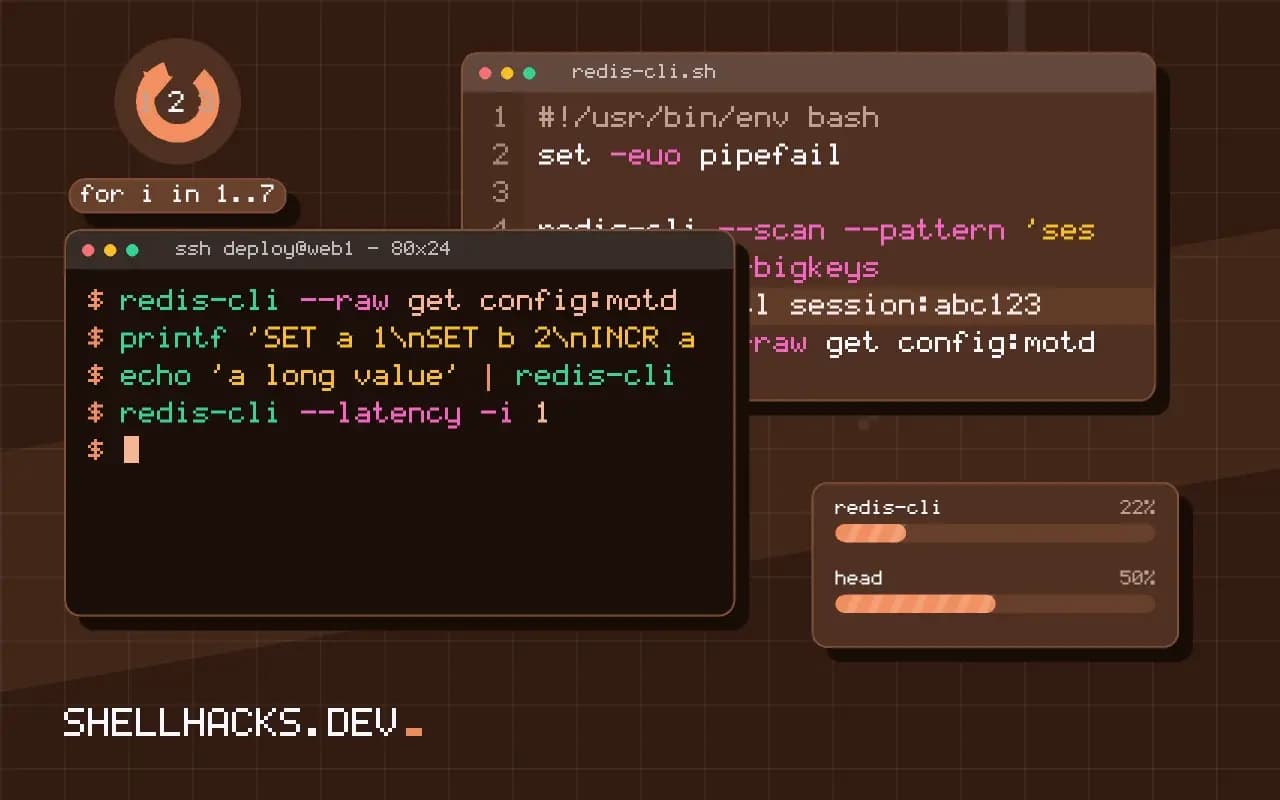
redis-cli --raw get config:motd
printf 'SET a 1\nSET b 2\nINCR a\n' | redis-cli
echo 'a long value' | redis-cli -x set note
awk '{printf "SET user:%s %s\r\n", $1, $2}' users.txt | redis-cli --pipe
--raw prints values without quotes or type labels, which scripts need. Commands can come from stdin, and -x uses the last stdin line as the final argument. --pipe uses Redis' mass-insertion protocol and is far faster than one client call per command, but input must be in the protocol format with CRLF line endings. Select a database with -n 2.
Diagnostics to use with care
redis-cli --latency -i 1
redis-cli --latency-history
timeout 5 redis-cli monitor | head -n 50
--latency measures round-trip time continuously. MONITOR streams every command the server executes; it is valuable to see what an application is doing and can reduce throughput by half or more on a busy instance, so run it for seconds, not minutes, and never leave it attached.
Where this does not apply
Redis Cluster needs -c so the client follows redirects, and scans must visit each node. Managed services may disable commands such as CONFIG and DEBUG. Avoid anything that deletes with FLUSHALL or FLUSHDB in scripts; guard the connection to avoid running it on the wrong server. For application caching patterns see caching command output.
Handing over a password without leaking it
The -a option puts the password in the command line, where every user on the machine can read it in the process list, and recent versions of redis-cli print a warning for exactly that reason. Better routes exist. The environment variable REDISCLI_AUTH carries the password to the client without showing it in ps, though it is visible to the process's own environment, which only the same user and root can read. With the access control lists introduced in Redis 6, use --user with a named account, which restricts what the account may do, and give scripts an account with only the commands and key patterns they need. For remote servers, add --tls and the certificate options, since the protocol is otherwise plain text and the password crosses the network readable. Do not store the password in a script. Read it from a file with restricted permissions or from a secret manager, and keep the shell history clean by not typing it on the command line.
A server with no password and a public address is a common and serious exposure. Check that the instance listens only on the interfaces it should, with CONFIG GET bind and the firewall in front of it.
Reading health and finding keys without hurting the server
INFO prints sections you can read selectively: INFO memory shows used memory and fragmentation, INFO stats shows operations per second and rejected connections, INFO clients shows connection counts and INFO replication the role and lag. DBSIZE gives the key count cheaply, and --stat prints a rolling summary every second. To find keys, avoid KEYS, which scans the whole keyspace in one blocking call and can freeze a busy server for seconds. Use SCAN, which returns a cursor and a small batch each call, or the client's --scan --pattern option, which loops for you. The scan may return a key more than once and does not give a consistent snapshot if keys change during it, so treat the results as a sample unless the data is quiet. For finding what takes the memory, --bigkeys and --memkeys sample the keyspace and report the largest, and MEMORY USAGE key gives one key's size.
Check SLOWLOG GET 10 for the slowest recent commands, which often reveals an expensive command run by one client, such as a large sorted set range or a script that does too much.
Bulk operations and the dangerous commands
For loading many keys, redis-cli --pipe reads commands in the Redis protocol from standard input and sends them in a stream, which is far faster than one invocation per command. Generate the protocol text with a small script, being careful with the length prefixes. A loop that starts redis-cli once per key pays a connection each time and can take minutes for what the pipe does in seconds. Some commands deserve respect. FLUSHALL and FLUSHDB delete data at once with no confirmation, MONITOR prints every command the server handles and can slow a busy instance, and DEBUG and CONFIG SET change behavior of a live server. Many deployments rename or disable the dangerous ones, and the access control lists can deny them to scripts. Make scripts print the server address they are about to act on, and require an explicit flag for destructive actions, so a script pointed at the wrong host does not erase production.
A few habits for scripts
Put the connection details in variables at the top of a script and print the target host before any write, so the output records where the command ran. Use -n to pick the database number, and remember that clustered deployments have only database zero and need cluster-aware options. Check the exit status of the client, which is nonzero on a connection error, and parse replies with care, since the client prints different formats depending on whether it is attached to a terminal, adding quotes and type labels that disappear when piped. Pass --no-raw or --raw deliberately when the output feeds another command.
See the redis-cli documentation and the SCAN command.