Regex vs String Functions for Simple Text Tasks Explained
Decide between regex and string functions for simple text tasks: prefix, suffix, contains, split and replace, with readability, speed and safety.
A regex can do almost everything with text, and that is why it is overused. Testing whether a string starts with http does not need a pattern language, and the regex version hides a bug when the text contains a dot. The examples use Bash 5.2, Python 3.12 and GNU grep 3.11; the engines themselves are compared in PCRE versus RE2 versus POSIX.
Literal tasks: use string operations
url="https://example.com/a.b"
[[ $url == https://* ]]       && echo "starts with https://"
[[ $url == *.b ]]             && echo "ends with .b"
[[ $url == *example.com* ]]   && echo "contains example.com"
host=${url#*://}; host=${host%%/*}
echo "$host"
echo "${url//./_}"starts with https://
ends with .b
contains example.com
example.com
https://example_com/a_b
Parameter expansion and glob comparisons in [[ ]] do prefix, suffix, contains, extract and replace with no regex and no processes, so they are fast and nothing needs escaping. In Python the equivalents are str.startswith, str.endswith, in, str.split and str.replace. They are as readable as the sentence describing the task, which a regex is not. See parameter expansion and replacing strings in Bash.
The escaping bug in regex
name="a.b"
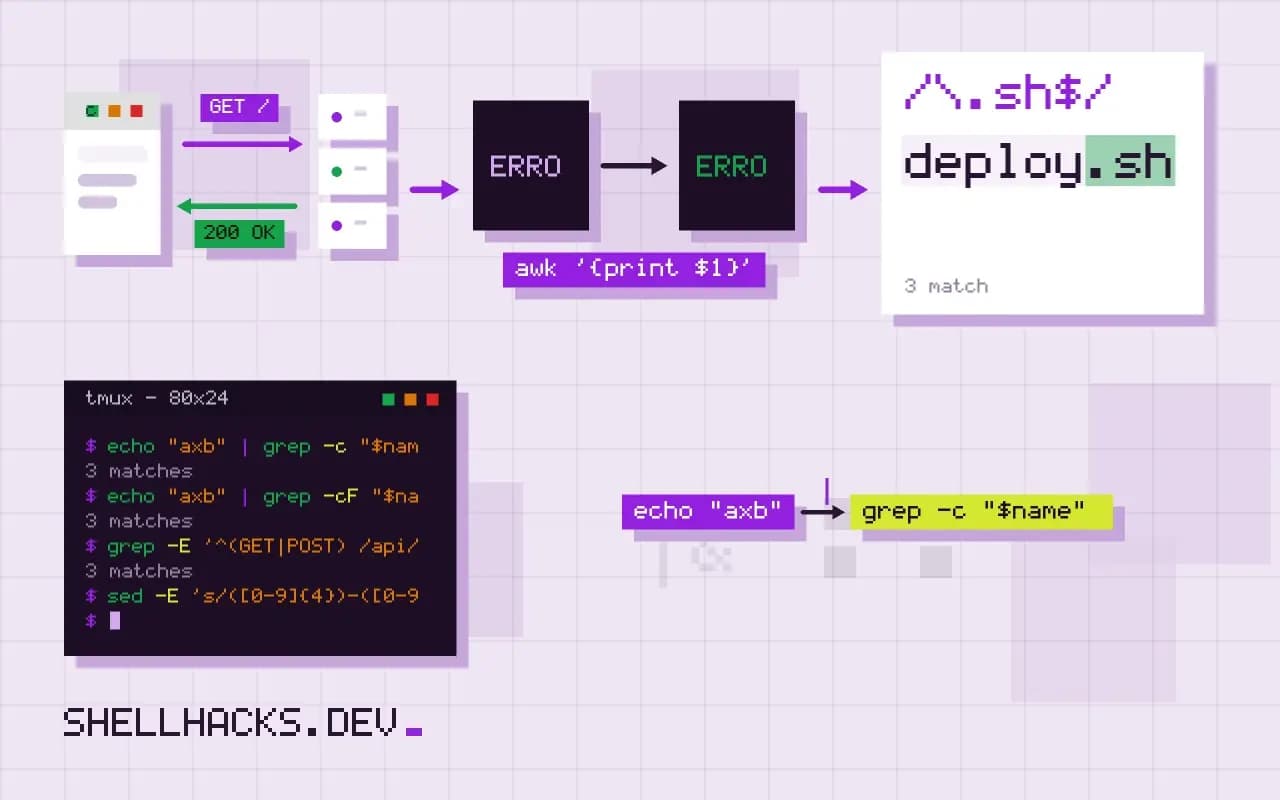
echo "axb" | grep -c "$name"       # 1: the dot matches x
echo "axb" | grep -cF "$name"      # 0: literal match
python3 -c 'import re; print(bool(re.search("a.b", "axb")), "a.b" in "axb")'
Building a regex from text that contains ., *, [ or + changes its meaning. grep -F treats the pattern as a fixed string, re.escape() escapes text in Python, and sed needs the special characters escaped by hand, which is error-prone; see sed with variables and special characters. A string function never has this bug.
Where regex earns its place
[[ $v =~ ^([0-9]+)\.([0-9]+)(\.([0-9]+))?(-[a-z0-9.]+)?$ ]] && echo "major ${BASH_REMATCH[1]} minor ${BASH_REMATCH[2]}"
grep -E '^(GET|POST) /api/v[0-9]+/' access.log
sed -E 's/([0-9]{4})-([0-9]{2})-([0-9]{2})/\3.\2.\1/' dates.txt
When the text has structure, with optional parts, repeated groups, alternatives or captured pieces, a regex states it in one line and the string-function alternative becomes a pile of conditions. Version strings, log lines, dates, and "one of these formats" are the typical cases. Keep the pattern short, add a comment, and test it on sample lines, as in testing and debugging a regex.
Speed and safety
String operations are linear and predictable. Regex engines based on backtracking can take exponential time on crafted input, a risk when matching untrusted data with nested quantifiers, covered in catastrophic backtracking. In a shell loop, a builtin comparison avoids starting a process per line, as in Bash loop performance. For large files, the regex tools themselves, grep and ripgrep, are optimised and fast, so the choice is about per-item work inside scripts.
What each approach costs to read
Code is read more often than it is written, and the two styles read differently. A string operation says what it does in the name of the function or operator: startswith, ${x%.txt}, in. A regex says what it does only after the reader has parsed it, and a long one with nested groups can take minutes to decode, even for the person who wrote it last month. For a team, that is a maintenance cost that appears on every change. The practical rule is to use a plain operation when it fits, and when a regex is the right tool, name it, comment it with an example of what should match, and test it against both matching and non-matching samples.
Verbose modes help when a pattern is complex. Python's re.VERBOSE allows whitespace and comments inside a pattern, so each part sits on its own line with a note. Bash has no equivalent, but storing the pattern in a variable with a descriptive name does most of the same job, and avoids a quoting trap: inside [[ =~ ]] a quoted pattern is matched literally, so the pattern must stay unquoted or sit in a variable.
Parsing structured text
A regex is a poor tool for formats with nesting or escaping rules. HTML, JSON, YAML, CSV with quoted fields and email addresses all have grammars that a pattern can match only approximately, and the gap is where bugs and security problems live. A regex that pulls a value out of JSON works until the value contains an escaped quote or the keys are reordered. Use the parser for the format: jq for JSON, xmllint or an HTML parser for markup, yq for YAML, csvkit or Python's csv for CSV. Reserve regexes for the flat, line-oriented text they suit, such as log lines with a stable layout.
Backtracking and catastrophic patterns
Most regex engines, including those of Python, Perl, PCRE, JavaScript and Java, use backtracking. A pattern with nested quantifiers such as (a+)+$ can take time exponential in the input length on a string that almost matches, and a few dozen characters are enough to stall a process. When the input is untrusted, that is a denial-of-service route known as ReDoS. Defences are to avoid nested quantifiers over overlapping alternatives, to bound the input length before matching, to set a timeout where the library supports one, and to choose an engine with linear-time guarantees, such as RE2, Go's regexp or Rust's regex. POSIX tools like grep -E in GNU implementations use automata for most patterns and avoid the worst cases, though back-references reintroduce them.
A decision procedure
Ask four questions in order. Is the text a fixed string? Use a literal operation. Is it a position, such as the start, the end or after a delimiter? Use a prefix, suffix or split operation. Does it have a grammar defined by a format? Use that format's parser. Is it a flat pattern with optional parts, repetition or alternatives? Use a regex, with anchors, a short comment and tests. Following the order keeps the code small in most places and puts the regexes where they pay for themselves.
Examples that show the difference
Take a validation task: accept version strings of the form 1.2.3. A regex such as ^[0-9]+\.[0-9]+\.[0-9]+$ says it in one line and rejects 1.2.3.4 and 1.2. The string version splits on dots with IFS=. read -r a b c rest, then checks that three parts exist, that rest is empty, and that each is digits through a glob like *[!0-9]*. It takes six lines and is harder to read, so this is a case where the pattern language earns its place. Now take the task of removing a file extension: ${f%.txt} beats any regex. The skill is recognising which kind of problem you have.
Where this does not apply
If the same task is written differently in each place the codebase needs it, one well-named regex in one function is better than five string expressions that drift. Locale and Unicode matter for case-insensitive comparisons in both approaches. A tool that accepts only a pattern, such as sed addresses and find -regex, leaves you no choice. See the Python regular expression HOWTO, which itself advises using string methods first, and the Bash parameter expansion reference.