How to Run a Shell Script as Another User Safely Fast
Run a script as another user with sudo -u, su -c or runuser, pass arguments without quoting bugs, keep the environment clean, and set up narrow sudoers rules.
Backups, deployments and application tasks often must run as a service account rather than as root or the operator. The tools differ in how they pass arguments and what they do to the environment, and those differences are where mistakes happen. The commands below are from sudo 1.9 and util-linux 2.39, on Linux; the broader trade-off between them is in su versus sudo.
sudo -u
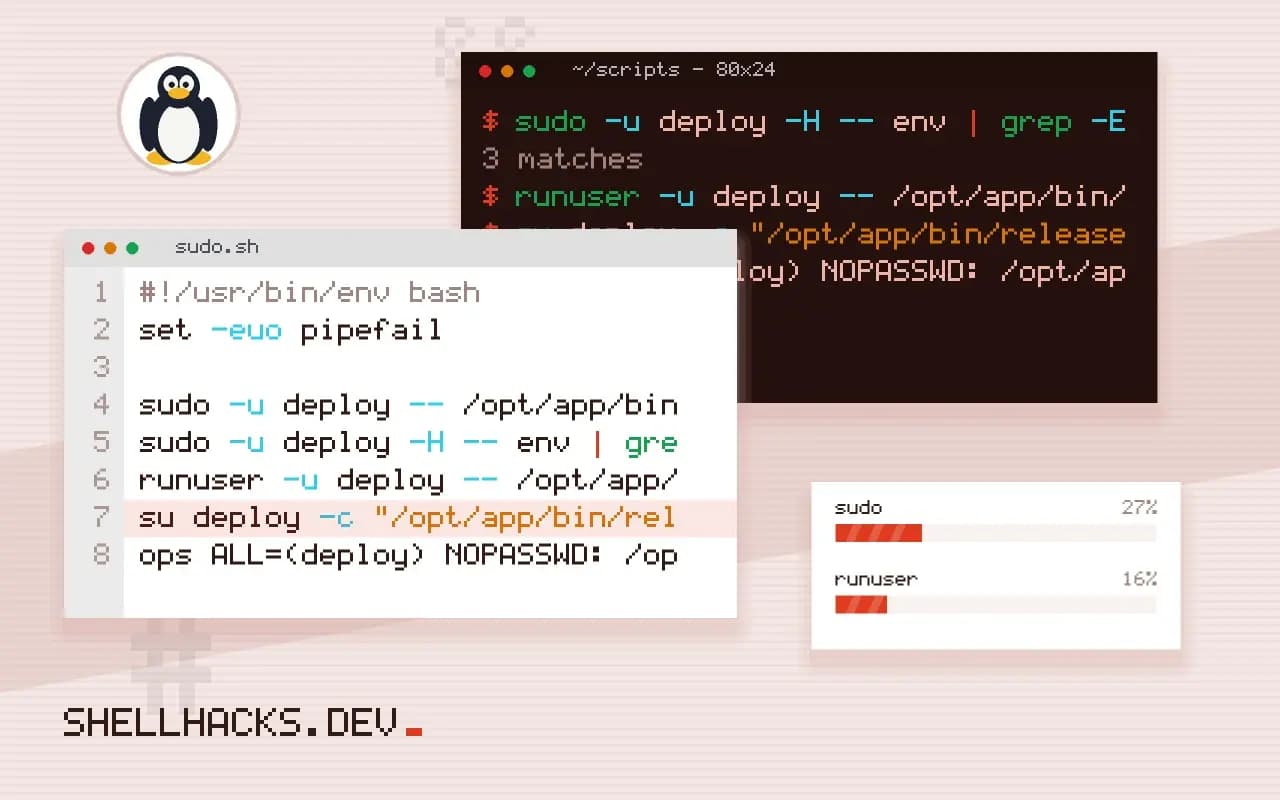
sudo -u deploy -- /opt/app/bin/release.sh v2.4.1
sudo -u deploy -H -- env | grep -E '^(HOME|USER)='HOME=/home/deploy
USER=deploy
The command and its arguments are separate words, so there is nothing for the shell to re-parse. -- ends sudo's own options. -H sets HOME to the target user's home, which is the default in recent sudo configurations but not every distribution's. sudo resets most of the environment by default, keeping a short list, so a variable exported in your shell will not reach the command unless the sudoers policy allows it.
runuser from root
runuser -u deploy -- /opt/app/bin/release.sh v2.4.1runuser is meant for root, init scripts and cron jobs that need to drop privileges. It does not ask for a password and does not open a full PAM session unless you pass -l. It is the right tool inside a root-owned service wrapper. See sudo without a password in scripts for the sudo equivalent.
The su -c trap
su deploy -c "/opt/app/bin/release.sh $version"su -c takes a single string that the target user's shell then parses, so a $version containing a space or a semicolon changes the command. If you must use it, quote with printf %q: su deploy -c "$(printf '%q ' /opt/app/bin/release.sh "$version")". Prefer sudo or runuser, where no second parse happens.
Grant only what is needed
# /etc/sudoers.d/deploy-release  (edit with visudo -f)
ops ALL=(deploy) NOPASSWD: /opt/app/bin/release.sh
This lets the user ops run exactly that script as deploy without a password, and nothing else. Always edit with visudo, which checks the syntax before saving; a broken sudoers file can lock out every administrator. The script itself must not be writable by ops, and it must validate its arguments, as in validating input in a shell script, because a sudo rule is only as safe as the program it allows. More on the rule syntax is in allowing one command with sudo.
What changes when the user changes
A new user identity changes more than the numeric id. The process gets the target user's groups if the tool initialises them, and the working directory stays where it was, which may not be readable by the new user. The environment depends on the tool and the flags. sudo resets most of it by default and keeps only a short list defined in the sudoers env_keep and env_reset settings, so a variable exported in the caller's shell does not reach the command unless allowed. runuser and su without a dash keep most of the caller's environment, including PATH, which means a root-owned PATH with directories the target user cannot read, or one that points at the caller's tools, may give surprises. Add -l or a dash for a login environment that matches what the target user would see after a normal login, and confirm with env during testing.
Umask follows the process, so files created by the command use whichever mask the tool left in place. Set it explicitly at the top of the target script when the permissions of its output matter, instead of depending on who started it. The same goes for the current directory: begin the script with a cd to a known location, or pass --chdir to tools that support it.
Systemd as the modern alternative
When the job is a service or a scheduled task, a systemd unit with User=deploy and Group=deploy sets the identity without any wrapper. Hardening options such as NoNewPrivileges=, ProtectSystem= and PrivateTmp= add isolation that sudo cannot offer. For a one-off command, systemd-run --uid=deploy --pty command starts a transient unit under that user and tracks it like a service, with resource limits available through -p properties. Output goes to the journal, and the exit status is recorded, which is easier to audit than a line in a shell history. The cron equivalent is to place the job in the target user's crontab with crontab -u deploy -e and not to use root's crontab with a su in each line.
Passing secrets and arguments safely
The arguments of a privileged command are visible in the process list, so do not pass tokens that way, as discussed for scripts that handle credentials. Hand over secrets through a file the target user can read, a pipe on standard input, or the service manager's credential feature. If a script needs data from the caller, validate it in the script, since anything that arrives through sudo is input from a less trusted user. For wrapper scripts that are allowed in sudoers, treat every argument as hostile: reject unexpected options, avoid eval, and do not source files that the caller controls. Sudo rules that allow a script but leave its directory writable by the caller can be defeated by replacing the script, so the script and each parent directory must be owned by root and writable only by it.
Troubleshooting
When a command works as the operator and fails as the target user, test it directly: sudo -u deploy -i opens a shell with the full environment, and from there the failing command can be run and its error read. Typical causes are a missing read permission on a parent directory, a missing variable such as HOME, a tool that is not on the target user's PATH, and a socket or file owned by the caller. Check the sudo log, in /var/log/auth.log or the journal, for lines that show the exact command and the user it ran as, and for a denial that names the rule that did not match. Use sudo -l -U ops to list what the operator may run, which shows rules that look right and do not match because of an argument or path difference.
Where this does not apply
A script cannot safely change user partway through; privileges are per process. Split the work so the privileged part is a small program and the rest runs unprivileged. When the target is a systemd service, User= in the unit file is simpler and logs to the journal. Setuid on shell scripts is ignored by Linux for good reason, so do not rely on it. The sudoers manual documents argument matching and environment handling, and the runuser manual page covers its options.