How to Run a Shell Script When a Container Starts Easily
Run a script when a Docker container starts using an entrypoint, an init directory or Compose; keep PID 1 correct with exec and handle one-time setup safely.
Applications often need preparation before they start: render a config from environment variables, run a migration, wait for a database. The container's entrypoint is the place for that, and getting the last line wrong is the most common bug. It continues the ideas in CMD versus ENTRYPOINT. The examples assume Docker 27 and Alpine 3.22.
The entrypoint pattern
FROM alpine:3.22
RUN apk add --no-cache gettext
COPY entrypoint.sh /usr/local/bin/entrypoint.sh
COPY app.conf.template /etc/app/app.conf.template
RUN chmod +x /usr/local/bin/entrypoint.sh
ENTRYPOINT ["/usr/local/bin/entrypoint.sh"]
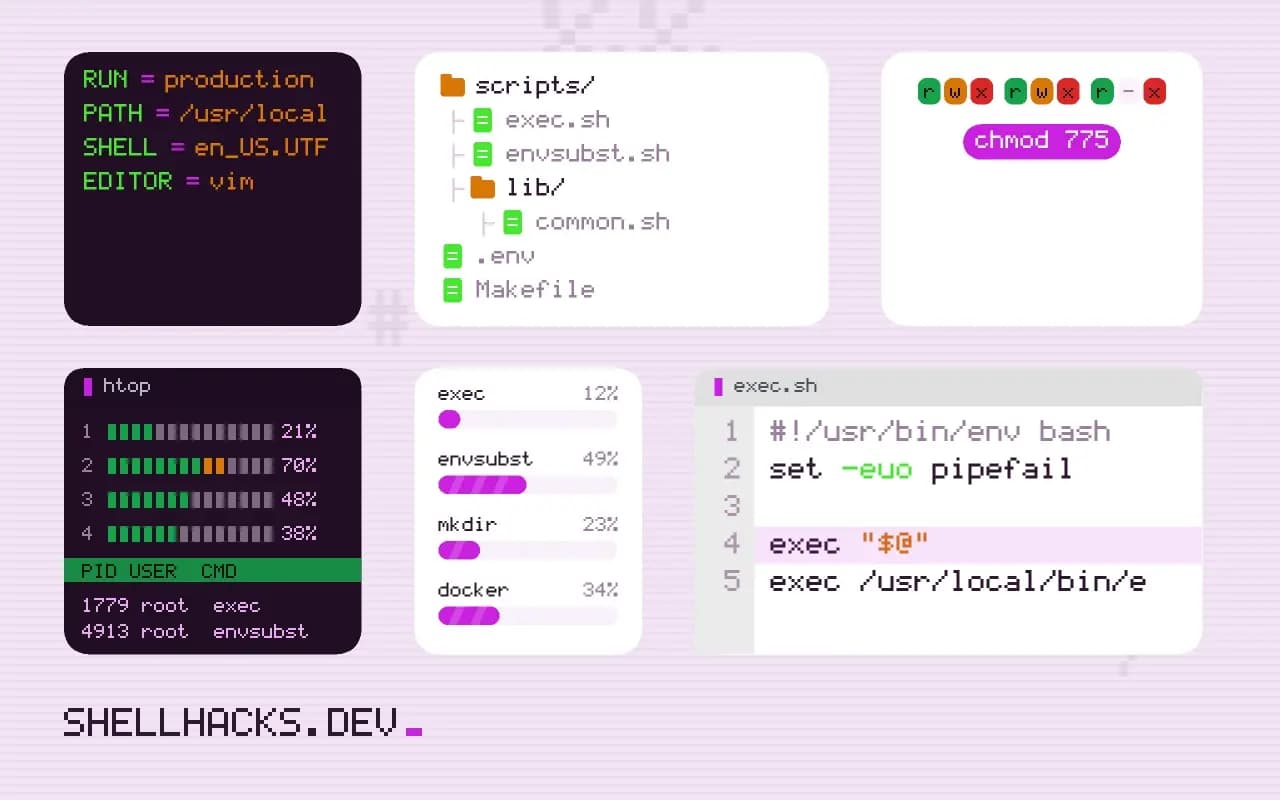
CMD ["app", "--config", "/etc/app/app.conf"]#!/bin/sh
set -eu
# render config from environment on every start
envsubst < /etc/app/app.conf.template > /etc/app/app.conf
# one-time setup, safe to repeat
mkdir -p /var/lib/app/cache
exec "$@"The script runs setup and then exec replaces the shell with the command given as CMD or on the docker run line. Without exec, the shell stays as PID 1, the application becomes its child, and docker stop sends SIGTERM to the shell, which does not forward it. The container then waits ten seconds and is killed. See PID 1 and signals.
Common failures
exec /usr/local/bin/entrypoint.sh: no such file or directory
exec /usr/local/bin/entrypoint.sh: exec format error
exec /usr/local/bin/entrypoint.sh: permission denied
"No such file or directory" for an existing script usually means Windows line endings (the shebang line reads /bin/sh\r) or a shebang pointing at /bin/bash in an Alpine image that has no Bash. "Exec format error" is a missing shebang, or an image built for another CPU architecture. "Permission denied" means the executable bit is missing; set it with chmod in the image, since Git on Windows may not preserve it. The checks are in line ending bugs.
Handle commands passed at run time
#!/bin/sh
set -eu
case "${1:-}" in
  migrate) shift; exec app migrate "$@" ;;
  shell)   exec sh ;;
  *)       exec "$@" ;;
esac
This lets the same image serve as the service and as a maintenance tool: docker run --rm myapp migrate. Keep the default path as the plain exec "$@" so overriding the command in Compose or Kubernetes still works. Bypass the entrypoint entirely when debugging with docker run --entrypoint sh -it myapp.
One-time initialisation
docker run -d --name pg \
  -e POSTGRES_PASSWORD=change-me \
  -v "$PWD/init:/docker-entrypoint-initdb.d:ro" \
  postgres:17
The official Postgres and MySQL images run *.sh and *.sql files from that directory in alphabetical order, but only when the data directory is empty. Changing a file later does nothing for an existing volume, which confuses people who edit the script and restart. For your own images, guard one-time work with a marker file in a volume: [ -f /data/.initialised ] || { setup; touch /data/.initialised; }.
Why use an entrypoint script
An entrypoint script is the place for work that must happen each time the container starts and cannot be done at build time. Typical tasks are rendering a configuration file from environment variables, waiting for a dependency, running database migrations, fixing permissions on a mounted volume and dropping privileges before starting the application. Doing these in the script keeps the image generic: the same image runs in development, staging and production with different environment variables. The script should be small, readable and finish by handing control to the real process.
Keep the logic that belongs to the application in the application. An entrypoint that grows into a deployment tool, with retries, notifications and conditional branches, is hard to test and slow to debug inside a container. Start simple, and move complexity into the program or the orchestrator when it appears.
Handing over with exec
The last line should be exec "$@". The exec builtin replaces the shell with the command, so the application becomes the container's main process, receives signals sent by the runtime, and its exit code becomes the container's exit code. Without exec, the shell stays as process 1 and the application runs as its child; a stop request reaches the shell, which does not forward it, and after the grace period the runtime kills everything abruptly. That is a common cause of slow shutdowns and lost in-flight work. Quote the expansion, so arguments with spaces survive.
Use the exec form of the Dockerfile instruction, ENTRYPOINT ["/entrypoint.sh"], written as a JSON array. The shell form wraps the command in sh -c and interferes with signal delivery. Set the script's executable bit before copying it, and use Unix line endings, since a carriage return in the shebang produces a confusing "no such file" error.
Strict mode and logging
Start the script with set -eu so a failed command or an unset variable stops the start instead of launching a half-configured service. Add set -o pipefail if the shell supports it. Print what the script does, one line per step, to standard output, where the container runtime collects logs. Messages like "waiting for database" or "running migrations" turn a mysterious delay into something the operator can follow. Send errors to standard error with a clear explanation and exit non-zero, so the orchestrator marks the start as failed and the restart policy takes over.
Avoid printing secrets. Environment variables with credentials should be used in memory and never echoed, and a script that runs with set -x prints every expansion, so remove tracing in production images.
Idempotence and restarts
The script runs on every start, including restarts after a crash, so each step must be safe to repeat. Create directories with mkdir -p, apply migrations with a tool that records what ran, and guard one-time actions with a marker file in a volume. Generate a configuration file fresh each time from the environment rather than editing the existing one in place. If the container is replaced rather than restarted, anything written to the container's file system is lost, so keep persistent state in volumes. Finally, test the entrypoint by running the image with a different command, such as a shell, to check that the pass-through works, and by stopping a running container to see how quickly it exits. A clean stop within a second or two shows that signals reach the application.
One more check is worth doing early: run the image as the user it will have in production. Entrypoints that work as root during development often fail when the container runs as a non-root user, because they try to change ownership, write to a system directory or bind a privileged port. Fix those in the image build, and keep the entrypoint free of operations that need root. If it must adjust permissions on a mounted volume, do it with a minimal, documented step and then drop privileges with a tool such as gosu or su-exec before the exec.
Where this does not apply
Long-running work belongs in the main command, not the entrypoint. If startup depends on another service, add a bounded wait, as in waiting for a service, and let the orchestrator's restart policy handle the rest. Exec-form ENTRYPOINT does not expand environment variables itself; the script has to. See the Dockerfile ENTRYPOINT reference and the Postgres image documentation.