How to Debug Line Ending Problems in Scripts the Safe Way
Debug scripts broken by Windows line endings: recognize the errors, find carriage returns with cat -A, fix with dos2unix or sed and prevent a repeat.
A script that has worked for a year fails the day someone edits it on Windows, with errors that make no sense: a command not found that is plainly installed, or a syntax error on a line that looks right. The cause is an invisible character at the end of every line. This post shows the errors, the proof and the fix, then how to keep it from coming back. It is a companion to encoding and locale problems in the shell debugging guide. Examples use Bash 5.2 and Debian 13.
The errors
bash: ./deploy.sh: /bin/bash^M: bad interpreter: No such file or directory
deploy.sh: line 3: $'\r': command not found
deploy.sh: line 7: syntax error near unexpected token `$'do\r''
deploy.sh: line 9: unexpected EOF while looking for matching `"'
Windows ends lines with a carriage return and a line feed (CRLF, \r\n), Unix with a line feed only. Bash treats the \r as an ordinary character, so the shebang names an interpreter called /bin/bash\r, a blank line becomes a command named \r and a do keyword becomes do\r, which is not one. The messages show the carriage return as ^M or $'\r', which is the clue.
Prove it
file deploy.sh
cat -A deploy.sh | head -n 3
grep -c $'\r' deploy.shdeploy.sh: Bourne-Shell script, ASCII text executable, with CRLF line terminators
#!/bin/bash^M$
set -euo pipefail^M$
cat -A prints every non-printing character: ^M is the carriage return and $ marks the end of the line. A Unix file has only $. The grep -c counts lines containing a carriage return, using Bash's $'\r' quoting.
Fix the file
dos2unix deploy.sh
sed -i 's/\r$//' deploy.sh
tr -d '\r' < deploy.sh > deploy.fixed && mv deploy.fixed deploy.sh
All three do the same. dos2unix is the clearest where installed (apt install dos2unix). The sed form on macOS needs -i ''. tr -d '\r' removes every carriage return, which is fine for scripts; for files that legitimately contain a lone \r, use the sed form, which touches only line ends. Run the test again with file.
Data files: the quiet version
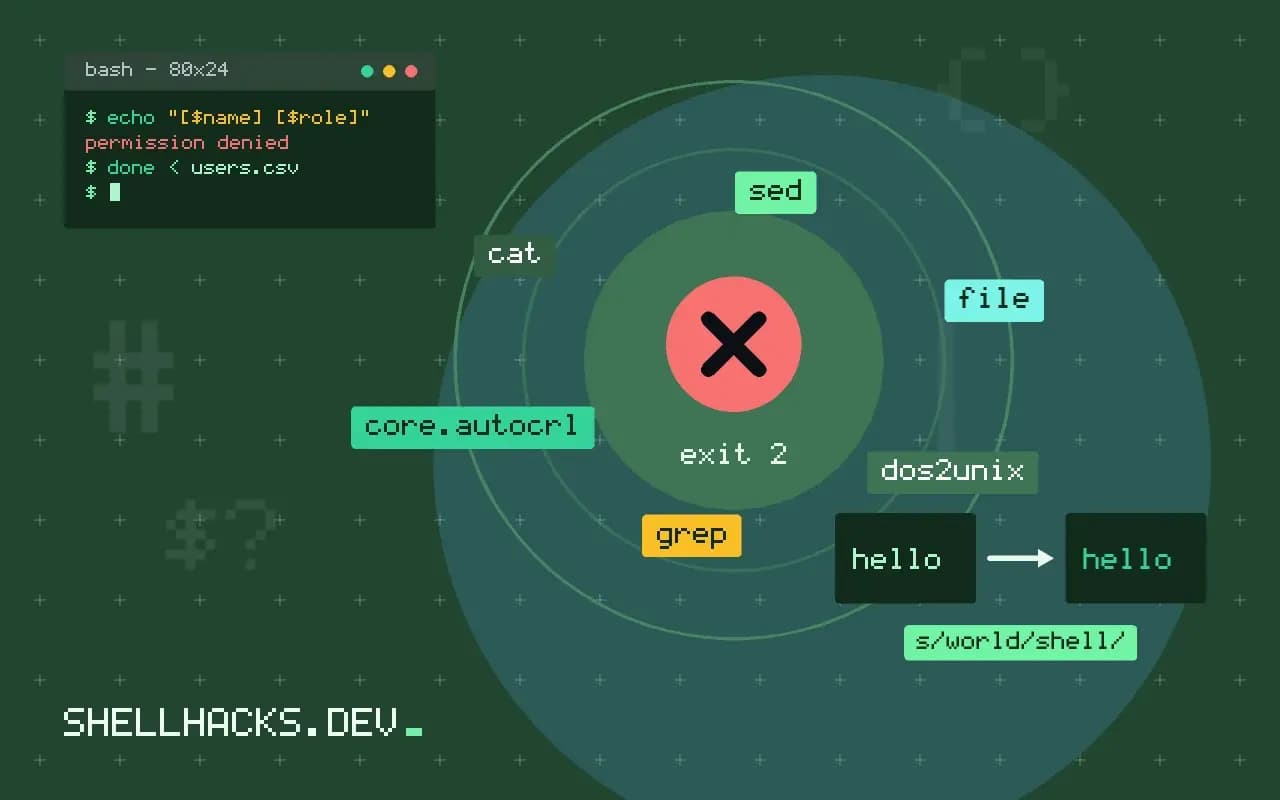
while IFS=, read -r name role; do
  role="${role%$'\r'}"
  echo "[$name] [$role]"
done < users.csv
When a Windows file is input, not the script, the carriage return lands at the end of the last field, and comparisons fail silently: [ "$role" = admin ] is false because the value is admin\r. The expansion ${role%$'\r'} strips a trailing carriage return, and is harmless on clean data. Better to normalize at the boundary: tr -d '\r' < users.csv | while read ....
Stop it coming back
*.sh   text eol=lf
*.bash text eol=lf
Makefile text eol=lf
Dockerfile text eol=lf
*.bat  text eol=crlf
With eol=lf, Git normalizes the line endings of those files to LF when checking out, whatever the platform or the core.autocrlf setting of the user. Add an .editorconfig with end_of_line = lf so editors write it; see EditorConfig and shfmt. A check in CI, git ls-files '*.sh' | xargs grep -l $'\r' and fail if it prints anything, catches the rest. For one-time cleanup of a repository, git add --renormalize . applies the attributes to existing files.
Where this does not apply
PowerShell and batch files want CRLF, so do not convert them. If the script fails with the same errors after conversion, check for a byte order mark at the start of the file, which also breaks the shebang. See which shell runs a script for how the interpreter line is read.
How the carriage return slips in
Windows ends a line with two bytes, a carriage return and a line feed, and Unix uses one, the line feed. A script edited or saved on Windows, or downloaded through a tool that converts line endings, arrives with an extra invisible character at the end of every line. The kernel reads the first line to find the interpreter, so #!/bin/bash followed by a carriage return names an interpreter called bash with that character in its name, and the error is "bad interpreter: No such file or directory" with a strange line break inside the message. Inside the script, each command carries the stray character: echo done prints the word followed by a carriage return, which moves the cursor to the start of the line on a terminal and corrupts later output, and a command name with the character on the end produces "command not found" with a mangled message. The second line of the symptom is the giveaway: an error that prints oddly, with text overwritten, almost always means a carriage return.
Git can introduce them silently. With core.autocrlf set on a Windows machine, files are converted on checkout, and a script that works in the repository fails when run from a shared folder or copied into a container.
Detecting it and fixing the file
Run file script.sh, which reports "with CRLF line terminators" when it sees them. cat -A shows each carriage return as ^M before the dollar sign that marks the line end, and grep -c $'\r' file counts the affected lines. To fix a file, dos2unix does it directly where it is installed, and a sed substitution that deletes the trailing carriage return, or tr -d through a temporary file, works everywhere, though the in-place option of sed differs between GNU and BSD systems. Check the result with file again. Note that deleting every carriage return can damage a binary file or a file that uses them on purpose, so apply the fix only to text files. After repair, run the script once to confirm, and run it under bash -n, which checks syntax without executing anything.
Data files are the quiet version of the problem. A loop that reads a list of names from a file with Windows endings gets names that end with a carriage return, comparisons fail, lookups return nothing and nothing says why.
Keeping them out for good
Fix the source of the problem, not each file. Add a .gitattributes rule such as *.sh text eol=lf, so Git checks scripts out with Unix endings on every platform, and set end_of_line = lf in an .editorconfig file so editors that honor it save correctly. Add a check to CI that fails when a script contains a carriage return, using a one-line grep over the repository. Configure Windows editors used by the team to save shell scripts with Unix endings, and in WSL work on files inside the Linux file system, where tools behave consistently. When you accept scripts from other people, run them through the check before use. For data that originates on Windows, strip carriage returns at the point of input, with tr -d '\r' at the start of the pipeline or a read loop that removes the trailing character, so the rest of the script can assume clean lines.
A short test you can add to a repository
A single line in CI keeps the problem from returning. Find tracked shell scripts and fail if any contains a carriage return, for example with git ls-files '*.sh' piped to xargs grep -l $'\r', and print the names it finds. The same check suits Dockerfiles, Makefiles and environment files, since a carriage return in a variable assignment makes the value end with it and passes silently until something compares it. Run the check on the files as checked out by the CI runner, since that is the form that gets built into images and deployed. When it fails, the message should say what to do: convert the file, and add the attributes rule if it is missing. A check that explains its own fix gets obeyed, and one that prints a bare failure gets disabled.
See gitattributes eol and dos2unix.