ShellCheck SC2006 Use Dollar Parentheses Explained
Fix ShellCheck SC2006: replace backticks with $(...) for command substitution, see why nesting and quoting differ, and convert old scripts safely.
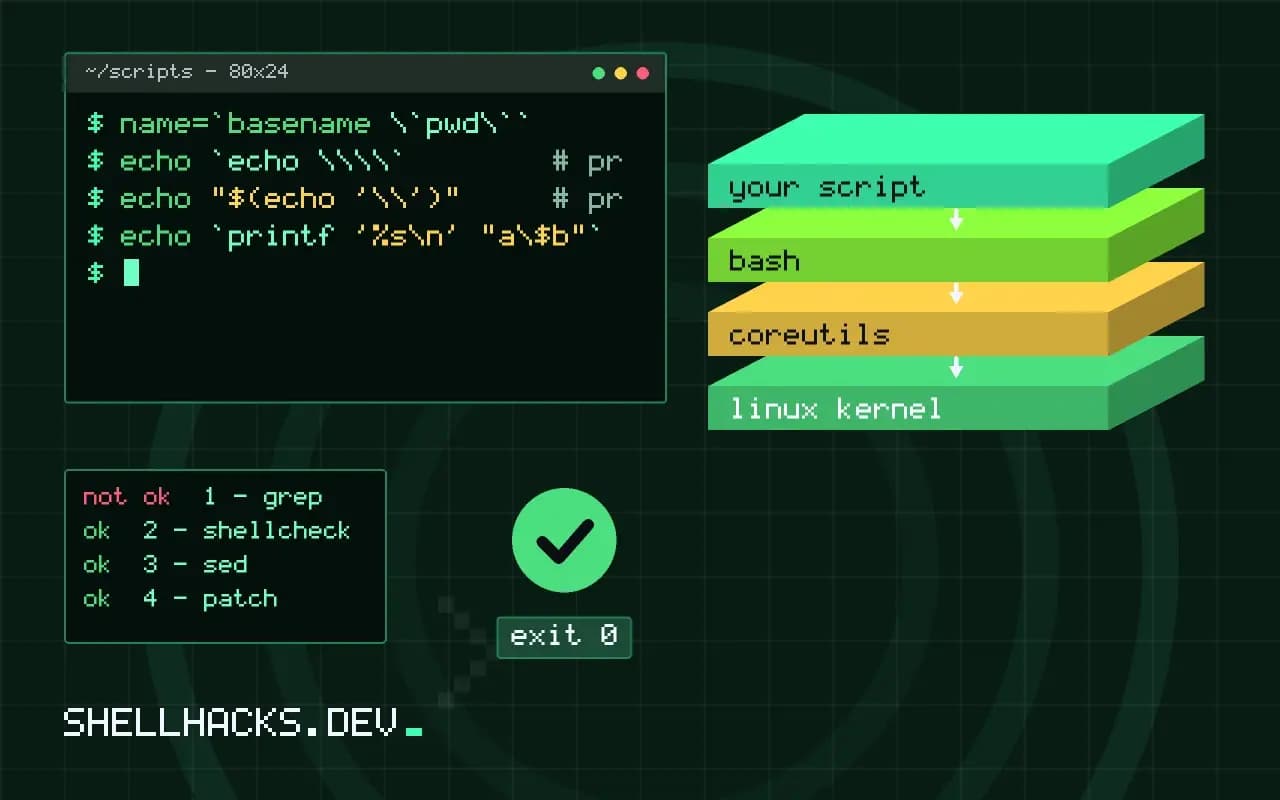
The message is Use $(...) notation instead of legacy backticked `...`. It is a style and safety suggestion, and one of the safest to follow. Both notations run a command and use its output, and $(...) is the newer one, standardised in POSIX and supported by every Bourne-family shell. The examples use Bash 5.2 and ShellCheck 0.10; the full story is in backticks versus dollar parentheses.
The conversion
today=`date +%F`                 # SC2006
today=$(date +%F)

dir=`dirname "$0"`
dir=$(dirname "$0")
For a simple command, replace the opening backtick with $( and the closing one with ). The result is the same, and ShellCheck stops complaining. It also makes the start and end of the substitution visible, because the two backticks look the same, while parentheses look like a pair.
Nesting
name=`basename \`pwd\``          # escaped inner backticks
name=$(basename "$(pwd)")        # nests naturally, with quotes at each level
With backticks, a nested substitution needs its backticks escaped, and a deeper level needs more escaping, and quotes inside the inner command interact with the outer ones in ways that are hard to predict. With $(...), each level has its own scope for quoting, so "$(basename "$(pwd)")" does what it appears to. That alone is a good reason to prefer it.
Backslashes behave oddly in backticks
echo `echo \\\\`        # prints \ after backtick processing
echo "$(echo '\\')"     # prints \\ as written
echo `printf '%s\n' "a\$b"`
Inside backticks, a backslash followed by $, a backtick or another backslash is processed once by the substitution, then the inner command sees the result. This extra layer of escaping makes scripts that mix regexes, sed expressions and backticks hard to get right. In $(...), the text between the parentheses is parsed as a normal command, as if typed on its own line, so you quote it the way you would normally.
Converting a whole script
grep -n '`' script.sh
shellcheck -f diff script.sh | patch -p1
shellcheck -S style script.sh | grep SC2006
Check each match, since the diff output of ShellCheck can fix simple cases automatically, and review the patch. Escaped backticks, backticks inside double-quoted strings and backticks in sed or awk programs need hand rewriting. Run the test suite or the script in a safe place afterwards, see testing shell scripts with Bats and ShellCheck.
Quotes and the result
files=$(ls)                 # assignment: no splitting
for f in $(ls); do ...      # SC2046 and SC2045: splitting
echo "Today is $(date +%A)" # inside double quotes: fine
Replacing backticks does not change splitting: a result used as an argument still needs quotes, as described in SC2046.
Why backticks cause real bugs
The warning is classed as style, but the behaviour behind it is a correctness issue. In the backtick form the shell first processes the text between the backticks as if it were inside double quotes, removing one level of backslashes, and then passes the result to the command as a script to parse. That two-stage handling means the same characters get interpreted twice, and a dollar sign, a backslash or a double quote can end up meaning something different from what a reader assumes. With $(...) the parser reads a complete command list from the opening parenthesis to its match, so nothing between them is altered beforehand, and the text means what it says.
Readability is the second cost. In a font where the grave accent looks like a quote mark, `foo` and 'foo' are easy to confuse, and a stray backtick in a long line can shift the pairing of all the following ones. Reviewing a script with six backticks on one line is an exercise in counting. Parentheses nest visibly and editors can highlight the matching pair.
A conversion that is not mechanical
Most replacements are mechanical, but a few need thought. If a backticked command contains an escaped backtick or an escaped dollar sign, the correct rewrite removes the escapes, because they existed only to get through the first stage. In the command `echo \$HOME` the backslash is consumed by the first stage, so the inner command sees a bare $HOME and expands it. The faithful replacement is $(echo $HOME), with no backslash, and a reader who assumed the escape kept the dollar sign literal has been misreading the line all along. Check the behaviour in a test run, because the intent of the old code is sometimes the opposite of what it did.
Another case is a command substitution inside a here-document or a double-quoted string that was built for eval. Those are fragile in any notation, and the right move is to refactor so that no code is built from strings at all. A function that takes arguments, or an array that holds a command, avoids the layering.
Related warnings you will meet next
After converting, ShellCheck often reports neighbouring problems that were hidden in the old syntax. SC2046 warns that an unquoted substitution undergoes word splitting. SC2086 does the same for variables. SC2155 notes that local x=$(cmd) masks the exit status of the command, because the assignment returns the status of local. SC2312 in the optional checks points out that a command substitution inside another command hides its failure. Treating these as one cleanup pass avoids touching the same line three times, and each fix is small.
The exit status of a command substitution is worth knowing in its own right. In a plain assignment such as x=$(cmd), the status of the assignment is the status of cmd, so if ! x=$(cmd); then works as a check. In any other position, such as an argument to echo or after local, the status is lost. Combine this with set -e and the difference between a script that stops on error and one that carries on can be one word.
Adopting it in a team
Put ShellCheck in CI with the rule enabled as an error, and the habit spreads without discussion. Add an editor integration so that the warning appears while the line is being typed, since fixing it then costs seconds. Add a note to the style guide that says: use $(...), quote the result when passing it on, and avoid substitution when a built-in does the job, such as ${var##*/} instead of $(basename "$var"), which saves a process.
Edge cases worth a test run
After the rewrite, run the script on an input that exercises the substitution: an empty result, a result with spaces, one with a trailing newline and one that is very long. Command substitution always removes trailing newlines from the output, in both notations, so a value that ends with a newline loses it. If the exact bytes matter, append a sentinel character inside the substitution and strip it afterwards, as in out=$(cmd; echo x); out=${out%x}, which preserves every newline.
Where this does not apply
Very old Bourne shells, such as those of the 1980s, lack $(...), but anything made after 1992 has it, including dash and BusyBox ash. Backticks inside a here-document or a Markdown file are plain text, not substitution. The standard is in the POSIX command substitution section, and the check is in the ShellCheck wiki page for SC2006.