ShellCheck SC2046 Quote to Prevent Word Splitting Explained
Fix ShellCheck SC2046: quote command substitutions to prevent word splitting, with ls, find and git examples, and safer arrays and mapfile patterns.
The warning reads Quote this to prevent word splitting and points at a $(...). It is the command-substitution version of SC2086. Without quotes, the shell takes the command's output, splits it on spaces, tabs and newlines, and expands any wildcard characters in each piece. The examples use Bash 5.2 and ShellCheck 0.10; the substitution syntax itself is in command substitution in Bash.
A single value
f="/tmp/my report.txt"
cat $(dirname "$f")/x         # SC2046: splits if the directory name has spaces
cat "$(dirname "$f")/x"       # correct
name=$(basename "$f")         # assignment: no quotes needed
echo "$name"
When the output is one string, put the whole substitution in double quotes. The quotes inside $( ) are independent of the outer ones, which surprises people who learned the old backtick rules, so "$(basename "$f")" is right. A plain assignment name=$(...) does not split, so it needs no quotes, although the later use of $name does.
A list of items
for f in $(ls *.txt); do wc -l "$f"; done        # breaks on spaces; SC2045 too
for f in $(find . -name '*.log'); do gzip "$f"; done   # same
These loops split the listing on whitespace, so a file called my report.log becomes my and report.log. Quoting would turn the whole listing into one word, which is also wrong, so the fix is to avoid substitution for lists:
for f in ./*.txt; do wc -l -- "$f"; done

mapfile -t logs < <(find . -name '*.log')
for f in "${logs[@]}"; do gzip -- "$f"; done

while IFS= read -r -d '' f; do gzip -- "$f"; done < <(find . -name '*.log' -print0)
A glob expands to one word per file with no splitting. mapfile -t reads lines into an array, and works as long as no name holds a newline. The NUL-separated form handles every name, as in filenames with spaces and special characters. See mapfile and readarray.
When you want splitting
# shellcheck disable=SC2046   # output is a short list of simple numeric PIDs
kill $(pgrep -f 'worker.py')
Sometimes the output is a list of simple words with no spaces or glob characters, such as process IDs, and splitting is exactly what you want. Then the warning can be suppressed with a comment. A safer rewrite is pkill -f 'worker.py', which avoids the substitution, or an array with mapfile, as above. If the command can print nothing, kill with no arguments fails, which is a separate problem.
Arguments to another command
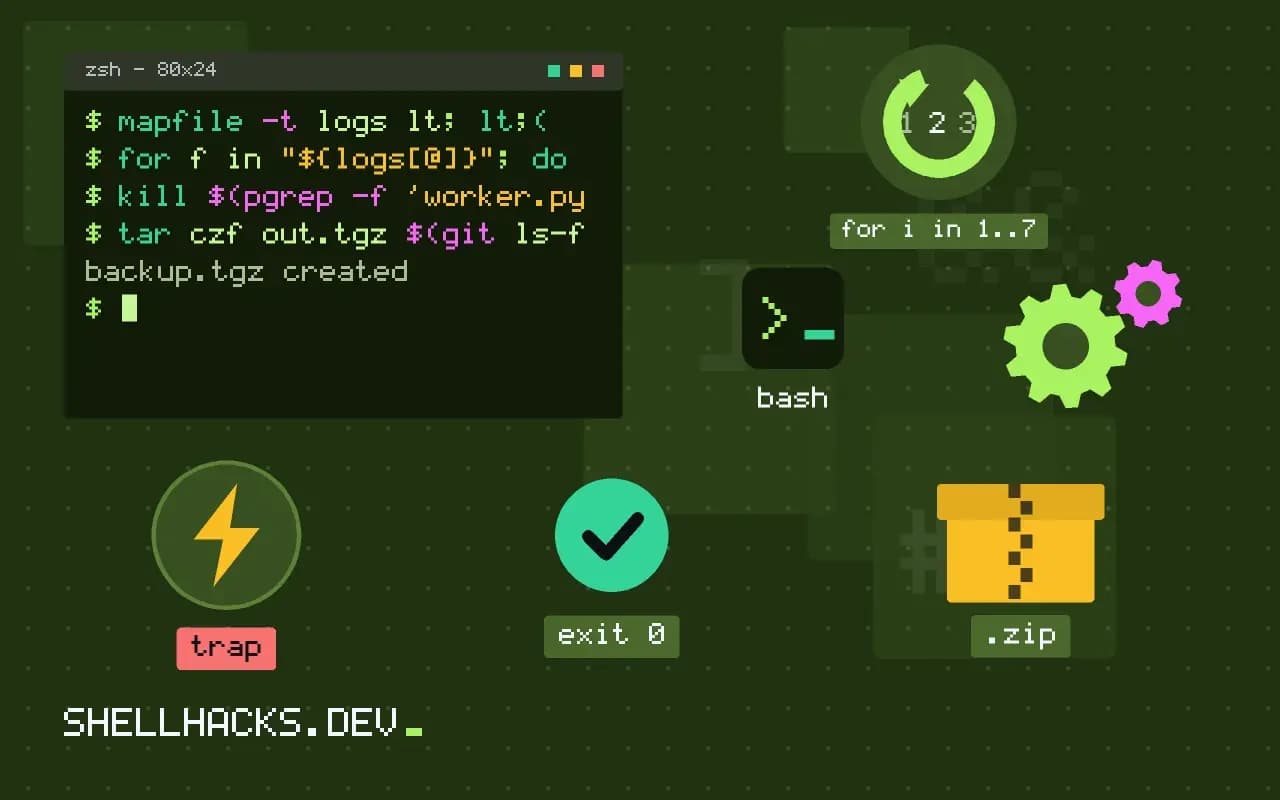
tar czf out.tgz $(git ls-files)          # breaks on names with spaces
git ls-files -z | xargs -0 tar czf out.tgz
tar czf out.tgz --null -T <(git ls-files -z)
Tools that print names often have a NUL-separated mode, -z or -print0, and consumers with -0 or --null. Use them in place of a substitution.
What word splitting and globbing do to a result
An unquoted expansion goes through two steps. First the shell splits the text on the characters in IFS, which defaults to space, tab and newline. Then each resulting word that contains *, ? or [ is treated as a pattern and replaced by matching file names, if any exist. For output from a command, both steps are usually unwanted. A file called * in the working directory, or a name like report [final].txt, can be replaced by unrelated names. The second step is the reason that setting IFS to a newline alone does not make $(ls) safe.
The outcomes range from harmless to dangerous. An error such as "No such file or directory" is the kind outcome. A command that quietly operates on the wrong files, such as rm $(cat list.txt) where a line holds a space, is the dangerous one. ShellCheck flags the pattern because the cost of a mistake is out of proportion to the effort of quoting.
Arrays as the structural answer
If a script builds a list of arguments, store them in an array instead of a string, and expand it with "${args[@]}". The array keeps the boundaries between elements that a string loses. This applies to command options as much as to file names: opts=(--verbose --output "$dir") followed by cmd "${opts[@]}" passes a directory with spaces correctly, whereas opts="--verbose --output $dir" breaks it. In POSIX sh, where arrays do not exist, build the command with set -- and use "$@" for the same effect.
args=(-czf out.tgz)
while IFS= read -r -d '' f; do
  args+=("$f")
done < <(git ls-files -z)
tar "${args[@]}"
The pattern scales to thousands of names until the kernel's argument size limit is reached, around two megabytes on Linux. Beyond that, use xargs, which splits the list into several invocations, or tar's own -T option to read names from a file.
Cases where splitting is intended
A few uses want splitting: a variable that holds a list of flags written by the same script, or output known to be simple words such as numbers. Even then, an explicit form is clearer. read -ra parts <<< "$line" splits into an array with the current IFS and no globbing. IFS=, read -ra fields <<< "$csv" splits on commas only for that command. Where globbing is the unwanted side effect, set -f disables it for a section of code. These forms state the intent, so a reader does not need to wonder whether the missing quotes were deliberate.
Making the fix stick
Add ShellCheck to the editor and CI so new code is checked as it is written, and treat SC2046 and SC2086 as errors. Fix existing warnings file by file with a test run, because adding quotes can change behaviour when the old code depended on splitting, for example a variable that held several options. In such places the right change is to turn the variable into an array, not to leave quotes off. A shellcheck disable comment with a reason, as in the example above, documents the cases where the warning is knowingly accepted.
A worked example of the cost
Consider a cleanup line, rm -rf $(cat dirs.txt), where a line in the file reads /tmp/build cache. The shell splits it into /tmp/build and cache, and removes a directory the author never named, plus a relative path called cache in whatever directory the script happens to be in. With quotes the single argument fails safely with "No such file or directory". The fix for a list of directories, one per line, is a read loop: while IFS= read -r d; do rm -rf -- "$d"; done < dirs.txt, ideally preceded by a test that each entry is an absolute path under an expected prefix. The warning exists for lines like this one, where a quiet mistake costs more than any amount of typing quotes.
Checking your fixes mechanically
After editing a script, run it twice: once on ordinary input, and once in a directory that holds awkward file names, with a space, a leading dash, a glob character and a newline. A script that passes both is far more likely to be correct than one that was only read. Keep the awkward directory as a fixture in the repository, create it with a small setup function, and reuse it for every script that handles names.
Where this does not apply
In zsh, an unquoted substitution is not split unless you ask with ${=...}, so the same code behaves differently there. Backticks have the same issue and a separate warning, SC2006. See the ShellCheck wiki page for SC2046.
For more on the tools used above, the GNU findutils manual documents -print0 and the -exec ... + form, which avoid the problem by not using the shell for splitting. A last tip: test every loop with a file called a b.txt and one called -n, since those two names expose most splitting and option bugs.