ShellCheck SC2016 Expressions in Single Quotes Explained
Fix ShellCheck SC2016, expressions do not expand in single quotes: when it is a real bug, when the single quotes are right, and how to mix quoting.
The warning reads Expressions don't expand in single quotes, use double quotes for that. It fires when a single-quoted string contains something that looks like a variable or substitution, and it is often right. Sometimes the literal dollar sign is exactly the point. Telling the two apart is the whole skill. The examples use Bash 5.2 and ShellCheck 0.10; the quoting rules are in single versus double quotes.
A real bug
name="world"
echo 'hello $name'
echo 'today is $(date +%F)'hello $name
today is $(date +%F)
Single quotes preserve every character, so no expansion happens. If the intent was to print the value, use double quotes: echo "hello $name". This is the case where the warning saves you from a confusing output. Common versions: a message string, an SQL statement with a variable, and a command passed to ssh or sh -c where the author expected the local shell to fill in a value.
Where single quotes are correct
awk '{ print $1, $NF }' access.log          # $1 and $NF belong to awk
sed 's/^\(.*\)$/[\1]/' file                  # no shell variables intended
jq -r '.items[] | "\(.name): \($ENV.HOME)"' data.json
trap 'echo "caught signal"; rm -f "$tmp"' EXIT   # expand when the trap fires, not now
ssh web1 'echo "$HOSTNAME" && uptime'          # expand on the remote side
Programs with their own variable syntax, awk, jq, sed and perl, should receive the text unchanged, which is what single quotes do. A trap string is evaluated when the signal arrives, so $tmp then holds its later value. An ssh command in single quotes runs the variable expansion on the remote host. ShellCheck usually recognises awk and jq programs and stays silent, and it warns in the other cases, for which a directive is the right answer: # shellcheck disable=SC2016 with a short reason.
Mix the two kinds of quoting
user="alice"
awk -v u="$user" '$1 == u { print $2 }' users.txt        # pass data with -v
jq --arg u "$user" '.users[] | select(.name == $u)' db.json
sed 's/^name=.*/name='"$user"'/' config                  # splice with care
sed "s/^name=.*/name=${user}/" config                    # all double: escape other $
When the program is mostly literal and one part comes from the shell, either end the single quotes, add the variable in double quotes and start again, or use the tool's own mechanism. awk -v and jq --arg pass values as data, which keeps quoting and injection problems away, as in awk and shell variables. Splicing into a sed expression works for simple values, but a value that contains a slash or an ampersand breaks the expression, see sed with variables and special characters.
Single quotes inside single quotes
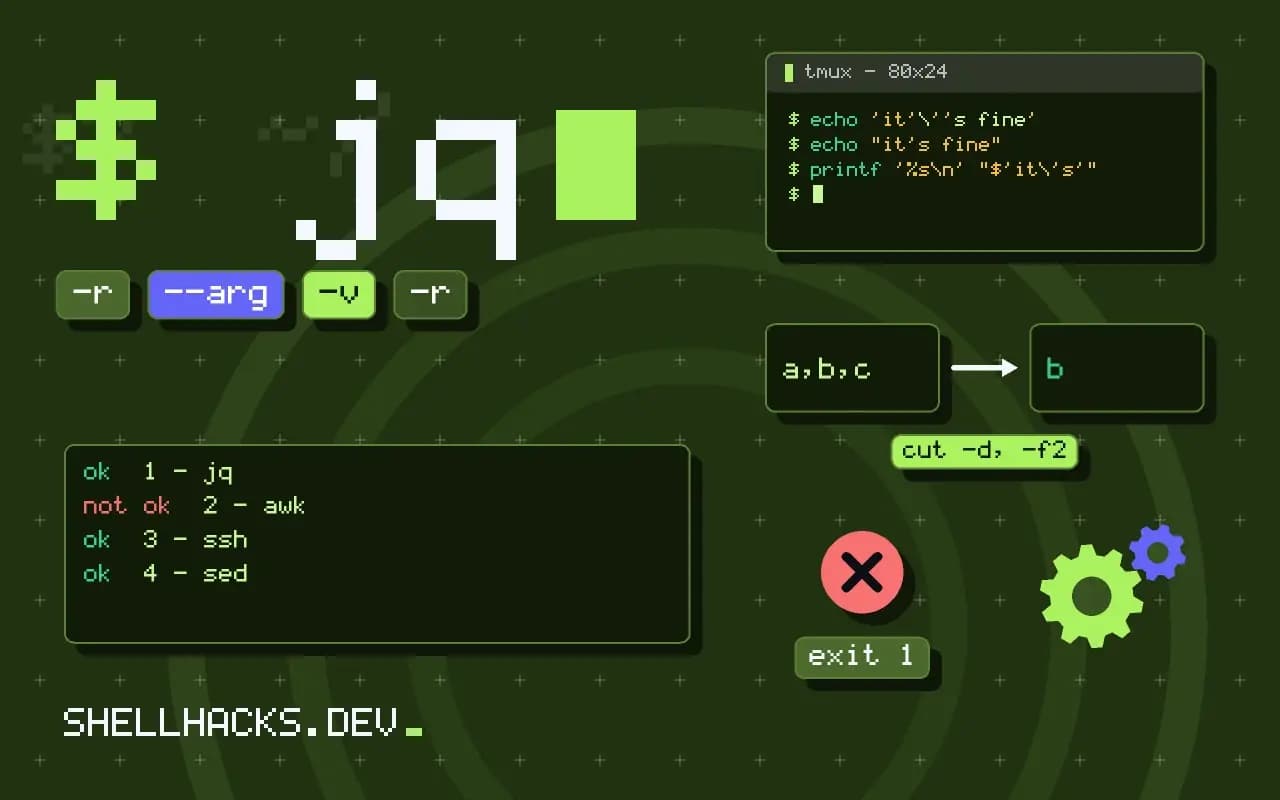
echo 'it'\''s fine'
echo "it's fine"
printf '%s\n' "$'it\'s'"
A single quote cannot appear inside single quotes. The usual form closes, writes an escaped quote and opens again, '\'', or you switch to double quotes for that string. A $'...' string, a Bash feature, allows \', see the dollar single quote form.
What each kind of quote does
Three mechanisms control expansion. Single quotes make every character literal, with no exceptions and no escape inside. Double quotes allow parameter expansion, command substitution and arithmetic expansion, and keep the result as one word, but treat the backslash specially before $, a backtick, a double quote, a backslash and a newline. The dollar-single-quote form, $'...', interprets C-style escapes like \n and \t and is the way to put a tab or a newline into a string without a literal one. Unquoted text undergoes all expansions, plus word splitting and globbing. Picking the form is a question of what should be literal: if the string is meant for another program to interpret, use single quotes; if it holds shell values, use double quotes.
ShellCheck's warning is a heuristic. It sees a dollar sign inside single quotes and guesses that the author wanted an expansion. The guess is wrong for awk programs, for the body of a trap, for a command sent over SSH, for a string passed to bash -c, and for a literal price in a message. A comment with the directive silences it for one line, and writing the reason next to it tells the next reader the dollar sign is intentional.
Passing shell data into other languages
The dangerous version of the opposite mistake is building a program by splicing shell values into a quoted string. Putting a user name into an awk program or an SQL statement with double quotes lets a name containing a quote or a semicolon change the program. Pass data as data: awk -v and jq --arg bind a shell value to a variable inside the program, sqlite3 and psql accept -v variables and parameter binding in their drivers, and find and xargs take arguments as separate words. Where the program must be built from text, escape the value for the target language and not for the shell, and prefer a driver in a language that supports bound parameters.
Commands over SSH and in containers
A command sent through ssh host 'cmd' is parsed twice, once by the local shell, which removes one level of quoting, and once by the remote shell. Single quotes keep the local shell from expanding variables, and then the remote shell expands them, which is often the intended behaviour and sometimes a source of confusion, when the intent was to pass the local value. To send local values, use printf '%q' to quote them for the remote shell, or pass them on standard input or as positional parameters to bash -s: ssh host 'bash -s' -- "$arg" < script.sh. The same two-stage parsing applies to docker exec ... sh -c '...' and to sudo sh -c '...', and the same rule fixes it.
Heredocs as an alternative
For longer programs, a here-document with a quoted delimiter, <<'EOF', behaves like single quotes for many lines, with no escaping of the content, and an unquoted delimiter behaves like double quotes. Using the quoted form for awk, SQL and other embedded scripts keeps the text readable and free of backslash noise, and passing values by variable binding keeps it safe. ShellCheck does not warn about dollar signs in a quoted here-document, because the intent is clear from the delimiter, which is another reason to move long embedded scripts there.
Testing the quoting of generated commands
A reliable way to check quoting is to replace the final command with printf '%q\n' or printf '[%s]\n' over the arguments and read what would be executed. Run it with values that contain a space, a quote, a dollar sign and a newline. If the printed arguments match what you intended, switch the real command back in. The check takes a minute and finds nearly every case where the wrong quote type was used, long before the string reaches a program that interprets it.
Where this does not apply
If the literal dollar sign is intentional in a one-off, a directive on the line is quieter and clearer than rewriting. Never build a program, an SQL statement or a remote command from untrusted values by splicing, with either kind of quote; pass them as parameters. See the ShellCheck wiki page for SC2016 and the Bash manual on single quotes.