How to Use Regex in sed Replacement Patterns Step by Step
Use regex in sed substitutions: capture groups, ampersand, extended mode, flags, case conversion, non-greedy workarounds and the GNU and BSD differences.
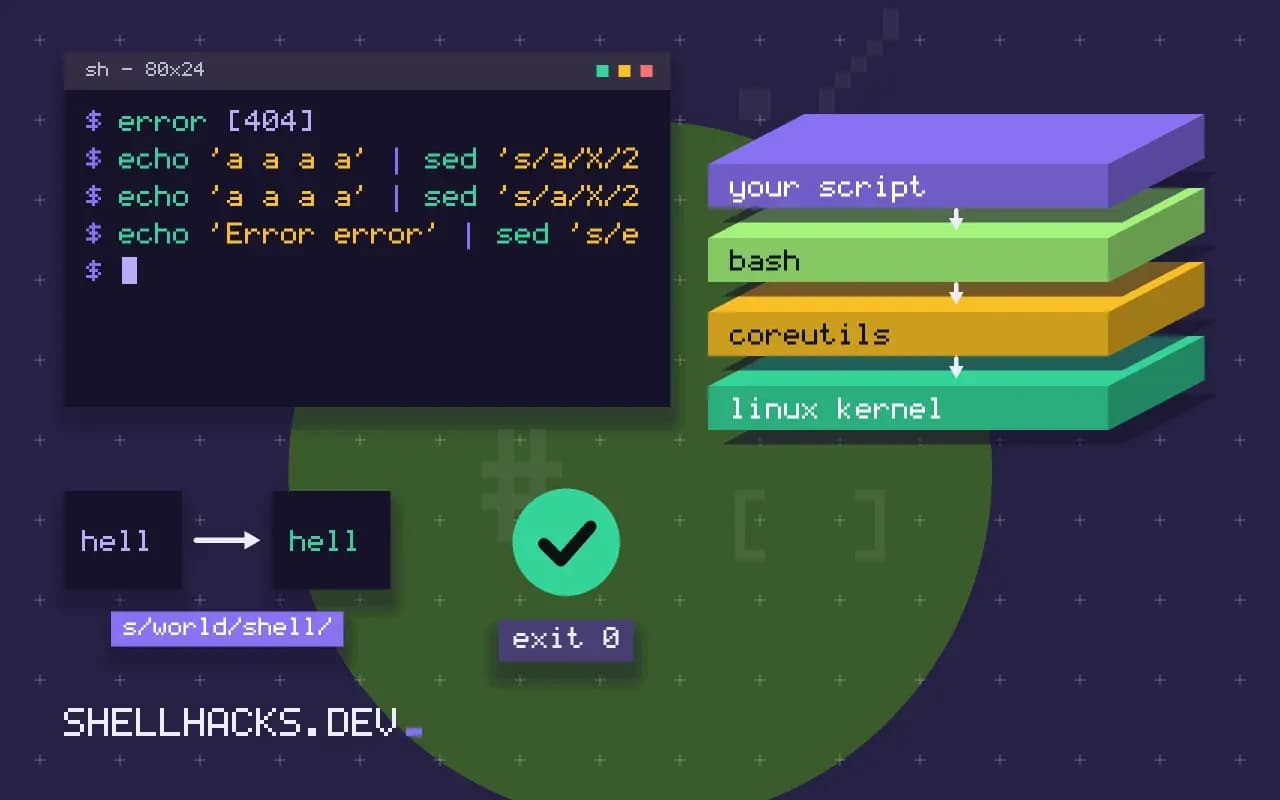
The replacement side of s/// is where sed becomes a transformation tool and not just a search tool. Groups let you reorder and reuse parts of a match: swap two fields, wrap a number in tags, re-format a date. This post covers the pieces, in the order you reach for them. It builds on capture groups and extended regex in sed. Examples use GNU sed 4.9.
The whole match and groups
echo 'error 404' | sed 's/[0-9]\+/[&]/'
echo 'ada,admin' | sed -E 's/([a-z]+),([a-z]+)/\2: \1/'
echo '2026-11-03' | sed -E 's/([0-9]{4})-([0-9]{2})-([0-9]{2})/\3.\2.\1/'error [404]
admin: ada
03.11.2026
& stands for everything the pattern matched. A parenthesized group is captured and numbered by the position of its opening parenthesis, left to right. In basic mode the parentheses and the braces must be escaped: \(...\) and \{4\}. With -E they are plain, which reads better. BSD and macOS sed accept -E as well (and -r only in newer versions), so -E is the portable choice.
Flags
echo 'a a a a' | sed 's/a/X/2'
echo 'a a a a' | sed 's/a/X/2g'
echo 'Error error' | sed 's/error/E/Ig'
sed -n 's/^user=\(.*\)$/\1/p' app.confa X a a
a X X X
E E
A number replaces only that occurrence, 2g replaces the second and all after it. I (also written i in GNU) ignores case; BSD sed lacks the flag in the s command. The pairing -n with the p flag prints only lines where the substitution happened, which turns sed into an extractor, as the fourth example shows.
No lazy quantifiers
echo '"a","b","c"' | sed 's/".*"/X/'
echo '"a","b","c"' | sed 's/"[^"]*"/X/'X
X,"b","c"
The first .* is greedy and swallows up to the last quote. POSIX regular expressions have no lazy form, so match "anything except the end marker" with a negated class, as in the second command. This idiom handles most cases where you would use .*? elsewhere.
Change case (GNU)
echo 'hello world' | sed -E 's/(\w+) (\w+)/\u\1 \U\2\E!/'Hello WORLD!
\u upper-cases the next character, \U everything until \E, and \L and \l do the opposite. These are GNU extensions, and macOS sed prints them literally; use perl or awk there. The \w class is also a GNU extension, so write [A-Za-z0-9_] for portability.
Special characters in the replacement
A literal ampersand needs a backslash (\&), as does a literal backslash, and a delimiter inside the replacement must be escaped or replaced by another delimiter. Newline in the replacement is written \n in GNU sed, while BSD wants a backslash followed by a real newline. See sed with variables and special characters for the escaping recipes.
Where this does not apply
Sed regular expressions cannot look ahead, count nesting or refer to later text, and the lack of a lazy form makes some edits clumsy. Multi-line patterns need the pattern space tricks from multi-line replacement. For anything with lookarounds, use perl -pe, which shares sed's command-line model with a stronger engine. Practice patterns with regex testing and debugging.
What the replacement is allowed to contain
The replacement part of s/pattern/replacement/ has its own small syntax. An ampersand stands for the whole text matched by the pattern, \1 to \9 stand for the text captured by the corresponding group, and a backslash makes the next character literal. A literal ampersand in the output must be written \&, and a slash must be escaped, or another delimiter must be chosen. In GNU sed, the sequence \n in the replacement produces a newline, while BSD sed requires a backslash followed by an actual newline, so a script that inserts line breaks is a common portability break. The replacement is not a regular expression and is never matched against anything. Beginners often put regular expression syntax there, such as \d or a character class, and get literal text back, since only the pattern side is interpreted by the regex engine.
Groups are numbered by the position of their opening parenthesis, left to right, counting nested groups too. In extended mode, which you enable with -E, parentheses make groups directly, and in basic mode they need backslashes.
Greedy matching and the workarounds for lazy
Quantifiers in sed are greedy: .* takes as much as it can and then gives back only what the rest of the pattern needs. Applied to a line with two quoted strings, s/".*"/X/ replaces everything from the first quote to the last, not each string. Sed has no lazy quantifier, so the standard workaround is a negated bracket expression, "[^"]*", which stops at the next quote because it cannot cross one. The same idea works for delimiters of any kind: match anything that is not the closing character. When the structure is more complex, nested brackets or quotes that can be escaped, a regular expression is the wrong tool, and a parser for the format is a better choice. For JSON use jq, for HTML use a real parser, and for configuration with sections use a tool that understands them, since patterns that work on today's sample break on tomorrow's.
Flags, case conversion and portability notes
The flag g replaces every match on a line, a number replaces only that occurrence, and the two combine so that 2g replaces the second and all later ones. GNU sed adds I for case-insensitive matching, and BSD sed supports it too in recent versions, though older ones do not. The GNU sequences \U, \L, \u, \l and \E change case in the replacement, as in s/\(.\)/\u\1/ to capitalize, and they do not exist in BSD sed, where the portable route is to use awk with toupper. Because sed processes one line at a time, a pattern cannot span lines unless you pull the next line in with N. Test every substitution on a few sample lines with and without a match, and remember that a command which finds no match is not an error, so a typo in the pattern fails silently.
A step-by-step way to build a substitution
Build a substitution in stages. First write only the pattern and run it with -n and the p flag, which prints just the lines it matches, and check that it selects the right lines and no others. Next add groups around the parts you want to keep, and print again. Then write the replacement and run the full command without the in-place option, comparing its output to the input with diff. Only when the output is exactly what you expect do you apply it to the file, with a backup suffix on the in-place option so the original can be restored. Doing the work in this order turns a risky one-shot edit into a sequence of cheap checks, and makes a mistake visible at the stage where it was made.
Keep a few sample lines that should not match next to the ones that should. A pattern that matches too much is the usual failure, and the lines that should stay untouched are how you notice it.
See the GNU sed s command and POSIX sed.