How to Use TLS Certificates in Shell Scripts Safely
Use TLS certificates safely in shell scripts: check expiry with openssl, verify chains, curl options, pinning, ACME renewal hooks and avoiding -k.
Two things go wrong with certificates in automation: they expire unnoticed, and scripts get changed to ignore errors. curl -k is the usual quick fix for "certificate verify failed", and it turns TLS into an unauthenticated channel. The better habits are checking, verifying properly and renewing automatically. It continues automating certificate renewal. The commands assume OpenSSL 3.0 and curl 8.
Check expiry from a script
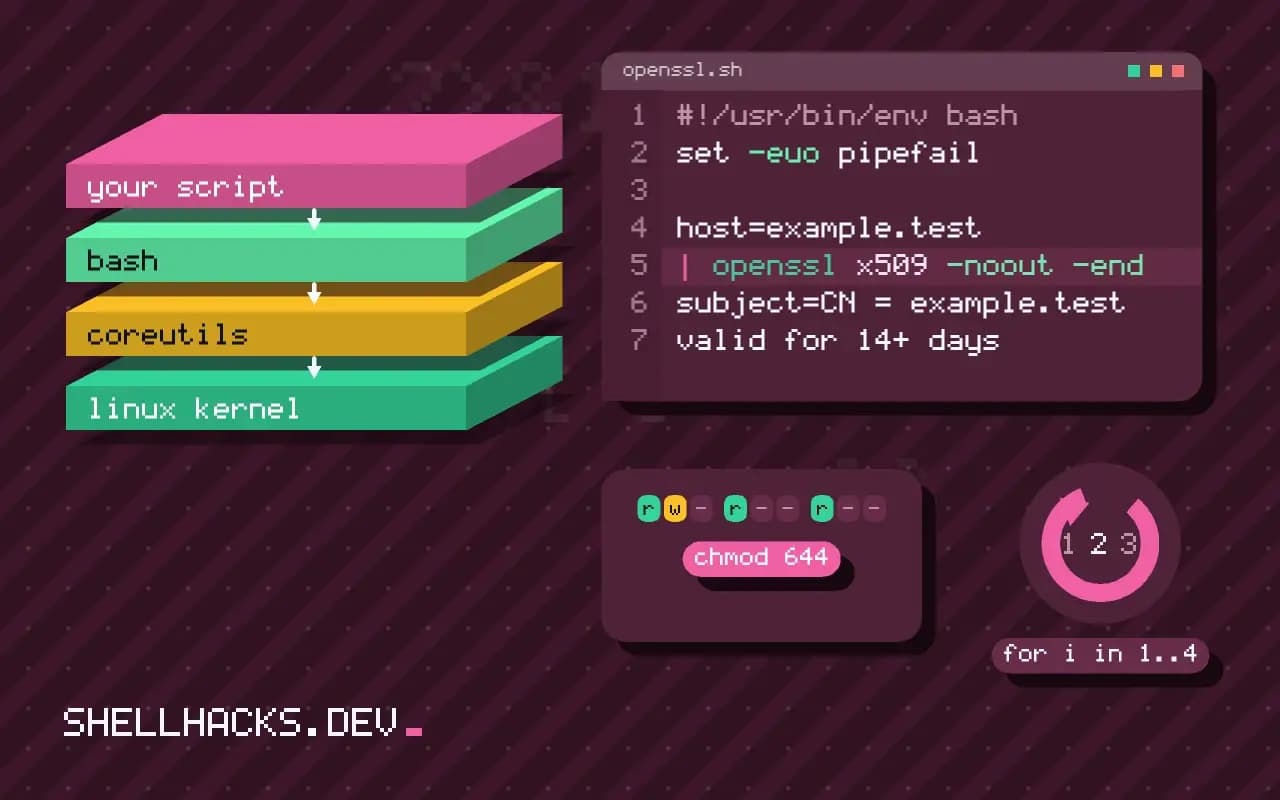
host=example.test
echo | openssl s_client -connect "$host:443" -servername "$host" 2>/dev/null \
  | openssl x509 -noout -enddate -subject
echo | openssl s_client -connect "$host:443" -servername "$host" 2>/dev/null \
| openssl x509 -noout -checkend $((14*24*3600)) && echo "valid for 14+ days" || echo "EXPIRES SOON"notAfter=Feb 1 12:00:00 2027 GMT
subject=CN = example.test
valid for 14+ days
-servername sends SNI, required when a server hosts many sites; without it you may see the default certificate. -checkend N exits 0 if the certificate is still valid N seconds from now, which suits cron. Alert at 14 days or more, not at 2, so there is time to fix a failed renewal. The dates shown are samples.
Verify the chain and the name
openssl s_client -connect example.test:443 -servername example.test -verify_hostname example.test -verify_return_error </dev/null 2>&1 | grep -E 'Verif|verify'
openssl verify -CAfile ca-bundle.pem -untrusted intermediate.pem server.pemVerification: OK
Verify return code: 0 (ok)
A valid date is not enough: the chain must lead to a trusted CA, and the name must match. A missing intermediate certificate is a frequent misconfiguration that works in browsers (which fetch it) and fails in scripts (which do not). Check a certificate file before installing it with openssl x509 -in cert.pem -noout -text | grep -A1 'Subject Alternative'.
Do not use -k
curl -fsS --cacert /etc/ssl/internal-ca.pem https://api.internal.example.test/health
curl -fsS --pinnedpubkey 'sha256//BASE64HASH=' https://api.example.test/
SSL_CERT_FILE=/etc/ssl/internal-ca.pem python3 fetch.py
For an internal CA, give the tool the CA certificate. Python, Go and curl each have their own variable or flag (SSL_CERT_FILE, --cacert, CURL_CA_BUNDLE), and adding the CA to the system store with update-ca-certificates covers most of them. Public-key pinning with --pinnedpubkey goes further but breaks at renewal if the key changes, so pin only for endpoints you control. A script that uses -k can send tokens to anyone on the path; the habit also leaks into production, as discussed in the curl-pipe-bash risk.
Renewal and reload
sudo certbot renew --deploy-hook 'systemctl reload nginx'
sudo certbot certificates
systemctl list-timers 'certbot*' --no-pager
ACME clients renew roughly 30 days before expiry. The deploy hook runs only after a successful renewal, which is where you reload the service so it picks up the new files; forgetting the reload is the classic cause of "renewed but still expired". Check that the renewal timer exists, the challenge path is reachable and the rate limits are not hit. Caddy does all of this automatically, see TLS with certbot or Caddy.
Key handling
sudo install -m 640 -o root -g ssl-cert privkey.pem /etc/ssl/private/example.test.key
openssl pkey -in /etc/ssl/private/example.test.key -pubout | openssl sha256
openssl x509 -in cert.pem -pubkey -noout | openssl sha256
The private key must be readable only by the service, never committed or logged. Matching hashes in the last two lines prove a key and a certificate belong together. See OpenSSL hashing and encryption for more of the toolkit.
What a certificate check actually proves
A TLS handshake answers three separate questions, and scripts tend to check only one. The first is time: is the certificate inside its validity window. The second is trust: does the chain lead from the server certificate through any intermediates to a root the client already trusts. The third is identity: does the name the client asked for appear in the certificate's subject alternative names. An expiry check, such as the -checkend test above, answers only the first. A certificate that is valid for another 60 days but was issued for a different host passes it and still fails every real client, so a monitoring script worth keeping runs the verification step too.
Revocation is a fourth question that most automation skips. A certificate can be revoked by its issuer before it expires, and clients learn this through OCSP or CRLs. Browsers soft-fail when the responder is unreachable, and command-line tools usually do not check at all. If revocation matters for an endpoint, for example after a key leak, treat the replacement of the certificate and key as the control, not a status lookup, and rotate promptly.
Where scripts disagree with browsers
The gap between a working browser and a failing script is almost always a trust-store or chain difference. Browsers carry their own list of roots, fetch missing intermediates over the network and cache them. Command-line tools use the system store or a bundled one, and they will not fetch anything. A server that sends only its leaf certificate looks fine in Chrome and fails in curl. The right fix is on the server, which should send the full chain in the order leaf, intermediate, with no root. Disabling verification in the client hides the fault and leaves every other client to find it independently.
Containers add their own variation. A slim base image may carry no CA bundle at all, and the error message, "unable to get local issuer certificate", looks like a server problem. Installing the ca-certificates package fixes it. Distribution bundles also change over time as roots are retired, so a very old image can reject certificates from a CA that issued them recently. Rebuilding the image with current packages is the repair, not a flag.
Monitoring that someone reads
An expiry check that writes to a log nobody opens is the same as no check. Send the result somewhere a person sees it, and make the alert carry the host, the days left and the issuer, so whoever receives it can act without logging in first. Check from outside the network as well as inside, since an internal view can show the correct certificate while the public load balancer serves an old one.
Keep an inventory. Certificates on forgotten hosts, such as a staging service or an internal dashboard, are the ones that expire during a holiday. A file with one hostname per line, read by the check script, is a perfectly adequate inventory, and adding a host is a one-line change that fits in the same pull request as the service that needs it. Review the list when services are retired, so the alerts stay trustworthy.
Handling failures gracefully
Decide in advance what a script does when verification fails. For a read-only health probe, report and move on. For a deploy script that downloads a binary, stop immediately, because a failed check may mean someone is intercepting the connection. Log the exact reason from the TLS library, which distinguishes "certificate has expired", "hostname mismatch" and "self-signed certificate in chain", since each points to a different owner and a different repair. A message that says only "curl failed" sends people to the wrong place.
Where this does not apply
Short-lived internal certificates are better issued by a private CA or a service mesh with automatic rotation. A load balancer that terminates TLS holds the certificate, so check what the client sees, not the file on the origin. See the openssl s_client documentation and the curl TLS certificates guide.