Security Error Sudo Is Not in the Sudoers File Fully
Fix user is not in the sudoers file: add the user to the sudo or wheel group as root, use su or recovery mode, and check sudoers syntax with visudo.
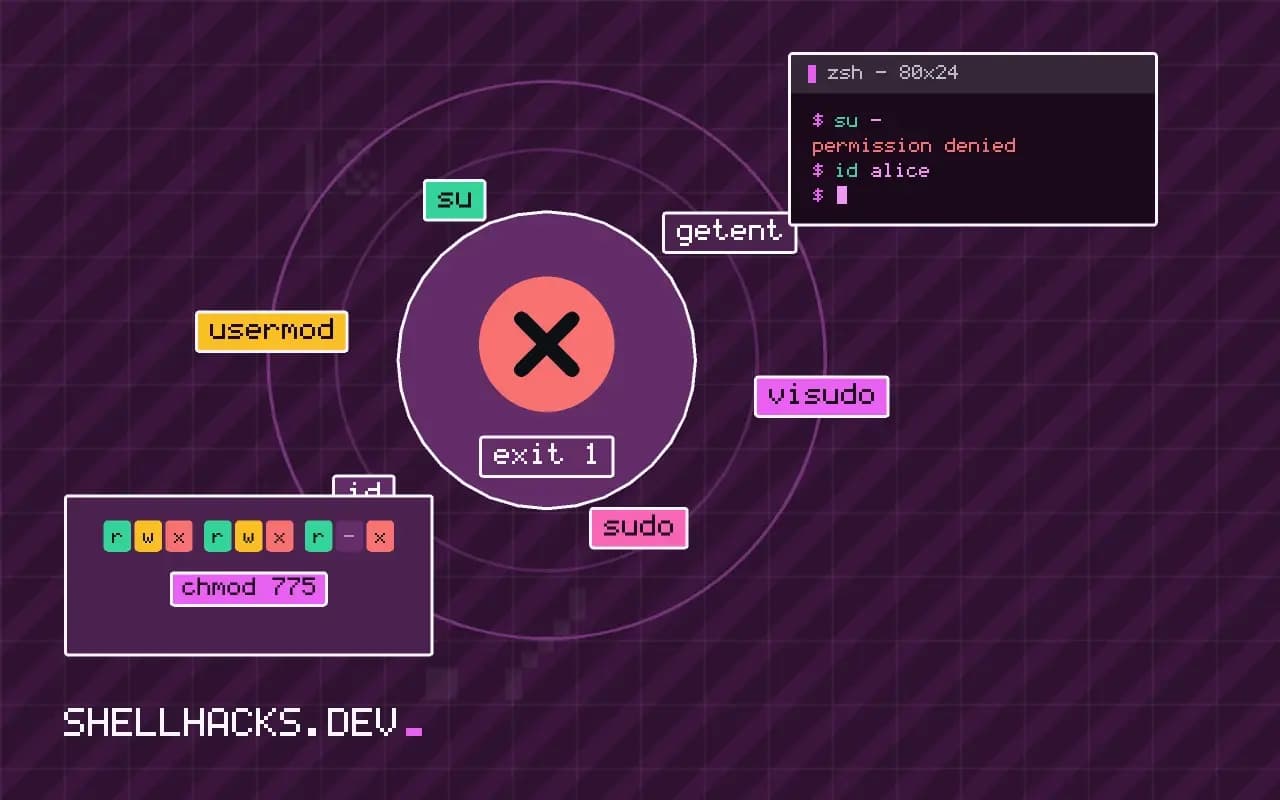
You type sudo apt update and get alice is not in the sudoers file. This incident will be reported. The second sentence sounds worse than it is: it means the attempt was written to the log, usually /var/log/auth.log or the journal, which an administrator may read. The fix needs an account that already has administrator rights. The commands use sudo 1.9.15 on Ubuntu 24.04 and Rocky Linux 9; the standard grant is in giving a user sudo access.
Step 1: become root some other way
su -
id alice
getent group sudo wheel
If root has a password, su - works. On Ubuntu root has no password by default, and the first user belongs to the sudo group, so another administrator must make the change, or you boot into recovery mode (hold Shift or Esc at start, choose "recovery" and then "root shell"), mount the filesystem read-write with mount -o remount,rw / and make the change from there, as covered in rescue mode and chroot. In a cloud instance, use the provider's console or an attached volume, and in a container, run docker exec -u root.
Step 2: add the user to the admin group
usermod -aG sudo alice        # Debian, Ubuntu
usermod -aG wheel alice       # RHEL, Rocky, Alma, Fedora, Arch
id aliceuid=1001(alice) gid=1001(alice) groups=1001(alice),27(sudo)
The -a keeps the user's other groups, and omitting it removes them. The default sudoers file already lets members of that group run any command. Alice has to log out and in, or run newgrp sudo, before the new group applies to a running session; check with id in the shell that is failing. See managing groups on Linux.
Alternative: a drop-in rule
echo 'alice ALL=(ALL:ALL) ALL' | EDITOR='tee' visudo -f /etc/sudoers.d/alice
visudo -c
This uses visudo to write a rule file and validates every file, and the tee trick avoids opening an editor. Prefer a drop-in in /etc/sudoers.d to editing the main file, and restrict the rule to the commands the user needs, as in allowing one command with sudo. Drop-in file names must not contain dots, or sudo ignores them.
If the sudoers file itself is broken
pkexec visudo
visudo -c -f /etc/sudoers/etc/sudoers:28:5: syntax error
A syntax error in /etc/sudoers makes sudo refuse to run for everyone, with a message naming the line. Fix it as root, with pkexec visudo on a desktop, su - or recovery mode. Always edit with visudo, which refuses to save a file that does not parse.
What sudo is checking
When you run sudo, it reads /etc/sudoers and every file in /etc/sudoers.d/, and looks for a rule that matches the user, the host, the target user and the command. The message appears when no rule matches the user at all. Groups carry a percent sign in the rule, so %sudo ALL=(ALL:ALL) ALL says that members of the group sudo may run anything as anyone on any host, and %wheel does the same on Red Hat family systems. The first field of a rule can be a user name, a group, a numeric id with a hash, or an alias defined earlier in the file. A user who is in the right group but whose session started before the change still has the old group list, so log out and back in or run newgrp sudo before concluding that the fix failed.
The report mentioned in the message is a line in the system log, in /var/log/auth.log or the journal. On a personal machine nobody reads it. On a managed server it may feed a security tool, and repeated attempts by a user who should not have access are what it is for. If you are the person who should have access, it costs nothing, and the fix is to ask an administrator or use the root route above.
Writing rules that grant less than everything
Full sudo rights are a convenient default for a personal machine and more than most roles need on a shared server. A rule can name the exact commands: alice ALL=(root) /usr/bin/systemctl restart nginx, /usr/bin/journalctl -u nginx lets Alice restart one service and read its logs, and nothing else. Use full paths, since a bare name matches nothing useful, and avoid commands that can start a shell or edit arbitrary files, such as editors, pagers and interpreters, because they turn a limited rule into full root. A pager started by journalctl can run a shell with !sh, which is why such rules often add --no-pager to the allowed arguments or set the NOEXEC tag. The sudoers manual lists these traps under the escape section, and reading it before granting anything is time well spent.
Password prompts, timeouts and logging
By default sudo asks for the user's own password, not root's, and remembers the answer for a few minutes per terminal, controlled by timestamp_timeout. The NOPASSWD tag removes the prompt, which is convenient for automation and a risk for people, since anything running as that user can then become root silently. Reserve it for specific commands and service accounts. For auditing, turn on the input and output log with log_input and log_output on sensitive hosts, and review the sessions with sudoreplay. A central log collector gets the one-line records, so a pattern of denied attempts shows up across the fleet.
Cloud images, containers and recovery access
Cloud images create a default user with passwordless sudo through a file in /etc/sudoers.d/, and the instance's key pair is the only way in. If a change locks you out of sudo on such a machine, the recovery routes are the provider's console or a rescue instance with the disk attached, then editing the file from the outside. On a physical machine, boot to single-user mode by adding init=/bin/bash to the kernel command line, remount the root filesystem read-write, and fix the file, noting that disk encryption and boot loader passwords may block this on purpose. In a container, the process usually runs as root already, and the missing piece is often a minimal image that lacks the sudo package, so install it or use the container runtime's --user option instead.
Making the fix permanent
Record who has administrative rights, and put the group membership and any drop-in files in configuration management so that a rebuilt machine gets the same rules. Review the list when people change roles. Check the syntax of every change with visudo -c before logging out, and keep a second root session open while editing, so a typo can be repaired without a trip to the console.
Where this does not apply
On a managed machine, sudo rights may come from LDAP or a central policy, and local changes are overwritten or ignored. If sudo says "no tty present" or "a password is required" for a script, the cause is the configuration of a non-interactive rule, not membership, see sudo without a password in scripts. Do not solve this by running everything as root. See the sudoers manual and the Arch wiki on sudo.