How to Write a Runbook for Common Server Problems Easily
Write a runbook for common server problems: a fixed template with symptom, check, fix and verify, copy-paste commands, an owner and a way to test it.
At 3 a.m. nobody remembers the exact journalctl flags. A runbook turns the experience of the last outage into steps the next person can follow half asleep. It does not need a tool; a folder of Markdown files in the repository is enough. This post gives the template and an example. It pairs with alerting and with postmortems, which are the source of most runbooks.
The template
# Disk full on a web server

Owner: platform team. Last checked: see git log.

## Symptom
Alert "disk" fires, or writes fail with "No space left on device".

## Impact
The application cannot write logs or uploads. Database may stop if it shares the volume.

## Check
1. Which filesystem: `df -h`
2. Is it blocks or inodes: `df -i`
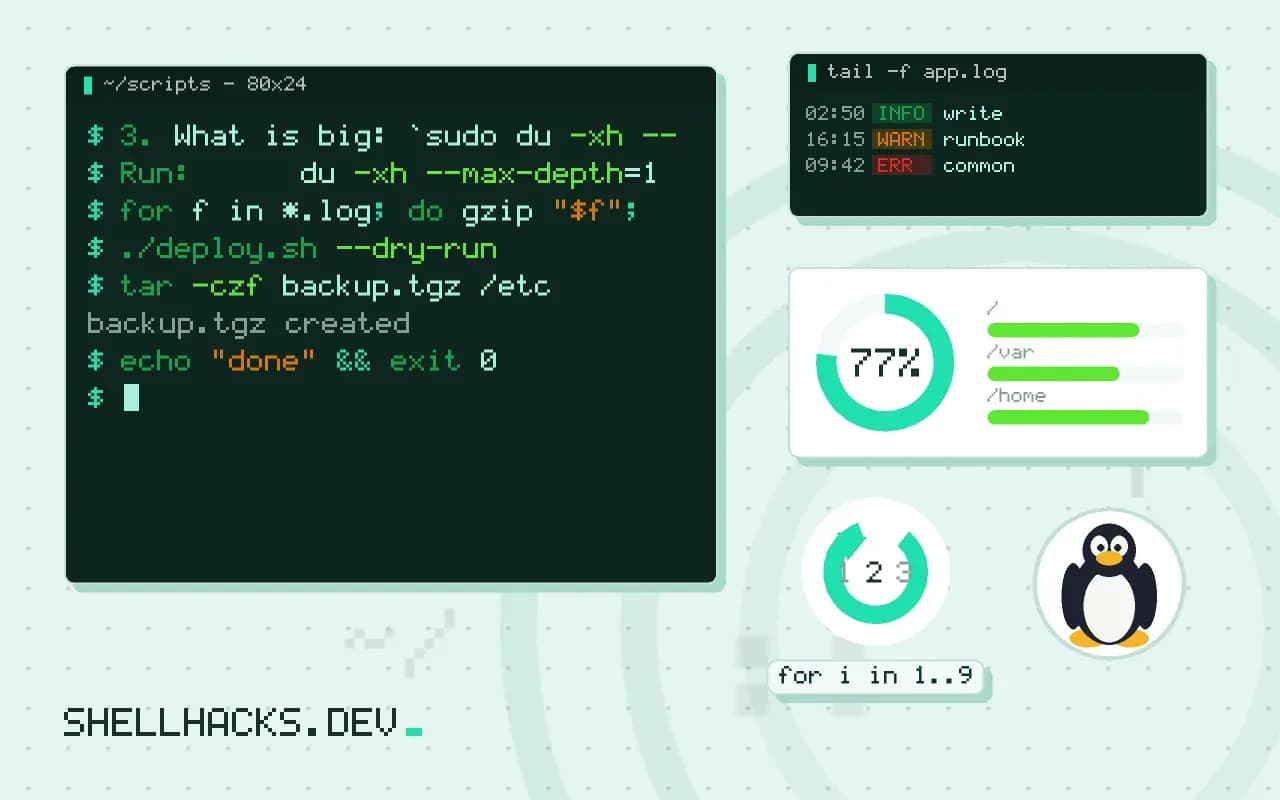
3. What is big: `sudo du -xh --max-depth=1 /var | sort -h | tail`

## Fix
1. Old logs: `sudo journalctl --vacuum-time=7d`
2. Rotated files: `sudo find /var/log -name '*.gz' -mtime +14 -delete`
3. Docker: `docker system df`, then `docker image prune -af --filter "until=168h"`

## Verify
`df -h /` shows under 80 percent and the alert clears within 10 minutes.

## Escalate
If a deleted file is still open: `sudo lsof +L1`. If nothing helps, page the on-call lead.
Headings stay the same across runbooks, so a tired reader knows where to look. The title is the symptom as an operator sees it. The check section goes from cheap to expensive: df before du, which can take minutes on a busy volume. Where commands are destructive, say so and give a way to confirm first, for instance by printing with find ... -print before -delete. The background is in find exec and delete.
What makes one useful
- Commands are complete: hostnames, paths and flags are filled in, or marked as placeholders in capitals.
- Output is shown for the healthy and the broken case so the reader can tell which they have.
- Decisions are explicit: "if the disk is over 95 percent, do X first, because Y".
- Rollback is stated for each risky step.
Avoid a runbook that explains the system; link to the architecture notes instead. Its job is to get the service back, and the explanation belongs elsewhere.
Connect it to alerts
Put the runbook link in the alert message. In Prometheus that is the runbook_url annotation; in a shell check, append the URL to the notification. An alert without a pointer sends the on-call person searching, which costs minutes at the worst moment.
Test and maintain
Give the runbook to someone who did not write it and watch them follow it in a staging environment. Every confusion is a missing line. Record the date and the person in the file or in git. After an incident, update the relevant runbook as an action item, and delete runbooks for systems that no longer exist, because stale instructions are worse than none.
Where this does not apply
Novel failures will not match any runbook, and the document should say what to do then: gather evidence, escalate early, write down what you tried. Automating a step is better than documenting it; if the fix is always the same three commands, put them in a script, as in idempotent scripts, and let the runbook call it.
Why a runbook helps most when you are least able to think
An incident strips away working memory. The person on call may be tired, new to the system or woken from sleep, and under pressure people skip steps and forget what they knew. A runbook moves the knowledge out of someone's head and into a document that can be followed. Its value shows in two ways: the time to recover drops because the first steps are obvious, and the quality of the response stops depending on who happens to be on call. It is not a replacement for understanding. It is a list of the checks and actions that worked before, ordered so the cheap and safe ones come first, with clear points where the reader should stop and call for help.
Write for someone competent who does not know this system. Spell out the commands, the expected output and what each result means. A step that says "check the database" fails the reader at the moment they need it. A step that gives the command, shows the healthy output and says what a bad one looks like does not.
Structure that works under stress
Each runbook covers one symptom, named as the alert names it, such as "Disk on web servers above 90 percent". Start with the impact and how to confirm the problem in a minute. Then list the checks in order of cost and likelihood, with the commands. Put safe actions before risky ones, and mark the risky ones clearly, with what could go wrong and how to undo it. End with escalation: who to call, when to call them and what information to bring. Keep each page short enough to read on a phone, and link to deeper material rather than copying it. Include the last time the runbook was used and fixed, so a reader can judge how much to trust it, and a short note on what is not covered.
Use the same layout for every runbook. A reader who has seen one can find the commands in another without hunting, and a template makes writing the next one quicker, which is how a team ends up with enough of them.
Keeping runbooks alive
A runbook that is wrong is worse than none, since it sends someone down a false path with confidence. Tie maintenance to events. After every incident, fix the runbook that was used or write the one that was missing, and make that part of closing the incident. Review the set quarterly by walking through two or three of them on a test system, running the commands and noting what has changed. Store them in version control or a wiki with history, so changes are reviewed, and make them reachable when the main systems are down, which means a copy outside the infrastructure they describe. A runbook that lives only on the server that is broken cannot help. Link each alert to its runbook in the alert message itself, so the path from page to procedure takes one tap.
Automate steps that are stable and boring. A runbook step that is always the same command can become a script, and the runbook then says to run the script and check its output, which reduces typing errors during an incident.
Examples of what good steps look like
A strong step names the command, the expected result and the next action. For example: run the disk usage listing for the data directory sorted by size, expect the top entry to be the current month's logs, and if it is anything else, go to the section on unexpected growth. A weak step says "look at the logs". Include the safe default action for the common cause, such as compressing logs older than a week, and say how to check that it worked. Write down the things that look alarming and are not, such as a known warning that appears on every restart, so the responder does not chase it.
Step 3: confirm the disk is filling from logs
Run:      du -xh --max-depth=1 /var/log | sort -h | tail -5
Expect:   the largest entry is a rotated service log under 1 GB
If not:   go to "Unexpected growth" and stop here until it is understood
Safe fix: gzip the two largest files older than 7 days, then run df -h /var
Undo:     gunzip restores them; nothing is deleted at this step
Ask someone who did not write the runbook to follow it, with the author silent, and fix every point where they hesitate. That ten-minute exercise finds more gaps than rereading ever does.
See the Google SRE book chapter on emergency response and on-call practices.