How to Add and Remove Items in a Bash Array by Index
Append, insert and remove Bash array items by index with +=, slicing and unset, and see why unset leaves a gap that you must repack.
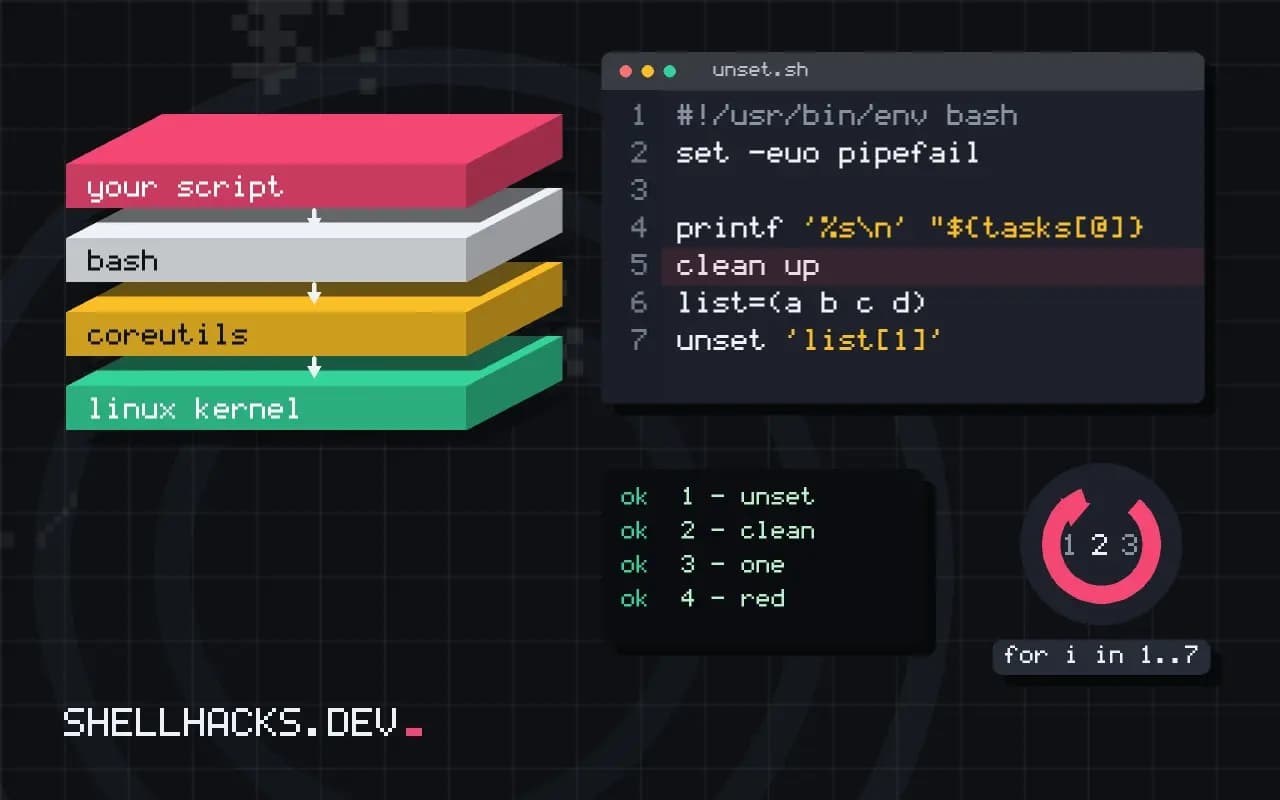
Arrays in Bash change in place, but the operations are less obvious than in other languages, and unset in particular does not shift the items after it. The behaviour below follows from how Bash arrays store sparse indexes, and the commands assume Bash 5.2.
Append
tasks=(build test)
tasks+=(deploy)
tasks+=("clean up" archive)
printf '%s\n' "${tasks[@]}"build
test
deploy
clean up
archive
The parentheses matter. tasks+="x" without them appends text to element 0, which is a quiet bug that corrupts the first item rather than adding a new one.
Remove by index
list=(a b c d)
unset 'list[1]'
echo "${list[@]}"
echo "${!list[@]}"
list=("${list[@]}")
echo "${!list[@]}"a c d
0 2 3
0 1 2
After unset the indexes are 0, 2 and 3. Quote the argument so the shell does not try to glob list[1] against files in the current directory. Reassigning the expansion packs the array back to consecutive indexes, which you want before using ${#list[@]}-1 as the last index.
Insert at a position
items=(one three four)
pos=1
items=("${items[@]:0:pos}" two "${items[@]:pos}")
echo "${items[@]}"one two three four
Two slices around the new value rebuild the array. This copies every element, so it is fine for dozens of items and slow for many thousands. The slice rules are in the arrays guide.
Remove by value
words=(red green blue green)
kept=()
for w in "${words[@]}"; do
  [[ $w != green ]] && kept+=("$w")
done
words=("${kept[@]}")
echo "${words[@]}"red blue
Building a new array and keeping what you want is clearer than hunting indexes. A shorter form, words=("${words[@]/green}"), only blanks the match and leaves empty elements, so avoid it for removal. Looping is covered in looping over an array.
Indexes, gaps and why order can surprise
A Bash indexed array is sparse: it is a map from integer keys to values, not a block of consecutive slots. Appending with += adds the element at the highest index plus one, and removing an element with unset 'arr[2]' leaves the other indexes where they were, so the keys can be 0, 1, 3. The length reported by ${#arr[@]} counts elements, not the highest index, and code that assumes the last element sits at position length minus one will read the wrong cell or nothing at all after an unset. Use ${!arr[@]} to get the actual list of indexes, and quote the argument to unset so the shell does not treat the square brackets as a glob.
Negative subscripts count from the end in Bash 4.3 and later, so ${arr[-1]} is the last element and unset 'arr[-1]' removes it. On the stock Bash 3.2 of macOS these forms do not work, which is a good reason to install a newer shell for scripts or to write the older form.
Appending safely
The correct append is arr+=("value") with the parentheses. Without them, arr+="value" appends the text to the first element, which is a classic slip: the array keeps its length and its first element grows. To append several values at once, list them inside the parentheses, and to append the contents of another array, expand it with quotes: arr+=("${other[@]}"). Appending in a loop is cheap in Bash itself, since no copy is made, though each iteration that calls an external command costs a process. Gather the data with one command and read it into the array with mapfile when possible.
Building arrays inside a pipeline loses them. When a loop runs on the right side of a pipe, it runs in a subshell, and appends to an outer array disappear when the loop ends. Feed the loop from process substitution instead, so it runs in the current shell.
Associative arrays for lookups and uniqueness
When the goal of appending is to avoid duplicates, an associative array is the better structure. Declare it with declare -A seen, and test membership with [[ -v seen[$key] ]]. Setting seen[$key]=1 inserts it once whatever the number of repeats. The keys are strings, iteration order is not defined and not stable between runs, so sort the keys before printing when output needs to be reproducible. The feature needs Bash 4, which again rules out the stock macOS shell.
If the order of first appearance matters, keep both: an indexed array to preserve order and an associative array for the membership check. Append to the first only when the second says the item is new. That pattern replaces many sort -u pipelines and avoids reordering the data.
Copying, clearing and passing arrays on
Assigning one array to another does not copy it the way it does in many languages; b=$a copies only the first element as a string. Use b=("${a[@]}") to make a real copy, and note that this renumbers the indexes from zero. To empty an array and keep the name, assign arr=(); unset arr removes the variable entirely. Functions cannot take an array as a single argument, so pass the elements as separate arguments or pass the array's name and use a nameref inside the function. The sibling posts on passing and returning arrays cover those patterns in detail. Finally, run shellcheck over scripts that manipulate arrays: it catches the missing parentheses on append and the unquoted expansions that cause most of the bugs described here.
Check array code with a short test script that covers the odd cases: an empty array, elements with spaces, a removal in the middle, an append after a removal and a copy. Run it under the lowest Bash version you support. Ten lines of assertions catch the version-specific behaviours, such as negative subscripts and associative arrays, before they turn into a bug report from a user on a different platform.
When the data structure becomes complicated, with nested records or lookups by several keys, that is a signal to reach for a language with real data types.
Where this does not apply
Removing from the front of a long array in a loop is slow because each rebuild copies everything; use a queue file or a different language for heavy workloads. In associative arrays, unset 'map[key]' works the same way but there is no gap to repack. POSIX sh has no arrays, so use positional parameters with shift there. The Bash manual and the parameter expansion section define every form shown.
If you remove items often, think about whether an array is the right structure. A set of unique values is better as an associative array with the value as the key, where unset 'set[x]' is O(1) and membership is [[ -v set[x] ]]. An array used as a queue is better as a file that you append to and read with head. Repacking after every removal is fine for ten items and a poor design for ten thousand. The conditional expressions reference lists the -v test.