How to Loop Over an Array in Bash Without Breaking Elements
Loop over a Bash array with for and quoted expansion, iterate indexes and associative keys, and avoid the unquoted pattern that splits items with spaces.
The loop is easy; the quoting is where scripts break. A file named my report.txt becomes two iterations when the expansion is unquoted, and a name containing * expands to the directory listing. This post assumes the basics from Bash arrays and Bash 5.2.
The standard loop
files=("my report.txt" "notes.md" "a*b.log")
for f in "${files[@]}"; do
  printf 'item: %s\n' "$f"
doneitem: my report.txt
item: notes.md
item: a*b.log
Each element arrives as one word, spaces and asterisk intact. Quoting "${files[@]}" is the rule; the quoting guide explains why.
The broken loop
for f in ${files[@]}; do
  printf 'item: %s\n' "$f"
doneitem: my
item: report.txt
item: notes.md
item: a*b.log
The element with a space became two items, and in a directory containing matching files the a*b.log would expand into them. ShellCheck flags this as SC2068, and running it in your editor catches it before it ships.
Indexes and values together
hosts=(alpha beta gamma)
for i in "${!hosts[@]}"; do
  echo "$i: ${hosts[$i]}"
done0: alpha
1: beta
2: gamma
Iterating "${!hosts[@]}" gives the real indexes, so it stays correct after unset leaves a gap. A C-style loop up to ${#hosts[@]} would read the missing slot as empty.
Associative arrays and while read
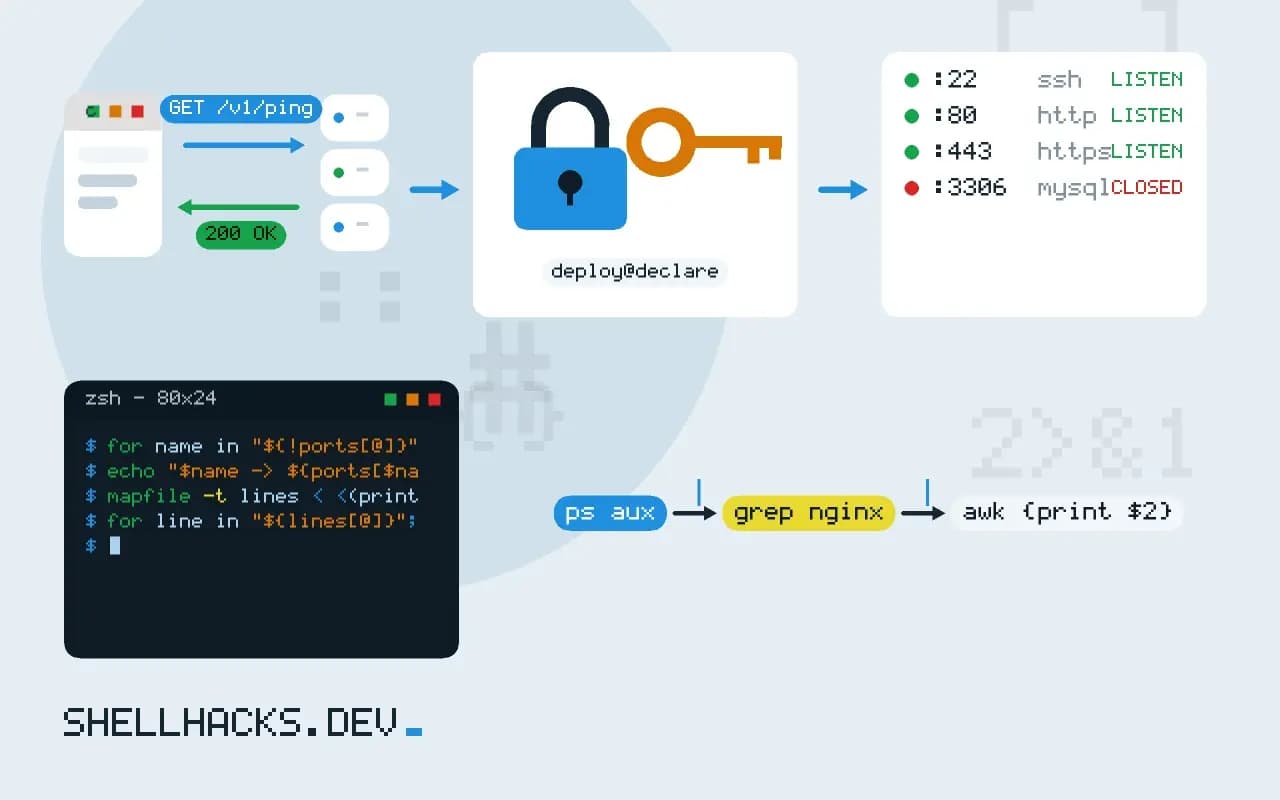
declare -A ports=([http]=80 [ssh]=22)
for name in "${!ports[@]}"; do
  echo "$name -> ${ports[$name]}"
done

mapfile -t lines < <(printf '%s\n' one two three)
for line in "${lines[@]}"; do echo "$line"; donehttp -> 80
ssh -> 22
one
two
three
Key order for an associative array is not defined, so sort the keys when you need a stable report. mapfile -t (Bash 4 and later) turns command output into an array one line per element, which is safer than assigning $(...) and letting the shell split it.
Quoting decides whether the loop works
The single most important character in an array loop is the double quote around the expansion. Writing for item in "${items[@]}" yields each element exactly as stored, including elements that contain spaces, tabs or glob characters. Dropping the quotes makes Bash apply word splitting and filename expansion to every element, so an element like old file.txt becomes two words and an element like *.log expands to the matching files in the current directory. The failure is quiet and depends on the working directory, which makes it a bad bug to find.
The same rule distinguishes @ from *. Inside double quotes, "${items[*]}" joins all elements into one string using the first character of IFS, which is handy for printing but wrong for iteration. Use [@] to loop, and [*] only to build a single string on purpose.
Empty arrays and strict mode
An empty array is a common edge case. Looping over an empty array runs zero times, which is almost always what you want, but under set -u in Bash older than 4.4 the expansion of an empty array counts as an unset variable and aborts the script. In Bash 4.4 and later the problem is fixed for "${items[@]}". If the script must support older versions, as the stock Bash 3.2 on macOS does, guard the expansion with ${items[@]+"${items[@]}"}, which expands to nothing when the array is unset or empty.
Check the length before a loop when emptiness is itself an error. (( ${#items[@]} == 0 )) followed by a message and a non-zero exit gives the operator a reason, where silently doing nothing would look like success. This is especially true for scripts that build an array from a glob, because a pattern that matches nothing stays as the literal pattern unless nullglob is set.
Reading lines into an array first
Often the data begins as lines from a command. The safe way to collect them is mapfile -t lines < <(command), which reads each line into an element without splitting on spaces, and keeps going if a line is empty. Compare that with lines=($(command)), which splits on whitespace and expands globs, and corrupts any line that has a space in it. When the data can contain newlines, as file names can, use null-delimited input: mapfile -d '' -t files < <(find . -type f -print0).
Process substitution matters here because a pipe into while read runs the loop in a subshell, so variables set inside it vanish when the loop ends. Reading from < <(command) keeps the loop in the current shell, and the counts and flags it sets are still there afterwards. This is the usual reason a counter prints zero after a loop that clearly ran.
Modifying the array while looping
Changing an array inside a loop over its own expansion is legal, because the expansion is evaluated once before the first iteration, so the loop works on a snapshot. Appending new elements does not extend the loop, and unsetting an element does not skip it. If the loop must see changes, iterate by index and re-read the length each time, or use a queue pattern with a while loop that takes from the front until the array is empty. Unsetting an element leaves a gap in the indexes of an indexed array, which is why ${!items[@]}, the list of indexes, is safer than counting from zero to the length. Rebuild the array with items=("${items[@]}") to close the gaps when positions matter.
Make iteration patterns consistent across a script. Pick one style for walking arrays, document it in the contributing notes, and let a linter enforce it. When every loop quotes its expansion and reads data the same way, a reader can skim the script and trust that edge cases like spaces and empty input are handled, instead of re-examining each loop for the classic mistakes.
When performance matters, remember that a Bash loop is slow for large data: it runs thousands of iterations per second at best, and spawning a command inside each iteration drops that sharply. If the array holds tens of thousands of items, a single call to awk, xargs or sort usually finishes faster than any loop.
Where this does not apply
If the list can be huge, an array is held in memory and a while IFS= read -r line loop over a file streams instead. If items might contain newlines, read them with -d '' from a NUL-delimited source. For adding and removing items while you loop, see appending to an array. The Bash manual on arrays and the ShellCheck SC2068 page cover the details.
Reading lines from a command into an array and then looping is a common two-step. Prefer mapfile -t over arr=($(cmd)) because the second form splits on every space and expands globs. If the loop body needs the index and the value, iterate the indexes as shown, rather than keeping a separate counter that can drift when the array has gaps. The ShellCheck SC2206 entry documents the unquoted array assignment mistake.
Finally, remember that the loop variable lives on after the loop. A later echo "$f" prints the last element, so use a local declaration inside functions to keep it from leaking into the caller.