How to Use Associative Arrays in Bash With declare A
Create and use an associative array in Bash with declare -A, assign and read keys, list keys and values, and avoid the Bash 3.2 and quoting traps.
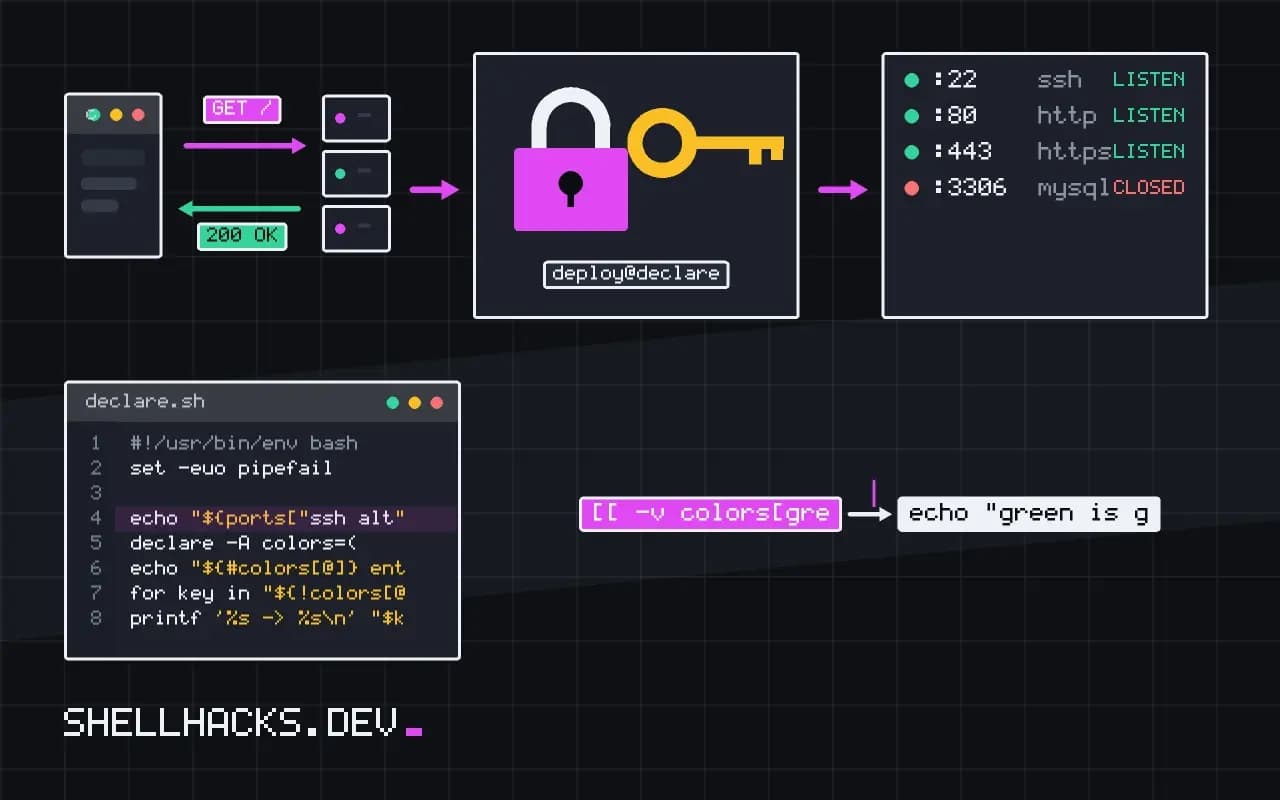
When a script needs a lookup table, such as mapping a hostname to a port or counting words, an associative array is cleaner than parallel indexed arrays. They arrived in Bash 4.0, so everything here assumes Bash 5.2 and fails on the Bash 3.2 that macOS still ships. Plain arrays are covered in the arrays guide.
Declare, assign, read
declare -A ports
ports[http]=80
ports[https]=443
ports["ssh alt"]=2222

echo "${ports[https]}"
echo "${ports["ssh alt"]}"443
2222
Declaration is not optional. Without declare -A the first assignment creates an indexed array and the key http is evaluated as arithmetic, which becomes 0, so every key overwrites element zero. This is the most common bug with dictionaries in Bash.
Initialise in one statement
declare -A colors=(
  [red]="#ff0000"
  [green]="#00ff00"
  [blue]="#0000ff"
)
echo "${#colors[@]} entries"
The compound form keeps the table readable and makes the key-value pairs obvious. ${#colors[@]} is the count of entries. A key that appears twice keeps the last value.
List keys and values
for key in "${!colors[@]}"; do
  printf '%s -> %s\n' "$key" "${colors[$key]}"
done
"${!colors[@]}" expands to the keys and "${colors[@]}" to the values. The order is whatever the internal hash table gives, and it can change between runs and versions. Sort the keys first when order matters, as shown in looping over a Bash dictionary.
Remove and test entries
unset 'colors[green]'
[[ -v colors[red] ]] && echo "red is set"
[[ -v colors[green] ]] || echo "green is gone"
unset needs the subscript quoted so the shell does not glob it. [[ -v name[key] ]] tests whether a key exists, even when its value is empty, and is available from Bash 4.3. Alternatives and older forms are in checking a key in an associative array.
How the table works inside
An associative array is a hash table keyed by strings. Lookup time stays roughly constant as the table grows, so a table of ten thousand entries is as quick to query as one of ten, which makes it the right structure for counting and for joining two data sets by key. A loop that reads a file of words and increments count[$word] runs in a single pass, whereas the same job with sort | uniq -c spawns processes and sorts the data. For small inputs the pipeline is shorter to write, and for tens of thousands of lines a Bash loop is slower than awk, because Bash executes each line interpretively. Reach for the array when the logic needs to stay in the shell, such as the result steering later commands.
Counting and grouping
Counting is the standard use. Arithmetic inside the subscript assignment needs (( )) because the value is a string: (( count[$word]++ )) increments and also treats a missing key as zero. Under set -u, reading a key that does not exist is an error, so use ${count[$word]:-0} in expressions where a default is needed. The two forms behave differently on a missing key, and the mismatch is a frequent source of aborts in strict scripts.
declare -A count
while read -r word; do
  (( count[$word]++ ))
done < words.txt

for w in "${!count[@]}"; do
  printf '%d %s\n' "${count[$w]}" "$w"
done | sort -rn | head -5
The final pipe sorts the output because the iteration order is not stable. The same shape supports grouping lines by a field, remembering the first line seen for each key, and checking for duplicates.
Passing tables to functions and copying them
A function cannot receive an array as an argument, since arguments are strings. The usual answer is a nameref, available from Bash 4.3: local -n tbl=$1 makes tbl an alias for the array whose name was passed. Changes inside the function then affect the caller's array. Copying an associative array needs an explicit loop or declare -p with eval, as there is no plain assignment form, and that eval is a reason to prefer a nameref and avoid copies.
Keys containing special characters need quoting. A key with a space, a dollar sign or a bracket must be written in quotes both on assignment and on read. In arithmetic contexts, quote the key or the shell will try to evaluate it. Empty keys are not allowed, and assigning to arr[""] produces an error in current versions.
Reading a key-value file
A common job is loading a configuration file of key=value lines. A loop with IFS='=' read -r key value fills the array without sourcing the file as code, which avoids running anything the file contains. Skip comment and blank lines with a test, and trim whitespace with parameter expansion. Because the value is the remainder of the line, an equals sign inside the value is preserved. Validate keys against an allow list before storing them if the file comes from outside the project.
When the data set gets large or needs nesting, Bash has reached its limit. Python dictionaries or jq over JSON handle structure, types and escaping with far less effort, and the point to switch is when the script starts simulating nested tables with composite keys such as "$a,$b".
Performance and portability notes
For a few hundred keys the speed of a Bash associative array never matters. At tens of thousands of lookups per second the interpreter overhead dominates, and moving the loop to awk, whose arrays are associative from the start, gives a result many times faster with similar code. The awk version of the counter above is a single line: awk '{c[$1]++} END {for (k in c) print c[k], k}' words.txt. It runs on every platform including macOS, which makes it the better answer when portability matters more than staying in Bash.
A subtle point is the subshell. A pipeline such as cat file | while read ... runs the loop in a subshell, so entries added inside the loop are gone when it ends, and the array looks empty afterwards. Redirect the file into the loop with done < file or use process substitution, so the loop runs in the current shell and the table survives. Combined with a missing declare -A, this is the cause of most reports that a dictionary silently stays empty.
Print a table for debugging with declare -p table. It shows the keys, the values and their quoting in a form that can be pasted back into a script, and it makes a key with a trailing space or a stray newline visible at once.
Where this does not apply
If the script must run on macOS without installing anything, or under #!/bin/sh, associative arrays are unavailable; see indexed versus associative arrays for substitutes such as a delimited file or an awk map. They also cannot be exported to child processes, since the environment holds only strings. Keys are always strings, so 1 and 01 are different keys, and they cannot be nested. For structured data with nesting, pass JSON through jq instead. The Bash reference manual covers the full syntax, including the @K transformation added in Bash 5.1.
Two small habits help in larger scripts. Declare the dictionary at the top of the function or file with declare -A (or local -A inside a function) so the scope is obvious, and name it for the thing it maps, such as port_by_service. For a deeper look at the declaration flags, see the declare builtin. The Bash builtins reference lists -A next to the other attribute options.