How to Loop Over Keys and Values of a Bash Dictionary
Loop over a Bash associative array by key, by key and value, and in sorted order, and see why the order is not guaranteed and how to keep it stable.
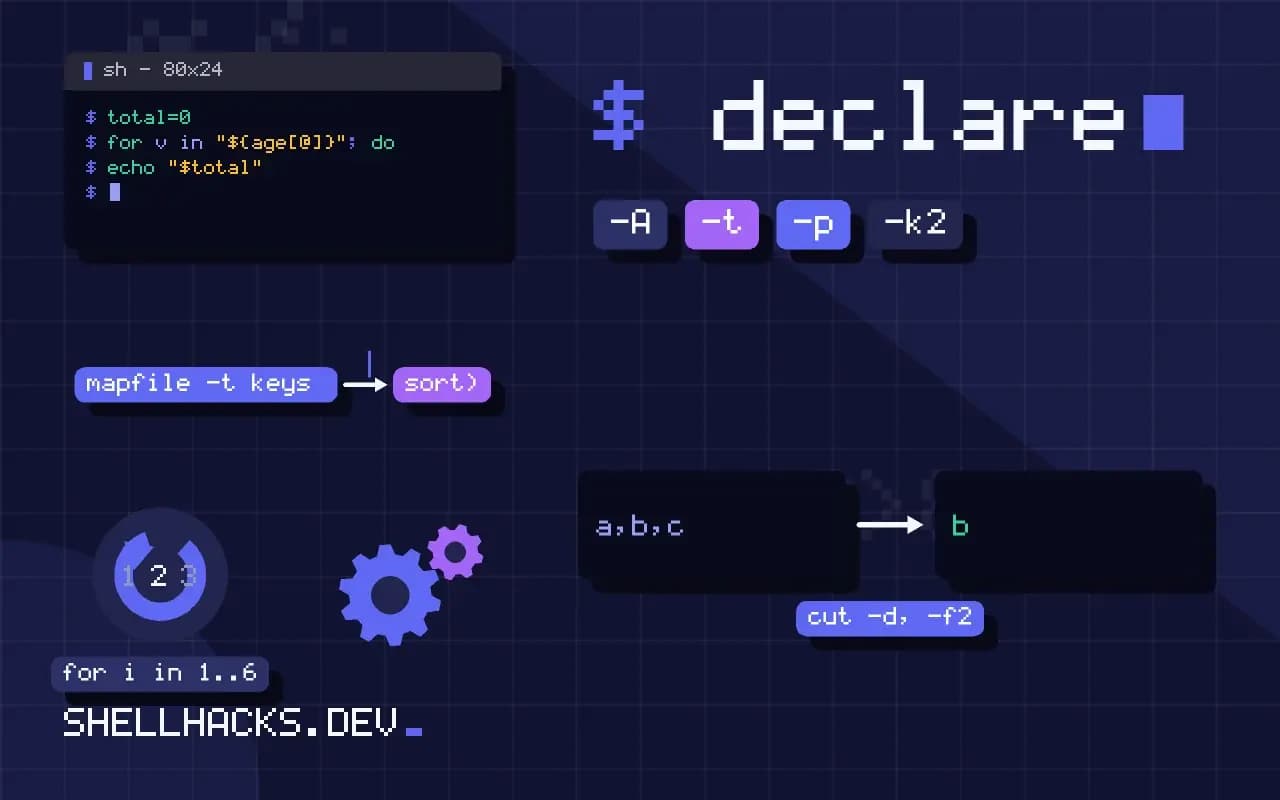
A dictionary in Bash is easy to fill and surprisingly easy to iterate wrongly: forget the ! and the loop walks values, forget the quotes and keys with spaces fall apart. These patterns assume Bash 5.2 and an array created with declare -A, as in associative arrays in Bash.
Loop over keys
declare -A age=([alice]=31 [bob]=27 ["mary ann"]=45)

for name in "${!age[@]}"; do
  echo "$name is ${age[$name]}"
donealice is 31
mary ann is 45
bob is 27
The order shown is one possible result, not a promise. Bash stores keys in a hash table and expands them in table order. The same script can print a different order on another machine or after upgrading Bash, so never write a test that depends on it.
Loop in a stable order
mapfile -t keys < <(printf '%s\n' "${!age[@]}" | sort)
for name in "${keys[@]}"; do
  printf '%-10s %s\n' "$name" "${age[$name]}"
done
The keys go through sort and come back as an indexed array, which is then iterated. Use sort -n for numeric keys. The same pattern is explained for plain arrays in sorting a Bash array. Keys that contain newlines need the NUL-separated variant.
Loop over values only
total=0
for v in "${age[@]}"; do
  (( total += v ))
done
echo "$total"
Without the ! the expansion yields the values. This is the right form for sums, but it loses the key, so use it only when the key does not matter. The arithmetic form is described in Bash arithmetic.
Print the whole dictionary
declare -p agedeclare -A age=(["mary ann"]="45" [bob]="27" [alice]="31" )
declare -p is the fastest way to see what an array holds when a loop prints something unexpected. It shows quoting and spaces exactly as Bash stores them.
Iterating with sorting and filters
Loops over a dictionary often need to select or order entries. To filter, add a test inside the loop, such as [[ ${age[$name]} -ge 30 ]] || continue, which skips entries that do not meet a condition. To process in value order, print key and value pairs, sort them, and read them back: for pair in $(...) breaks on spaces, so produce one line per entry and read with while IFS=$'\t' read -r key value. Tab separation works unless a key contains a tab, which is rare. Printing the pairs with printf '%s\t%s\n' "$k" "${age[$k]}" inside a loop, piping to sort -t$'\t' -k2,2n, gives a table sorted by the numeric value.
for k in "${!age[@]}"; do
  printf '%s\t%s\n' "$k" "${age[$k]}"
done | sort -t$'\t' -k2,2n | while IFS=$'\t' read -r name years; do
  printf '%-10s %s\n' "$name" "$years"
done
The last loop runs in a subshell because it is on the right side of a pipe, so any variable set inside it is lost afterwards. Write results to the screen or a file there, or use process substitution to read the sorted stream in the current shell.
Nested data and workarounds
Bash associative arrays hold strings only, with no nesting. People simulate two levels with composite keys, such as server[web1,port]=80, which works for a lookup and makes iteration awkward, since you must split each key on the comma and group by the first part. If the script needs this often, the data has outgrown Bash. Keep it in a JSON file and query it with jq, or move the processing to a language with real structures. A middle ground is a separate array per record, selected with a nameref, as in local -n rec=$name, which keeps each record in its own table and avoids the composite key.
Testing membership and counting
The length of a table is ${#age[@]}, and an empty table prints zero. To test whether a key exists, use [[ -v age[$name] ]], which also works when the value is empty. Testing with [[ -n ${age[$name]} ]] confuses an empty value with a missing key and fails under set -u for a missing key unless a default is given. Be consistent about the style and include the test in the same function that reads the table, so the rule is in one place. If the keys come from untrusted text, avoid keys that begin with special characters or contain brackets, since subscript handling can evaluate expressions in arithmetic contexts. Validate keys against a pattern before using them as subscripts.
Performance of loops
A loop over a few hundred entries is instant. Over a hundred thousand it is slow, mainly because of the per-iteration cost of the interpreter, and forking a command in the body, such as calling date or basename, multiplies it. Keep the body to built-ins and parameter expansion, and move heavy per-entry work out of the loop by collecting the keys and passing them to one command. If the loop is the main job, the same logic in awk runs many times faster and is easier to read for aggregation tasks.
Passing a dictionary to a function
Loops often live in helpers, and a helper cannot take an associative array as a plain argument. The reference approach is a nameref, local -n d=$1, so that the function sees the caller's array under a local name. Inside, "${!d[@]}" and "${d[$k]}" work as usual. Use a name for the nameref that differs from the caller's variable, since a nameref that points at itself gives a circular reference error. Declare the nameref once, at the top of the function, and treat the array as read-only unless the function exists to change it.
Reading the output of a loop in tests
Because the iteration order is unspecified, a test that compares a loop's output with a fixed string fails on some machines and passes on others. Sort the output before comparing, or loop over a sorted key list, and the test becomes deterministic. Add one case with a key that contains a space and one with an empty value, since those are the entries that expose missing quotes.
Where this does not apply
Do not add or remove keys inside the loop that is walking them. The key list is expanded once before the first iteration, so removed keys still appear, and the behaviour for added keys is not something to rely on. Collect changes in a second array and apply them after the loop. If the data is large, or the processing is really a group-by, an awk script is faster than a Bash loop, because each loop iteration costs interpreter time. The Bash manual documents the key expansion, and looping over an indexed array covers the other kind.
When the loop body is more than a line or two, consider moving it into a function that takes the key as its argument and reads the dictionary by name. That keeps the iteration separate from the work and makes it easy to call the same logic for a single key. The looping constructs reference covers the for forms used here, and loops in Bash compares them with while and until.
For output that other tools read, print with printf '%s\t%s\n' and a tab, so the result stays easy to split with cut.