How to Reverse a String in Bash Without External Tools
Reverse a string in pure Bash with a loop and substring expansion, compare it with rev and tac, and see where multibyte characters change the result.
Reversing text is a classic exercise, and in a script it shows up when you want a file extension, the last field of a path or a suffix. The pure Bash version avoids spawning a process per call, a cost explained in reducing process spawning. The commands assume Bash 5.2 and a UTF-8 locale.
A loop with substring expansion
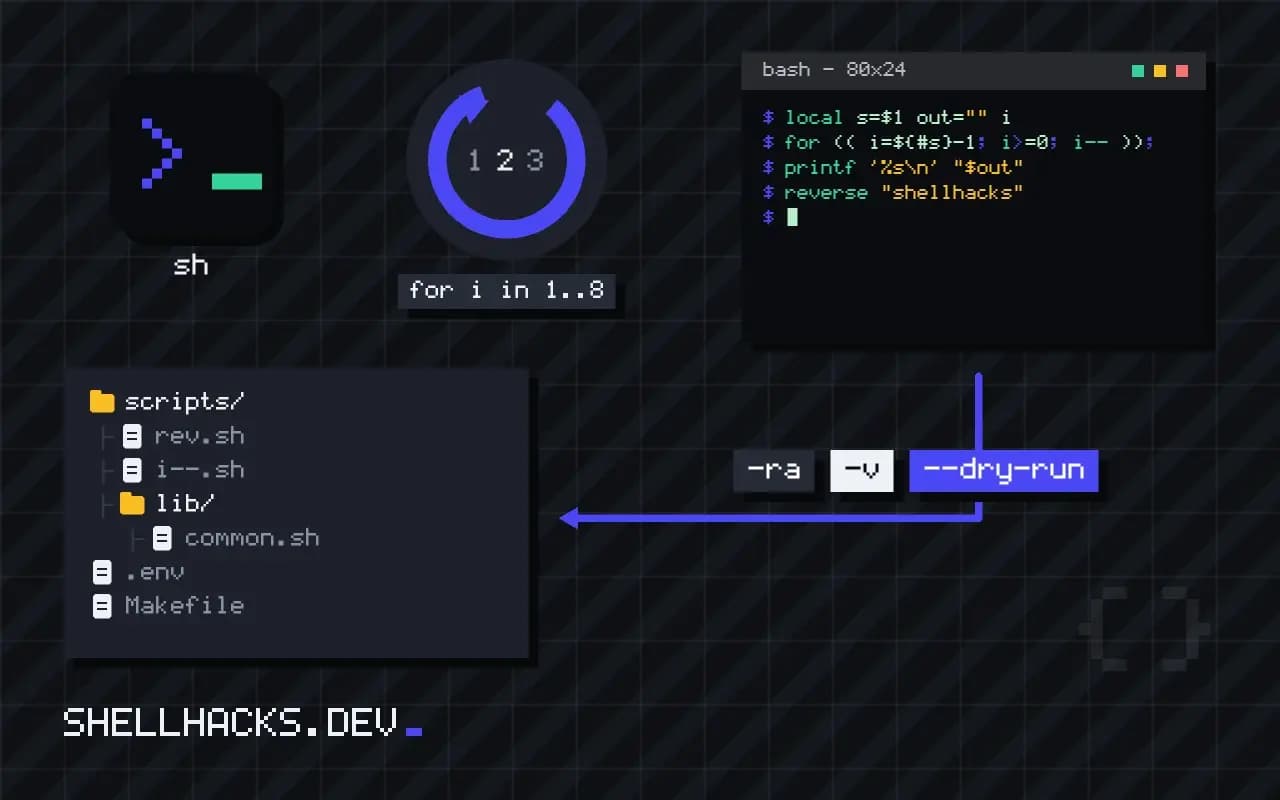
reverse() {
  local s=$1 out="" i
  for (( i=${#s}-1; i>=0; i-- )); do
    out+=${s:i:1}
  done
  printf '%s\n' "$out"
}

reverse "shellhacks"skcahllehs
${s:i:1} takes one character at offset i, and out+= appends. The function prints instead of returning, because a shell function can only return a small integer status. Capture it with command substitution: r=$(reverse "abc").
Using rev
echo "shellhacks" | rev
rev <<< "shellhacks"skcahllehs
skcahllehs
rev reverses each line's characters. The here-string form skips the pipe and one process. It ships with util-linux on Linux and with BSD systems, but it is not in the POSIX utility list, so a script targeting sh on a minimal image may not find it. See rev and tac for line-level reversal with tac.
Reverse words instead of characters
sentence="one two three"
read -ra words <<< "$sentence"
for (( i=${#words[@]}-1; i>=0; i-- )); do
  printf '%s ' "${words[i]}"
done
echothree two one
Splitting with read -ra keeps each word as an array element, which is safer than leaving the variable unquoted. The loop walks from the highest index to zero and prints each word, leaving a trailing space that you can strip with a second variable if it matters.
Why the loop is slow and when that matters
The substring loop builds the reversed string one character at a time, appending to a variable each iteration. For a short string this takes microseconds. For a string of a hundred thousand characters, each iteration copies the growing variable and the loop becomes noticeably slow, because Bash string handling is not optimised for this pattern. The cost is quadratic in the worst case. If the strings are short, as with identifiers or words, the loop is fine and has the benefit of needing no external program. If they are long, hand the work to a tool made for it.
Measure before deciding. Time the loop on realistic input with the time keyword, and compare it with rev on the same data. A difference of a few milliseconds per call matters only if the call is made thousands of times.
Characters that are not single bytes
Reversal depends on the locale. In a UTF-8 locale, Bash's substring expansion indexes characters, so accented letters stay intact. In the C locale, it works with bytes and reversing a multibyte character breaks it into invalid sequences. Set the locale at the top of the script when handling non-ASCII text. Even in UTF-8, combining marks and emoji sequences are made of several code points, and reversing them reorders the pieces, which attaches an accent to the wrong letter. For text shown to people, reversing at the character level is rarely right.
The same applies to right-to-left scripts such as Arabic and Hebrew, where the display order is determined by the bidirectional algorithm. Reversing the stored order gives a result that looks wrong or at best like the opposite of what was intended.
Palindromes and checks
A common use of reversal is testing for palindromes: compare the string with its reverse. Normalise first by converting to lower case, with ${var,,} in Bash 4, and removing non-alphanumeric characters with a pattern substitution, so that punctuation and spacing do not decide the result. Then the comparison is a plain string test. Another use is checking symmetric identifiers or generating test data. For these small tasks the loop or rev both work, and clarity beats speed. Write a function with a clear name and a comment about its locale assumption, and reuse it, instead of repeating the expression.
When a function is called often, put it in a library file sourced by the script, and add a test with an empty string, a single character, an even length, an odd length and a string with spaces. These cover the usual off-by-one errors in the loop bounds.
Choosing the tool by context
Pick the approach that fits the surroundings. Inside a Bash function operating on one variable, the substring loop avoids a process and keeps data in memory. In a pipeline over many lines, rev processes everything in one run and is the fastest and shortest. In portable POSIX sh, where substring expansion with offsets is missing, a loop using cut or sed per character is possible but slow, and rev is better when available. On macOS rev exists by default, and on minimal containers it may not, so check with command -v rev and fall back to the loop. As always, state the requirement in the script header, so the next maintainer knows why the code takes the form it does and what happens on a system without the helper.
Teams sometimes ask whether to keep a reversing helper at all, since the need is rare. Keep it if more than one script uses it, and keep it small and tested. Otherwise inline the single use with a comment. The best code for a rare operation is the shortest correct form, with its limits stated in a comment so nobody mistakes it for a general-purpose text tool. When the input might include unusual Unicode, print a warning or reject it, and say so in the usage text.
Where this does not apply
The pure loop is quadratic in the string length in some Bash builds, because each append can copy the buffer, so it is fine for a path and slow for a megabyte. Use rev, or awk with a character loop, for large input. Multibyte text reverses correctly only when the locale is UTF-8: under LC_ALL=C the loop swaps bytes and breaks accented letters. Combining marks and emoji sequences reverse incorrectly in every tool, since the unit is the code point and not the visible glyph. The Bash manual on substring expansion documents the ${s:i:1} form, and the rev manual page covers the tool. For other string basics see string length.
A realistic use is pulling the last component off a dotted name. Reverse the string, cut the first field and reverse again, or skip the reversal entirely with ${name##*.}, which removes the longest prefix ending in a dot and leaves the extension. Reach for reversal when no expansion fits, and prefer the expansion when one does, because it needs no loop and no subprocess at all.