How to Use Pre Merge Checks and Branch Protection Safely
Use branch protection and required status checks so nothing merges red: required checks, reviews, linear history, admin bypass, CODEOWNERS and gotchas.
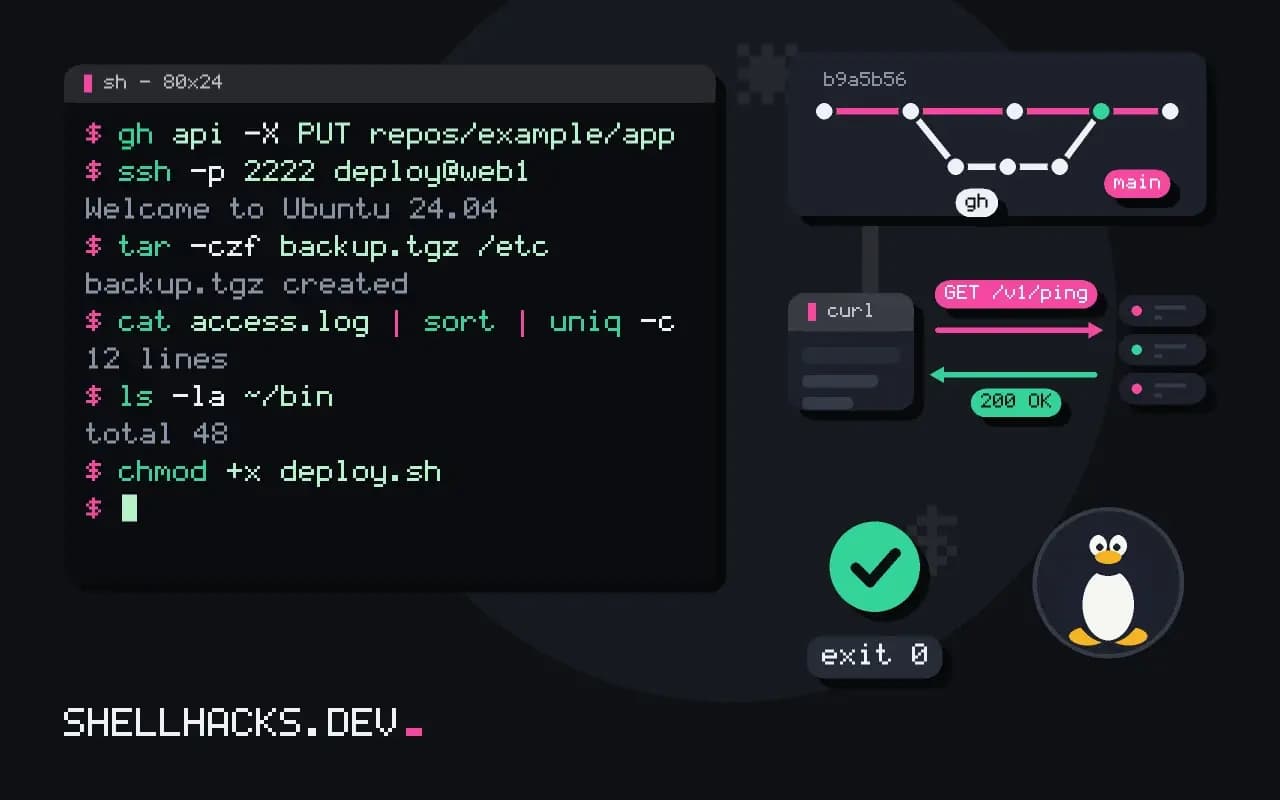
A CI pipeline that can be ignored does not protect anything. Branch protection is the server-side rule that makes it binding: no merge until the checks pass and someone has reviewed the change. It is configured in the hosting platform, not in the repository, so teams forget to set it up or to update it. The principles apply to GitHub, GitLab and others, and the examples use the GitHub API as of 2026. It builds on triggering CI.
What to require
[x] Require a pull request before merging
    [x] Require approvals: 1
    [x] Dismiss stale approvals when new commits are pushed
    [x] Require review from code owners
[x] Require status checks to pass before merging
    [x] Require branches to be up to date before merging
    Required: test, lint, build
[x] Require linear history   (optional)
[x] Block force pushes
[x] Block deletions
[ ] Allow bypass for administrators   (leave off)
These are the settings on GitHub's rule screen; GitLab has equivalents under protected branches and merge request approvals. Requiring the branch to be up to date means a pull request is retested against the latest main before merging, which prevents two individually green changes from breaking the combination. A merge queue automates that.
Configure it as code
gh api -X PUT repos/example/app/branches/main/protection \
  -H "Accept: application/vnd.github+json" \
  --input - <<'EOF'
{
  "required_status_checks": {"strict": true, "contexts": ["test", "lint", "build"]},
  "enforce_admins": true,
  "required_pull_request_reviews": {"required_approving_review_count": 1, "dismiss_stale_reviews": true},
  "restrictions": null,
  "allow_force_pushes": false,
  "allow_deletions": false
}
EOF
gh api repos/example/app/branches/main/protection --jq '.required_status_checks.contexts'[
"test",
"lint",
"build"
]
Keeping the rules in a script means a new repository gets the same protection, and a drift can be detected by reading them back. GitHub's newer "rulesets" feature offers organisation-wide rules with the same effect. Store the script with other repository tooling, as in CI scripts in the repository.
The check name trap
jobs:
  test:
    name: test
    runs-on: ubuntu-latest
    steps:
      - uses: actions/checkout@v4
      - run: make test
Required checks are matched by name. If you rename the job or add a matrix that produces test (3.12) and test (3.13), the required name test never reports, and either every pull request is stuck "waiting for status" or, worse on some setups, the check is skipped silently. Use a final aggregate job (needs: [test, lint, build] with if: always() and a step that fails when any dependency failed) and require only that one. Also remember that path filters can skip a workflow, leaving a required check pending; add a job that always reports.
CODEOWNERS
# .github/CODEOWNERS
*                @example/maintainers
/deploy/         @example/platform
/.github/        @example/platform
*.sql            @example/data
The file maps paths to people or teams, and with "require review from code owners" a change under /deploy/ needs a platform reviewer. Keep the rules few, and keep teams rather than individuals so people leaving do not leave dead ends. Workflow files deserve owners especially, since they can read secrets.
Required checks and what they promise
Branch protection turns conventions into rules the server enforces. The most useful rule is a required status check: a pull request cannot merge until named checks pass. This works only if the checks are reliable. A flaky test that fails one run in ten, when made required, blocks work at random and teaches people to rerun until green, which defeats the purpose. Before making a check required, fix or quarantine flaky tests, and make sure the check fails when it should, by proving it on a deliberately broken change. Keep the set small and meaningful: build, tests, lint and a security scan are typical. Dozens of required checks slow every merge and make failures harder to read.
Require branches to be up to date before merging, with care. The setting guards against a combination of two passing changes that fail together, but it forces rebases on busy repositories. A merge queue is the better answer on busy projects, since it tests each change on top of the queue.
Reviews and ownership
Requiring approving reviews makes a second pair of eyes standard. Set the number of approvals to match the risk, usually one, and enable dismissal of stale approvals when new commits arrive, so a change cannot be approved and then altered. A code owners file maps paths to people or teams and, when the rule is on, requires an approval from the owner of each touched path. Keep the file accurate, because an owner who has left the company blocks every change to their area. Prefer teams over individuals for resilience, and give teams a reasonable size so reviews do not queue behind one person.
Decide who can bypass the rules and write it down. Administrators who can force-merge are a safety valve for emergencies; log each use and review them afterwards, so the exception does not become the habit.
History and force pushes
Disable force pushes and deletion on the protected branches, since rewriting shared history breaks everyone's clones and erases evidence. Require linear history if the team wants a straight log, which pairs with squash or rebase merging, and require signed commits where provenance matters. Decide the merge methods the repository allows; a single permitted method keeps the history consistent. For release branches, apply the same protection, plus tag protection so that release tags cannot be moved or deleted. These settings cost nothing at the moment of use and prevent the incidents that are painful to repair.
Note that some of these rules apply to administrators only if the option to include them is checked. Without it, admins skirt the rules by accident.
Managing it as code
Click-configured protection drifts and is invisible to review. Define it with infrastructure as code, using the hosting provider's Terraform provider or its API, and apply it from a pipeline. A change to the rules then goes through a pull request, with a diff and an approval, like any other change. Beware the name trap: a required check is matched by its name, so renaming a job in the workflow file silently removes the requirement, since the old name never reports and the new one is not required. Some systems then block merges forever, waiting for a check that no longer exists; others pass without it. Test the rules by opening a pull request that should be blocked, and re-test after any workflow rename. Apply the same protection to every important repository, using a template or organisation-level rules, so that the rules do not depend on who created the repository.
Review the protection settings at a fixed interval, perhaps each quarter, and after any change in the workflow files. Rules accumulate, checks are renamed, and teams change shape. A short audit that lists each protected branch, its required checks and who can bypass takes minutes and catches the rule that has quietly stopped protecting anything. Keep the result in the repository documentation so new maintainers inherit the knowledge.
Where this does not apply
A solo project may skip the review requirement but should still require checks. Protection does not stop a maintainer with bypass rights, a compromised token or a repository admin from changing the rules, so audit who has admin. Emergency fixes need a documented path, such as a temporary bypass with a record, rather than turning protection off. Protection does not replace the tests themselves; see ShellCheck in CI. See the GitHub protected branches documentation and the GitLab protected branches guide.