How to Trigger CI From Git Hooks and Webhooks the Right Way
Trigger CI from Git hooks and webhooks the right way: server-side post-receive, host webhooks, API dispatch calls, authentication and safe retries.
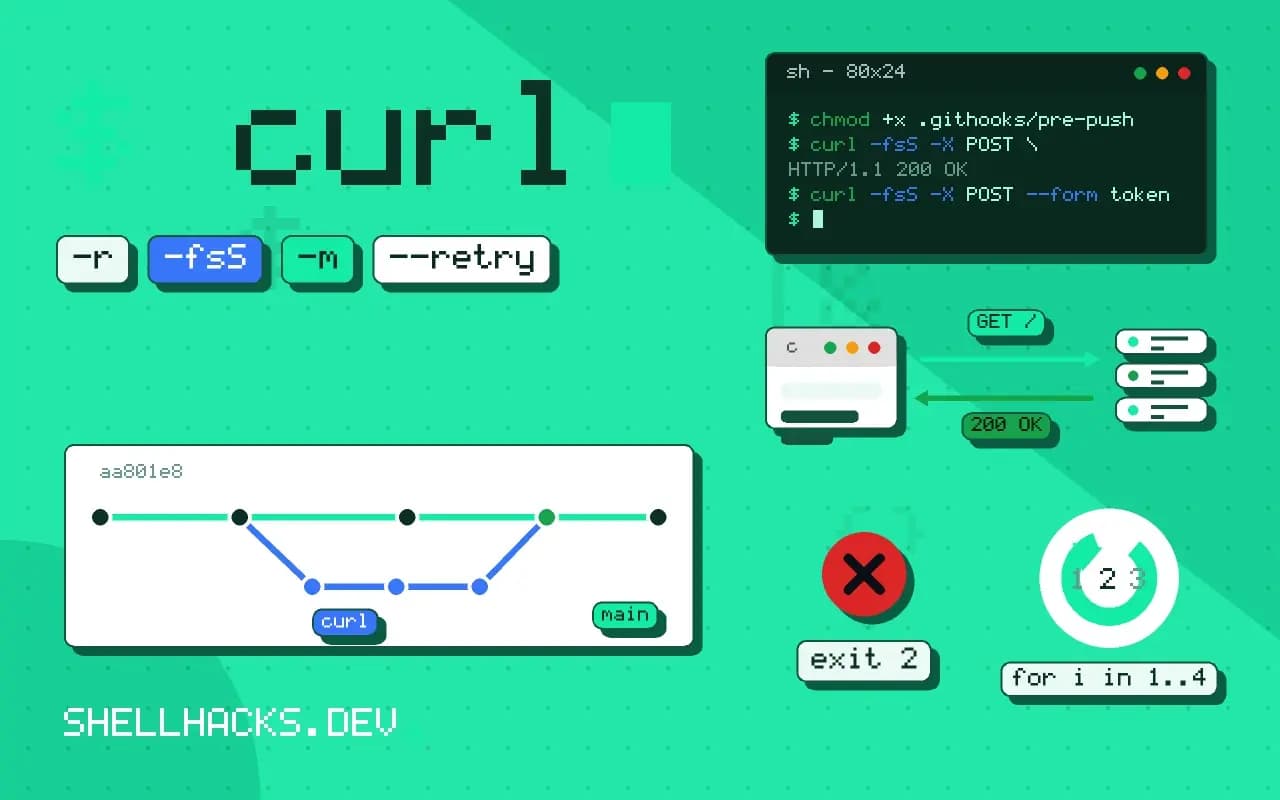
Most CI systems start a build on push without any help. Custom triggers matter when the repository is self-hosted, when another event should start a pipeline (a tag in a different repository, a nightly data update) or when a pipeline must run on demand. Each option has a different trust model. The receiving side is in triggering shell scripts from webhooks, and the examples assume Git 2.47, curl 8 and a GitLab or GitHub API.
Server-side post-receive hook
#!/usr/bin/env bash
# hooks/post-receive in the bare repository on the server
while read -r old new ref; do
  [[ $ref == refs/heads/main ]] || continue
  (
    curl -fsS -m 10 --retry 2 -X POST \
      -H "Authorization: Bearer $(cat /etc/ci-trigger.token)" \
      -H "Content-Type: application/json" \
      -d "{\"ref\":\"main\",\"sha\":\"$new\"}" \
      https://ci.example.test/api/v1/pipelines >/dev/null 2>&1
  ) &
done
Git feeds the hook one line per updated ref on standard input: old hash, new hash and ref name. The hook filters for the branch it cares about, then calls the CI API in a background subshell so the pusher does not wait for the network. The token lives in a file readable only by the repository's user, and the hook must be executable. The hostname is a placeholder.
Client-side hooks are not enforcement
git config core.hooksPath .githooks
chmod +x .githooks/pre-push
A pre-push hook can run fast checks locally or start a remote build, but any contributor can bypass it with git push --no-verify or never install it. Use client hooks for convenience (formatting, a quick test) and never as the gate. A required check on the server, as in branch protection, is the gate.
Hosted repositories: API and dispatch events
curl -fsS -X POST \
  -H "Authorization: Bearer $GH_TOKEN" \
  -H "Accept: application/vnd.github+json" \
  https://api.github.com/repos/example/app/dispatches \
  -d '{"event_type":"deploy","client_payload":{"env":"staging"}}'

curl -fsS -X POST --form token="$TRIGGER_TOKEN" --form ref=main \
https://gitlab.example.test/api/v4/projects/42/trigger/pipelineon:
repository_dispatch:
types: [deploy]
jobs:
deploy:
runs-on: ubuntu-latest
steps:
- run: echo "deploying to ${{ github.event.client_payload.env }}"GitHub's repository_dispatch event starts a workflow on demand from outside; GitLab has pipeline trigger tokens. Both let a script, a cron job or another repository start a pipeline. Treat the payload as untrusted input: never interpolate client_payload straight into a shell command, since it becomes a command injection path. Pass it through an environment variable and validate it. See shell in GitHub Actions.
Webhooks into your own listener
POST /hooks/build X-Hub-Signature-256: sha256=...
When the CI system is a script on your own server, a webhook from the Git host calls a small listener. Verify the HMAC signature on every request, run a fixed command and return within a few seconds. The design, with the signature check and a locked-down user, is in receiving webhooks with a tiny server. Hosting platforms resend on failure, so builds must tolerate a repeat.
Credentials and limits
Use a token with the narrowest scope that can create a pipeline, not a personal token with full repository access. Rotate it, store it as a secret and keep it out of logs, as in secrets in CI logs. Rate-limit triggers if a push can fire many, for example by collapsing rapid pushes to one build.
Choosing a trigger by who controls the event
The right mechanism depends on who can cause the event and what they should be able to do. A push to a branch is controlled by people with write access, so a hook on the repository or the platform's native push trigger is appropriate. A request from another system, such as a scheduler or a different repository, needs a credential that can start only that pipeline. A request from a person clicking a button needs the platform's own access control, with an audit log of who pressed it. Mixing these up is how a deploy ends up startable by anyone who can open an issue.
Think about parameters too. A trigger that accepts a branch name, an environment or a version is a mini API, and each parameter needs validation. If the pipeline deploys whatever environment the caller names, a typo or a hostile caller can reach production. Accept values from a fixed list, reject others and log the full request, so the audit trail shows what was asked and who asked it.
Idempotence and duplicate events
Triggers fire more than once. Webhooks are retried when the receiver is slow, users double-click, and a scheduler can run a job twice after a failover. A pipeline that deploys on every trigger will deploy twice, and if the second run starts while the first is in progress, they can collide. Make the pipeline safe to repeat: deploy a specific commit hash, not "latest", so a repeat does nothing new, and use a concurrency group or a lock so only one deploy per environment runs at a time. Some platforms cancel the older run when a newer one arrives, which suits builds, and queue them for deploys, which suits releases.
Carry an identifier through the chain. A trigger that includes a unique request ID lets the receiver ignore a repeat it has already processed, and puts the ID in every log line so a failed deploy can be traced from the alert back to the original request. Without the ID, debugging a pipeline started from three systems is a matter of matching timestamps.
Testing triggers without breaking production
Point a trigger at a staging pipeline first and let it run for a week before pointing it at production. Use a dry-run flag that the pipeline understands, which prints what it would do and exits, and make the first live run a no-op change. Keep a documented manual way to start the same pipeline, so when the automation fails at an awkward hour, someone can still ship a fix. A trigger that exists in only one place is a single point of failure.
Monitor the path end to end. A webhook that silently stops arriving, because the token expired or the endpoint moved, looks like a quiet day. Alert when no build has started for longer than the longest normal gap, and surface failed deliveries from the hosting platform's webhook log, which records the response code for each attempt and often shows the cause of a failure in one line.
Permissions of the trigger itself
A trigger token is a credential, and it deserves the same care as a deploy key. Create one per caller, not one shared by everything, so that revoking a single integration does not break the others. Record which system holds which token and when it expires, and rotate on a calendar. A token stored in the settings of a scheduler that several people can edit is effectively held by all of them, so name that fact in the inventory.
Limit what a triggered pipeline may do on its own. A pipeline started by an external call should run with the permissions of a least-privileged service account, and anything dangerous, such as a production deploy, should still require a manual approval step inside the pipeline. The trigger starts the work; the approval decides whether the sensitive part proceeds. This keeps a leaked token from becoming a leaked production.
Where this does not apply
If a managed CI already builds on push, adding a hook duplicates it. Polling the repository from CI on a schedule is a fallback for networks where inbound webhooks are impossible, with delay as the cost. See the githooks manual and the GitHub repository dispatch documentation.