Regular Expressions
How to Use Regex in Git for Log and Grep the Right Way
Use regex with git grep, git log --grep, -G and -S: pick basic, extended or Perl syntax, search messages versus content, and find who changed a pattern.
6 min read
Tag
29 posts
Use regex with git grep, git log --grep, -G and -S: pick basic, extended or Perl syntax, search messages versus content, and find who changed a pattern.
Work on several branches at once with git worktree: add, list and remove linked checkouts, avoid the one-branch rule traps and clean up stale entries.

Search a repository fast with git grep: line numbers, case, whole words, counts, function context, searching old revisions and limiting to file types.

Inspect commits and files with git show: the latest commit, any revision, one file at a commit, tags, and custom formats for scripts.
Read what changed with git diff: working tree vs index, staged changes, branch vs branch, the two and three dot forms, and options that cut noise.
Use git log formats, graphs and filters: oneline graph views, custom pretty formats, date and author filters, branch ranges, and a one-line alias.
Learn how git fetch and git pull differ: what each changes, how to inspect before merging, pull --rebase, and the setting that avoids surprise merges.

Set up git remotes and use push, pull and fetch correctly: add a remote, set the upstream, read the tracking status, and fix the common rejected push.
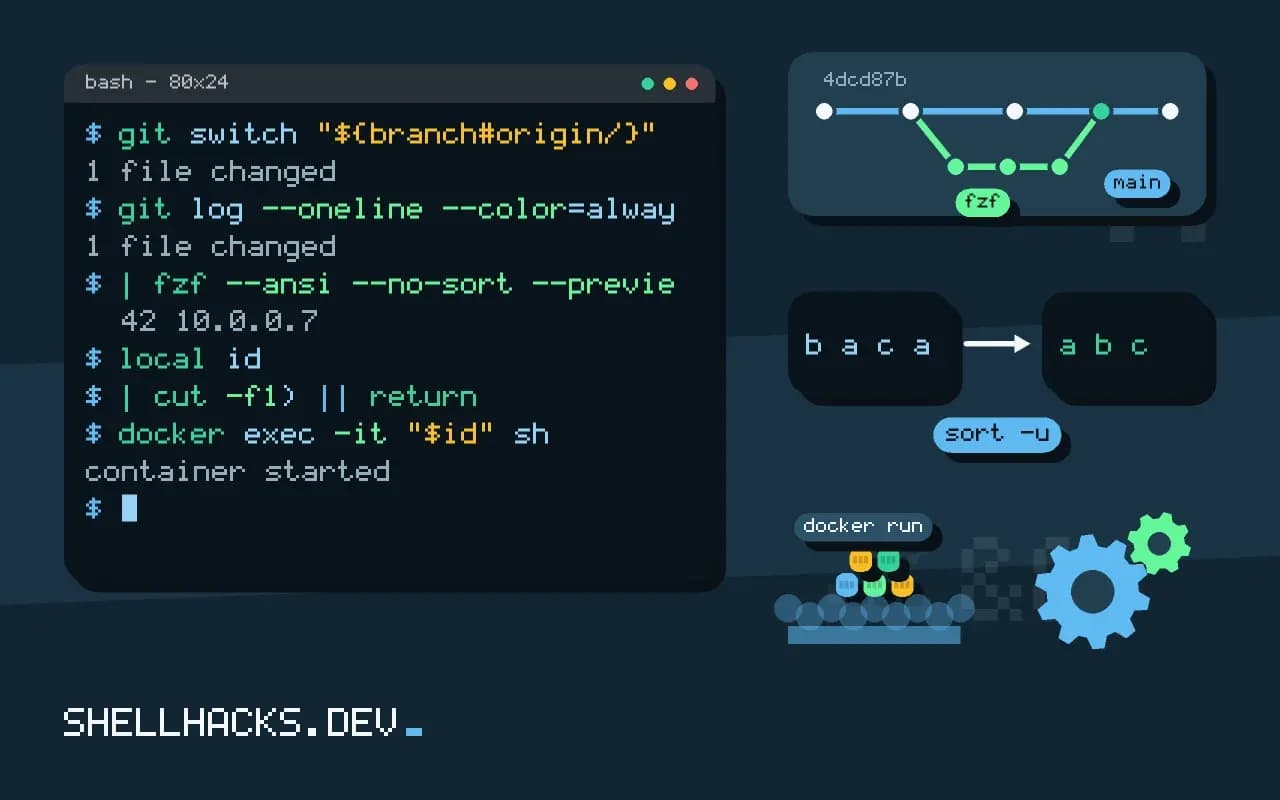
Build interactive pickers with fzf for git branches and commits, Docker containers and man pages: previews, multi select, key bindings and safe quoting.
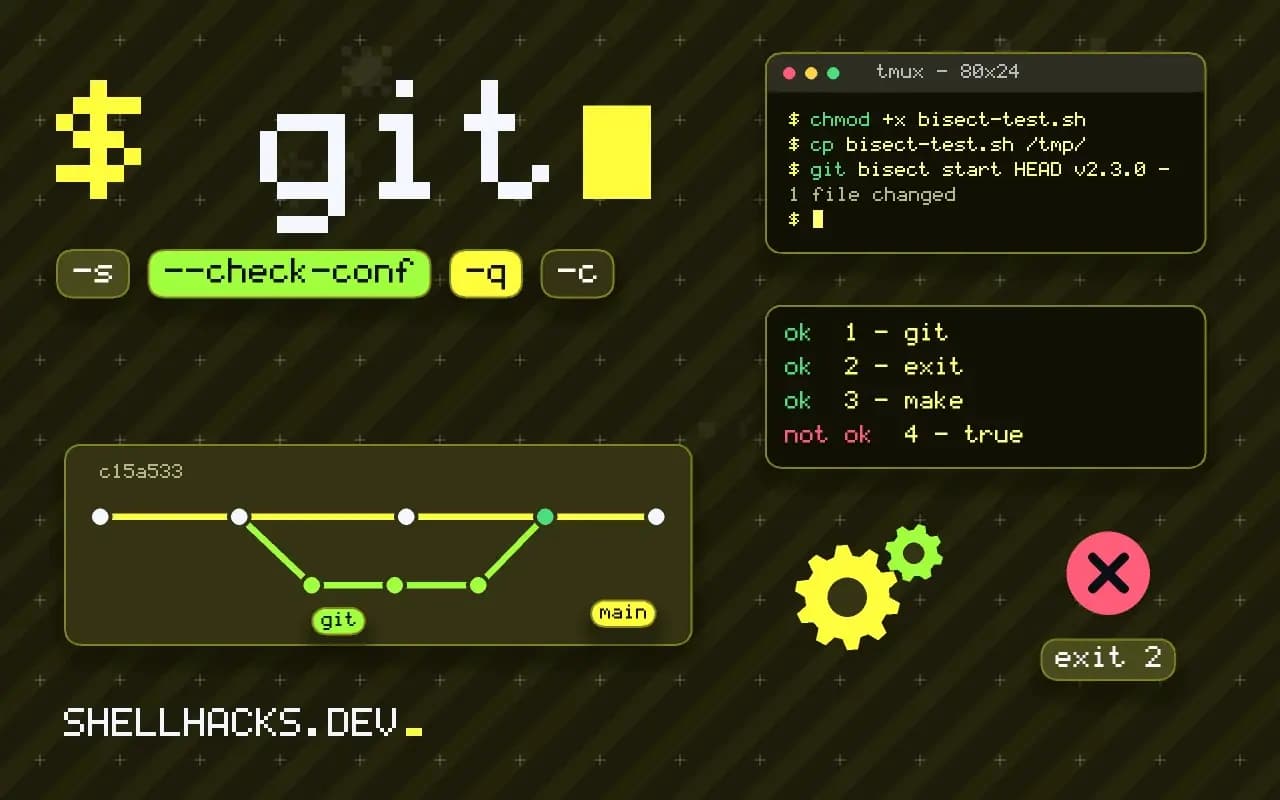
Automate git bisect with a test script: use exit codes 0, 1 and 125 correctly, build before testing, run in a clean tree and read the result afterward.
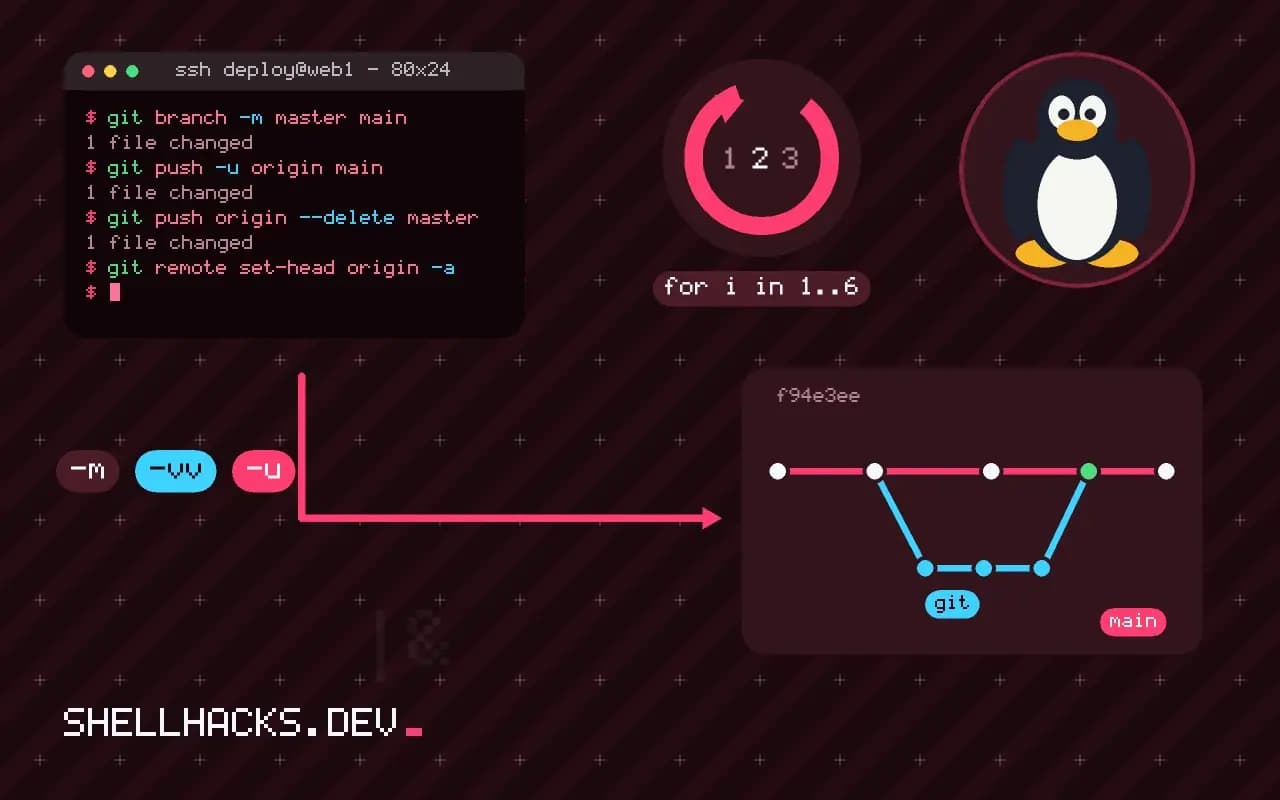
Rename a git branch locally and on the remote: git branch -m, deleting the old name, resetting the upstream, and changing master to main.
Delete a git branch locally and on the remote: -d versus -D, push --delete, pruning stale tracking branches, and recovering a deleted branch.