How to Automate git bisect With a Test Script the Right Way
Automate git bisect with a test script: use exit codes 0, 1 and 125 correctly, build before testing, run in a clean tree and read the result afterward.
A manual bisect over 1,000 commits is about ten rounds of build, test and typing. If you can write the test as a script, Git does the loop and returns when it finds the answer. The details of exit codes are what make it work, and what break it. It extends finding a bad commit by hand. Examples use Git 2.47.
The exit code contract
The script reports each verdict by its exit status. Git interprets it this way:
- 0 marks the commit good.
- 1 to 127, except 125, marks it bad.
- 125 tells Git to skip the commit as untestable.
- 128 and above aborts the whole bisect; this is what a signal produces.
The bad range is wide, which has a consequence: a crash from a missing file, such as exit 127 for command not found, would mark commits as bad for the wrong reason. Make the script explicit about what it tests.
A test script
#!/usr/bin/env bash
# exit 125 if the commit cannot be built, 0 if the bug is absent, 1 if present
make -s build || exit 125

out=$(./app --check-config sample.conf 2>&1) || true
if grep -q "timeout must be positive" <<< "$out"; then
  exit 1
fi
exit 0
The build step is the part to get right. A commit that does not compile has no opinion about the bug, so returning 125 skips it. The test inspects the output text for the symptom instead of the exit code of the application, to make sure the failure is the one you are hunting and not an unrelated crash.
Run it
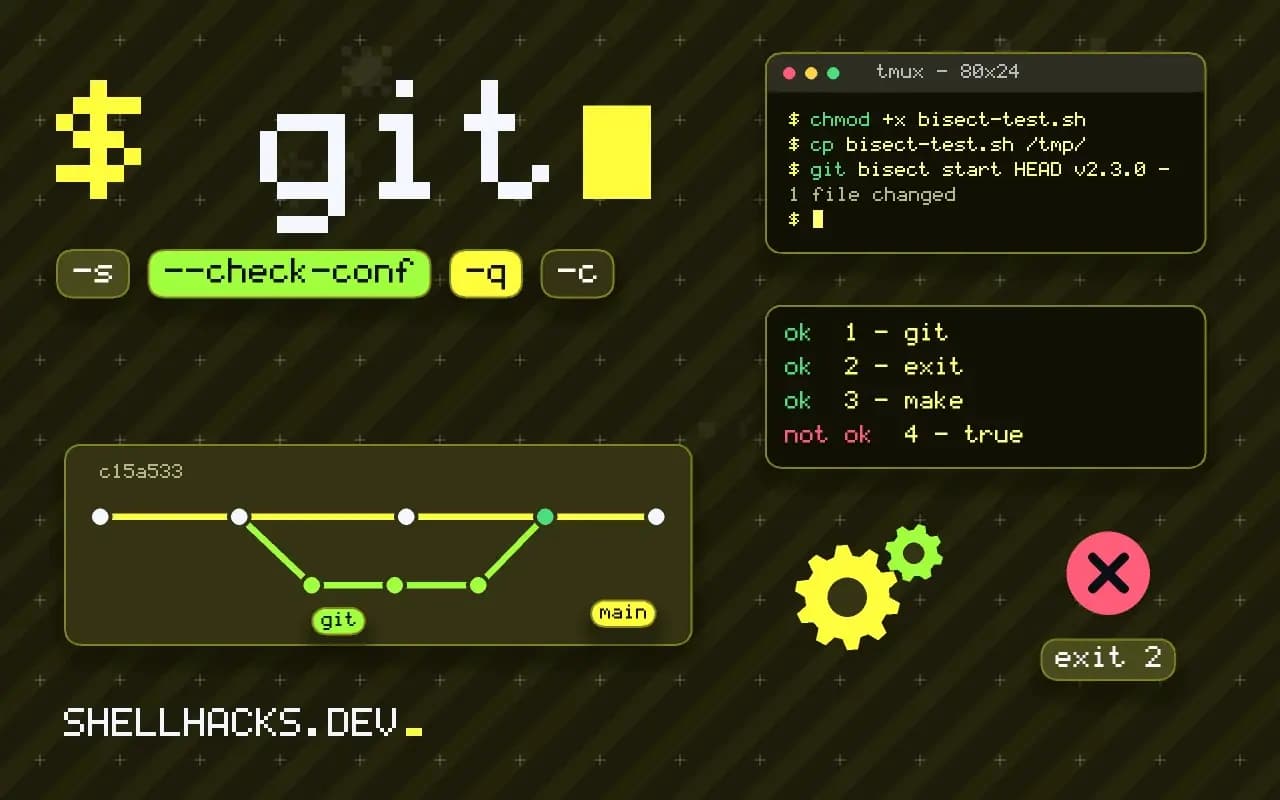
chmod +x bisect-test.sh
cp bisect-test.sh /tmp/
git bisect start HEAD v2.3.0 --
git bisect run /tmp/bisect-test.shrunning '/tmp/bisect-test.sh'
Bisecting: 31 revisions left to test after this (roughly 5 steps)
...
3c9e7a1d4b8f is the first bad commit
bisect found first bad commit
Copy the script outside the repository first. Bisect checks out old commits, and a script stored in the tree can change or vanish between steps. It also keeps the working tree clean, which git bisect requires.
Or a one-liner
git bisect run sh -c 'make -s build || exit 125; ./test_one.sh'Anything that runs a command works, including a test runner with a filter, such as pytest tests/test_cache.py::test_expiry, which exits 1 on failure.
Check the result
git bisect log | tail -n 5
git show 3c9e7a1d
git bisect reset
Trust the answer only after a sanity check: checkout the commit before the culprit and run the script by hand, and again on the culprit. If both behave as the bisect said, you have the right commit. If not, the test is flaky or the good commit was not actually good.
Where this does not apply
If the bug needs a manual look, a GUI, or a production-sized dataset, a script cannot reproduce it. Slow builds make the run long, so cache build artifacts outside the tree. Tests that touch the network or the clock will be unreliable; see minimal reproducible scripts for isolating the symptom.
For more on how the tools fit together, read blame and log to narrow the suspect files before you start, and testing jobs safely if the script touches shared state. A test that deletes files or writes to a shared database must be pointed at a scratch location before it runs two dozen times.
Why the exit code contract is so strict
With git bisect run, Git replaces your judgment with the exit status of a command. Zero means the commit is good, any value from 1 to 127 except 125 means bad, and 125 means skip. Values of 128 and above, which a shell reports when a process is killed by a signal, abort the whole bisect, since they usually mean something is wrong with the test and not the commit. This has a consequence that bites: a test that crashes for the wrong reason, such as a missing command or a typo in a path, exits with 127, which Git reads as a bad commit. The bisect then marches confidently toward a commit that is not the culprit. Before you run it for real, run the script by hand on a commit you know is good and on one you know is bad, and check the exit status of each with echo $?.
Make the failure of the test setup distinct from the failure under test. If the build fails, exit 125 to skip. If the build works and the check fails, exit 1. If both pass, exit 0. Writing the script in those three stages keeps broken builds from being blamed on the wrong commit.
Making the test deterministic and quick
A flaky test breaks bisect completely, since one wrong answer sends the search into the wrong half of the history and every later answer is consistent with the wrong half. If a test passes most of the time, run it several times per commit and treat any failure as bad, or increase the load until the failure is reliable. Remove the sources of randomness: fix the random seed, pin the clock, use a fresh temporary directory per run, and avoid network calls to services outside your control. Keep the test narrow. A full test suite that takes twenty minutes is rarely needed. A single failing test or a ten-line script that reproduces the symptom runs in seconds and gives the same answer.
Cache what you can. If building takes most of the time, use incremental builds, ccache or a build cache directory that persists between steps, since neighboring commits share most of their code. Do not clean between runs unless a stale artifact would give a wrong result.
Where the script lives and how to keep it honest
Bisect checks out old commits, so the script must not live inside the working tree where it would be replaced or removed. Put it outside the repository, for example in /tmp, and call it by absolute path. The same goes for any data it needs. A test that relies on the current API can fail on old commits because the API did not exist, and that failure is not the bug. Make the script tolerant of the shape of old versions where it can, and skip with 125 where it cannot.
When the run finishes, verify. Check out the commit before the reported one and run the script, then check out the reported one and run it again, and confirm that the result flips. Then read the diff. A script is only as good as its assumptions, and the verification step is what separates a found regression from a coincidence. Keep the script with the bug report so whoever fixes it can reuse it as a regression test.
A worked outline you can adapt
A reliable shape for the script has four parts. First, build, and exit 125 if the build fails. Second, start whatever the test needs, such as a temporary database, and arrange for it to stop afterwards with a trap. Third, run the check that reproduces the symptom, with a timeout so a hang counts as a failure and does not stall the search forever. Fourth, translate the result into an exit code, and print one line explaining it, which helps when you read the log afterwards. Use timeout from coreutils for the hang case and remember that it exits with 124 when it fires, which the script should map to 1.
Start the run with the commit range written explicitly: git bisect start BAD GOOD, then git bisect run /path/to/script. The log of each step prints as it goes, and the final lines name the first bad commit. If the answer looks wrong, run git bisect log, find the step where the exit code did not match your expectation, and fix the script before starting again.
See the bisect run documentation and binary search in Pro Git.