How to Rename a Branch Locally and on the Remote Easily
Rename a git branch locally and on the remote: git branch -m, deleting the old name, resetting the upstream, and changing master to main.
A typo in a branch name or a team policy change means a rename. Git does it locally in one command, but the remote treats a branch name as an identity, so a rename there is really a new branch plus a deletion. The pieces fit together with deleting branches and the naming rules in branch naming. The examples assume Git 2.47.
Rename locally
git branch -m fix/login-redirect-loop
git branch -m fix/login-redirect-loop fix/login-loop
git branch -vv* fix/login-loop 3a1b2c4 [origin/fix/login-redirect-loop] Fix redirect
With one argument, -m renames the branch you are on. With two, it renames the first to the second and works from any branch. The commits do not change. Note that the upstream in brackets still points to the old remote name; that is the part to fix next.
Rename on the remote
git push -u origin fix/login-loop
git push origin --delete fix/login-redirect-loopbranch 'fix/login-loop' set up to track 'origin/fix/login-loop'.
- [deleted] fix/login-redirect-loop
-u sets the upstream so later pushes and pulls need no arguments. Open pull requests tied to the old branch name usually close when it is deleted, so rename before opening one, or recreate it on the new name. Pushing first and deleting second means there is no moment when the work exists nowhere.
Fix a clone that still has the old name
git fetch --prune
git branch -m fix/login-redirect-loop fix/login-loop
git branch -u origin/fix/login-loop
A collaborator with the old branch checked out sees [origin/old: gone] after pruning. Renaming theirs the same way and re-pointing the upstream restores a clean state. Without that, their next git push may recreate the old branch on the remote, which then needs deleting again.
Rename master to main
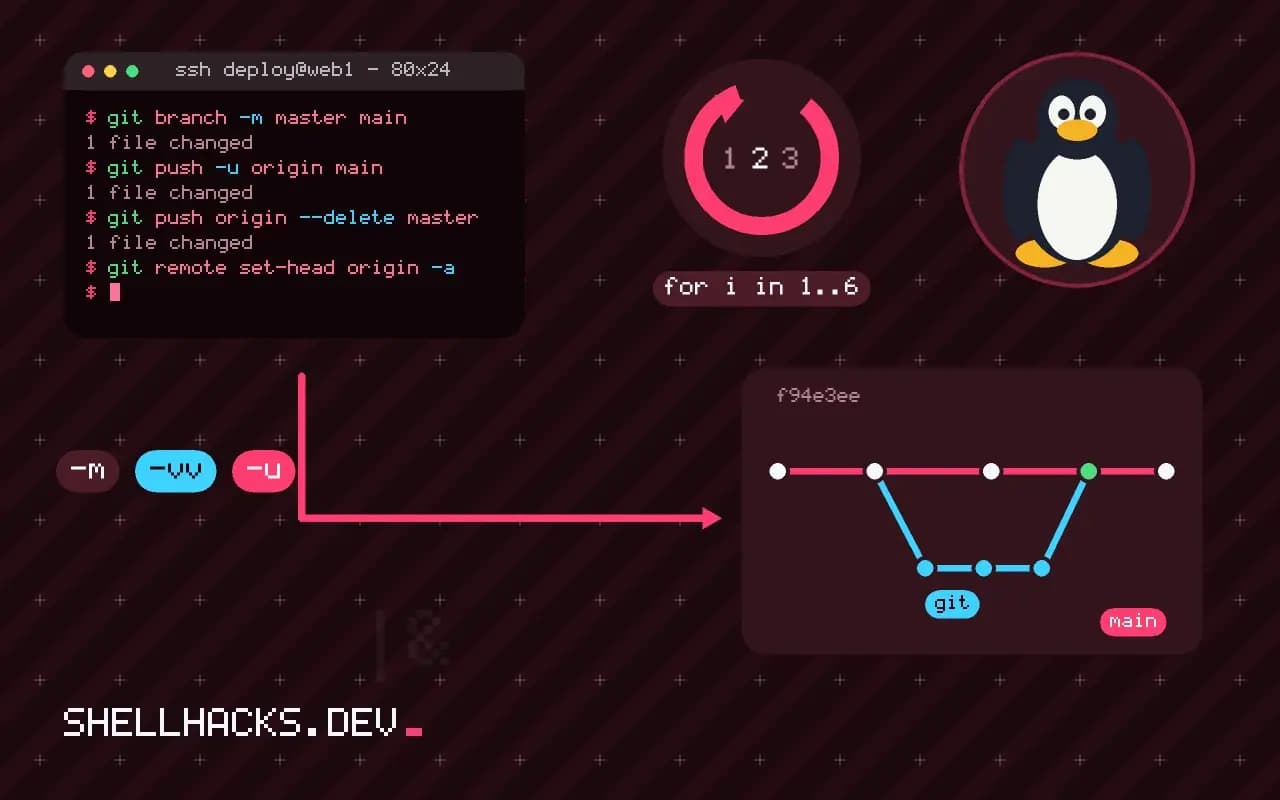
git branch -m master main
git push -u origin main
# change the default branch in the repository settings, then:
git push origin --delete master
git remote set-head origin -a
Hosting platforms refuse to delete the default branch, so switch the default to main in the repository settings first. Update CI files, deployment scripts and protection rules that mention master. Collaborators then run the three commands above. Some platforms offer a rename button that also redirects pull requests and updates the default, which is simpler when available. New repositories can start with a chosen name using git config --global init.defaultBranch main, as set during installing and configuring Git.
What a rename changes and what it keeps
A branch is a name pointing at a commit, so renaming it changes the name and nothing else. The commits, their hashes and the branch's history are untouched, and the reflog entry for the branch moves along with the name. This is why renaming locally is safe and fast. What changes are all the things that refer to the name: the upstream configuration linking the branch to a remote branch, open pull requests on the server, protection rules, CI configuration that matches the name, deployment settings and the habits of colleagues. The Git commands are the easy part. The work is finding every place the old name appears.
Before renaming a branch others use, announce the change and the date. Pull requests that target the branch can be retargeted by the hosting service in most cases, but scripts that refer to it by name break silently.
The server-side rename
Git has no remote rename, so the operation is a push of the new name followed by a delete of the old one. Some hosting services provide a rename button that also retargets pull requests, updates the default branch setting and leaves a redirect for the web URLs, and that is preferable when available, because it avoids the gap between the two steps. After using the web feature, each collaborator updates their clone with git fetch --prune, renames the local branch to match and resets its upstream with git branch -u origin/newname.
If you do it by hand, push the new name first, set the upstream, verify that CI and protections work on it, and delete the old name last. Deleting first leaves a window with no branch at all, and any pull request on the old branch is closed by the server and cannot be reopened against a name that no longer exists.
Renaming the default branch
Moving from master to main is the most common rename and has the widest effect. Update the default branch setting on the host, then fix the places that hard-code the old name: CI definitions, deployment scripts, documentation, badges, package metadata, git clone -b commands and install instructions. A search of the repository for the old name finds most of them, and a search of the organisation's other repositories finds the ones that depend on this one. Keep a branch with the old name for a transition period only if automated consumers need it, and protect it from commits so it cannot drift from the new default.
The local setting init.defaultBranch controls the name Git gives new repositories. Setting it to main avoids creating a master branch in new projects and a rename later.
Checks after the change
Verify from a fresh clone, not from the repository you used to make the change, since local configuration can mask a mistake. Confirm that the default branch is the new name, that git pull works without arguments, that CI runs on a new push and that protections and required checks still apply. Check that tags are intact, because they refer to commits and need no change. Look at the open pull requests and retarget any that point to the old name. Finally, record the rename in the project's contributing notes, so the history of why a link in an old issue mentions a different branch is explained somewhere a newcomer can find it.
It helps to rehearse the rename in a scratch clone. Create a repository with a few branches, rename one, push, delete the old name and check what a second clone sees. Seeing the sequence work once, with the messages Git prints at each step, makes the real change routine. Keep the exact commands in the team's notes, with the order that worked, so that a future rename of any branch follows a tested procedure and not a search for answers during the change itself.
Where this does not apply
If the branch is shared and active, coordinate a time and announce it instead of surprising people. A rename does not rewrite history, so commit hashes and tags stay valid. Scripts and bookmarks that mention the old name break, so search your repositories with git grep and your CI settings before the change. See the git-branch manual and the git-remote manual.