How to Delete Local and Remote Branches in Git the Safe Way
Delete a git branch locally and on the remote: -d versus -D, push --delete, pruning stale tracking branches, and recovering a deleted branch.
Finished branches pile up, and cleaning them is routine, though three separate things hold the name: the local branch, the branch on the remote and your local copy of the remote's branch list. Each needs its own command. The recovery path relies on the reflog, and the examples assume Git 2.47.
Delete the local branch
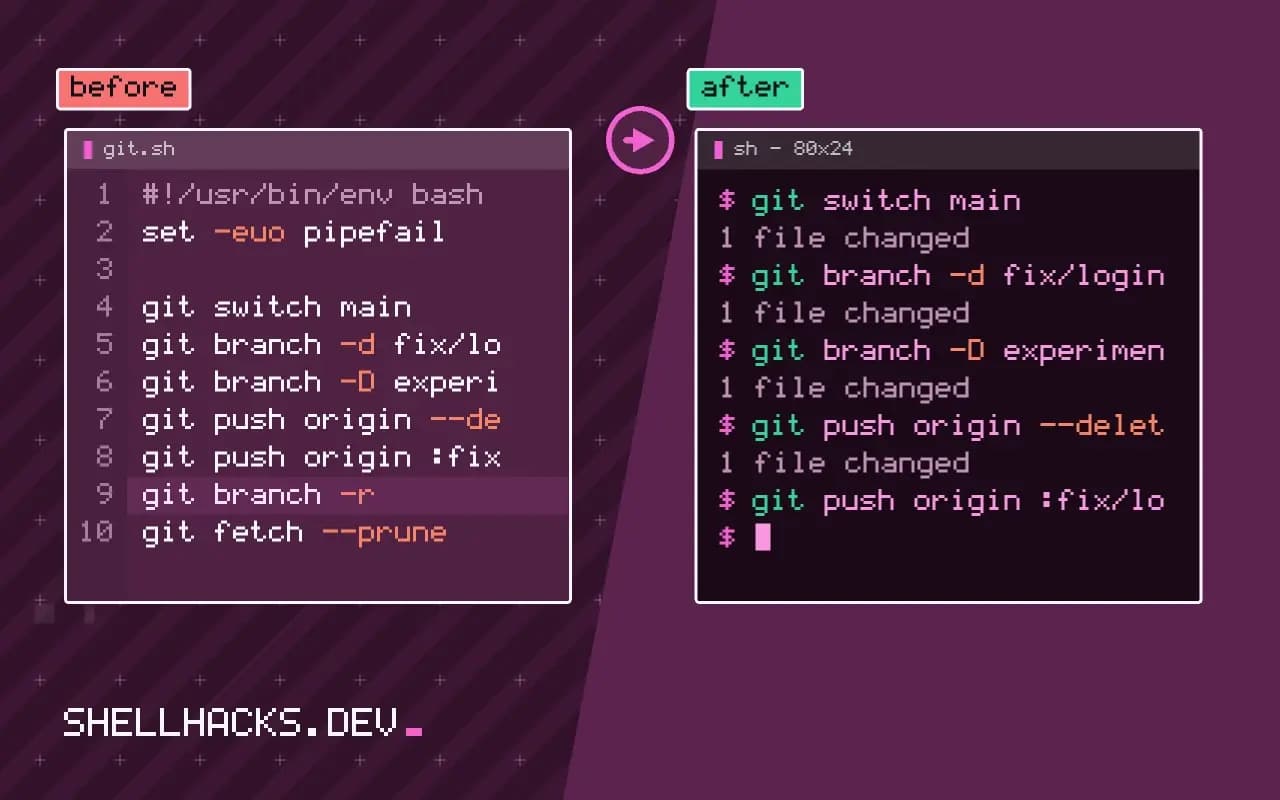
git switch main
git branch -d fix/login-redirect
git branch -D experiment/new-parserDeleted branch fix/login-redirect (was 3a1b2c4).
error: the branch 'experiment/new-parser' is not fully merged.
You cannot delete the branch you are on, so switch first. -d refuses when the branch has commits not reachable from the current branch or its upstream, and the message above is the safety working. -D forces it. The deletion message prints the old hash; keep it if you may need the branch back.
Delete the remote branch
git push origin --delete fix/login-redirect
git push origin :fix/login-redirect - [deleted] fix/login-redirect
The two forms are equivalent; the colon form pushes "nothing" to the branch. Hosting platforms often offer a "delete branch" button after a pull request merges, and many can do it automatically. Protected branches such as main reject the deletion.
Clean up stale tracking branches
git branch -r
git fetch --prune
git branch -vv | grep ': gone]'
git config --global fetch.prune true origin/fix/login-redirect
origin/main
* main 3a1b2c4 [origin/main] Fix redirect
old-feature 9f8e7d6 [origin/old-feature: gone] Try new idea
After someone else deletes a branch on the remote, your origin/name reference stays until you prune it. fetch --prune removes those, and setting fetch.prune does it on every fetch. A local branch whose upstream is gone is labelled gone; delete those in bulk with git branch -vv | awk '/: gone]/{print $1}' | xargs git branch -d, reading the list first.
Recover a deleted branch
git reflog | grep 'fix/login-redirect'
git branch fix/login-redirect 3a1b2c4
A deleted branch is just a lost pointer; the commits remain until garbage collection removes unreachable objects, usually after at least two weeks. The reflog or the hash printed at deletion lets you recreate the pointer. A branch deleted on the remote can be restored by pushing a local copy: git push origin fix/login-redirect. The rename workflow in renaming a branch uses the same ideas.
Safe versus forced deletion
Git offers two deletion flags for local branches, and the difference protects work. git branch -d name refuses to delete a branch whose commits are not reachable from the branch you are on or from its upstream, and prints an error that says it is not fully merged. git branch -D name deletes regardless. Use the lower case form by default and treat the refusal as information: either the work has not been merged, or it was merged on the server with a squash, which rewrites the commits so Git cannot tell. In the squash case, confirm in the pull request that the change landed, then force the delete.
You cannot delete the branch you are standing on. Switch away first with git switch main. A branch checked out in another worktree is also protected, and the error names the path of that worktree.
Cleaning up in bulk
After a few months a repository collects branches nobody remembers. git branch --merged main lists local branches fully merged into main, and piping the list through grep -v for protected names and into xargs git branch -d removes them in one pass. Read the list before deleting it, and exclude main and any long-lived branch with an explicit pattern. For the remote side, git remote prune origin or git fetch --prune removes local bookmarks to branches the server already deleted, which is the cheap half of cleanup and never touches the server.
Many hosting services delete the source branch automatically when a pull request merges. Turn that on. It keeps the remote list short and moves cleanup from a chore to a default, leaving local pruning as the only manual step.
Deleting on the server needs the right permission
Deleting a remote branch is a push of an empty ref: git push origin --delete name, or the older git push origin :name. It requires write permission and fails on protected branches. If the deletion is rejected with a message about a protected branch, change the rule in the repository settings, not the command. After the delete, everyone else who has fetched still sees a remote-tracking branch until they prune, so a short note to the team avoids confusion, or rely on automatic pruning through fetch.prune.
Be careful with names that exist on both sides but differ in case or with tags of the same name. If a tag and a branch share a name, Git may report that the reference is ambiguous. Use the full reference, refs/heads/name or refs/tags/name, to say which one you mean.
Getting a deleted branch back
Deleting a branch removes the pointer, not the commits. Git keeps unreachable commits until garbage collection, which by default waits at least two weeks for unreferenced objects and longer for those mentioned in the reflog. The branch deletion command prints the abbreviated hash of the tip; save it. With that hash, git branch name HASH recreates the branch. If the hash is lost, git reflog lists where HEAD and branches pointed recently, and the lost tip is usually visible there. Deleting a remote branch does not give the same safety on the server unless the hosting service offers a restore button, which most do for a limited period. A cautious habit is to merge or tag before deleting anything that holds unique work.
Treat deletion as the last step of a branch's life, after the change has merged, the pull request is closed and nothing depends on the name. A tag on the final commit records the point cheaply when a branch had lasting significance, such as a release line that has ended. Teams that apply this rule rarely need the recovery steps above, and those that do find them straightforward because the hash was saved at the moment of deletion.
When cleaning up on behalf of others, ask first. A branch that looks stale to you may be someone's only copy of unfinished work, and a deleted remote branch cannot be recovered by anyone who has not fetched it.
Where this does not apply
Do not delete a branch other people are working on without telling them; their next push recreates it. Squash-merged branches look unmerged to -d, because the squashed commit has a different hash, so you may need -D after checking the pull request is merged. Branches protected by rules cannot be deleted from the command line. See the git-branch manual and the branch management chapter. If a remote name is wrong, review remotes first.