How to Handle Secrets in CI Logs and Avoid the Pitfalls
Keep secrets out of CI logs: masking limits, set -x and env dumps, command-line arguments, error messages, derived values and what to do after a leak.
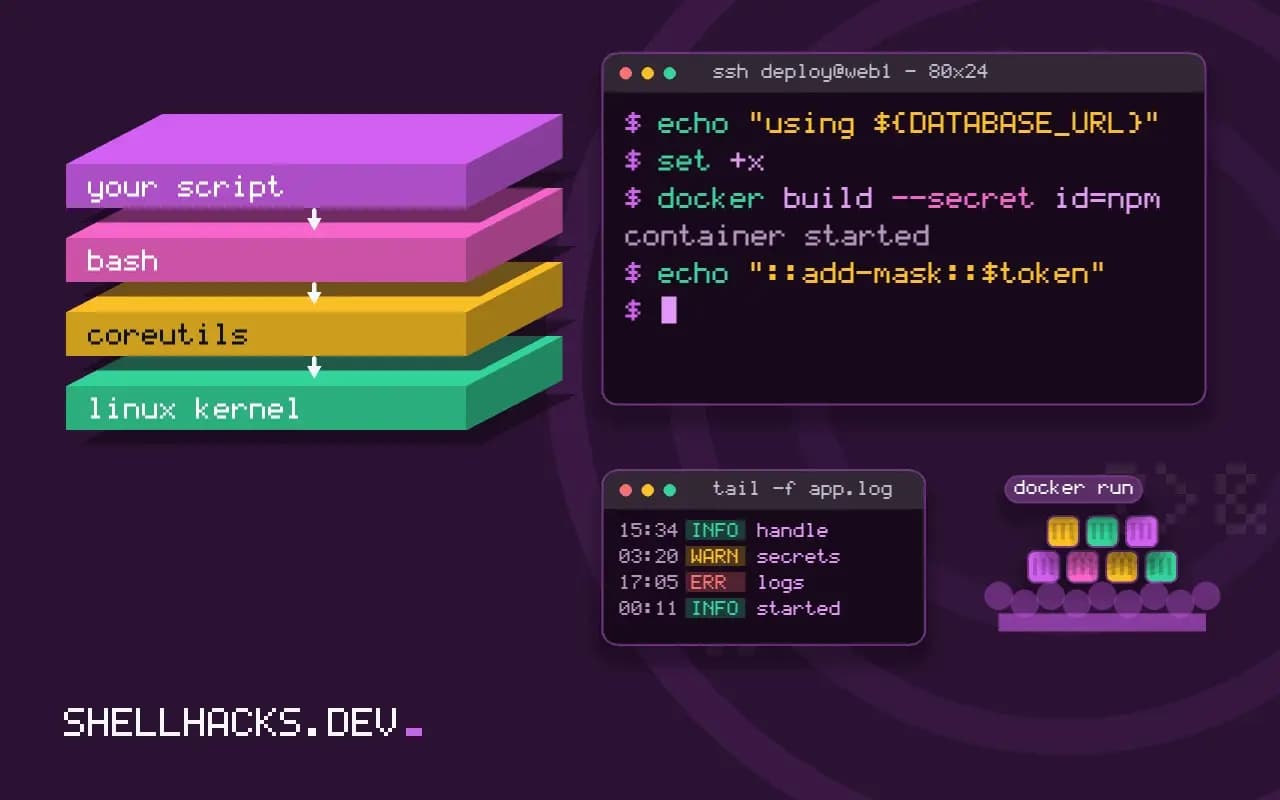
Pipeline logs are read by many people and kept for months, sometimes public. A secret in them is a secret published. The platform's masking helps but is easy to defeat by accident, and most leaks come from a few habits: debug flags, error messages and tools that echo their arguments. This post lists them with the countermeasures. It continues GitHub Actions secrets and secrets in the process list.
How masking works, and where it fails
steps:
  - name: Show a secret (do not do this)
    env:
      TOKEN: ${{ secrets.API_TOKEN }}
    run: |
      echo "$TOKEN"                            # masked: ***
      echo "$TOKEN" | base64                   # NOT masked
      echo "${TOKEN:0:4}-${TOKEN:4}"           # NOT masked after splitting
The runner replaces the exact secret string with asterisks in the output stream. Any transformation, such as base64, a split, URL-encoding, JSON escaping or reversing, produces a different string that is not matched. The same is true of the masked variables of GitLab CI. Short secrets (a few characters) may also not be masked at all. Masking is a safety net, not a control.
The common leaks
set -x                               # prints every command with expanded variables
env | sort                           # prints all variables, including secrets
curl -v -H "Authorization: Bearer $TOKEN" ...   # verbose mode prints headers
docker build --build-arg TOKEN=$TOKEN .          # stored in image history
echo "using ${DATABASE_URL}"         # URL includes the password
Debug tracing is the top cause: set -x expands variables before printing. Verbose HTTP modes show authorization headers. Build arguments end up in image metadata. Connection strings embed passwords. Error messages from libraries often echo the connection string, so catch and redact before logging. The same risks apply to local shells, as covered in secrets in shell history.
Pass secrets safely
set +x
curl -fsS -H @<(printf 'Authorization: Bearer %s\n' "$TOKEN") https://api.example.test/ping
printf '%s' "$TOKEN" | docker login ghcr.io -u "$USER_NAME" --password-stdin
docker build --secret id=npm,env=NPM_TOKEN .
Turn tracing off around sensitive lines. Use stdin (--password-stdin), a header file or a build secret mount instead of arguments, because arguments appear in the process list and sometimes in the log of the tool that runs them. The curl -H @file form needs curl 7.55 or later. BuildKit's --secret keeps the value out of the image layers.
Mask derived values
token=$(curl -fsS -X POST https://auth.example.test/token -d "client_secret=$CLIENT_SECRET" | jq -r .access_token)
echo "::add-mask::$token"
echo "TOKEN=$token" >> "$GITHUB_ENV"
A value the pipeline creates, such as a short-lived access token fetched at run time, is not known to the platform. Register it for masking immediately with the workflow command ::add-mask::. GitLab and Jenkins have similar mechanisms. Prefer short-lived credentials from OpenID Connect over stored long-lived ones, so a leak expires by itself.
Detect and respond
gitleaks detect --no-git --source ./build-logs
grep -RIn --exclude-dir=.git -E 'AKIA[0-9A-Z]{16}|ghp_[A-Za-z0-9]{36}' ./logs
Scan artifacts and saved logs with the scanners in gitleaks and trufflehog. When a secret does appear in a log, treat it as compromised: revoke and rotate it immediately, then delete the log (which may not remove copies already cached or forwarded), then fix the cause. Deleting the log first and rotating later is the wrong order. Rotation without downtime is covered in rotating credentials.
Why logs are a bigger audience than the repository
Repository access is usually controlled and reviewed. Pipeline logs often are not. They are visible to every contributor, sometimes to every user of the platform, and on open-source projects to the whole internet. They are also forwarded to log search tools, copied into tickets and attached to chat threads, so a single leaked line spreads into places that no one can enumerate afterwards. The practical conclusion is that once a secret has been printed, deleting the log is not remediation. The only fix is to make the credential worthless.
That framing changes priorities. Spending effort on perfect redaction is less effective than limiting what a leaked credential can do. A deploy token scoped to one repository and one environment, valid for an hour, is a minor incident when it appears in a log. A long-lived administrator key is a serious one. Reducing the scope and lifetime of what the pipeline holds is the control that works when every other control fails.
Third-party actions and scripts
Every action or script a pipeline runs can read whatever the job can read. A compromised action that prints the environment to a remote server needs no log at all. Pin third-party actions to a full commit hash instead of a tag, since tags can be moved, and review what they do before upgrading. Give the job only the secrets it needs by declaring them on the step that uses them rather than on the whole job, so an unrelated step cannot see them. The default token that platforms provide should be restricted with an explicit permissions block, granting read-only access unless a step must write.
Scripts that you wrote are subject to the same risk through their dependencies. A package installed during the build runs install scripts with the job's environment. Install dependencies in a step that holds no secrets, then pass the built artifacts to the step that does, so malicious install code never shares a process with a credential.
What to do in the first hour after a leak
Have the sequence written before it is needed. First, identify the credential and revoke it at the issuer, which ends the exposure whether or not anyone copied it. Second, issue a replacement and update the secret store, so the pipeline keeps working. Third, check the issuer's audit log for use of the old credential between the time of the leak and the revocation; most services record the source address and action. Fourth, remove the log and any copies, as a courtesy and to reduce the chance of the string being scraped. Finally, find the cause and change it, whether that is a debug flag, a tool that prints its arguments or a missing mask.
Keep a short record of what happened in the repository, with the commit that fixed it. Teams repeat leaks because the lesson stays in one person's memory. A line in the contributing guide that says "never run with tracing enabled in a job that holds credentials" is cheaper than the next rotation.
Preventing it with checks
Add a scan to the pipeline itself. A secret scanner run over the repository and over the built artifacts catches keys in files before they ship. A second scan over the job's own log, run as a final step with if: always(), can fail the build and trigger an alert when a known pattern appears. This will not catch an encoded value, but it catches the plain cases, which are the majority, and it turns a silent leak into a visible failure on the same day.
Where this does not apply
Pull requests from forks do not receive secrets on most platforms, which is deliberate protection; do not work around it with pull_request_target without understanding the risks. Self-hosted runners keep workspaces between jobs, so a secret written to disk can leak to the next job. Do not put secrets in artifacts, either. See the GitHub Actions hardening guide and the GitLab masked variables documentation.