How to Use cal and timedatectl for Dates and Time Zones
Use cal to show calendars and timedatectl to read and set the system time, time zone and NTP sync on Linux, with the checks that find clock drift.
Two commands cover questions about time: "what day does the 15th fall on?" and "is this machine's clock right?". The second one matters far more than the first, since a drifting clock causes certificate errors and out-of-order logs. This post pairs with the date command, and the examples assume util-linux 2.40 and systemd 255.
cal: calendars
cal
cal 2 2027
cal -3
cal -y 2027 | head -8 November 2026
Su Mo Tu We Th Fr Sa
1 2 3 4 5 6 7
8 9 10 11 12 13 14
15 16 17 18 19 20 21
22 23 24 25 26 27 28
29 30
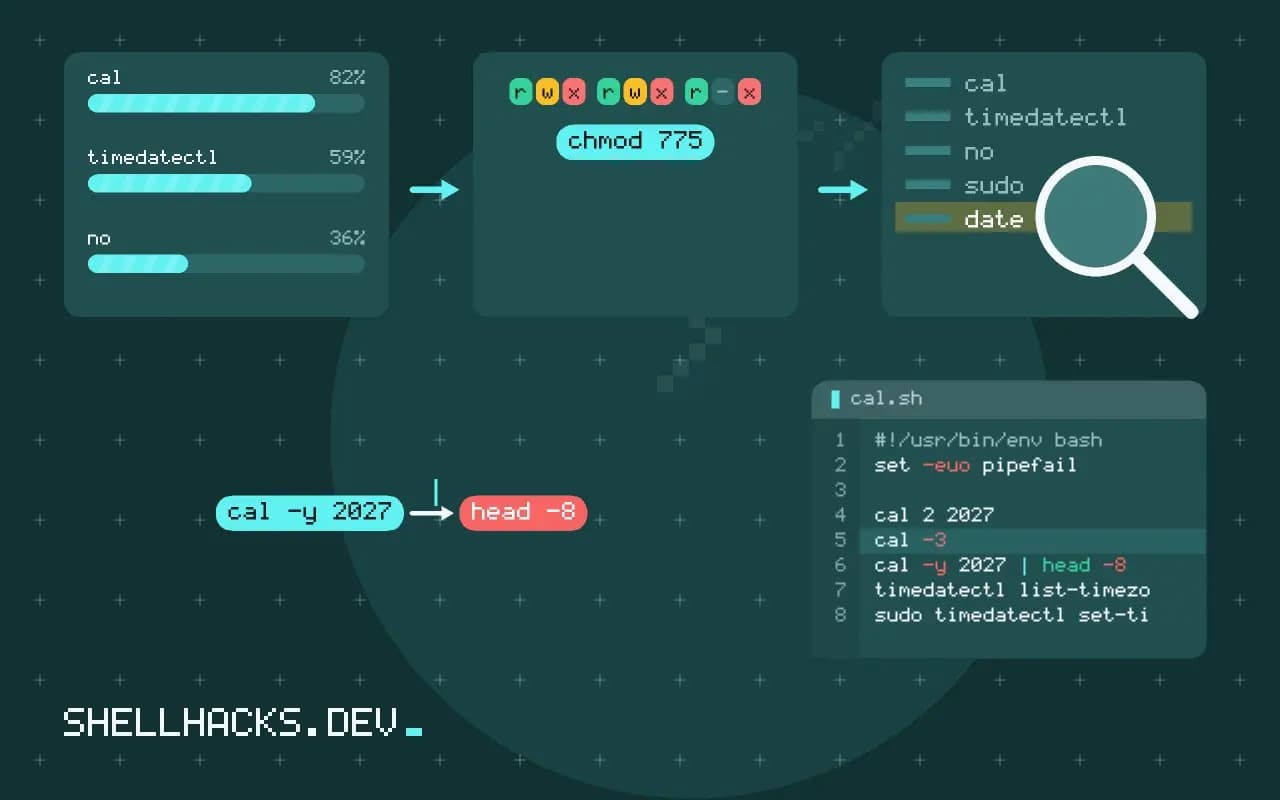
With no arguments, cal shows the current month with today highlighted. -3 adds the previous and next month, -y prints a year, and -m starts the week on Monday. The common practical question is the day of the week for a date: date -d 2027-02-14 +%A answers it for one date, and cal 2 2027 shows the layout. On Debian-family systems the program is ncal by default, with similar output.
timedatectl: the system clock
timedatectl Local time: Tue 2026-11-03 09:41:02 UTC
Universal time: Tue 2026-11-03 09:41:02 UTC
RTC time: Tue 2026-11-03 09:41:02
Time zone: Etc/UTC (UTC, +0000)
System clock synchronized: yes
NTP service: active
RTC in local TZ: no
Read System clock synchronized first. If it says no, the machine is drifting or cannot reach a time server, and every timestamp it writes is suspect. RTC in local TZ: no is the right setting for Linux; dual-boot systems with Windows sometimes need the opposite, which causes a clock that is off by the zone offset after switching.
Change the zone and turn on sync
timedatectl list-timezones | grep -i berlin
sudo timedatectl set-timezone Europe/Berlin
sudo timedatectl set-ntp true
timedatectl show --property=NTPSynchronized --valueEurope/Berlin
yes
Setting the zone changes only how times display, not the underlying UTC clock. set-ntp true enables systemd-timesyncd or the NTP client the distribution configured. The show --value form is made for scripts. For a precise diagnosis, chronyc tracking or timedatectl timesync-status show the offset and the server in use.
Why servers should run in UTC
Daylight saving makes one hour repeat and another disappear in local time. A cron job at 02:30 may run twice or never on those nights, which is detailed in cron and daylight saving. Logs from servers in different zones are harder to merge. Keep the server on UTC, and convert for people with TZ=... at display time. A container usually inherits UTC unless an image sets TZ, and the zone files are absent from slim images, so install tzdata when the application needs names.
Why a wrong clock breaks things far from the clock
Time is an input to more security and correctness checks than most people count. TLS clients reject certificates whose validity window does not include the local time, so a server that has drifted by a day starts failing handshakes with errors about expired or not-yet-valid certificates. Tokens with an expiry, such as JWTs and signed URLs, fail the same way. Kerberos refuses tickets when clocks differ by more than five minutes by default. Log correlation across hosts becomes guesswork when one machine is two minutes ahead, and distributed databases that depend on timestamps for conflict resolution can pick the wrong write.
The symptom is usually far from the cause. An engineer sees a certificate error and checks the certificate, which is fine, then checks the network, which is fine, and loses an hour before running date on the client. A habit worth building is to include the machine's current time and synchronisation status in the first diagnostic output of any unexplained authentication or TLS failure.
How synchronisation works and what to trust
A time client asks one or more servers for the time, measures the round trip and estimates its own offset. Good clients do not jump the clock when the offset is small; they slew it, running slightly faster or slower until the error disappears, because a sudden step can break software that assumes time moves forward. A large offset at boot is stepped once. The lightweight client in systemd, systemd-timesyncd, is adequate for ordinary servers. Hosts that need tighter accuracy, or that act as a time source for others, use chrony, which reports its estimated error and handles intermittent connectivity better.
Choose servers deliberately. The pool of public servers is fine for most uses, and a cloud provider's internal time service is better inside that cloud, with lower latency and no dependence on outbound internet access. Configure at least three sources so the client can detect a bad one, since two servers that disagree leave it with no way to know which is right.
Virtual machines and containers
A virtual machine's clock can pause with the guest and drift when the host is busy. After a suspend or live migration, the guest may be minutes behind until synchronisation catches up, and some hypervisors offer a guest agent that corrects the clock on resume. Check that the agent is installed and the time client is running. Containers do not have a clock of their own: they use the host's, so fixing time inside a container is impossible, and fixing it on the host fixes every container at once.
Time zones in containers are the other source of surprises. A minimal image has no zone database, so setting TZ=Europe/Berlin silently falls back to UTC. Test by printing date in the container, and install the zone package in the image when an application needs local time for display. Keep the application logic in UTC anyway.
Checking time in monitoring
A clock that is wrong should be an alert, not a discovery. The node metrics exporter publishes the offset reported by the time daemon, and a rule that warns at 100 ms and pages at one second catches drift before it breaks certificates. For machines without an exporter, a cron job that runs timedatectl show -p NTPSynchronized --value and mails on no costs a few lines. Include the hardware clock in the check on bare metal: a dead battery makes the clock reset to a default date at power-on, and the machine can start with a certificate-invalidating date before the network is up to correct it.
Where this does not apply
On macOS, use sudo systemsetup or System Settings; timedatectl is part of systemd and absent. In containers and WSL the clock comes from the host, so set-ntp does nothing there. Sandboxed VMs can drift after a pause, which a restart of the sync service fixes. The timedatectl manual and the cal manual page hold the full option lists.
For a quick check in a script, timedatectl show -p NTPSynchronized --value prints yes or no, and a monitoring job can alert on no. A related post, the date command, handles formatting once the clock is trustworthy, and certificate renewal fails loudly when the clock is wrong. The chrony documentation explains the time daemon behind many servers.