How to Use chattr and lsattr on Linux
Use chattr and lsattr to set immutable and append-only flags, find why root cannot delete a file, and tell them apart from extended attributes.
When rm -f as root says "Operation not permitted", the cause is often not ownership or mode but a filesystem flag. chattr sets those flags and lsattr reads them. They work on ext2, ext3, ext4, and with partial support on XFS and btrfs, and the commands below are from e2fsprogs 1.47 on Linux. The mode-bit side is in the chmod guide.
Make a file immutable
echo "keep" > /etc/important.conf
sudo chattr +i /etc/important.conf
lsattr /etc/important.conf
sudo rm -f /etc/important.conf----i---------e------- /etc/important.conf
rm: cannot remove '/etc/important.conf': Operation not permitted
The i flag blocks writes, truncation, renames, deletion and new hard links, for every user including root, until it is cleared. The trailing e means the file uses extents and is normal on ext4. Clear it with sudo chattr -i /etc/important.conf. This is useful for a file that a misbehaving installer or script keeps overwriting, and for a guard against accidental deletion of a critical path.
Append-only logs
sudo chattr +a /var/log/audit-extra.log
echo "entry" >> /var/log/audit-extra.log
echo "oops" > /var/log/audit-extra.log
With +a the file can only be opened for appending. The truncating redirect fails, so an intruder with a shell cannot easily rewrite history, though root can still remove the flag. Rotation tools must remove it first, which is why logrotate needs a prerotate step for such files; see logrotate.
Directories and recursion
sudo chattr -R +i /srv/frozen
lsattr -d /srv/frozen
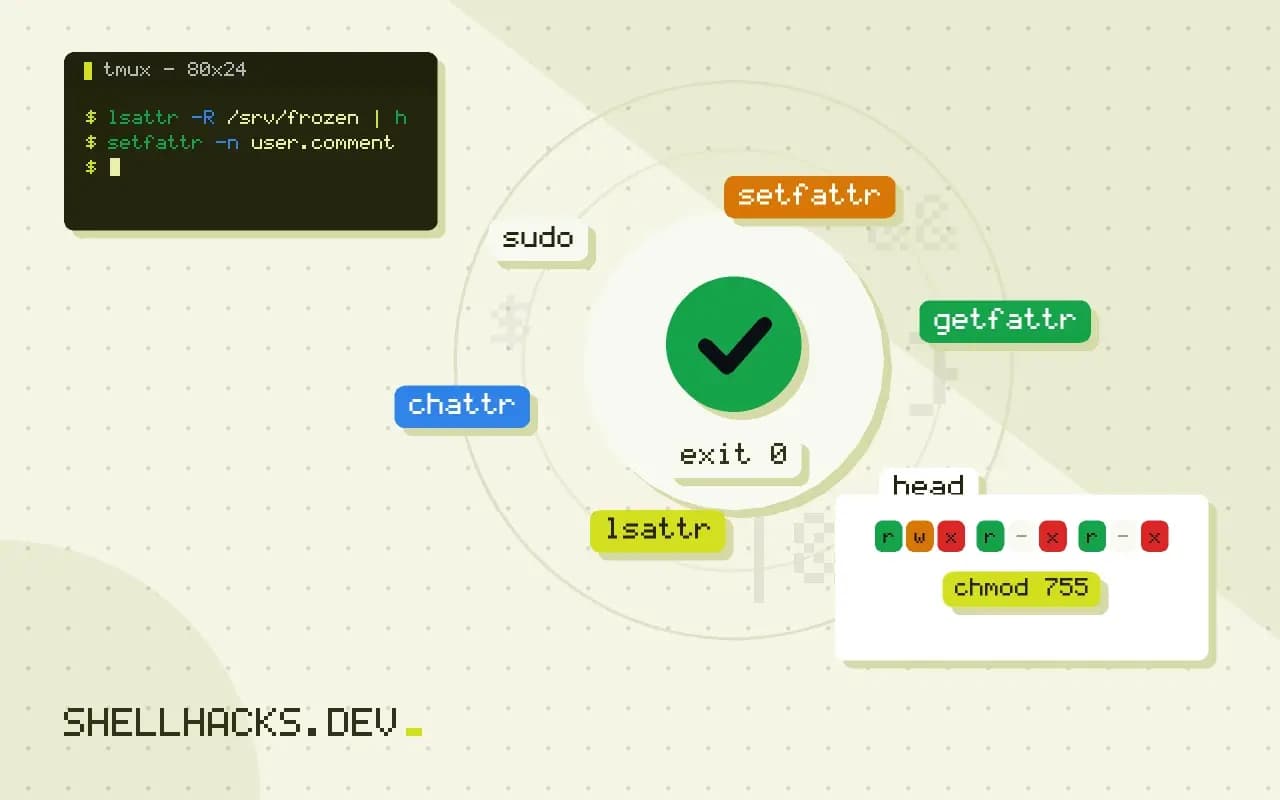
lsattr -R /srv/frozen | head
An immutable directory cannot have entries added or removed. lsattr -d shows the directory itself, rather than its contents. Be careful with -R on system paths, because freezing /etc breaks package upgrades and user changes in confusing ways.
Not the same as extended attributes
setfattr -n user.comment -v "reviewed" notes.txt
getfattr -d notes.txt
Extended attributes are named metadata attached to files, used by SELinux labels, capabilities and user comments. They are separate from the chattr flag set. getfattr and setfattr come from the attr package, and cp -a preserves them while plain cp does not.
The flags worth knowing
Filesystem attributes are single-letter flags stored with the inode. On ext4, lsattr prints one position per flag, and the ones used in practice are few. i makes the file immutable. a restricts it to appending. A stops the kernel from updating the access time, which saves writes on a busy file. c asks for transparent compression where the filesystem supports it, and C turns off copy-on-write on Btrfs, which is recommended for database and virtual machine image files that are rewritten in place. s and u ask for secure deletion and undeletion, and are not honoured by ext4 or most other current filesystems, so do not rely on them. e, which appears on nearly every ext4 file, means the file uses extents, and its presence is normal.
The set that works differs by filesystem. XFS supports a different list through xfs_io and chattr for the flags it implements, Btrfs has its own, and tmpfs accepts a small number. Run lsattr on a file in the target filesystem first, and test chattr on a scratch file before building a procedure around a flag.
Who may set a flag
Setting or clearing i and a needs the CAP_LINUX_IMMUTABLE capability, which root has by default and a container usually does not. That is why a process in a default Docker container, even as root, gets "Operation not permitted" when it runs chattr +i. It is also a security property: a program that runs as root in such a container cannot undo an immutable flag set from the host. In the other direction, a system hardened by removing that capability from the bounding set cannot clear the flag until the next reboot with a different configuration, which some security baselines use to protect audit logs and boot files until the machine is restarted.
Using immutability as a guard rail
The flag is not a security boundary against root, since root can clear it, and it is not an access control. It is a way to stop mistakes and noisy automation. Typical uses are a file that a network manager or package script keeps overwriting, such as a hand-tuned resolver configuration, a marker file that must not be deleted by a cleanup job, a directory of reference data that should survive an overzealous rm -rf, and a log that must only grow. For intrusion resistance, the better tools are mandatory access control, read-only mounts, integrity monitoring with a tool such as AIDE, and shipping logs to another host.
Document every flag you set. Months later, a colleague who tries to update the file or remove the directory will find a failure that no permission listing explains, and a note in the file's header, the runbook or the configuration management code saves an hour of confusion. A scheduled check that lists the immutable files on a host with lsattr -R over chosen paths, and compares the result with the expected list, finds both forgotten flags and unexpected ones that point at tampering.
Interactions with packages, updates and backups
Package managers write files with ordinary system calls, so an immutable file in a package's list makes the upgrade fail halfway with a puzzling error. Clear the flag before the update, and set it again afterwards, preferably in a package hook or a configuration management step. Backup tools usually read the file and are not affected, but restore tools that write back fail on a flagged destination. Some tools also preserve attributes: rsync -X does not carry the ext4 flags, and tar --xattrs stores extended attributes but not these inode flags, so they need to be recorded separately with lsattr -R output and reapplied after a restore.
Diagnosing an unexplained "Operation not permitted"
When root cannot modify or delete a file, a short order of checks finds the reason. Run lsattr on the file and its directory. Check whether the filesystem is mounted read-only with findmnt -T path. Look for a bind mount of a single file, which cannot be renamed or deleted from inside the mount. Check for SELinux or AppArmor denials in the audit log with ausearch -m avc. And, in a container, review the dropped capabilities with capsh --print. In nearly every case, one of these five explains the error, and the flag is the one most easily overlooked.
Where this does not apply
Support varies. XFS honours i and a but not every other flag, tmpfs supports few of them, and NFS, FAT and most FUSE mounts reject chattr with "Inappropriate ioctl for device". Flags are lost when a file is copied to another filesystem without tools that carry them. Treat immutability as a safety net, not a security boundary, since a root attacker can clear it, and use capabilities or mandatory access control for real confinement. The chattr(1) manual page lists all flags, and xattr(7) covers extended attributes.
A practical use is guarding a file that automation keeps rewriting, such as /etc/resolv.conf on a machine where a network manager and a hand edit disagree. Setting chattr +i ends the argument, but it also hides the real fix: configure the network manager instead, and clear the flag. Leave a comment in the file header so the next administrator does not spend an hour on a rename that fails for no visible reason.