How to Debug Quoting and Expansion Problems With Real Output
Debug shell quoting and expansion bugs: show what a command really receives with printf and set -x, spot word splitting and globbing, and fix with arrays.
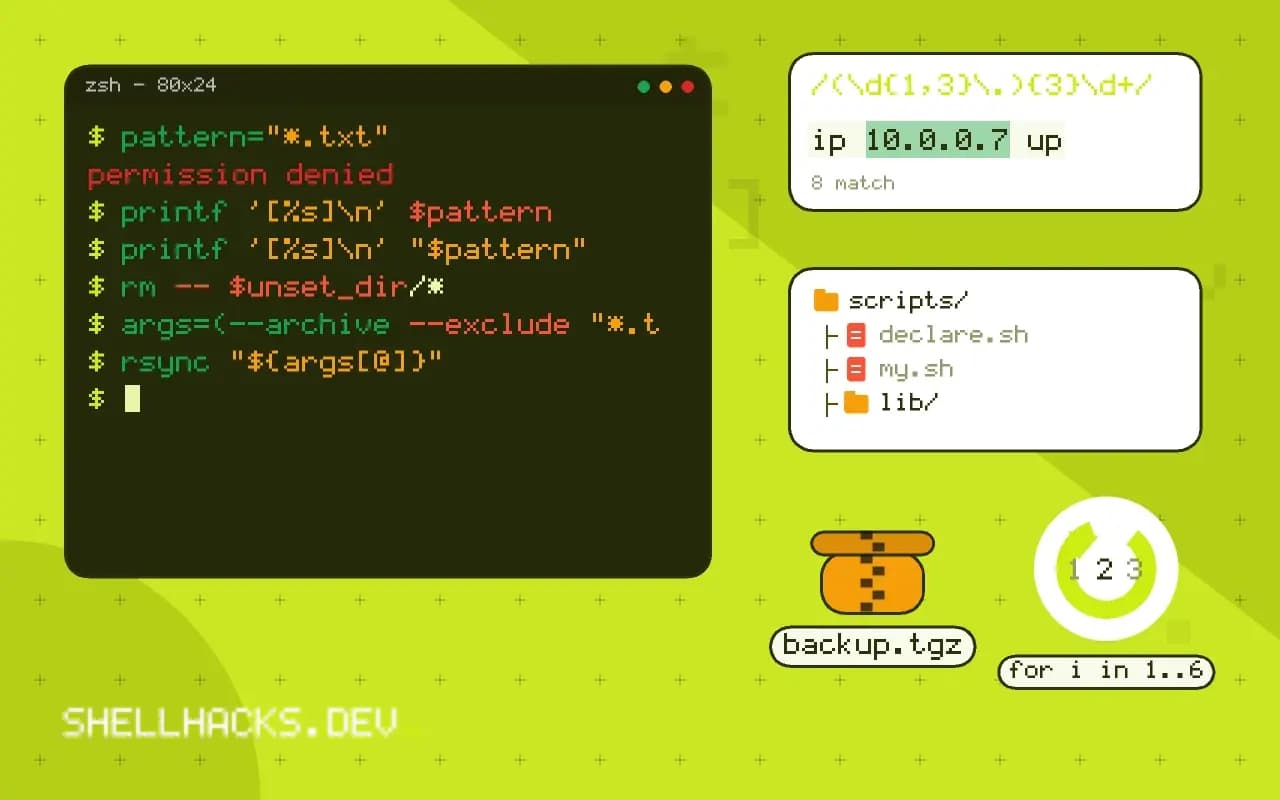
Most bugs where a script works on simple input and breaks on a file with a space in its name are quoting bugs, and they are invisible because echo prints a split value and a whole one identically. The fix is to look at the data the way the command sees it. This post gives three tools for that and the patterns to fix what they find. It is the practical side of quoting variables and word splitting. Examples use Bash 5.2.
See the arguments
file="my report.txt"
echo $file
printf '[%s]\n' $file
printf '[%s]\n' "$file"my report.txt
[my]
[report.txt]
[my report.txt]
The first line looks fine, and the second shows the problem: $file unquoted became two arguments. printf '[%s]\n' repeats its format for each argument, so every word gets a line with visible brackets, which also reveals leading and trailing spaces and empty arguments. Put it in front of any command that behaves oddly, replacing the command name, and you see exactly what it would be given.
Trace with set -x
PS4='+ ${BASH_SOURCE##*/}:${LINENO}: '
set -x
cp $file /backup/
set +x+ demo.sh:5: cp my report.txt /backup/
The trace shows the command after expansion, but be careful reading it: Bash prints quotes only where they are needed to make the line unambiguous in its own quoting, so a split command shows as cp my report.txt and a properly quoted one as cp 'my report.txt'. That difference, the single quotes, is the clue. Setting PS4 adds the file and line number to each trace line. For one function only, wrap it: set -x; myfunc; set +x. A deeper treatment of tracing is in shell debugging techniques.
Inspect values
declare -p file list
printf '%q\n' "$file"declare -- file="my report.txt"
declare -a list=([0]="a b" [1]="c")
my\ report.txt
declare -p prints variables in a form that distinguishes a string from an array and shows each array element, which is the fastest check that an array holds what you think. %q prints a value shell-escaped, making hidden characters such as newlines and tabs visible as $'...' sequences.
Globs and empty values
pattern="*.txt"
printf '[%s]\n' $pattern
printf '[%s]\n' "$pattern"
rm -- $unset_dir/*
An unquoted $pattern expands to the matching file names; quoted, it stays literal. The last line is the dangerous case: if $unset_dir is empty, the command becomes rm -- /*. Guard with ${var:?}, which stops with an error when the variable is empty: rm -- "${dir:?}"/*, and with set -u. Use shopt -s failglob or nullglob deliberately so a glob that matches nothing is an error or an empty list, not the literal pattern.
Fix with arrays
args=(--archive --exclude "*.tmp" "$src" "$dest")
rsync "${args[@]}"

cmd="ls -l '$file'"   # wrong: a string is not a command
eval "$cmd"           # works only until the file name has a quote in it
When you build a command from parts, keep the parts in an array, and expand it with "${args[@]}": each element becomes exactly one argument, whatever it contains. Building a command in a string and running it with eval or an unquoted expansion reintroduces every problem and adds command injection, as covered in preventing command injection.
Let a tool find them
shellcheck script.sh
bash -n script.sh
ShellCheck flags unquoted expansions as SC2086 and warns about the most common mistakes without running the script; see SC2086 explained. bash -n only checks syntax.
Where this does not apply
Quoting problems are different in other shells: zsh does not split unquoted variables by default, and fish has no word splitting at all. In a script that must run in dash, use the POSIX forms, with no arrays; alternatives to arrays in POSIX sh shows how to build argument lists with set --.
Why unquoted expansions go wrong
After the shell substitutes a variable or a command's output, it splits the result into words at whitespace and then expands any wildcard characters in each word against the files in the current directory. Quoting turns both steps off. So cp $file /backup with file="annual report.txt" passes two arguments, my and report.txt, and with file="*" passes every name in the directory. An empty unquoted variable disappears entirely, which turns [ $x = yes ] into [ = yes ] and a syntax error, and turns rm -r $dir/ into rm -r /. These behaviors are documented and consistent, and they are the source of a large share of shell bugs and security problems. The habit that avoids them is to put double quotes around every expansion unless you have a specific reason for splitting, and to know the few forms where quotes are not needed, such as the right side of a plain assignment and the word after case.
The other half is the opposite mistake: quoting something that should split, such as storing a list of options in a string and quoting it when used. That passes one argument with spaces in it, and the program complains about an unknown option that includes the spaces.
Showing exactly what the command receives
To see the arguments, put a tiny helper in front of the real command. A shell function that prints each argument in brackets, show() { printf '[%s]\n' "$@"; }, shows word boundaries and invisible characters at once: two lines for what you thought was one argument, an empty pair of brackets for an empty argument, a trailing space inside the brackets. Run the same expansion through it, show $file and show "$file", and compare. With set -x on, the shell prints each command after expansion with its own quoting, so a value with a space appears in single quotes, and the trace makes the split visible. Set PS4 to include the file name and line number so the trace tells you where each command came from. The builtin declare -p name prints a variable with all its characters and its type, which shows whether something is an array and whether a carriage return hides at the end.
Use these tools before changing the code. A guess about what the shell did is wrong often enough that thirty seconds of looking saves a longer round of trial and error.
Fixing it for good
Use arrays for lists of arguments. opts=(--verbose --output "$dir") followed by cmd "${opts[@]}" keeps each element as one word whatever it contains, and avoids the old habit of building a command in a string and passing it to eval, which brings every quoting problem back and adds code injection. Quote every expansion, including "$@" to forward arguments, and use -- before a variable that may start with a dash, so a file named -rf cannot be read as an option. Turn on set -u to make an unset variable an error instead of an empty string, and use ${var:?message} where a value is required. Run shellcheck on every script, as warning SC2086 for unquoted expansion is among the most useful it gives, and put it in CI so new code is checked. POSIX sh has no arrays, and the usual workaround is to build the list in the positional parameters with set -- and then use "$@".
See the Bash quoting chapter and ShellCheck SC2086.