How to Use Read Only Containers and Drop Capabilities
Harden containers with --read-only, tmpfs mounts, --cap-drop ALL and no-new-privileges, adding back only the capabilities the application needs.
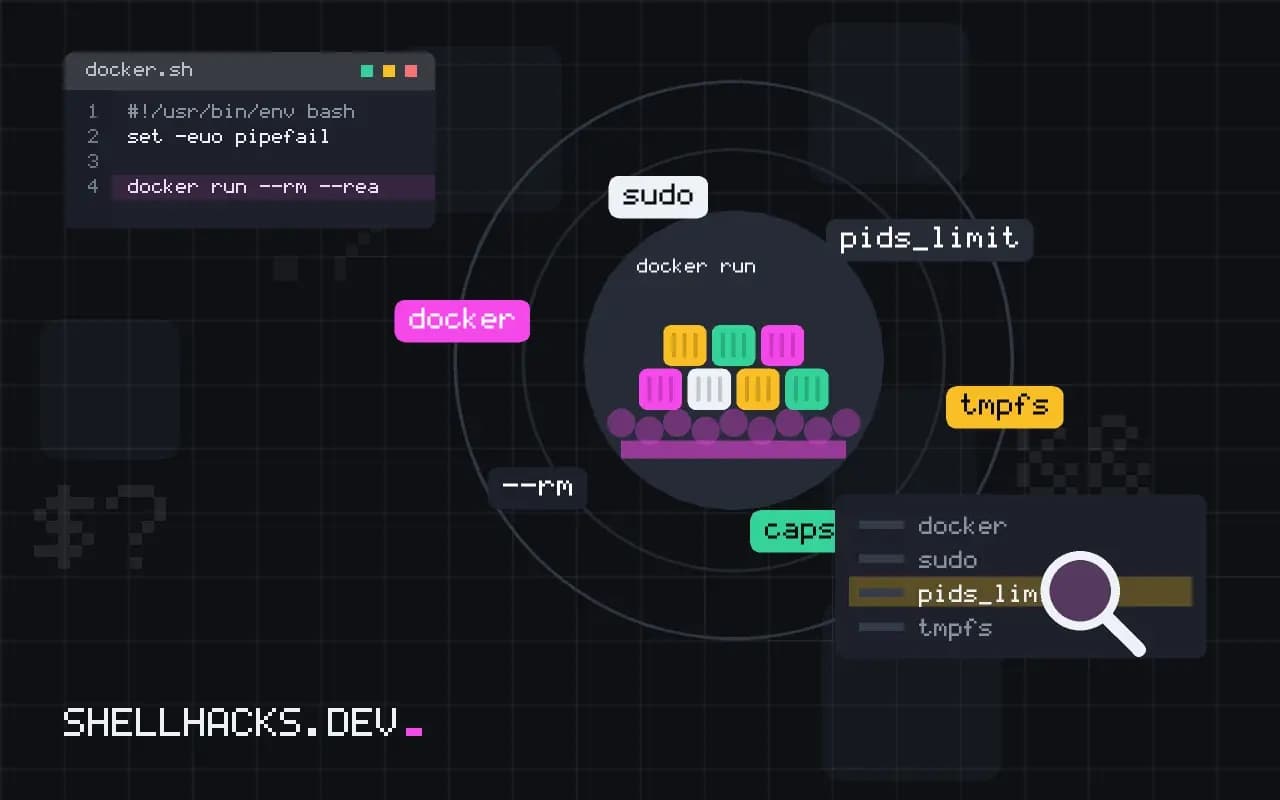
A default container runs with a writable file system and about a dozen Linux capabilities, far more than most programs use. Each removed permission is a path an attacker cannot take after compromising the application. The settings are flags, not code changes, and they follow from running as a non-root user. The examples assume Docker 27 on Linux.
A read-only root file system
docker run --rm --read-only alpine sh -c 'touch /etc/test'
docker run --rm --read-only --tmpfs /tmp alpine sh -c 'touch /tmp/test && echo ok'touch: /etc/test: Read-only file system
ok
With --read-only an attacker cannot drop a binary or edit a config in the image. Applications need somewhere to write: temporary files, caches, PID files and sockets. Mount a tmpfs for those, as in tmpfs, or a named volume for data that must survive. Find missing paths by running the app and reading the "Read-only file system" errors.
Drop capabilities
docker run --rm --cap-drop ALL alpine sh -c 'ping -c1 127.0.0.1'
docker run --rm --cap-drop ALL --cap-add NET_RAW alpine sh -c 'ping -c1 127.0.0.1'
docker run --rm alpine sh -c 'grep Cap /proc/self/status'ping: permission denied (are you root?)
64 bytes from 127.0.0.1: seq=0 ttl=64 time=0.040 ms
CapInh: 0000000000000000
CapPrm: 00000000a80425fb
CapEff: 00000000a80425fb
Capabilities split root's powers into pieces such as CHOWN, NET_RAW and SETUID. Docker keeps a default set; dropping all and adding only what is needed is the least-privilege form. Common additions are NET_BIND_SERVICE for ports below 1024 and CHOWN or SETUID/SETGID for images whose entrypoint drops privileges with gosu. The list and meanings are in the capabilities manual page.
No new privileges
docker run --rm --security-opt no-new-privileges alpine idThis sets a kernel flag so that executing a setuid binary does not raise privileges. It blocks a classic escalation path inside the container. It can break programs that rely on sudo or setuid helpers, which is a sign they should not be in the image anyway.
The same in Compose
services:
  app:
    image: myapp
    user: "10001:10001"
    read_only: true
    tmpfs:
      - /tmp
    cap_drop:
      - ALL
    security_opt:
      - no-new-privileges:true
    pids_limit: 200
Keeping the settings in the Compose file documents them and applies them on every start. Add pids_limit to blunt fork bombs and pair it with resource limits from CPU and memory limits. Apply restrictions one at a time and run the application's tests between steps, so a failure points to one change.
What each hardening step costs
The three settings in this post are cheap to apply and not free to adopt. A read-only root file system breaks any program that writes outside a declared path: package managers, log files in /var/log, PID files in /var/run, caches in the home directory and temporary files in /tmp. Dropping capabilities breaks programs that expected one: binding to a port below 1024 needs NET_BIND_SERVICE, changing file ownership needs CHOWN, and switching users needs SETUID and SETGID. The cost is a few hours the first time per image, and the way through is observation, not guessing.
Start in a test environment with the default settings, then tighten one control at a time and run the application's normal workload plus a restart. Each failure message points at the missing permission or path, and the fix is either a writable mount or an added capability.
Finding what the application writes
To learn where a container writes, run it normally and compare the file system against the image with docker diff NAME. It lists added, changed and deleted paths relative to the image layers. Anything under it is a path that would need a writable volume or tmpfs when the root is read-only. Typical results are /tmp, a cache directory and a runtime directory such as /run.
Give each a narrow solution. Temporary and runtime data fit a tmpfs mount with a size limit, which keeps them in memory and clears them on restart. Persistent data goes in a named volume mounted only where the program needs it. Avoid mounting the whole of /var as writable to make an error disappear, since that gives back most of what the read-only root provided.
Capabilities from the default set
Docker grants a default set of capabilities, fewer than root has on the host but more than most applications use. The strategy is to drop all with --cap-drop=ALL and add back only what the process needs. To discover requirements, run the container with all dropped and watch for permission errors in its logs, or inspect which capabilities the program asks for using tools such as capsh inside a debug container. Common additions are NET_BIND_SERVICE for a web server on port 80, which can be avoided entirely by listening on a high port and letting the platform map it, CHOWN and DAC_OVERRIDE for entrypoints that fix ownership at start, which is better solved by building the right ownership into the image.
Avoid --privileged. It grants nearly all capabilities, access to host devices and relaxed confinement, and effectively removes the isolation containers provide. If a program seems to need it, look for the one capability or device it actually uses and grant that.
Defence in depth and what these settings do not do
These controls reduce the damage an attacker can do after exploiting the application, but they do not remove the vulnerability. Combine them with a non-root user, a minimal base image, a seccomp profile (Docker's default blocks dozens of risky system calls), and an up-to-date image. A read-only root prevents persistence and tool downloads in the image's file system but not abuse of the application's own functions or of mounted volumes and network access.
Verify the result instead of assuming it. Try to write to the root file system from inside the container, check the effective capabilities in /proc/self/status, and run a scan that flags missing hardening. Record the settings in the Compose file or the deployment manifest so they are reviewed and applied the same way everywhere, and keep a short note of the exceptions and the reason for each, so the next person does not remove a restriction without knowing why it exists.
Keep the hardened configuration under review as the application changes. A new dependency may start writing a cache file, and a library upgrade may need a capability it did not before. Run the container under the full hardening in CI, with a smoke test that exercises start, a request and a restart, so a change that breaks under the restrictions fails the build instead of the deployment.
Share the settings through a common Compose file or template, and keep application-specific exceptions beside the service that needs them. This makes the baseline visible and the exceptions deliberate.
Where this does not apply
Hardening does not fix a vulnerable application; it limits the blast radius. Some software needs a writable root or extra capabilities by design, such as databases that write throughout their data directory, and forcing it creates failures with unclear causes. Docker Desktop on macOS and Windows runs a Linux VM, so the capability model is the VM's. Custom seccomp and AppArmor profiles go further; see the Docker security documentation and the docker run reference.