How to Protect a Server With Fail2ban and Rate Limits
Protect a server with fail2ban and rate limits: install, enable the sshd jail, tune maxretry and bantime, ignore your IPs and add an nftables limit.
A public server with SSH open gets login attempts within minutes. If passwords are disabled they fail harmlessly but fill logs and use resources. Fail2ban watches logs and blocks the sources of repeated failures. It is a useful layer for SSH, web logins and mail servers, and a poor substitute for strong authentication. It fits with hardening sshd and the cleanup in reducing attack surface. The steps assume Debian 13 with fail2ban 1.1 and nftables.
Install and configure
sudo apt install fail2ban
sudo tee /etc/fail2ban/jail.local >/dev/null <<'EOF'
[DEFAULT]
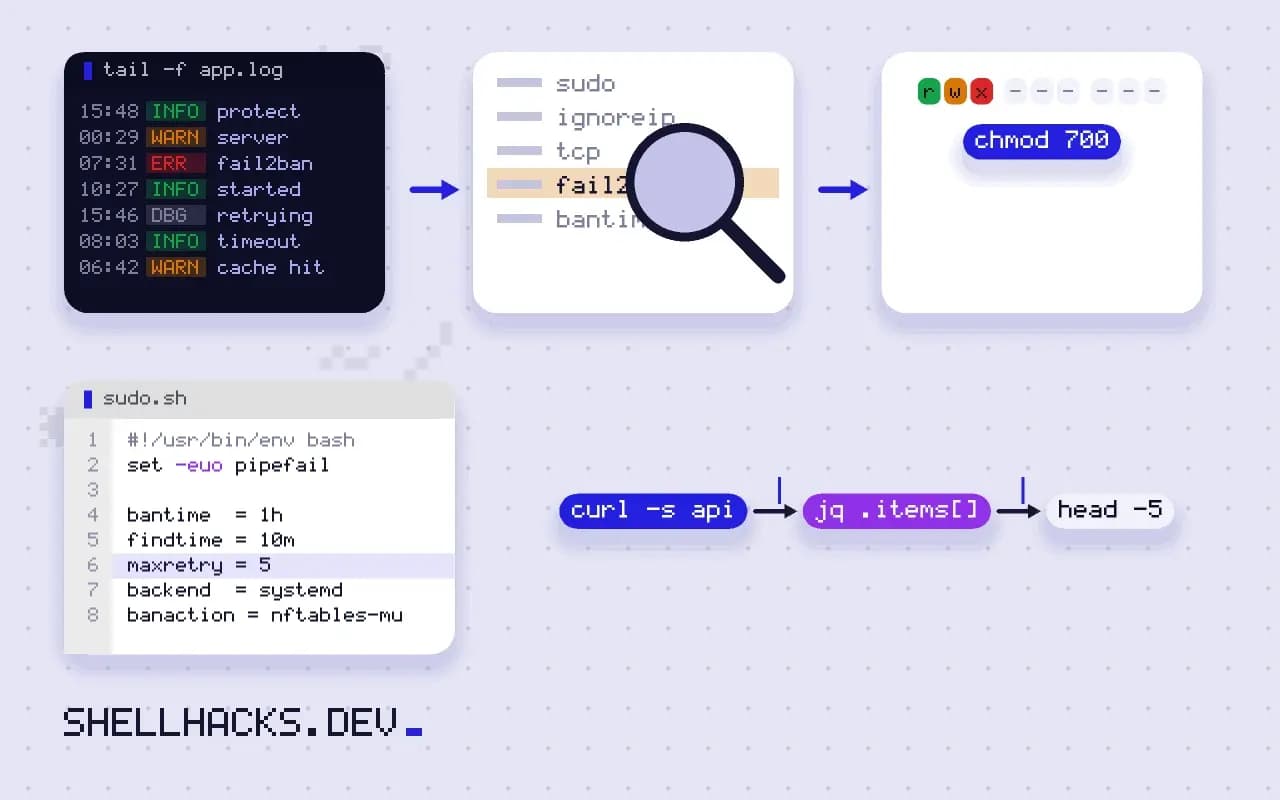
bantime  = 1h
findtime = 10m
maxretry = 5
backend  = systemd
banaction = nftables-multiport
ignoreip = 127.0.0.1/8 ::1 203.0.113.9

[sshd]
enabled = true
mode    = aggressive
EOF
sudo systemctl enable --now fail2ban
sudo fail2ban-client status sshdStatus for the jail: sshd
|- Filter
| |- Currently failed: 2
| |- Total failed: 41
| `- Journal matches: _SYSTEMD_UNIT=sshd.service + _COMM=sshd
`- Actions
|- Currently banned: 3
|- Total banned: 9
`- Banned IP list: 198.51.100.4 198.51.100.77 192.0.2.18
Put settings in jail.local; the packaged jail.conf is overwritten on upgrade. With five failures in ten minutes an address is blocked for an hour. The backend = systemd reads the journal instead of log files, which suits current distributions. Put your own fixed addresses in ignoreip, or a mistyped password can ban you, a lesson learned at 2 a.m. by many people. Addresses shown are documentation examples.
Tune and manage bans
sudo fail2ban-client set sshd unbanip 198.51.100.4
sudo fail2ban-client banned
sudo fail2ban-regex systemd-journal '/etc/fail2ban/filter.d/sshd.conf'
sudo journalctl -u fail2ban --since today --no-pager | tail -5
Longer bans for repeat offenders come from the recidive jail, which bans addresses that were banned several times in a day for a week. fail2ban-regex tests whether a filter matches log lines, essential when you write a filter for a custom application: a filter that matches nothing bans nothing. Custom jails for a web login need a failure line in the application log with the client IP.
A firewall rate limit as a second layer
table inet filter {
  chain input {
    type filter hook input priority 0; policy drop;
    ct state established,related accept
    iif lo accept
    tcp dport 22 ct state new limit rate 6/minute burst 10 packets accept
    tcp dport { 80, 443 } accept
  }
}
Limiting new connections to port 22 slows brute force at the network layer, with no log parsing, and applies before any daemon sees the packet. The configuration is in nftables syntax, here shown as a text block, loaded with sudo nft -f /etc/nftables.conf. The limit applies to all sources together, so a single noisy attacker can starve legitimate users; for per-address limits use meters or fail2ban. Test from a second session before closing your first.
What it does and does not stop
Fail2ban reduces noise and blocks simple password guessing. It does not stop a distributed attack from thousands of addresses each trying once, a stolen key, a vulnerability in the service, or an attacker behind a shared NAT who then bans everyone behind it. The reliable measures are the ones that make guessing useless: disable password authentication (PasswordAuthentication no), require keys or certificates, restrict who may log in with AllowUsers, and keep software patched. Moving SSH to another port reduces log volume and is not a defence, see changing the SSH port.
How the ban actually works
Fail2ban is a log reader with a firewall action. A filter, a set of regular expressions, extracts the client address from lines that indicate a failure. A jail counts matches per address inside a time window. When the count passes the threshold, the jail runs an action, usually adding the address to a firewall set, and removes it again when the ban time expires. Every part is plain configuration, which makes behaviour predictable and debuggable: if an address is not banned, either the filter did not match the line, the count was too low or the action did not take effect.
The two failure points to test are the first and the last. Run fail2ban-regex against the real log to confirm that the filter extracts addresses, and after a test ban check the firewall to confirm that the address is actually in the set. A jail that reports bans while the firewall rule is missing, for example because the firewall service restarted and dropped the set, gives a false sense of protection. Add a monitoring check that compares the jail's banned count with the firewall's.
Choosing sensible numbers
The defaults of five attempts in ten minutes and a one-hour ban suit a typical SSH server. Shorter windows and higher thresholds reduce false positives, and longer bans reduce noise at the cost of locking out a legitimate user for longer. For a service used by people, such as a web login, set the threshold above the number of times a person plausibly mistypes a password, and prefer a short ban. For a service nobody should be probing at all, such as SSH when only keys are accepted, a single failure from an unknown address can justify a longer ban.
Escalation is more effective than a single large number. A first ban of ten minutes, a second of an hour and a third of a day gives honest users a quick recovery and persistent scanners a growing cost. The recidive jail does this in one rule by watching fail2ban's own log for repeat offenders.
Proxies, shared addresses and IPv6
Banning only works on the address the server sees. Behind a reverse proxy or a load balancer, every request arrives from the proxy, and a filter that bans the address in the log can ban the proxy itself and cut off everyone. Configure the proxy to pass the real client address in a header, make the application log it, and write the filter against that field. Conversely, many users share a single address behind a company or carrier network, so a ban triggered by one person blocks hundreds. For services with such audiences, rate limiting per account is a fairer control than banning by address.
IPv6 changes the arithmetic. A single customer often holds a whole /64, which is more addresses than the entire IPv4 internet, and an attacker can rotate through them. Banning individual IPv6 addresses is nearly useless, so ban at the /64 level where the tool supports it. Check that the firewall action covers both address families, as a ban that applies only to IPv4 leaves the other side open.
Operational habits
Send a summary of bans to wherever you read operational mail, and read it. A sudden spike in bans from a single network is information about who is interested in the server. Keep your own addresses in the ignore list and test after any change by attempting a bad login from a spare address, with a plan to be unbanned from the console. Review the configuration after each upgrade, since new default filters and renamed options appear between versions, and a quietly disabled jail is a common result of upgrading without reading the changelog.
Where this does not apply
Servers that are reachable only through a VPN or a bastion have little need for it on SSH. For web applications, rate limiting in the reverse proxy and a web application firewall are often better tools, as in reverse proxies. Banning by IP has legal and practical side effects: do not ban ranges you do not understand. See the fail2ban documentation and the nftables quick reference.