What Is Fork and Exec and Why Spawning Costs Time Explained
Why spawning processes costs time: what fork and exec do, measuring a subprocess in a loop, builtins versus external commands, and when it matters.
Shell scripts are slow in a specific way: not because the shell is a poor interpreter, but because every sed, cut and basename is a new program launched from scratch. Understanding what a launch does explains why a loop calling a utility per line can take a minute where the same job in one awk call takes a fraction of a second. This is the background to reducing process spawning and efficient file reading in Bash. The measurements below assume Linux 6.x and Bash 5.2, and the numbers are illustrative.
What happens at a launch
1. fork()    the kernel copies the shell's process (copy-on-write page tables)
2. exec()    the child replaces itself with the new program: open file, map it
3. ld.so     the dynamic linker loads libc and other shared libraries
4. run       the program does its work and exits
5. wait()    the parent collects the exit status
Steps 1 to 3 are overhead independent of the work done. A small program such as true takes a fraction of a millisecond to a millisecond or more on a busy system; a larger one (Python, Java) takes tens or hundreds. The shell's own memory size matters for fork, and a big shell with large arrays forks more slowly. Builtins such as echo, test, printf and read run inside the shell with none of this.
Measure it
time (for i in $(seq 1 10000); do /bin/true; done)
time (for i in $(seq 1 10000); do true; done)
time (for i in $(seq 1 10000); do x=$(echo hi); done)
time (for i in $(seq 1 10000); do x=hi; done)real 0m9.2s # external /bin/true: one fork+exec each
real 0m0.02s # builtin true
real 0m10.8s # command substitution: a subshell plus a pipe each time
real 0m0.01s # plain assignment
These figures are representative orders of magnitude, not measurements from a specific machine: a launch costs roughly a millisecond, while a builtin costs microseconds, a difference of a few hundred to a thousand times. The command-substitution case is slow even with a builtin inside, because $(...) forks a subshell. Run the commands on your machine; the ratio is what matters.
Replace the launch with expansion
name=$(basename "$path")          # fork + exec
name=${path##*/}                  # parameter expansion, no process

dir=$(dirname "$path")
dir=${path%/*}

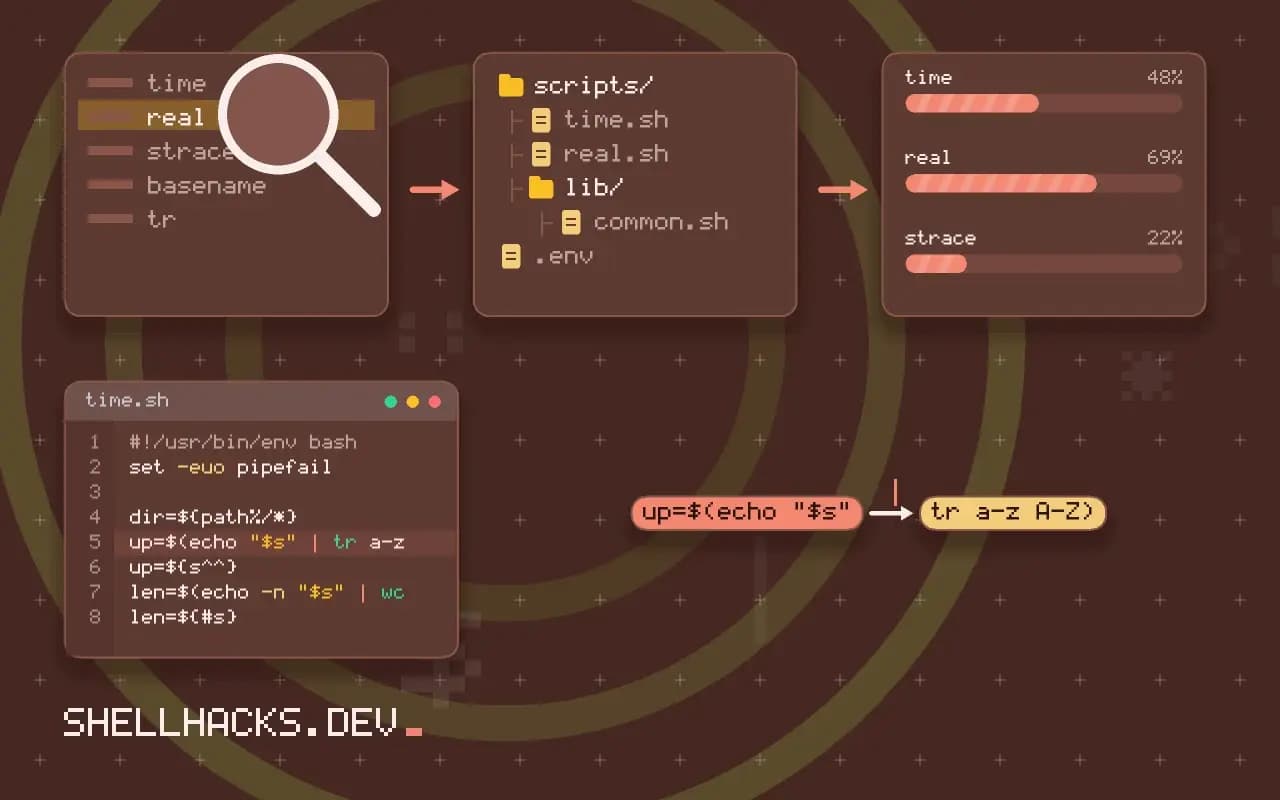
up=$(echo "$s" | tr a-z A-Z)
up=${s^^}                         # Bash 4

len=$(echo -n "$s" | wc -c)
len=${#s}
Bash's parameter expansion covers many text operations that people reach for external tools to do. See parameter expansion. Assigning a command's output with printf -v var avoids the subshell: printf -v today '%(%F)T' -1 formats the current date without calling date. For arithmetic use $(( )) instead of expr or bc.
Count what a script spawns
strace -f -c -e trace=execve,clone,fork,vfork ./script.sh 2>&1 | tail -8
strace -f -e trace=execve ./script.sh 2>&1 | grep -c execve
perf stat -e 'sched:sched_process_exec' ./script.sh 2>&1 | tail -4 7 clone
321 execve
A count of execve calls shows how many programs were launched. If it grows with the input size, the script has a per-item launch, which is the thing to remove. The tool strace slows the script, so the counts are reliable and the timings are not; see strace for scripts. Profiling by sections finds the hot spot, as in profiling a Bash script.
Batch instead of looping
find . -name '*.log' -print0 | xargs -0 gzip              # one gzip per batch of files
find . -name '*.log' -exec gzip {} +                       # same idea
awk -F, '{ print toupper($2) }' data.csv                   # one process for all lines
sed 's/foo/bar/' < big.txt                                 # not: while read line; do echo "$line" | sed ...; done
Tools accept many arguments or process a stream, so give them everything at once. xargs and find -exec ... + pack many files into each invocation. A loop that calls an external command per line is the pattern to look for first. Parallelism with xargs -P reduces wall time but not the total launch work, see parallel xargs.
Where the cost really goes
The fork itself is cheaper than it used to be, because the kernel copies page tables lazily, and the exec is mostly work that depends on the size of the program and its libraries. The dynamic linker is often the biggest piece: a program linked against many shared libraries must find, map and relocate each of them. A statically linked utility, or one with few dependencies, starts markedly faster than a large program with dozens. Interpreted programs add their own start-up on top, loading a runtime and standard modules before the first line of the script runs. That is why a one-line Python call in a loop is far slower than the same line of awk.
The shell's own state matters too. Forking a process with a large environment or large arrays copies more bookkeeping, and subshells inherit everything. A script that builds a big associative array and then calls $(...) in a loop pays for the array's size on each fork. Moving the expensive structure into a separate process, or restructuring so that the loop runs before the structure is built, can reduce the cost noticeably.
Pipelines and subshells
A pipeline of five commands starts five processes, and a subshell adds one more. This is fine when each process handles a lot of data, since the launch cost is tiny against the work. It becomes a problem inside loops. A pipeline of three commands executed ten thousand times starts thirty thousand processes. The fix is to move the pipeline outside the loop, so that it processes everything in one pass, or to replace it with a single tool that does the whole job. Look at the innermost loop of a slow script first: whatever it spawns per iteration is the thing to remove.
Command substitution has a hidden cost: it captures output through a pipe, which means a fork, a pipe and a read for every use. In a loop that formats a value for each line, printf -v and parameter expansion remain in the shell process and cost almost nothing. The change makes the code a little less familiar and the script many times faster, which is a reasonable trade in the hot path and not worth the obscurity elsewhere.
Finding the hot spot before changing anything
Do not optimise by guesswork. Time the whole script, then time sections with date +%s.%N markers or Bash's SECONDS variable, or run it under bash -x with timestamps by setting PS4='+ $EPOCHREALTIME '. The trace shows which commands consume the time and how often each runs. Two or three lines usually account for nearly all of it. Fix those, measure again and stop when the script is fast enough; further work yields little and costs readability.
Counting with the system tools
Counting executed programs gives a number that does not depend on machine speed. Compare the count before and after a change, and a reduction from thousands to tens confirms the improvement even if timings are noisy. On busy CI runners where wall time varies by a factor of two, the count is the reliable metric, and including it in a performance test catches a regression that reintroduces a per-item launch.
A practical target for a script that must run often is a launch count that stays constant as the input grows. If a script handling a hundred files starts three hundred processes and the same script handling ten thousand starts thirty thousand, the work is linear in the input and the constant is the thing to cut. If the count stays near thirty in both cases, the script batches properly, and its run time will be dominated by useful work.
Where this does not apply
For a script that runs a few dozen commands once, launch overhead is invisible and clarity wins; replacing basename with expansion in such a script is not worth the obscurity. When the work itself is heavy (video encoding, compression), the launch is a rounding error. Windows (Git Bash, MSYS) has much more expensive process creation than Linux, so the effect is larger there. See the fork manual page and the execve manual page.