How to Sign Git Commits With GPG or SSH Keys the Safe Way
Sign Git commits and tags with a GPG key or an SSH key, configure Git, verify signatures locally with allowed signers, and see the Verified badge on GitHub.
Git lets anyone set user.name and user.email to anything, so an unsigned commit proves nothing about who wrote it. A signature ties a commit to a private key that only the author should hold. Since Git 2.34 you can sign with the SSH key you already use, which is simpler than GPG for most people. The commands use Git 2.45 and OpenSSH 9.7; the key choice is in Ed25519 versus RSA keys.
Sign with an SSH key
git config --global gpg.format ssh
git config --global user.signingkey ~/.ssh/id_ed25519.pub
git config --global commit.gpgsign true
git config --global tag.gpgsign true

echo "$(git config user.email) $(cat ~/.ssh/id_ed25519.pub)" >> ~/.config/git/allowed_signers
git config --global gpg.ssh.allowedSignersFile ~/.config/git/allowed_signers
The signing key is the public key file, while the private key is read from the SSH agent or disk. commit.gpgsign signs every commit automatically, and the name is historical, as it works for SSH signing too. The allowed_signers file maps email addresses to trusted public keys, and is used only by your local verification. On GitHub or GitLab, add the same public key under SSH and GPG keys, with the type set to "Signing Key", since an authentication key alone does not make commits Verified.
Sign with GPG
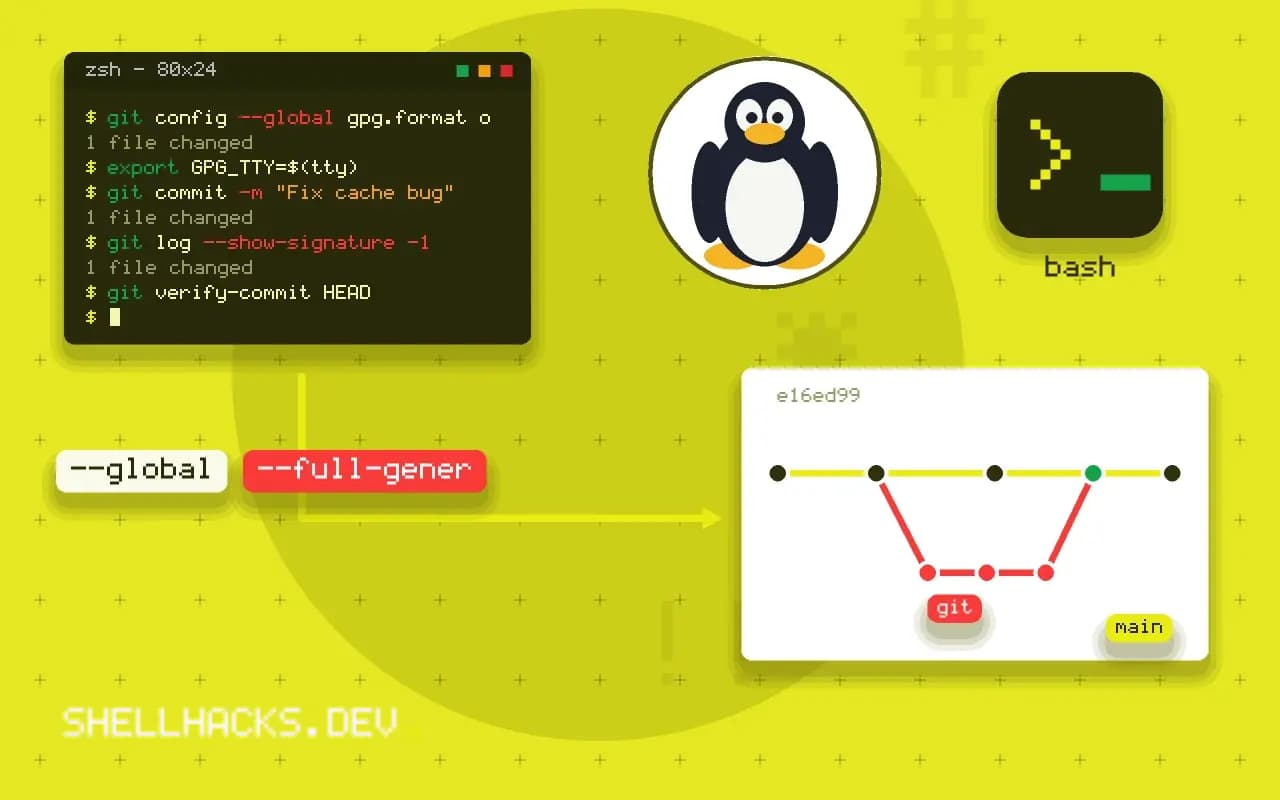
gpg --full-generate-key
gpg --list-secret-keys --keyid-format=long
git config --global user.signingkey 3AA5C34371567BD2
git config --global gpg.format openpgp
git config --global commit.gpgsign true
export GPG_TTY=$(tty)
Use the long key ID from the listing. Setting GPG_TTY in your shell profile lets gpg-agent prompt for the passphrase in the terminal; its absence causes the common error "gpg failed to sign the data", discussed in GPG failed to sign data. Upload the public key with gpg --armor --export KEYID to your host.
Verify
git commit -m "Fix cache bug"
git log --show-signature -1
git verify-commit HEADGood "git" signature for [email protected] with ED25519 key SHA256:Kd3...
For SSH signatures the "Good" line appears only when the signer is in the allowed signers file. Without it, Git reports that no principal matched. Tags can be signed with git tag -s v1.2.0 and checked with git tag -v, which is the form release tooling relies on.
What a signature covers
A signed commit contains a signature over the commit object, which includes the tree hash, the parent hashes, the author and committer lines and the message. Changing any of them breaks the signature, and since each commit names its parent by hash, a signature on the tip protects the whole history behind it in a practical sense: the chain cannot be altered without a new signature. What the signature does not cover is the identity claim in the author line, which a signer can set to any name. The value of the signature is that the key holder vouches for the content, and the hosting platform or a local allowed signers file maps keys to people. Trust therefore comes from how the key was registered, not from the cryptography alone.
Merge and squash workflows change what is signed. A squash merge on a hosting platform creates a new commit signed by the platform's key, or not signed at all, and not by the author, so the individual signatures from the branch do not survive. Rebasing rewrites commits and drops signatures unless the rebase is run with signing on. Teams that require signed history should decide on a merge strategy that keeps the properties they need.
Choosing between SSH, GPG and Sigstore
SSH signing is the lightest to set up because developers already have keys, it needs no new software, and Git 2.34 or later supports it. Its weaknesses are the absence of a built-in web of trust, no key expiry in plain keys, and the need to distribute an allowed signers file. GPG is the older mechanism with expiry, subkeys and revocation certificates, and a heavy tool chain that many find hard to keep working. Keyless signing with Sigstore's gitsign issues short-lived certificates tied to an identity provider login and records the signing in a public log, which removes key management for the developer at the cost of an online dependency and a different trust model. Pick based on the team's tolerance for key management and on what verification the downstream consumers expect.
Protecting the signing key
A signing key on disk can be stolen like any other, and signatures made by a stolen key are as valid as real ones. Protect it with a passphrase and an agent with a timeout, or better, keep it on a hardware token such as a security key, where the private part never leaves the device and each signature needs a touch. For SSH signing that means an ed25519-sk key. Have a plan for loss: revoke the key at the hosting platform, remove it from the allowed signers file, and re-sign the important tags. Keep signing keys separate from the keys used to log in, so that revoking one does not affect the other.
Verification in the pipeline
A signature that nobody checks protects nothing. Make verification part of the process: branch protection that requires signed commits on the main branch, a CI step that runs git verify-commit or git log --show-signature over the range being deployed, and a release process that verifies the tag with git verify-tag before building. On the consumer side, publish the public keys or the allowed signers file somewhere users can find it, and document how to verify. Failure should block the pipeline, with a message that names the commit and the reason, so developers learn the fix quickly. Unverified commits from automation accounts need their own keys and an explicit policy.
Signing tags and releases
Signing a tag is often more valuable than signing every commit, because a release tag is what users and package builders check. Create one with git tag -s v1.4.2 -m "Release 1.4.2" and verify it with git verify-tag v1.4.2. Publish the signature with git push origin v1.4.2, and the hosting platform shows the verification state. Tags are immutable by convention only, so signing is the way to make a tampered or moved tag detectable. Keep the release process in a script that creates the tag, builds artifacts from it, signs the checksum file, and uploads all of it, so each release goes through the same steps.
Where this does not apply
A signature does not make a commit trustworthy, only attributable: it says the holder of that key made it, and the host's "Verified" badge says the key belongs to an account. Rebasing or amending a signed commit creates a new commit that is signed again by the person doing the rebase, not by the original author. Shared bot accounts need their own keys. If the key leaks, revoke it at the host and stop using it. The configuration is explained in the git config gpg.format documentation and GitHub's commit signature verification guide.
Teams that require signing should enforce it on the server with branch protection, because a local setting can be turned off. Keep the signing key separate from the authentication key where policy asks for it, and document how to rotate it. Related credential handling is in Git credential helpers, and the SSH setup it builds on is in SSH keys for GitHub and GitLab.