How to Use git submodules and When to Avoid Them Safely
Use git submodule to pin another repository inside yours: add, clone, update and remove it, and learn which workflows make submodules painful.
A submodule lets one repository embed a specific version of another, such as a shared library or a theme. It is precise and a common source of confusion, because the pointer and the files can disagree. If you only need to vendor code once, git subtree is simpler. The examples assume Git 2.47.
Add a submodule
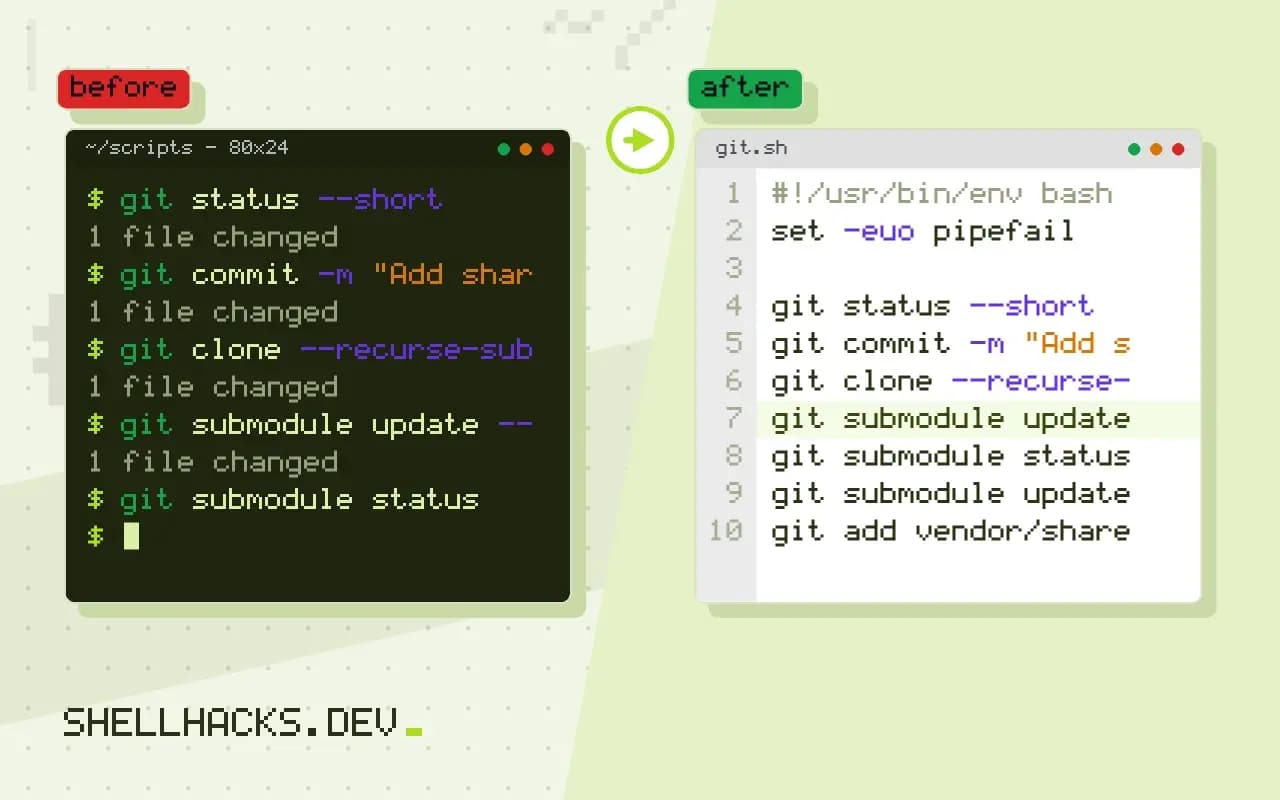
git submodule add https://github.com/example/shared-lib.git vendor/shared-lib
git status --short
git commit -m "Add shared-lib as a submodule"A .gitmodules
A vendor/shared-lib
Git writes the URL and path to .gitmodules and records the current commit of the submodule as a special entry. The parent does not contain the submodule's files in its history, only the commit hash. A collaborator who clones the project gets an empty directory until they initialise it.
Clone and initialise
git clone --recurse-submodules https://github.com/example/app.git
git submodule update --init --recursive
git submodule status 4f2a9c1d7e0b3a5c6d8e9f0a1b2c3d4e5f6a7b8c vendor/shared-lib (v1.4.2)
A leading minus in the status means not initialised, and a plus means the checked-out commit differs from the one the parent records. Set git config --global submodule.recurse true so checkout, pull and similar commands keep submodules in step automatically.
Update to a newer version
git submodule update --remote vendor/shared-lib
git add vendor/shared-lib
git commit -m "Bump shared-lib to latest main"
--remote fetches the submodule's tracked branch and checks out its tip. Nothing changes in the parent until you stage and commit the new pointer, and forgetting that commit is the classic mistake: colleagues pull and still see the old version. To change code inside the submodule, enter it, switch from the detached HEAD to a branch with git switch main, commit and push there first, and then commit the pointer in the parent. Pushing the parent before the submodule leaves a pointer to a commit nobody can fetch.
Remove a submodule
git submodule deinit -f vendor/shared-lib
git rm -f vendor/shared-lib
rm -rf .git/modules/vendor/shared-lib
git commit -m "Remove shared-lib submodule"
Deleting the directory by hand is not enough, because the entry in .gitmodules, in .git/config and the stored clone in .git/modules all remain. The three commands remove each. The reflog cannot bring back an unrecorded local change inside the submodule, so push or stash it first.
When to avoid submodules
They suit a dependency you pin deliberately and rarely edit, such as a third-party library or a fixed set of test fixtures. They hurt when many people change both repositories together, because every change takes two commits, two pushes and an update step. CI needs --recurse-submodules on checkout, and shallow clones need extra flags. For code that your own team edits constantly, a monorepo, a package registry or subtree is easier. Authentication to private submodule URLs also needs the same credentials as the parent, which is awkward with HTTPS tokens; see switching the remote to SSH.
What a submodule really stores
A submodule is two pieces of information that live in different places. The file .gitmodules in the parent records where to clone from, and the parent's tree holds an entry of a special type that records one exact commit hash in the other repository. Neither includes the files of the dependency. That is why a plain clone yields an empty directory, and why the parent can be rebuilt years later at exactly the same dependency version as long as the commit still exists upstream.
Because the commit hash is the contract, rewriting history in the submodule's repository breaks every parent that points at a rewritten commit. A force-push on a library that other projects embed leaves their pointers dangling, and a fresh clone fails with an error about not being able to find the commit. Treat the branches that parents track as append-only, and tag released versions so pointers can refer to something that will not move.
Working inside a submodule without losing changes
When you enter a submodule, Git leaves it on a detached HEAD at the recorded commit. Edits made there and committed are attached to no branch, and a later git submodule update moves the checkout away from them, leaving the commits reachable only through the reflog. The safe routine is to switch to a branch first, commit, push the submodule, return to the parent, stage the pointer and push the parent. The order matters, and a pre-push check helps: git push --recurse-submodules=check refuses to push a parent whose pointer references a commit that has not been pushed, and on-demand pushes the submodule first.
Status in the parent can be confusing because it shows a directory as modified for several reasons: a new commit in the submodule, uncommitted changes inside it, or untracked files. git diff --submodule=log prints the commits between the old and new pointer, which turns an opaque hash change into a readable list in review. Set it as the default with diff.submodule log and reviewers will see what a bump contains.
CI, caching and shallow clones
A pipeline has to ask for submodules explicitly. Most CI systems have a checkbox or a flag, and without it the build fails in a confusing way, with missing headers or imports. Use a shallow fetch with --depth 1 and the option --shallow-submodules to avoid downloading history that the build never reads. If the submodule is private, the job needs credentials for its URL as well as for the parent, which often means a deploy key per repository or a token with a wider scope than the parent alone. Review that scope, because a token that can read many repositories is a bigger exposure than the dependency justified.
Relative URLs in .gitmodules, such as ../shared-lib.git, resolve against the parent's remote. This keeps forks working without edits and lets the same file serve both SSH and HTTPS clones, which is useful when contributors use different protocols. The cost is that the submodule must live beside the parent on the same host.
Replacing a submodule later
People often outgrow submodules. The migration path is to publish the dependency as a package, replace the directory with a normal dependency declaration and remove the submodule using the steps above. If you need to keep the dependency's history inside the parent, git subtree add or a filtered import copies it over once. Either route is easier early; a submodule referenced by dozens of scripts and CI jobs takes a careful search to detach.
Before relying on a submodule in a team, write the three commands every contributor needs in the repository's README: clone with submodules, update after pulling, and the order for pushing a change that spans both repositories. A short note prevents the most common support question, which is why a fresh checkout builds on one laptop and not on another.
Where this does not apply
A package manager is the better fit for ordinary libraries: npm, pip or Go modules pin versions with lock files and no Git trickery. Submodules do not merge, so a conflict on the pointer is resolved by picking one commit with git add. See the Pro Git chapter on submodules and the git-submodule manual.