How to Use ionice and nice to Keep Servers Responsive
Keep a server responsive during heavy jobs with nice, ionice and idle scheduling: when ionice works, systemd settings, and where cgroup weights do better.
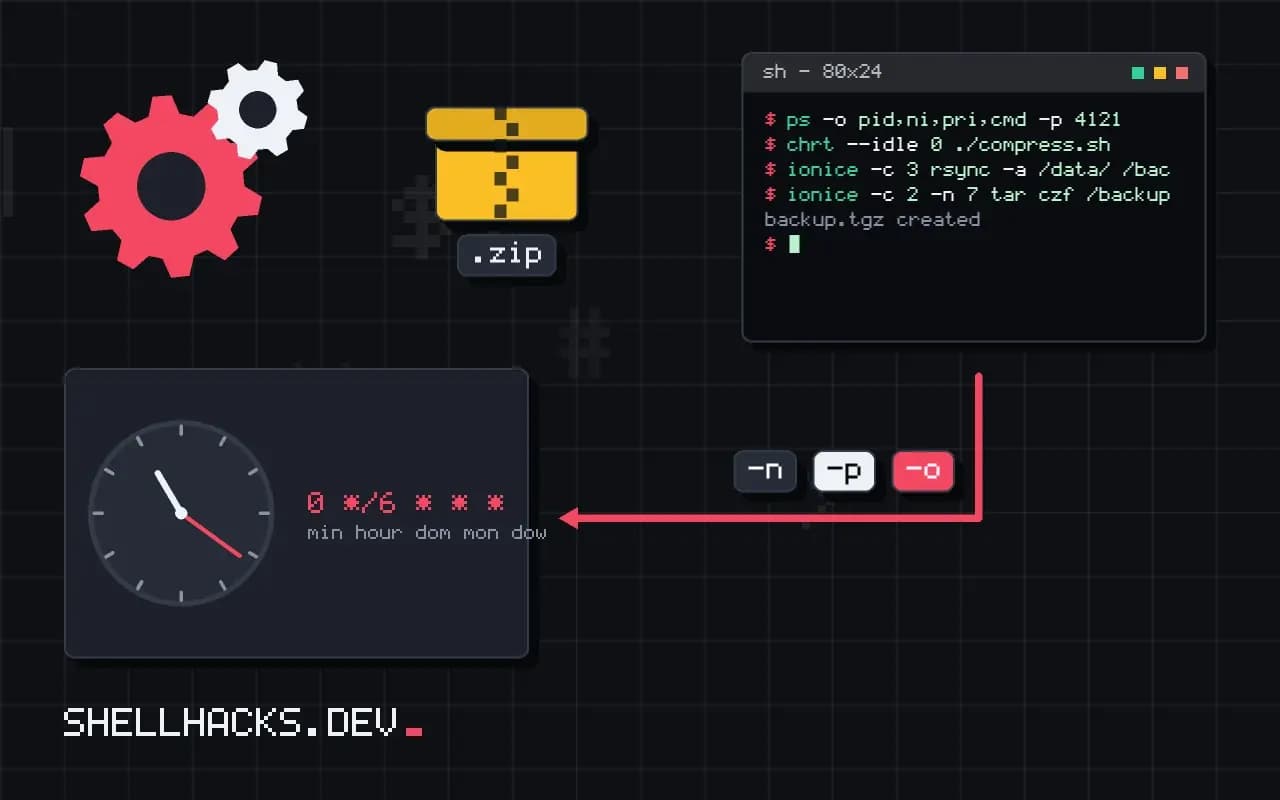
A nightly backup or a big compression job that makes the web server crawl is a common irritation, and the cure is to tell the kernel which work matters less. Two old commands do that: nice for the CPU and ionice for the disk. The CPU one always works. The disk one often does not, for a reason almost nobody mentions, and this post explains it. It relates to cgroups for capping jobs and debugging high load. Examples use Linux 6.12 on Debian 13.
CPU priority with nice
nice -n 19 tar czf /backup/home.tgz /home
renice -n 10 -p 4121
ps -o pid,ni,pri,cmd -p 4121
chrt --idle 0 ./compress.sh
Niceness runs from -20 (highest priority) to 19 (lowest); an ordinary user can only raise it. A nice value of 19 makes the process get a small share of the CPU when others want it, and normal share when the machine is idle, so it cannot slow other work much. renice changes a running process. For a stronger version, chrt --idle 0 uses the SCHED_IDLE policy, which runs the process only when nothing else wants the CPU. Neither limits memory use or disk access.
Disk priority with ionice
ionice -c 3 rsync -a /data/ /backup/
ionice -c 2 -n 7 tar czf /backup/home.tgz /home
ionice -p 4121
The idle class (-c 3) lets the process use the disk only when no one else has asked for it in a short while; best-effort (-c 2) has levels 0 (highest) to 7 (lowest) within the class. This is the right idea for backups and indexing. The catch is that the kernel's IO scheduler has to implement it.
Check the scheduler
cat /sys/block/sda/queue/scheduler
cat /sys/block/nvme0n1/queue/scheduler[mq-deadline] kyber bfq none
[none] mq-deadline kyber bfq
The scheduler in brackets is active. IO priority classes are honored by BFQ and had been by the old CFQ scheduler, which no longer exists. On mq-deadline, kyber and none, which is the default for most modern SSDs and NVMe drives, ionice accepts the settings and has no effect. So on a typical server, ionice -c 3 backup.sh does nothing. To use it, switch the device to BFQ: echo bfq | sudo tee /sys/block/sda/queue/scheduler (persist with a udev rule). BFQ costs some throughput on fast drives, so test the change.
A dependable way: cgroup weights
sudo systemd-run --scope -p IOWeight=10 -p CPUWeight=10 rsync -a /data/ /backup/With cgroup v2, the IO controller can weight groups against each other regardless of the scheduler on most modern kernels (with the BFQ weight and, for other schedulers, the io.cost model or limits), and the CPU controller shares time by weight. The default weight is 100 for both; a job with 10 yields to everything else. IOReadBandwidthMax=/dev/sda 50M sets a hard cap. Effects differ by device and kernel, so test with a real load and watch iostat -x. See the details in cgroups for runaway jobs.
In a systemd service
[Service]
Nice=19
IOSchedulingClass=idle
CPUSchedulingPolicy=idle
IOWeight=10
CPUWeight=10
Putting the settings in the unit applies them to every run, and the timer in cron and systemd automation starts it. The combination covers the cases: Nice and the idle policy for CPU, the class for BFQ systems and the weights for the rest.
Where this does not apply
Priorities decide who waits, not how much a job uses in total, so a priority does not fix a job that needs more IO than the disk can give; a bandwidth cap or a schedule does. They do nothing about memory pressure. Network contention needs tc or application limits. A process holding a lock that the important work needs can still block it, an effect called priority inversion. On a laptop, the idle policy can delay a job for hours.
What nice and ionice control and what they cannot
The nice value, from -20 to 19, adjusts how the scheduler divides CPU time among runnable processes. A higher number means a lower priority, and the effect appears only when there is competition: a niced process on an otherwise idle machine still gets all the CPU it wants. That is the point, since a background job at nice 19 uses idle capacity and steps aside for interactive work. The effect is a weighting and not a hard limit, so a nice 19 process still gets a small share when others are busy, and it still consumes memory and disk bandwidth freely, which nice does not touch. Ordinary users can raise the value of their processes and only root can lower it. For a process already running, renice changes it. Remember that for programs with many threads, the value applies per thread, and children inherit it, so setting it on the shell that launches a job covers everything it starts.
Because the scheduler weights by nice level, the difference between 0 and 10 is a factor of roughly ten in weight, not ten percent, which is why a modest value is often enough.
Disk priority and the scheduler that decides if it works
ionice sets the IO scheduling class and priority: class 3, idle, serves the process only when no one else wants the disk, class 2, best effort, takes a priority from 0 to 7, and class 1, real time, can starve everything else and needs root. A backup or a large copy should usually run in the idle class. The catch is that these classes are implemented by specific IO schedulers. With BFQ they work well. With the older CFQ they worked and CFQ no longer exists in current kernels. With none, the default on many NVMe devices, and with mq-deadline, they have no effect at all, and the command succeeds silently. Check what a device uses with cat /sys/block/DEVICE/queue/scheduler, where the active one is in brackets. If it is not BFQ, ionice does nothing for that disk, and the dependable alternative is control group weights or limits, which work with any scheduler on current kernels that support the IO controller.
Cgroup weights and systemd settings
Control groups give hard guarantees that nice and ionice cannot. In cgroup version 2, cpu.weight and io.weight divide capacity in proportion, cpu.max sets a ceiling, and io.max limits bytes or operations per device. systemd exposes these as unit settings: CPUWeight=, IOWeight=, CPUQuota=, MemoryMax=, along with Nice= and IOSchedulingClass= for the older mechanisms. For a one-off job, systemd-run --scope -p CPUWeight=20 -p IOWeight=20 command runs it with low weights and cleans up afterwards. For a service, set the options in the unit or a drop-in file. A quota is a cap that applies even when the machine is idle, which is right for a job that must never use more than a share, and wasteful for one that should use spare capacity, where weights are the better tool. Check the result under load with systemd-cgtop, and confirm that interactive latency stays acceptable while the heavy job runs.
Keep memory in mind as well. A niced job that uses a lot of RAM still evicts the page cache and may push other processes into swap, and priority settings do nothing about that, so give the job a memory limit too.
See ionice(1) and the BFQ scheduler documentation.