How to Use cgroups to Cap Runaway Jobs Step by Step
Cap runaway jobs with cgroups through systemd-run and unit settings: memory and CPU limits, task limits, MemoryHigh throttling and how to see results.
A runaway script that eats all the memory takes the whole machine with it: the kernel's out-of-memory killer then chooses a victim, often not the culprit. Cgroups let you draw a box around the job so that when it misbehaves, only it suffers. On a systemd system you do not manage cgroups by hand; systemd-run and a few unit properties are enough. This post shows the limits that matter. It continues nice and ionice and complements containing a leak. Examples use systemd 257 on Debian 13 with cgroup v2.
Run a command under limits
sudo systemd-run --scope --unit=bigjob \
  -p MemoryHigh=800M -p MemoryMax=1G \
  -p CPUQuota=50% -p TasksMax=100 \
  ./process-everything.sh
A scope wraps an already-running or child process in a transient unit, and -p sets resource properties. MemoryHigh is a soft limit: when the group passes it, the kernel throttles and reclaims aggressively, so the job slows down instead of dying. MemoryMax is the hard limit: if the group cannot stay under it, the OOM killer runs inside the group, killing processes in it and nothing else on the machine. CPUQuota=50% caps the group at half of one core in total, however many threads it has (200% would be two cores). TasksMax limits the number of processes and threads, which stops a fork bomb from filling the process table.
Without root
systemd-run --user --scope -p MemoryMax=2G -p TasksMax=200 python3 batch.pyUnder --user the limits apply within your own user manager, which works for memory and tasks on a standard systemd setup with cgroup v2 delegation. The CPU and IO controllers may not be delegated to users on some distributions, in which case those properties are silently ignored; check with systemctl --user show -p CPUQuotaPerSecUSec and test that the limit bites.
In a service unit
[Service]
MemoryHigh=1500M
MemoryMax=2G
MemorySwapMax=0
CPUQuota=150%
TasksMax=512
IOWeight=50
OOMPolicy=kill
The same properties apply to services, so a leaky worker or a batch job gets a fixed envelope. MemorySwapMax=0 keeps the group out of swap, which avoids a throttled job thrashing the disk; OOMPolicy=kill kills the whole unit if one process is OOM-killed, so a half-dead service does not linger. Combine with Restart=on-failure for a service that should come back. Apply with sudo systemctl daemon-reload && sudo systemctl restart report, and check the values with systemctl show report -p MemoryMax -p CPUQuotaPerSecUSec.
See what happened
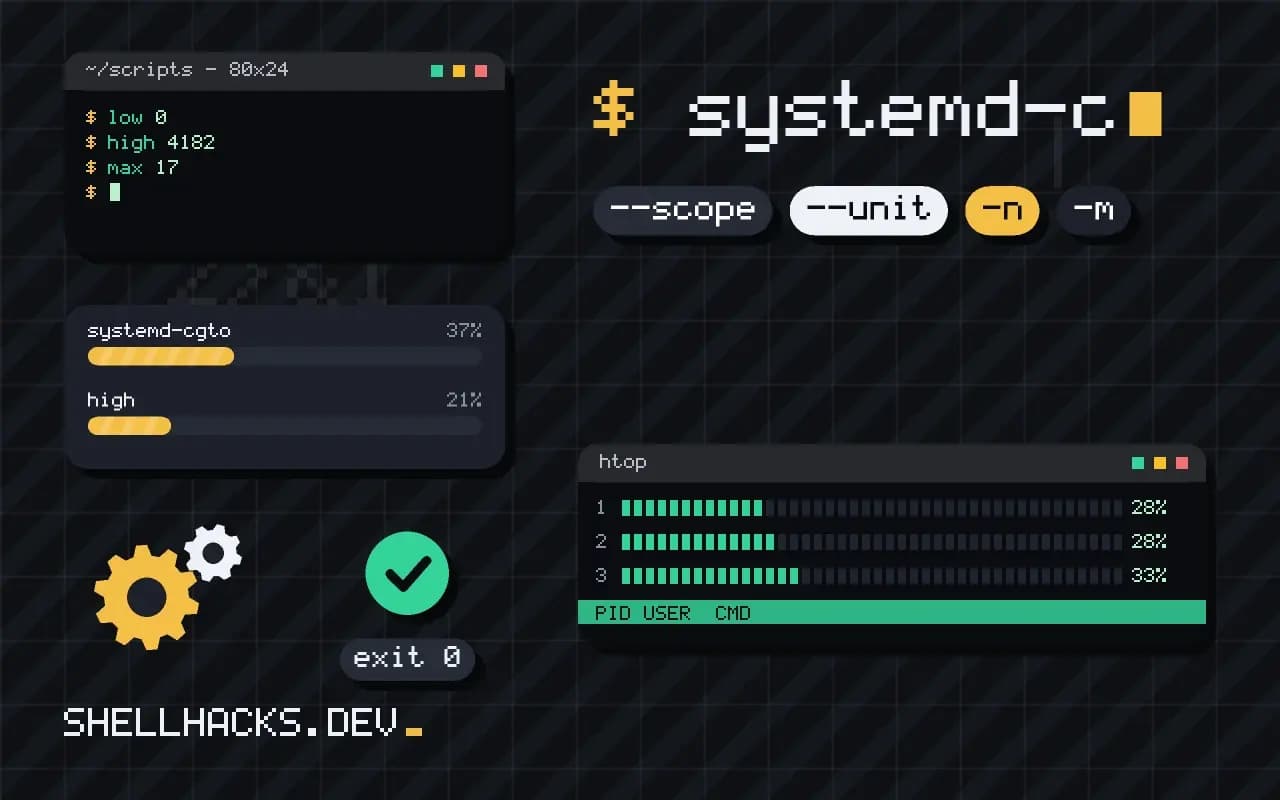
systemd-cgtop -n 1 -m
cat /sys/fs/cgroup/system.slice/report.service/memory.events
cat /sys/fs/cgroup/system.slice/report.service/memory.current
journalctl -u report | grep -i 'oom\|memory'low 0
high 4182
max 17
oom 2
oom_kill 2
systemd-cgtop shows live resource use per cgroup. memory.events counts how often the group was throttled at high, hit max, and how many processes the OOM killer ended (oom_kill). A high count that climbs means the limit is too low for the work. The journal records a kill as "A process of this unit has been killed by the OOM killer".
Choose the numbers
Measure the job's normal peak first, as in measuring memory use, then set MemoryHigh about 20 percent above and MemoryMax a little above that. Too tight a limit kills healthy jobs at their peak. For a service that must never be killed, leave out MemoryMax and use MemoryHigh alone, which degrades it gracefully.
Where this does not apply
On systems without systemd or with cgroup v1, the properties differ (cgcreate, cgexec from libcgroup, or the files by hand). Containers already have their own limits through --memory and --cpus, which are cgroups underneath. A cgroup limit does not stop a program from filling the disk or the network; use quotas and tc for those. Memory limits count page cache charged to the group, which can surprise a job that reads many files, and the kernel reclaims it before killing anything.
What a cgroup limit does differently from ulimit
The ulimit command sets per-process limits that the process and each of its children get individually, so a limit of 1 GB on address space applies to each process separately, and a script that starts twenty workers may use twenty times that. A control group limit applies to the whole group of processes together, including every child and descendant, and is enforced by the kernel. Memory is the clearest case. A MemoryMax of 1 GB for a group means all its processes combined cannot exceed it, and when they try, the kernel reclaims what it can and then kills a process inside that group, leaving the rest of the machine untouched. The group is the unit of accounting and of control, which is what you want for a runaway build or a batch job with many workers. Limits can cover CPU time, memory, the number of processes and tasks, and disk IO on systems where the controller is enabled.
This also works against fork bombs: TasksMax or pids.max caps the number of processes the group may create, so a script that multiplies itself hits a wall and fails fast.
Choosing between the settings that look alike
Memory has two limits with different behavior. MemoryHigh is a soft limit: when the group goes above it, the kernel throttles the group and reclaims memory aggressively, which slows it down and avoids killing. MemoryMax is the hard limit, and exceeding it with no reclaimable memory causes an out-of-memory kill inside the group. A good pattern is to set a high limit somewhat below the maximum, so the job slows before it dies. MemorySwapMax=0 stops the group from using swap, which makes a leaking process fail quickly and not grind the machine through paging. For CPU, CPUQuota=50% caps the group at half of one core's worth of time, and values above 100 percent allow several cores, and CPUWeight only matters under contention. The quota is a hard ceiling even on an idle machine, so use it when the job must not exceed a share, and use weight when it should be polite but may use spare capacity. Each setting answers a different question, so pick by what you need to guarantee.
Running without root and in services
As a regular user, systemd-run --user --scope -p MemoryMax=2G command places the command in a scope under your user manager, if the user manager has the controllers delegated. Recent systemd versions delegate the CPU, memory and process controllers to user sessions by default and not always the IO controller, so a request for an IO limit may be silently ignored. Check what a scope got by reading its status and the files in its cgroup directory. For a long-running service, write the same properties into the unit file or a drop-in, and use systemctl set-property to change them on a running unit. For a service that already exists and shows a memory problem, adding a limit and a restart policy is a quick and safe containment while you look for the cause. On systems still using cgroup version 1, the property names and the behavior of some controllers differ, and the memory limit does not account page cache the same way, so check the version with stat -fc %T /sys/fs/cgroup before relying on details.
Seeing what happened and picking the numbers
When a limit is hit, evidence appears in the places you would expect. systemctl status reports the unit as failed with a result such as oom-kill, the journal records the kernel's message about the killed process and the group's memory use, and the group's memory.events file counts how often the high and max thresholds were reached. systemd-cgtop shows live CPU, memory and IO per group, like top for services. Choose limits from measurements: run the job unrestricted once, record its peak memory, and set the hard limit at that peak plus a margin of twenty percent or so, and the soft limit a little lower. A limit set by guesswork either kills a healthy job or protects nothing. Revisit it when the input size grows. Record the numbers and the reasons in the unit file as comments, and add an alert for the case where the limit is reached, because a job killed quietly every night is a failure that looks like success.
See systemd.resource-control(5) and the cgroup v2 documentation.