How to Use jq to Prepare JSON for Database Import Safely
Prepare JSON for a database import with jq: flatten to CSV or JSON Lines, handle nulls and types, escape safely, and load with COPY, mongoimport or SQLite.
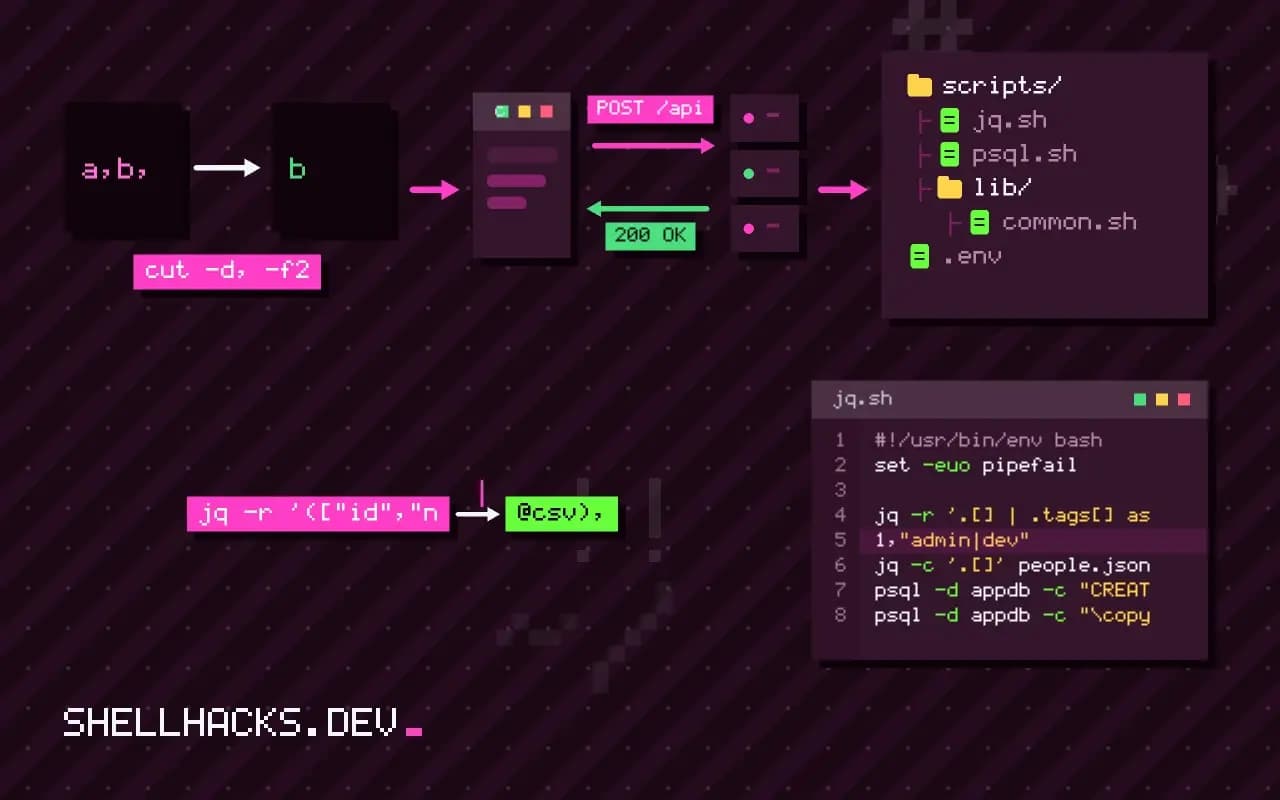
An API returns JSON, and the database wants rows. The conversion is the part where quotes, commas, newlines, nulls and types go wrong, and building lines by string concatenation is how a name with a comma corrupts a file. jq formats CSV and TSV correctly, and with a few filters can flatten nested documents. It follows jq for API responses and feeds importing CSV into a database. The examples assume jq 1.7 and PostgreSQL 17.
The input
[
  {"id": 1, "name": "Ada, Lovelace", "email": "[email protected]", "tags": ["admin", "dev"], "address": {"city": "London"}, "age": null},
  {"id": 2, "name": "Alan \"Al\" Turing", "email": null, "tags": [], "address": {"city": "Wilmslow"}, "age": 41}
]
It has commas and quotes inside strings, nulls, a nested object and an array, which is what real data looks like.
To CSV
jq -r '(["id","name","email","city","age"] | @csv),
(.[] | [.id, .name, .email, .address.city, .age] | @csv)' people.json"id","name","email","city","age"
1,"Ada, Lovelace","[email protected]","London",
2,"Alan ""Al"" Turing",,"Wilmslow",41
@csv quotes strings, doubles embedded quotes and writes nulls as empty fields. The header comes from the same operator. -r prints raw lines instead of JSON strings. For PostgreSQL, load with \copy people (id, name, email, city, age) FROM 'people.csv' WITH (FORMAT csv, HEADER true); the empty field becomes NULL by default in CSV mode, since only a quoted empty string stays an empty string.
Control nulls and types
jq -r '.[] | [.id, (.name // ""), (.email // "unknown"), (.age // 0 | tonumber), (.created_at | fromdateiso8601? // 0)] | @tsv' people.json
jq -r '.[] | [.id, (.tags | join("|"))] | @csv' people.json
jq -r '.[] | .tags[] as $t | [.id, $t] | @csv' people.json1,"admin|dev"
2,""
1,"admin"
1,"dev"
// supplies a default for null or missing values. Joining an array makes one column; iterating it produces one row per element, the right shape for a child table (person_tags). Decide, per column, whether a missing value is NULL, an empty string or a default, and be consistent; a mismatch between the export and the import's NULL setting is a frequent bug. Timestamps should be converted to a format the database parses; todate and fromdateiso8601 convert between ISO strings and epoch seconds.
To JSON Lines
jq -c '.[]' people.json > people.jsonl
psql -d appdb -c "CREATE TABLE raw_people (doc jsonb)"
psql -d appdb -c "\copy raw_people (doc) FROM 'people.jsonl'"
psql -d appdb -c "INSERT INTO people SELECT (doc->>'id')::int, doc->>'name', doc->>'email' FROM raw_people"
mongoimport --db app --collection people --file people.jsonl
jq -c prints one compact document per line, which is the format that mongoimport, BigQuery and many log pipelines expect. Loading the raw documents into a jsonb column and reshaping with SQL keeps the original data available and moves the type handling into the database, where errors are reported by the engine. Beware that \copy in text format treats backslashes as escape characters, so documents containing \ need CSV mode with a distinct quote character or a different loader.
SQLite
sqlite3 app.db "CREATE TABLE people (id INTEGER, name TEXT, email TEXT)"
sqlite3 app.db "INSERT INTO people SELECT json_extract(value,'$.id'), json_extract(value,'$.name'), json_extract(value,'$.email') FROM json_each(readfile('people.json'))"
sqlite3 -csv app.db ".import --skip 1 people.csv people"
SQLite can parse JSON itself with json_each and json_extract, so for a local database you may skip jq. The .import dot command loads CSV. See the sqlite3 command line.
Validate
jq 'length' people.json
psql -d appdb -Atc "SELECT count(*) FROM people"
jq -e 'all(.[]; has("id") and (.id|type=="number"))' people.json
Compare the input count with the loaded count, and check required fields before import with jq -e, which exits non-zero when the expression is false. Keep rejects: load into a staging table and move valid rows. Never interpolate JSON values into SQL strings with the shell; use the importer or parameters, as in preventing command injection.
Choosing the target shape before writing the filter
Most import problems come from skipping a design step. A JSON document describes a tree, and a relational database wants flat tables with keys between them. Decide the tables first. Person and tag data in the example above suggest two tables, one row per person and one row per person and tag, joined by the person id. Writing the filter then becomes mechanical: one pass produces each file. Trying to squeeze a one-to-many relationship into a single table by joining arrays into a string leads to columns that cannot be queried or indexed properly, and a migration later.
Keep identifiers stable. If the source has an id, use it as the primary key so a repeated import updates the same rows instead of duplicating them. Importing into a staging table and then running an upsert, INSERT ... ON CONFLICT DO UPDATE in PostgreSQL, makes the whole operation repeatable, which matters because imports fail halfway and need to be rerun.
Types, dates and numbers
JSON has strings, numbers, booleans and null, and a database wants more. Dates arrive as strings in whatever format the API chose, so normalise them to ISO 8601 in UTC before loading, or load them as text and cast in SQL, where a bad value produces an error you can investigate. Numbers can be larger than the database column: an identifier of 20 digits overflows a 64-bit integer, and floating-point rounding turns prices such as 0.1 into approximations. Load identifiers as text and money as integers of the smallest unit or as exact decimals, and treat the rest case by case.
Booleans deserve a check. Different APIs return true, "true", 1 or "yes", and a filter that passes them through unchanged leaves the database to guess. Normalise in jq with an explicit expression so the column holds one representation and a surprise value fails loudly instead of being stored as false.
Encoding, newlines and hostile content
Text from outside is untrusted. Strings can contain newlines, tabs, quotes, control characters and invalid Unicode, and each of them can break a naive import. @csv and @tsv escape what their formats require, but a tab or newline inside a TSV field becomes the two-character sequence, which the database will not translate back unless told to. Test with a record that contains each of these characters before running the real file. For CSV, make sure the importer is set to the same quote and escape characters, and that the file encoding is UTF-8 on both sides.
Never build SQL from the data. A string such as '; DROP TABLE people; -- in a name is a harmless value in a CSV load and a catastrophe in a statement assembled with echo. Use the bulk loader, or parameterised statements from a language driver, so values are never parsed as code.
Making the import observable
Log the count of input records, the count of rows loaded and the count rejected, and fail if they do not add up. Save rejected records to a separate file with the reason, since the usual cause is a handful of malformed items that someone can fix at the source. Wrap the load in a transaction so a failure leaves the target table unchanged, and keep the intermediate files for a day in case a question arises about what exactly was loaded. An import you can audit is one you can trust to run unattended.
Where this does not apply
Large files (gigabytes) are slow in jq because it loads the input unless you stream with --stream or process JSON Lines line by line. Deeply varying documents are better stored as jsonb and queried, as in querying JSON columns from the shell. See the jq manual on format strings and the PostgreSQL COPY documentation.