Databases
How to Check Database Size and Table Sizes From the Shell
Check database size from the shell in PostgreSQL, MySQL, SQLite and Redis: database and table sizes, indexes, the largest objects and a script for trends.
7 min read
Tag
9 posts
Check database size from the shell in PostgreSQL, MySQL, SQLite and Redis: database and table sizes, indexes, the largest objects and a script for trends.
Query large CSV, JSON and Parquet files with the DuckDB command line: no import step, glob many files, summarize, export and set memory limits.
Run SQL on CSV files from the terminal with csvsql and q, or plain sqlite3: queries, type inference traps, joins across files and output formats.
Point in time recovery restores a database to a chosen moment: base backups plus archived logs, a PostgreSQL setup, and when you need it.
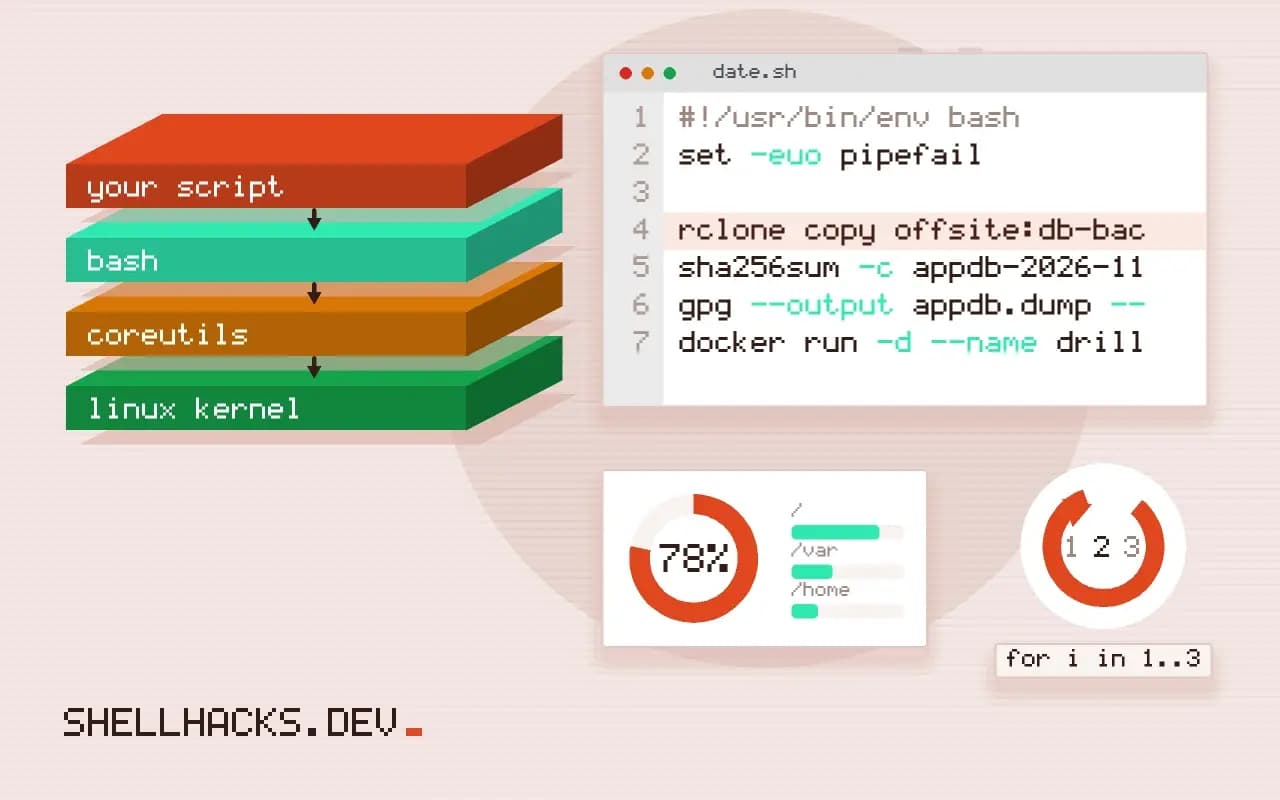
Run a restore drill for a small database: schedule, steps, a clean machine, timing the recovery, checking data and writing down what to fix.
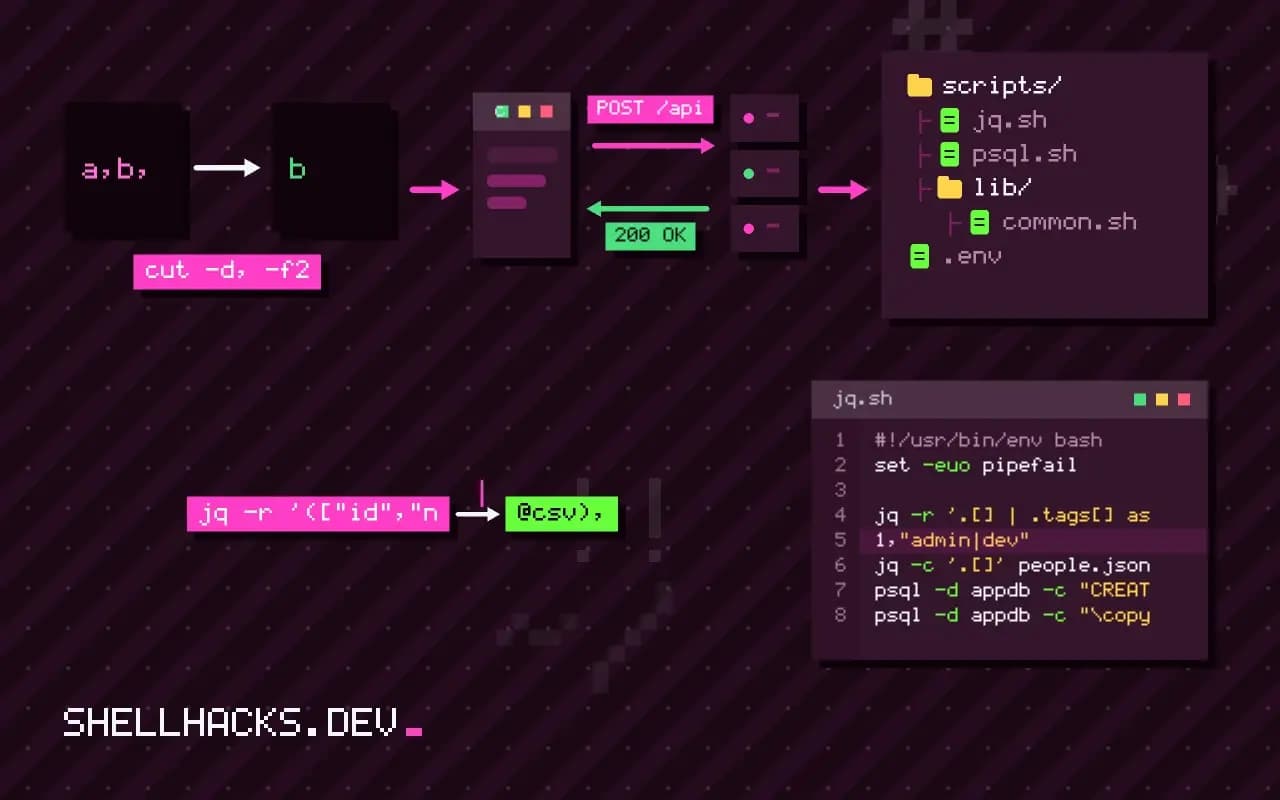
Prepare JSON for a database import with jq: flatten to CSV or JSON Lines, handle nulls and types, escape safely, and load with COPY, mongoimport or SQLite.
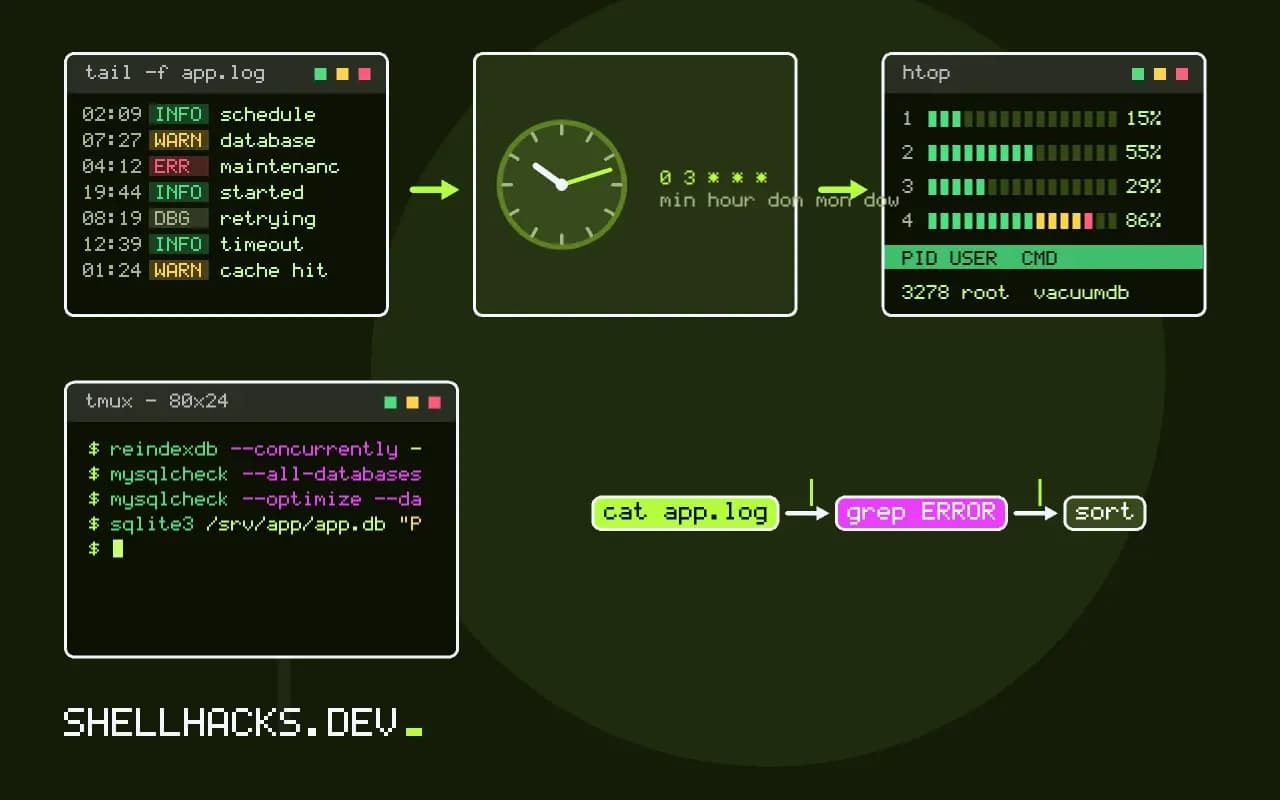
Schedule database maintenance jobs safely: backups, vacuum and analyze, optimize, index checks, off-peak timing, locks, runtime limits and monitoring results.
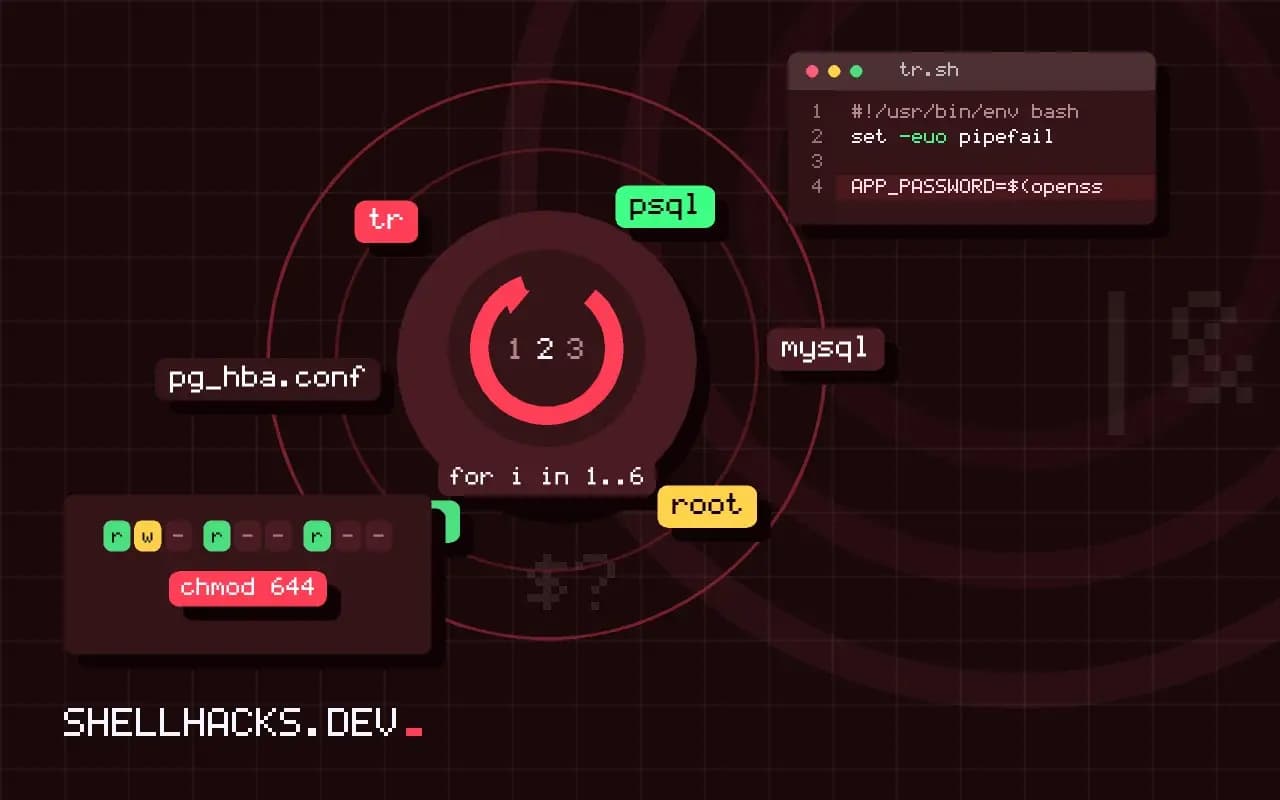
Create database users and grants from the shell for PostgreSQL and MySQL: least privilege, passwords kept off the command line, idempotent scripts and checks.
Compare mysqldump, mydumper and Percona XtraBackup: logical versus physical backup, speed, consistency, locking, restore time and when to use each.