How to Schedule Database Maintenance Jobs the Safe Way
Schedule database maintenance jobs safely: backups, vacuum and analyze, optimize, index checks, off-peak timing, locks, runtime limits and monitoring results.
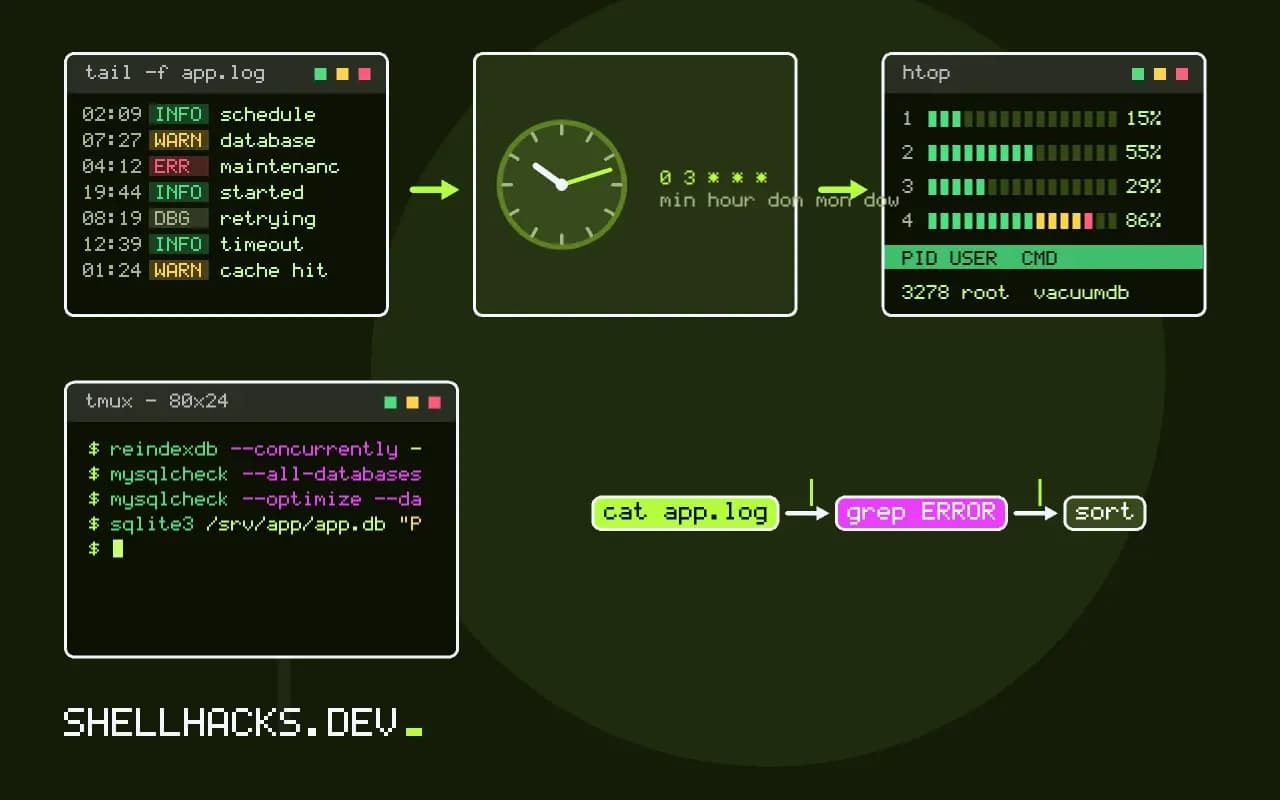
Databases need housekeeping: backups, reclaiming dead space, refreshing statistics and checking integrity. Doing it by hand fails the first time someone forgets, and doing it by cron fails the first time the job overlaps with itself or locks a table at peak traffic. A few habits make scheduled maintenance safe. They follow from scheduling database backups and the cron material in preventing overlapping jobs. The commands assume PostgreSQL 17, MySQL 8.4 and SQLite 3.46.
A wrapper with locks, limits and logs
#!/usr/bin/env bash
# /usr/local/bin/db-maint NAME COMMAND...
set -uo pipefail
name=$1; shift
exec 9>"/run/lock/db-maint-$name.lock"
flock -n 9 || { echo "$(date -Is) $name already running" >> /var/log/db-maint.log; exit 0; }

start=$(date +%s)
if timeout 2h nice -n 10 "$@" >> "/var/log/db-maint-$name.log" 2>&1; then
  echo "$(date -Is) $name ok in $(( $(date +%s) - start ))s" >> /var/log/db-maint.log
  curl -fsS -m 10 -o /dev/null "https://hc.example.test/ping/db-$name" || true
else
  echo "$(date -Is) $name FAILED rc=$?" >> /var/log/db-maint.log
  exit 1
fi30 3 * * 0 postgres /usr/local/bin/db-maint vacuum vacuumdb --all --analyze-in-stages --jobs=2
0 2 * * * postgres /usr/local/bin/db-maint dump /usr/local/bin/pg-backup.sh
The wrapper takes a lock so a job still running at the next trigger is skipped, bounds the runtime with timeout 2h, lowers the priority and writes a line per run. The crontab lines run in /etc/cron.d/ format, with the user field. The heartbeat to a monitor is covered in dead man's switches.
PostgreSQL
vacuumdb --all --analyze-in-stages --jobs=2
psql -c "SELECT relname, n_dead_tup, last_autovacuum FROM pg_stat_user_tables ORDER BY n_dead_tup DESC LIMIT 5;"
reindexdb --concurrently --table big_events mydb
Autovacuum runs by default and handles routine cleanup, so a weekly manual vacuumdb is rarely needed except after bulk loads or when the stats show a table falling behind. --analyze-in-stages updates statistics quickly first. REINDEX CONCURRENTLY avoids a long write lock but needs extra disk. Plain VACUUM FULL locks the table exclusively and rewrites it, so never schedule it blindly. Credentials come from ~/.pgpass (pgpass and cnf files).
MySQL and SQLite
mysqlcheck --all-databases --check --silent
mysqlcheck --optimize --databases appdb
sqlite3 /srv/app/app.db "PRAGMA integrity_check; PRAGMA optimize;"
sqlite3 /srv/app/app.db "VACUUM INTO '/var/backups/app-$(date +%F).db'"ok
For InnoDB tables, OPTIMIZE TABLE rebuilds the table and takes time proportional to its size, so it is a rare operation, not a nightly one. In SQLite, PRAGMA optimize is cheap and recommended before closing a long-lived connection. VACUUM INTO creates a compacted copy, a safe way to take a consistent backup of a live database. An integrity check that prints anything other than ok should alert.
Timing and safety
Pick a window from the load graph, not from habit, and stagger jobs so backups and vacuum do not collide. Maintenance holds locks or generates IO that slows queries, so test the duration on a copy first, as in throwaway databases. Take a backup before any rewrite operation, and keep a retention rule so dumps do not fill the disk. Credentials belong in protected files, not on the command line where ps shows them, as in safe password handling.
Choosing the maintenance tasks
Not every database needs every task, and doing the wrong ones wastes time and can cause harm. PostgreSQL runs autovacuum by default, and a manual VACUUM is only needed after large deletions or when monitoring shows bloat. ANALYZE updates the statistics the planner uses, which autovacuum also handles, but a manual run after a bulk load helps immediately. REINDEX is for corrupted or heavily bloated indexes and should be done with the concurrent option to avoid blocking writes. MySQL benefits from OPTIMIZE TABLE only for tables with many deletes, since for InnoDB it rebuilds the table, which is expensive. SQLite has VACUUM to reclaim space and PRAGMA integrity_check to verify the file.
Start from the monitoring data: table and index sizes, dead tuple counts, slow queries. Schedule the work that the data justifies, and leave the rest to the defaults.
Windows, load and locks
Maintenance competes with the application for disk IO and sometimes holds locks. Run it in the quietest period, which you can find on a graph of query rates, not by assumption. Set a lock timeout so the task gives up if it cannot get its lock quickly, instead of queueing behind a long transaction and blocking everything that queues behind it. In PostgreSQL, SET lock_timeout = '5s' before the statement does this. Limit resource use with the cost-based vacuum delay settings, or run the job with nice and ionice so it yields to the application. Keep the duration bounded with a statement timeout, and alert when a run exceeds its usual time.
For large tables, prefer online methods that avoid long locks, such as creating a new index concurrently and swapping, over operations that rewrite the table under an exclusive lock.
Backups come first
Never run a destructive or rewriting operation without a recent, checked backup. A maintenance script can include a pre-check that the last backup succeeded within a day and refuse to proceed if it did not. After a heavy operation, run a consistency check and compare row counts against expectations. Do not treat maintenance as a substitute for backups: vacuuming does not protect against deletion or corruption. The schedule for backups, tested restores and maintenance should be reviewed together, since they interact in time and in load.
Keep credentials out of the script. Use a password file with restricted permissions or a socket connection with peer authentication, as covered in the posts on database passwords in scripts.
Observing and alerting
A scheduled task that nobody watches is a risk. Log the start, the end, the duration and the result of each step, in a form a person can read. Record metrics such as table sizes before and after, so the benefit is visible and you can drop tasks that achieve nothing. Alert on failure and on silence, using a heartbeat that expects a success signal in the window, since a stopped scheduler produces no error. Review the logs monthly for tasks that take longer each time, which signals growth that will eventually exceed the window. When the database moves to a managed service, check which tasks the provider already does, and remove the redundant ones. Document the schedule, the reason for each task and the person responsible, so the knowledge outlasts the person who set it up.
Test the script on a copy of the database before the first scheduled run. Restore a recent backup to a scratch instance, run the whole maintenance job against it, and time each step. This shows the real duration, reveals locks that the job would take on production data and confirms that the permissions of the account are sufficient. Repeat after major version upgrades, since the behaviour and options of the maintenance commands change between releases and a script that worked on the old version may do nothing, or something different, on the new one.
Where this does not apply
Managed databases (RDS, Cloud SQL) run most maintenance for you and restrict the commands; use their maintenance windows and backup features. For high-availability setups, run maintenance on a replica or one node at a time. See the PostgreSQL routine vacuuming chapter and the mysqlcheck reference.