What Is the Principle of Least Privilege in Practice
Apply least privilege in practice: service accounts, narrow sudo rules, file modes, systemd hardening, scoped tokens and regular access review.
"Least privilege" is easy to agree with and easy to ignore, because the shortcut, running as root or using one admin token, always works. The principle has a precise payoff: when a script, a service or a credential is compromised, the damage is limited to what it could do. The examples use Linux with systemd 255 and sudo 1.9; the underlying model is described in Linux file permissions.
Run as a dedicated user
sudo useradd --system --no-create-home --shell /usr/sbin/nologin appsvc
sudo install -d -o appsvc -g appsvc -m 750 /var/lib/app
ps -o user,comm -C app
A service running as root can read every file and change the system if it is compromised. A dedicated user can touch only what it owns or what is granted to its group. Give it a directory for its data, a mode that excludes others, and no login shell. One account per service avoids one compromise reaching another service's data. The creation details are in adding users on Linux.
Narrow sudo
# /etc/sudoers.d/deploy  (edit with visudo -f)
deploy ALL=(root) NOPASSWD: /usr/bin/systemctl restart app.service, /usr/bin/systemctl status app.service
The rule lets deploy restart one service as root and nothing else, with full paths and arguments. A line with ALL would make the account root in practice. Avoid allowing shells, editors and tools that can run commands, such as less, vim and find, which escape to a shell. See allowing one command with sudo.
Sandbox the service
# /etc/systemd/system/app.service.d/hardening.conf
[Service]
User=appsvc
NoNewPrivileges=yes
ProtectSystem=strict
ProtectHome=yes
PrivateTmp=yes
ReadWritePaths=/var/lib/app
CapabilityBoundingSet=
RestrictAddressFamilies=AF_INET AF_INET6 AF_UNIX
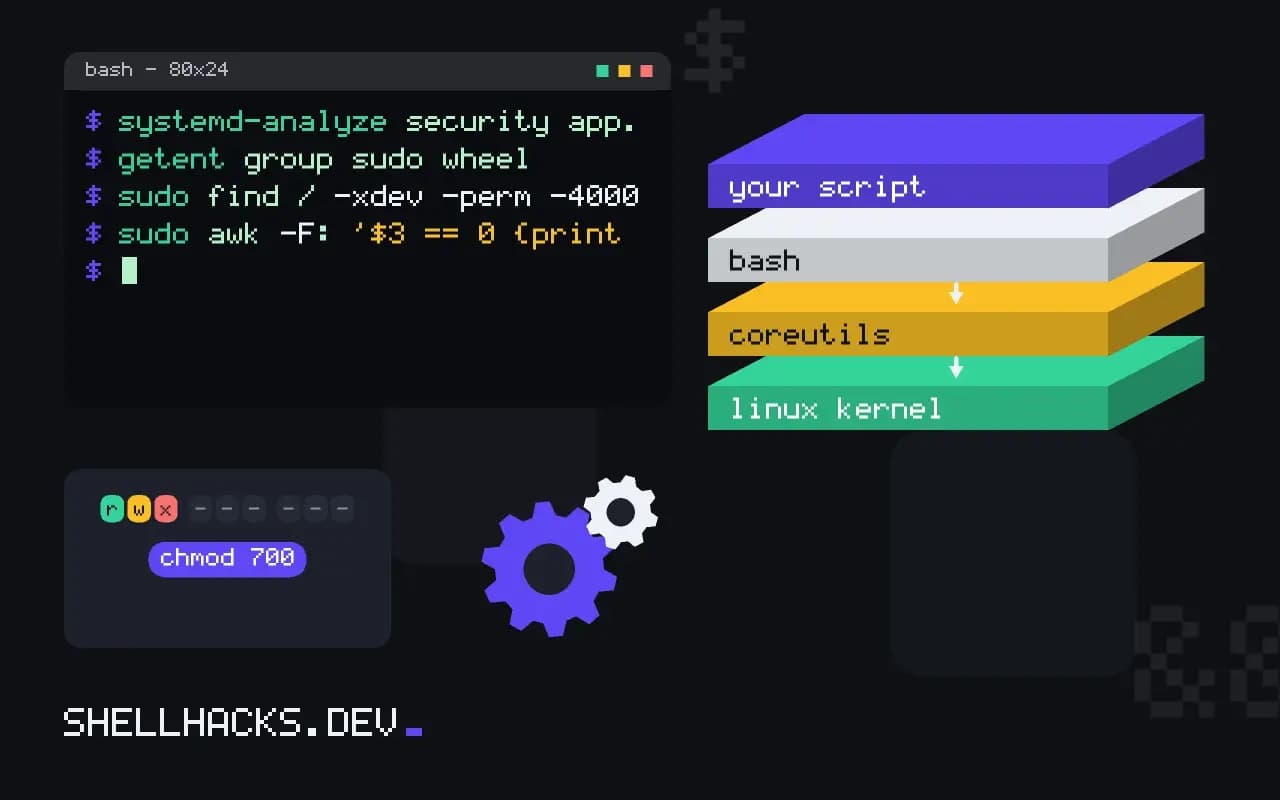
systemd-analyze security app.service | tail -3These options take away what the service never needed: privilege escalation, write access to the system, access to home directories, shared /tmp, all capabilities and exotic network families. systemd-analyze security scores the unit and lists what to tighten. See systemd service hardening and Linux capabilities.
Scope tokens and keys
An API token should allow only the actions the job takes, on only the resources it touches, and expire. A deploy key for one repository, read-only, is better than a personal token with access to everything. For cloud accounts, give each workload its own role with a policy that lists specific actions, and avoid wildcard permissions. A token that appears in a log should be easy to revoke, which is simpler when it is not shared. See rotating credentials and keys.
Review regularly
getent group sudo wheel
sudo find / -xdev -perm -4000 -type f 2>/dev/null
sudo awk -F: '$3 == 0 {print $1}' /etc/passwd
sudo -l -U deploy
Privilege creeps: people change roles, a temporary grant stays, a script gets one more permission. Review who has sudo, which files are setuid, who has UID 0 and what each service account can run, on a schedule, and remove what is unused. The goal is not zero risk but a small blast radius.
The principle in plain terms
Every identity in a system, whether a person, a service or a pipeline, should have the permissions its task requires and no more, for no longer than needed. The reason is not distrust of the identity. It is the arithmetic of failure: bugs, stolen credentials and mistakes happen, and the damage they can do equals the permissions the affected identity held. A web service that only reads one directory and writes one database cannot, when compromised, drop other databases or read the machine's SSH keys. A deploy token that can only push to one repository cannot delete the others. Limiting rights turns an incident from a disaster into a bounded problem that can be cleaned up.
The principle is easy to state and takes steady effort to apply, because the first working configuration is nearly always the broad one. The skill is in tightening afterwards: starting from what is needed, observing what is used, and removing the rest, until the identity has a short, explainable list of rights.
Finding out what permissions are really used
Guessing the minimum often breaks things, so measure it. On Linux, run the service under strace -f -e trace=file,network in a test environment, or enable the audit subsystem rules for the user, to see which files and sockets it touches. Cloud providers offer tools for the same purpose: access analysers that list the permissions an identity actually used over a period and generate a policy from the log. Start with a broad policy in a non-production account, run the full workload including the failure paths, then replace it with the generated narrow one and test again. Keep the process repeatable, since applications change and the permission list must follow.
Time and scope limits
Narrowing what an identity can do is half the job. The other half is how long a credential lives. A short-lived token, valid for an hour and issued to a specific job, is far less dangerous than a key that never expires and sits in a variable. Use the platform's federation features to issue tokens at run time: OIDC from the CI system to the cloud provider, instance profiles and workload identity for services, and certificate-based SSH with a lifetime of hours. Scope tokens by resource as well: one repository, one bucket, one namespace. Where a long-lived secret is unavoidable, give it an owner, an expiry in the calendar and a rotation procedure that is tried regularly.
Humans and break-glass access
People need broad access sometimes, and an emergency is the wrong moment to build the process. Give day-to-day accounts the narrow rights of the role, and provide a separate, audited way to gain more rights during an incident: a break-glass account with strong authentication, an approval step, an alert when used, and a review afterwards. Separate duties where a mistake would be costly: the person who writes a change is not the only one who can approve and deploy it to production. Remove access promptly when someone changes team or leaves, and run a review of who holds what at a regular interval, with the results recorded.
Common traps
A few shortcuts defeat the principle quietly. A wildcard in a policy, such as an action pattern that matches everything on every resource, passes review because it works. Membership of a group that grants container runtime access is equivalent to root on the host. A service account shared by several applications means the most privileged one sets the level for all. A token with write rights used for a job that only reads. Default accounts, example credentials and permissive defaults in a new product. Look for these on a schedule, and give each finding an owner and a date.
Where this does not apply
Least privilege costs friction, and a rule so narrow that people work around it, with a shared root login, is worse than a slightly wider one that is used. Balance the cost with the sensitivity of the data. Emergency access needs a documented break-glass path. See NIST's definition of least privilege and the systemd.exec manual for the sandbox options.