How to Use Python to Control Docker With the SDK Properly
Use the Python Docker SDK to run containers, read logs, exec commands, build images and clean up, with error handling and when to call the CLI instead.
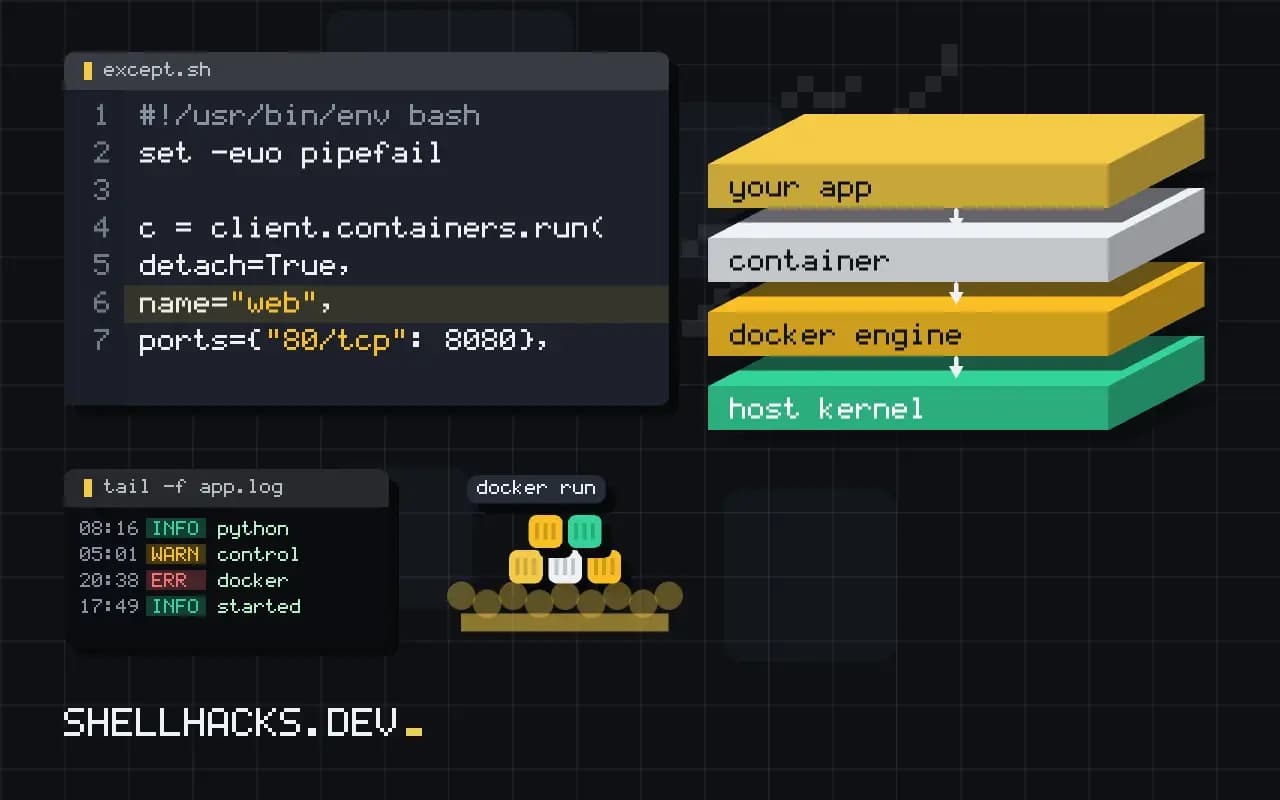
When a script needs to start containers, wait for them and read their output, the Docker SDK for Python gives objects and exceptions instead of strings to parse. It talks to the same daemon API as the CLI. The examples use Python 3.12, docker 7.1 and Docker Engine 27. Commands run from a plain script are covered in running shell commands with subprocess.
Run a short job
import docker

client = docker.from_env()
out = client.containers.run(
    "alpine:3.20",
    ["sh", "-c", "echo hello from $(hostname)"],
    remove=True,
)
print(out.decode().strip())hello from 3f2a1c9d8e7b
from_env() reads DOCKER_HOST and the TLS variables, so the same code works against a local socket and a remote engine. With the default detach=False, run() waits for the container to finish and returns its combined output as bytes. remove=True deletes the container afterwards, which avoids a pile of stopped containers. If the image is not present, the SDK pulls it first, which can take a while the first time.
Handle failures
from docker.errors import ContainerError, ImageNotFound, APIError

try:
    client.containers.run("alpine:3.20", ["sh", "-c", "exit 3"], remove=True)
except ContainerError as e:
    print("exit status:", e.exit_status)
    print("stderr:", e.stderr)
except ImageNotFound:
    print("image missing")
except APIError as e:
    print("daemon error:", e.explanation)
A non-zero exit raises ContainerError, carrying the exit status and standard error. ImageNotFound is raised for an image that does not exist, and APIError covers daemon problems such as a port already in use. Catching them separately gives a script a way to retry or report precisely, which a bare exception does not.
Long-running services
c = client.containers.run(
    "nginx:1.27",
    detach=True,
    name="web",
    ports={"80/tcp": 8080},
    environment={"TZ": "UTC"},
    volumes={"/srv/site": {"bind": "/usr/share/nginx/html", "mode": "ro"}},
)
c.reload()
print(c.status, c.ports)
for line in c.logs(stream=True, tail=5):
    print(line.decode().rstrip())
    break
c.stop(timeout=10)
c.remove()
detach=True returns a Container object at once. reload() refreshes its attributes from the daemon, which is needed before reading status or ports. logs(stream=True) yields lines as they arrive. exec_run(["nginx", "-t"]) runs a command inside it and returns the exit code and output. The mapping of arguments follows the CLI flags described in Docker run flags.
Build and clean up
image, logs = client.images.build(path=".", tag="myapp:dev", rm=True)
for chunk in logs:
    if "stream" in chunk:
        print(chunk["stream"], end="")

client.containers.prune()
client.images.prune(filters={"dangling": True})
client.close()
The build call returns the image and an iterable of log chunks. Pruning returns a summary of reclaimed space; the cleanup rules are in cleaning up Docker with prune. Always close the client or use it for the life of the program, since each client holds a connection.
The container lifecycle in objects
A container goes through states: created, running, paused, exited and removed. The SDK exposes them through the status attribute of a Container object, but the object is a snapshot taken when it was fetched. After starting a container, calling reload() updates the state, and a loop that waits for a service should reload on each pass. For a one-off wait, container.wait(timeout=60) blocks until exit and returns a dictionary with the StatusCode, and raises a connection error from the underlying library if the timeout passes. Combine it with remove=False so the container still exists to read logs from after it ends.
Health checks are available as part of the inspect data. If the image defines a HEALTHCHECK, container.attrs["State"]["Health"]["Status"] reports starting, healthy or unhealthy. Polling it in a loop with a deadline is the reliable way to wait for a database to accept connections before running tests against it, and it beats a fixed sleep.
Networks, volumes and resource limits
The same objects cover the rest of the API. client.networks.create("testnet") makes a user-defined network, and passing network="testnet" to run() attaches a container with name-based discovery. client.volumes.create() makes a named volume that outlives containers. Resource limits are keyword arguments: mem_limit="512m", cpu_quota with cpu_period, nano_cpus, and pids_limit. Set limits on test containers so a runaway process cannot take down the machine that runs the tests. Remember to remove what you create; a test fixture that creates a network should delete it in teardown even if the test fails.
Streaming logs and exec
Reading logs after the fact is container.logs(), which returns bytes, and decoding is up to the caller. For live output use stream=True, follow=True and iterate. To run a command inside a running container, container.exec_run(cmd) returns an exit code and output, and with demux=True it separates stdout from stderr as a tuple. Treat the exit code as the result, not the output: a non-zero code with empty output is common when a binary is missing from the image.
Using it in tests
The most common use is starting real dependencies for integration tests. A fixture starts a database container on a random free port by passing ports={"5432/tcp": None}, reads the assigned host port from the container's network settings, waits for health, yields the connection details and removes the container afterwards with remove(force=True). This is what libraries such as Testcontainers wrap, and they are a good choice when the hand-written fixture grows beyond a page. Pin image versions in tests so a new release of a dependency cannot change results unnoticed, and pull explicitly in CI to fail early when the registry is unreachable.
Security of the socket
Access to the Docker socket is access to root on the host, because a container can mount any host path. Do not expose the socket to untrusted code or mount it into containers that run third-party software. If a service must manage containers, put a proxy in front that allows only the needed API calls, or use rootless Docker or Podman so the daemon runs without privilege. In CI, prefer an isolated daemon per job, such as a docker-in-docker service that is destroyed with the job.
Cleanup that survives failures
Scripts that start containers must stop them even when they crash. Wrap the work in try and finally, or register the cleanup with atexit, and call container.remove(force=True) there. A container left running by a failed test run holds ports and memory, and the next run fails with "port already allocated", which looks unrelated to the earlier crash. Label every container the script creates, with labels={"owner": "mytool"}, and add a startup step that removes leftovers with that label through client.containers.list(all=True, filters={"label": "owner=mytool"}). The label makes cleanup safe, since it can never touch containers the script did not create, and it makes leftovers easy to find by hand with docker ps -a --filter label=owner=mytool.
Timeouts and the client connection
The client has a default timeout of 60 seconds for API calls, which is too short for a large image build or pull and too long for a health probe. Pass timeout= to from_env or the constructor to set it, and use a higher value for builds. Long operations hold the HTTP connection open, and a proxy or load balancer in front of a remote daemon can cut them off, so a build that works locally may fail over a remote TLS endpoint with a broken connection error. In those cases stream the output and keep the connection active, or run the build on the host itself.
Where this does not apply
For one or two commands, subprocess.run(["docker", "ps"], check=True) is shorter and uses the same engine, and it works with Podman through its compatible CLI. The socket the SDK uses gives full control of the host, as discussed in Docker in Docker and socket mounts, so a script with access to it deserves the same care as one running as root. The SDK follows the Engine API version of its release, and a very old daemon may need docker.from_env(version="auto"). See the Docker SDK for Python documentation and the Engine API reference.