How to Clean Up Docker Images Containers and Volumes
Clean up Docker disk space safely: docker system df, prune for containers, images, networks and the build cache, why volumes need care, and filters.
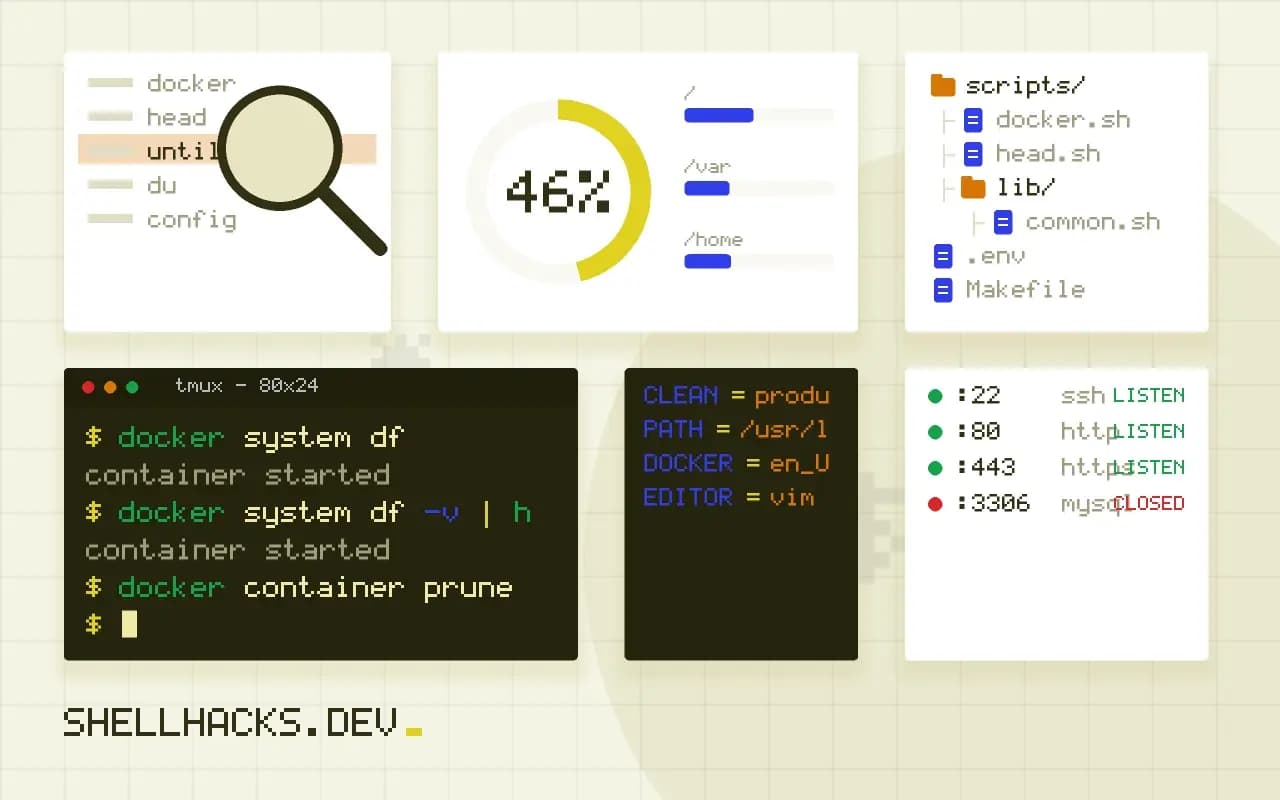
A Docker host fills its disk quietly: old images, stopped containers, build cache and orphaned volumes. When /var/lib/docker is full, builds and containers fail with "no space left on device". Cleanup is safe if you look first and understand which items hold data. The disk basics are in no space left on device, and the examples assume Docker 27.
See what is using space
docker system df
docker system df -v | head -20TYPE TOTAL ACTIVE SIZE RECLAIMABLE
Images 48 6 18.4GB 15.1GB (82%)
Containers 9 4 312MB 180MB (57%)
Local Volumes 14 5 6.2GB 3.8GB (61%)
Build Cache 212 0 9.7GB 9.7GB
The reclaimable column estimates how much a cleanup would free. Here the build cache and old images dominate. The verbose form lists each item, and it shows volumes with zero links, which are the unused ones.
Prune in steps
docker container prune
docker image prune
docker network prune
docker builder prune --filter until=168hDeleted Containers:
5d1c...
Total reclaimed space: 180MB
Each command asks for confirmation unless you add -f. image prune removes dangling images, which have no tag. builder prune --filter until=168h keeps cache from the last week, so recent builds stay fast. Doing it in steps lets you see what each category frees.
Remove all unused images
docker image prune -a --filter "until=720h"
docker system prune -a
With -a, every image that no container uses is removed, including ones you built and tagged, which then need rebuilding or pulling. The until filter keeps recent images. In CI hosts, running this weekly from cron, as in a cron schedule, keeps the disk stable.
Volumes are data
docker volume ls -f dangling=true
docker volume inspect pgdata
docker volume prune
A volume with no container attached is "unused", but that does not mean "unwanted": a stopped database stack's volume looks the same. Never run docker system prune --volumes on a machine with data you care about without checking the list. Back up important volumes first, as in backing up a Docker volume. Since Docker 23, docker volume prune removes only anonymous volumes by default; named ones need -a.
Where the space goes
Docker accumulates data in several places. Images and their layers take the most, including old versions left behind when a tag moves to a new build. Stopped containers keep their writable layer and logs. Volumes hold application data and are never removed automatically. The build cache stores intermediate layers and can grow large on a busy builder. Networks use no real space. docker system df summarises each category with its total size and the reclaimable part, and docker system df -v lists the individual items. Start there, because deleting without looking is how people remove the volume that held a database. Knowing which category dominates tells you which command to use.
The directory /var/lib/docker holds all of it on a default Linux install. If the disk is full, check that directory with du, since container logs in it are often the real culprit.
Dangling versus unused
A dangling image is one with no tag, typically the previous build of a tag that now points elsewhere. docker image prune removes only those, which is safe and usually reclaims a lot on a development machine. An unused image is any image that no container uses, tagged or not, and docker image prune -a removes all of them. That includes images you might want to start again later, which then have to be pulled again, costing time and bandwidth. The --filter until=720h option restricts the removal to images older than a given age, a reasonable compromise on shared hosts. Prune containers with docker container prune to remove all stopped ones, after checking that no stopped container holds something you want to inspect.
The build cache has its own command, docker builder prune, with a filter by age and a keep-storage limit. Pruning it slows the next build, so pick a limit rather than clearing it all.
Handle volumes like data
Volumes deserve the most care. docker volume prune removes volumes not referenced by any container, and a volume attached to a stopped container is referenced and kept, but one whose container was already removed is not, and goes. A database volume whose container was removed during an upgrade looks unused and is lost to a careless prune. Before pruning volumes, list them with docker volume ls, name the ones you need, back up anything valuable and label important volumes so they can be excluded with a filter. In Compose projects, docker compose down -v removes the project's volumes along with containers, which is exactly what you want for a test environment and exactly what you do not want in production. Read the flags before pressing Enter.
Anonymous volumes created by images that declare VOLUME accumulate over time, and they are the usual source of mysterious gigabytes on development machines.
Automating cleanup safely
For servers, schedule a conservative job: prune stopped containers and dangling images weekly, and old unused images monthly, with an age filter. Log what was removed and the space reclaimed so you can see the effect. Never schedule volume pruning unattended on a host with real data. On CI runners, which build many images, a stricter policy is fine, since everything can be rebuilt: prune the whole system after each job, or on a schedule when disk use passes a threshold. Monitor disk usage for the Docker directory and alert at a level that leaves time to act. If the disk fills regularly, the cause is a policy problem, such as logs without rotation, builds that never reuse tags or too small a disk. Fix the cause rather than adding more cleanup. Document what the job removes, so an engineer who finds an image missing knows why.
Where this does not apply
Pruning does not shrink the Docker Desktop virtual disk on macOS and Windows; the file keeps its size until you use the "Clean / Purge data" or reclaim features. Layers shared between images are counted once, so deleting one image may free little. Containers started by orchestrators (Kubernetes with containerd) have their own tools such as crictl rmi --prune. Logs also fill disks and are handled in log rotation. See the Docker pruning guide.
A safe routine for a build server is short. Run docker system df weekly, prune the build cache older than a week, prune dangling images and stopped containers, and leave volumes alone unless a person reviewed the list. Log the reclaimed space so a sudden change stands out, since a sharp rise in build cache points to a pipeline that stopped reusing layers. The docker system prune reference documents the filters, and faster Docker builds explains how to keep the cache useful instead of just deleting it.