How to Use cron to Run a Script Every Minute Hour or Day
Schedule a script with cron every minute, hour or day: crontab syntax, five fields, common patterns, the PATH trap and checking that the job ran.

Cron is the default way to run something on a schedule on Linux, and most failures are not about the time fields. They come from the minimal environment cron provides and from output going nowhere. This post is the entry point of the cluster that continues with jobs that do not run. The commands assume cronie or Debian's cron on a current Linux.
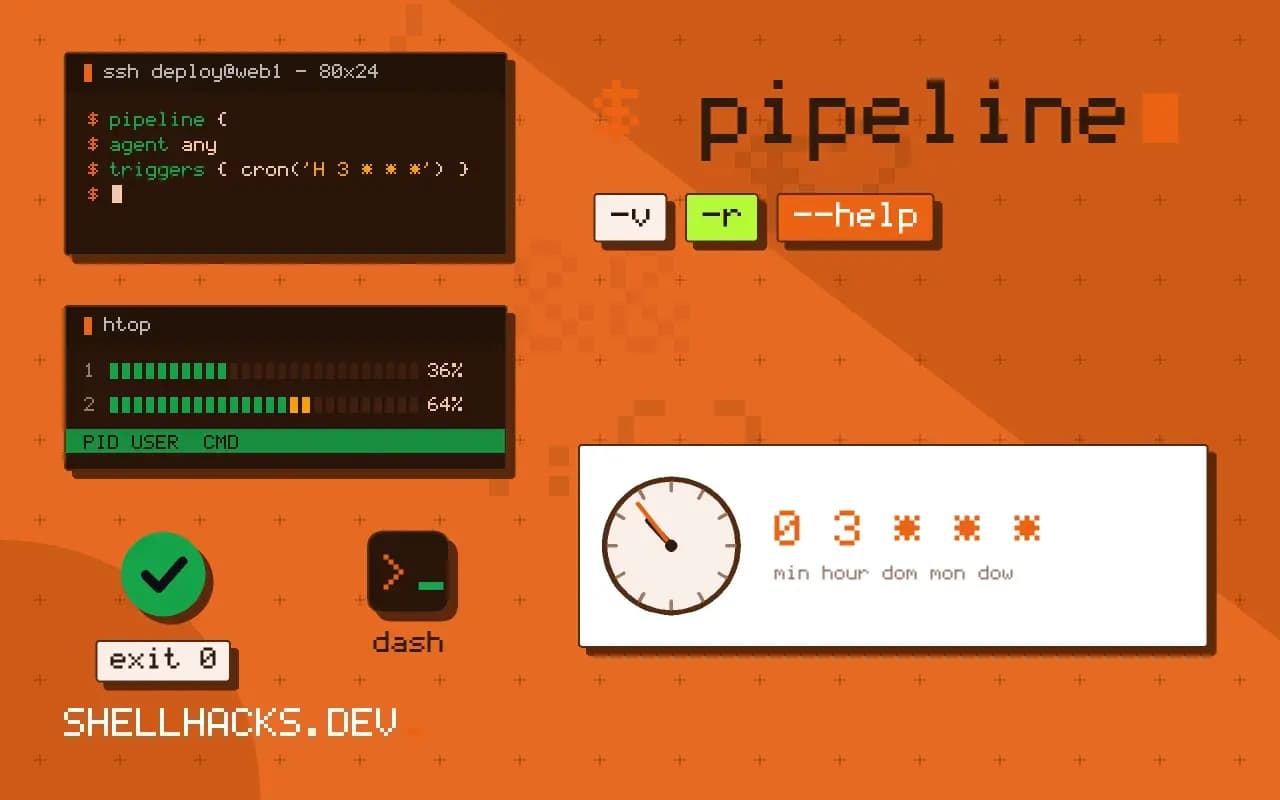
The five fields
┌─ minute (0-59)
│ ┌─ hour (0-23)
│ │ ┌─ day of month (1-31)
│ │ │ ┌─ month (1-12)
│ │ │ │ ┌─ day of week (0-7, Sunday is 0 or 7)
│ │ │ │ │
* * * * *  command
An asterisk means "every". A step such as */15 means every fifteen, a comma lists values (1,15) and a hyphen gives a range (1-5). When both day-of-month and day-of-week are set, the job runs if either matches, which surprises almost everyone.
Common schedules
# every minute
* * * * * /srv/bin/heartbeat.sh

# every hour, on the hour
0 * * * * /srv/bin/hourly.sh

# every day at 02:30
30 2 * * * /srv/bin/backup.sh

# weekdays at 08:00
0 8 * * 1-5 /srv/bin/report.sh

# every 10 minutes
*/10 * * * * /srv/bin/poll.sh
Install them with crontab -e, which opens your editor and validates the syntax on save. Machine-wide jobs go in files under /etc/cron.d/, which add a user field before the command, covered in the cron.d directory. The nicknames @hourly, @daily and @reboot are shorthand supported by most implementations.
Make the job reliable
SHELL=/bin/bash
PATH=/usr/local/bin:/usr/bin:/bin
MAILTO=""

*/5 * * * * /srv/bin/poll.sh >> /var/log/poll.log 2>&1
Variables at the top of the crontab apply to every line. Set PATH because cron's default is minimal, and set MAILTO="" to stop mail for output you already log. The redirect appends both stdout and stderr to a file, which is the first thing to read when a job misbehaves. A percent sign in a command is a newline to cron, so escape it as \%, as in the percent sign trap.
Check that it ran
crontab -l
grep CRON /var/log/syslog | tail -3
journalctl -u cron --since "10 min ago"Nov 3 10:05:01 host CRON[2310]: (alice) CMD (/srv/bin/poll.sh >> /var/log/poll.log 2>&1)
The log proves cron started the command, not that it succeeded. For that, the script should log its own result, and a dead man switch alerts when a job stays silent. If a job can take longer than its interval, guard it with flock, described in preventing overlap.
How cron decides when to run
Cron wakes once a minute, reads every crontab it manages, and starts each job whose five fields match the current time. It does not remember missed runs. If the machine was off at 03:00, a job set for 03:00 is skipped, and nothing runs when the machine returns. That behaviour is the main difference from anacron and systemd timers with Persistent=true, and it matters for laptops and cheap virtual machines that are stopped overnight.
Two of the fields interact in a way that surprises people. When both day of month and day of week are restricted, cron runs the job when either matches, not both. An entry like 0 9 13 * 5 therefore runs on every 13th and on every Friday. To schedule "the first Monday" you need a check inside the script, such as testing that the day of month is 7 or less, because the field syntax cannot express it.
Every minute is rarely what you need
A job that runs every minute is the right choice for a lightweight poll, such as checking a queue length or touching a heartbeat file. It is a poor choice for anything that can take longer than a minute, because the next start arrives while the previous run is still going. Overlap compounds: slow runs pile up, load rises, and runs get slower still. Wrap the command with flock -n so a second copy exits at once instead of starting, as covered in preventing overlapping cron jobs.
Consider whether a long-running service would be better. A script that loops with sleep 60 under a systemd unit gets restart policy, logging and resource limits, and it avoids the startup cost of launching an interpreter sixty times an hour. Cron remains simpler for something that runs in under a second and has no state.
The environment cron gives you
Most "works in a terminal, fails in cron" reports come from the environment. Cron starts jobs with a minimal PATH, usually just /usr/bin:/bin, no login profile, and a shell of /bin/sh unless SHELL is set in the crontab. A command found in /usr/local/bin or in a version manager's shim directory is therefore missing. Use absolute paths for commands and files, set PATH at the top of the crontab, and put anything complicated in a script with its own shebang and its own environment, as described in why a script works in a terminal but not in cron.
The working directory is the user's home, not the directory the script lives in. A relative path in the script resolves against the wrong place. Start scripts with cd "$(dirname "$0")" or use absolute paths throughout.
Output, mail and logging
Cron mails any output to the crontab's owner, or to MAILTO if it is set. On a server without a mail transport this goes nowhere, and failures vanish. Redirect output to a log file explicitly, >> /var/log/job.log 2>&1, and rotate that file with logrotate, or send it to the journal with systemd-cat or logger. A job that runs every minute and logs a line each time produces over half a million lines a year, so log on change or on failure only.
The most useful extra is a heartbeat. Have the job touch a file or ping a monitoring URL on success, and alert when it goes stale. That catches the failure that logs cannot show: the job that stopped running at all. The percent sign is a final trap, since cron treats an unescaped % as a newline, so write \% inside date +%F in a crontab line.
Test a new entry before trusting it. Set the schedule to a minute or two from now, watch the log, and confirm the job ran with the environment cron provides, then move it to the real time. run-parts --test and a copy of the command run under env -i with a minimal PATH reproduce most differences from an interactive shell. Keep the crontab in version control, or manage it with a tool, because crontab -r removes everything without confirmation and sits one key away from crontab -e on a keyboard.
For jobs with real consequences, prefer the file form under /etc/cron.d, which names the user explicitly and can be deployed by configuration management like any other file.
Where this does not apply
Cron assumes the machine is on at the scheduled time; a laptop that sleeps through 02:30 misses the job, and anacron or a systemd timer with Persistent=true covers that. Sub-minute scheduling is not possible. Jobs that need dependency ordering or retries fit a workflow tool better. See the crontab(5) manual page and the crontab.guru expression editor.