Cron Job Not Running and the Seven Usual Causes Fully
Find why a cron job is not running: the daemon, the schedule, the crontab file, permissions, PATH, percent signs and output, with a numbered checklist.
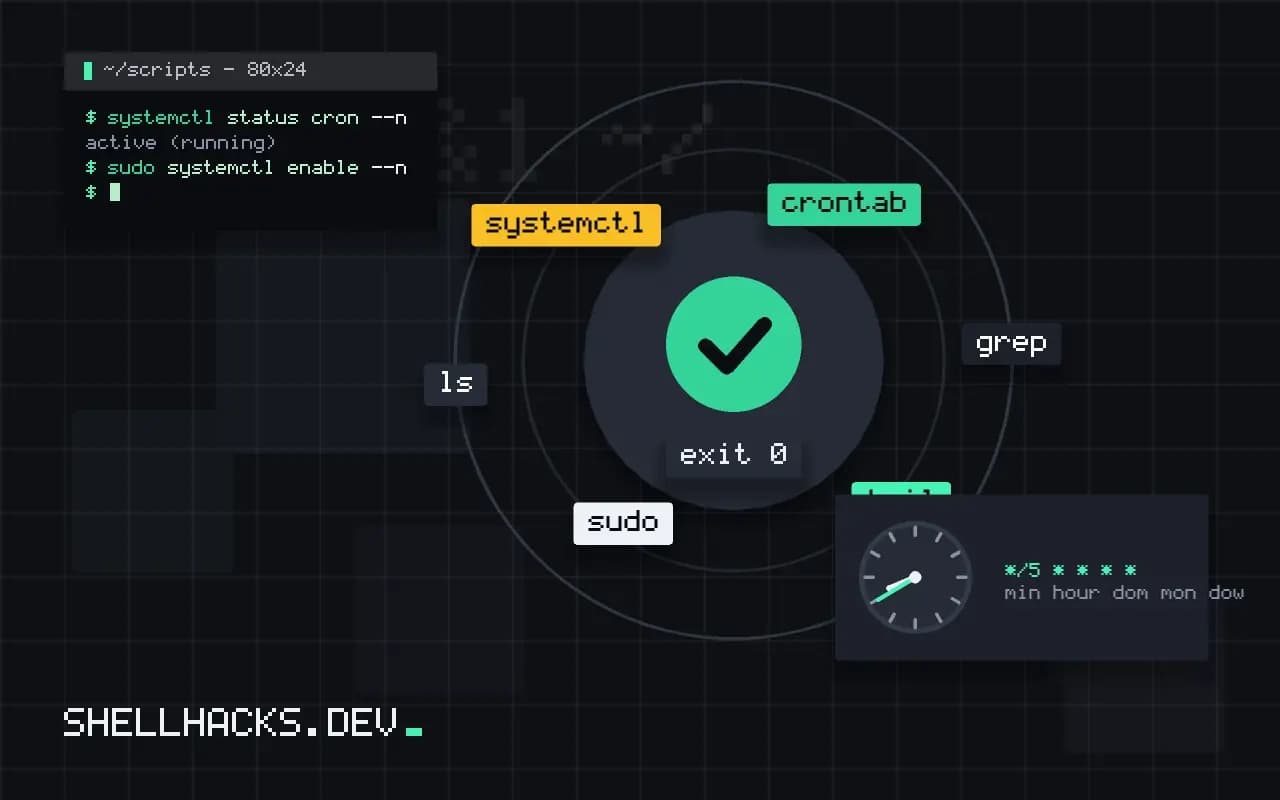
A new crontab entry that does nothing has causes that fall into seven groups, and working through them in order finds the problem faster than staring at the line. The earlier posts on writing the schedule and scripts that work in the terminal are the background; this is the diagnostic path. The commands assume Debian 13 with cron 3.0, and notes mark where Red Hat differs.
1. Is cron running?
systemctl status cron --no-pager
sudo systemctl enable --now cron● cron.service - Regular Background Program Processing Daemon
Loaded: loaded (/usr/lib/systemd/system/cron.service; enabled)
Active: active (running) since Tue 2026-11-03 06:12:44 UTC; 3h 40min ago
On Red Hat-family systems the service is crond. Containers and minimal images often have no cron daemon at all, so a crontab there is silently ignored; see cron inside a Docker container.
2. Did cron see the entry?
crontab -l
grep CRON /var/log/syslog | tail -5
journalctl -u cron --since "30 min ago" --no-pager | tailNov 3 09:45:01 host CRON[3120]: (alice) CMD (/home/alice/bin/job.sh >> /tmp/job.log 2>&1)
A CMD line proves cron launched the job; if it appears, the problem is in the job. If there is none, cron did not run it: the schedule, the file format or the daemon is at fault. If crontab -e printed an error on save, the file was rejected. A mistake in one line of a file in /etc/cron.d can make cron ignore that file.
3. Is the schedule what you meant?
*/5 * * * *   every five minutes
0 9 * * 1-5   09:00 on weekdays
0 9 1 * 1     09:00 on the 1st of each month OR on every Monday
Day-of-month and day-of-week are combined with OR when both are restricted. The server's time zone decides when 09:00 is, as covered in cron and time zones. Check the clock with date and timedatectl.
4. File format, permissions and ownership
ls -l /etc/cron.d/myjob
sudo tail -c 50 /etc/cron.d/myjob | od -c | tail -2
ls -l /home/alice/bin/job.sh
cat /etc/cron.allow /etc/cron.deny 2>/dev/null
Files in /etc/cron.d/ must be owned by root, not writable by others, include the user name field and end with a newline; names with a dot (like job.sh) are ignored on Debian. The script itself must be executable with a valid shebang, and a Windows line ending in the shebang breaks it. Look for /etc/cron.allow, which, when present, lists the only users permitted.
5. Environment: PATH, shell, working directory
SHELL=/bin/bash
PATH=/usr/local/bin:/usr/bin:/bin
* * * * * cd /srv/app && ./job.sh >> /tmp/job.log 2>&1
Cron's default PATH is short and its shell is /bin/sh. Set both at the top and use absolute paths. The comparison technique, dumping env from cron, is in the terminal-versus-cron post.
6. The percent sign
* * * * * date +%F > /tmp/today.txt          # broken: % starts stdin
* * * * * date +\%F > /tmp/today.txt         # correct
In a crontab line, an unescaped % is turned into a newline and the rest is fed to the command as input. Escape it, or move the command into a script. See the percent sign trap.
7. You cannot see the output
* * * * * /home/alice/bin/job.sh >> /tmp/job.log 2>&1
tail -f /tmp/job.log
Without a redirect, output goes to local mail, which may not be set up. Redirecting both streams shows the actual error, often "command not found" or "permission denied", which then points at causes 4 or 5. Test the exact line by running it as the same user with a clean environment: env -i HOME=$HOME SHELL=/bin/sh PATH=/usr/bin:/bin /bin/sh -c '...'.
How to read the evidence in order
A job that does nothing leaves clues at three levels. The scheduler level: did cron notice the entry and start a process. The process level: did the process find its program and run. The result level: did the program do the work and write where you expected. Check them in that order, because a failure at one level hides everything below. A silent job with no CMD line in the cron log is a scheduler problem, and no amount of staring at the script will help. A job with a CMD line and an empty log file is a process or environment problem. A job that wrote its output and still looks wrong is a logic problem, and belongs to the script's author.
Write down what you see at each level before changing anything. A note such as "CMD line present at 09:45, log file empty, exit status unknown" narrows the cause to the start of the script, and keeps you from making three edits at once and not knowing which one fixed it. Change one thing, wait one minute, read the log, and repeat.
Several crontabs, several owners
Cron reads more than one place: each user's own crontab, the system file /etc/crontab, and files in /etc/cron.d, plus the hourly, daily and weekly directories. The formats differ. The system file and the files in cron.d have an extra column for the user name, and a user crontab does not. Pasting a line from one to the other makes cron read the user name as the command, and the job either fails with an obscure message or runs the wrong thing. Know which file you are editing, and confirm with crontab -l -u name for user files.
The directories with scripts run by run-parts have their own naming rule: on Debian, file names may contain only letters, digits, the underscore character and hyphens, so a script called backup.sh there is silently skipped. Test with run-parts --test /etc/cron.daily to see which files would run. This one fact explains many reports of a daily script that never ran.
When the job starts but stops early
Resource limits and signals end jobs quietly. A job killed by the out-of-memory killer leaves a line in the kernel log, which dmesg or journalctl -k shows. A job that runs longer than the interval overlaps the next and may be stopped by a lock or by a watchdog. A job started through sudo may wait forever for a password because there is no terminal. Add timestamps to the start and end of your log so you can see how long the job lived, and log the exit status explicitly, since the status is not recorded anywhere by default.
Making the next failure easier
Standardise on a short wrapper that every cron job uses: it sets the environment, takes a lock, writes a timestamped log and reports failures. Then each crontab line is just the wrapper and a command, and the diagnostic steps above become a matter of reading one log format. Combine it with a heartbeat monitor so a job that does not run is reported to a human within the hour, which turns this list from an emergency procedure into an occasional maintenance task.
Where this does not apply
Jobs that ran for months and stopped usually hit a changed environment: a disk full, an expired password for the account (PAM can block cron for expired accounts), a deleted directory or a full mail spool. For a systematic prevention, use a dead man's switch. See the crontab(5) manual page and the cron(8) manual page.