How to Use anacron for Machines That Are Not Always On
Use anacron to run daily, weekly and monthly jobs on laptops and desktops that are off at night: anacrontab syntax, delays, timestamps and testing.
Cron skips what it missed. If the laptop was off at 02:30, the backup is just not taken, and nobody notices for a month. Anacron was built for that case: it asks "has this job run in the last N days?" whenever it starts. It is the traditional answer next to the systemd timer feature Persistent=true, discussed in persistent timers. The examples assume the cronie anacron 2.3 package.
The file format
# /etc/anacrontab
SHELL=/bin/sh
PATH=/usr/local/sbin:/usr/local/bin:/sbin:/bin:/usr/sbin:/usr/bin
RANDOM_DELAY=30

# period  delay  job-id        command
1         10     daily-backup  /usr/local/bin/backup.sh
7         25     weekly-clean  /usr/local/bin/clean-cache.sh
@monthly  45     monthly-rep   /usr/local/bin/report.sh
The period is in days (or @daily, @weekly, @monthly). The delay is minutes to wait after anacron starts, which keeps a login storm of jobs from competing with boot. The job ID names the timestamp file and appears in the logs. Because the schedule is in days, anacron has no way to say "at 02:30".
See what it would do
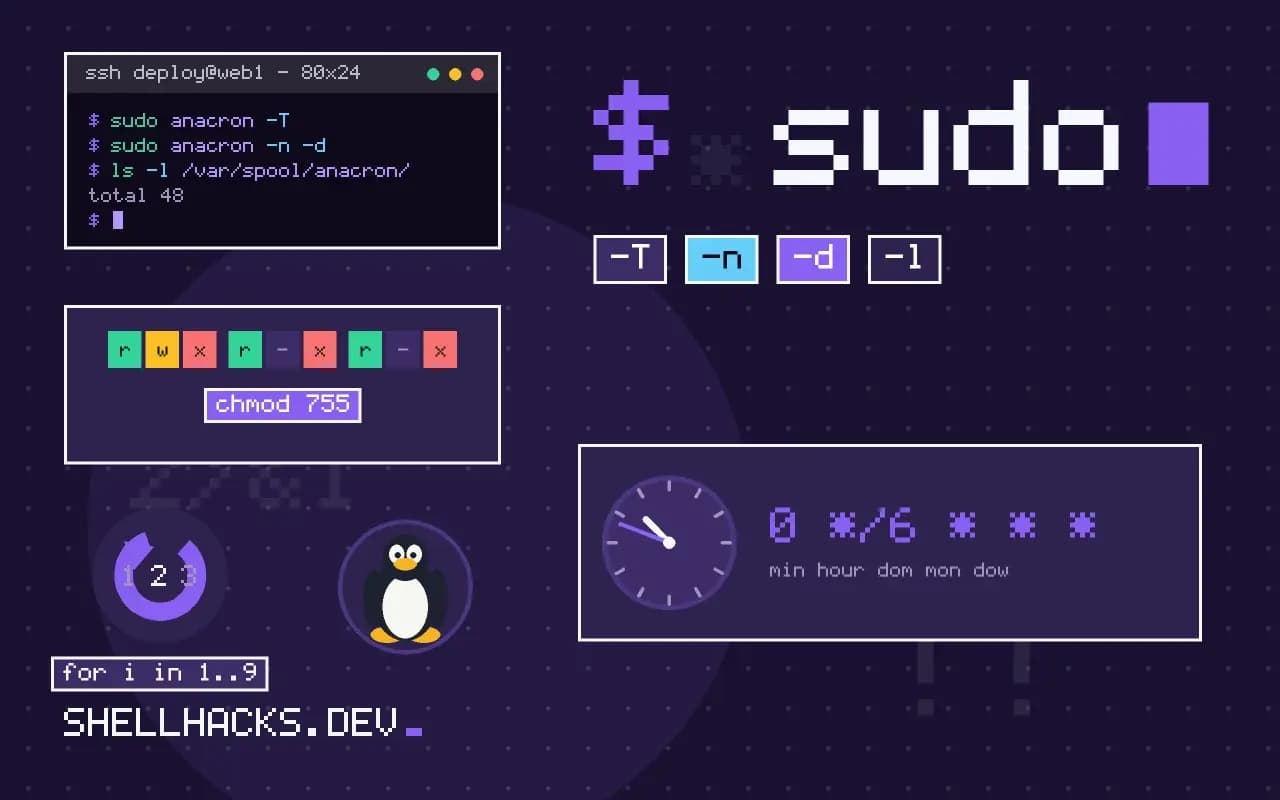
sudo anacron -T
sudo anacron -n -d
ls -l /var/spool/anacron/
cat /var/spool/anacron/daily-backupJob `daily-backup' started
Job `daily-backup' terminated
Normal exit (1 job run)
20261103
-T tests the syntax. -n ignores the delays and runs now, and -d stays in the foreground and logs to the terminal. The timestamp file holds the date of the last success, so deleting it forces a rerun. Use -f to force all jobs regardless of the timestamp.
How it is started
On Debian and Ubuntu, anacron is run from /etc/cron.d/anacron and at boot; on desktops it also handles /etc/cron.daily, cron.weekly and cron.monthly. A cron entry checks the hour so it does not fire when the machine is on battery. User-level jobs need a private anacrontab: run anacron -t ~/.anacron/anacrontab -S ~/.anacron/spool from a login script or a user cron line. That keeps personal backups out of the system file.
Compare with the alternatives
[Unit]
Description=Daily backup

[Timer]
OnCalendar=daily
Persistent=true
RandomizedDelaySec=30min

[Install]
WantedBy=timers.target
A systemd timer with Persistent=true catches up after downtime in the same way and also logs to the journal, which is why many distributions are moving there. See converting cron to a systemd timer. Anacron wins on simplicity and on non-systemd systems.
The problem anacron solves
Cron assumes the machine is on at the scheduled time. A laptop that is closed at three in the morning, or a desktop switched off for the weekend, silently skips the job. Anacron approaches scheduling differently: it records when each job last ran, in timestamp files under /var/spool/anacron, and on each start it runs jobs whose period has elapsed. The unit of scheduling is whole days, not clock times, so it fits maintenance work such as backups, log rotation and updates, where it matters that the task happens regularly, not at a particular minute. It does not replace cron for time-sensitive tasks, and the two usually work together: cron triggers anacron, and anacron decides what is due.
Distributions often wire this up through /etc/cron.daily, cron.weekly and cron.monthly, which anacron runs on machines that are not always up. Knowing that explains why daily jobs on a laptop run at odd hours.
Reading the configuration
Each line of /etc/anacrontab has four fields: the period in days, a delay in minutes, a job identifier and the command. The identifier names the timestamp file, so changing it makes anacron treat the job as new and run it on the next start. The delay staggers jobs after boot so they do not all start at once and slow the machine while the user logs in. Variables such as START_HOURS_RANGE restrict runs to a part of the day, and RANDOM_DELAY adds a random wait up to a maximum number of minutes. Together these let a fleet of machines spread their load.
Test a new entry with anacron -T to check the syntax and anacron -fn to force it to run now, in the foreground, ignoring the timestamps and delays. Both help avoid waiting a day to learn that a path was wrong.
Per-user jobs and the environment
Anacron is a system service run as root, which is a limit if you want a job as an ordinary user. Run it with a personal configuration and spool directory, started from a user's crontab or a login script: anacron -t ~/.anacron/anacrontab -S ~/.anacron/spool. The commands then run as that user, with the minimal environment cron-style tools provide, so set PATH and use absolute paths. Output is mailed to the owner or lost if no mail system exists, so redirect it to a log file, and make the job write something on success that you can check.
Failures need care. A job that exits with an error is marked as run for the day, so it will not be retried until the next period. Make scripts report errors loudly, and consider having them touch a status file that a monitor reads.
Modern alternatives
Systemd timers cover the same ground. With Persistent=true in the timer unit, a job missed while the machine was off runs at the next boot, and RandomizedDelaySec spreads the load. Timers add logging in the journal, dependencies and resource controls, at the cost of two unit files per job. On a systemd system, converting an anacron job to a timer is straightforward and gives better visibility, as the post on converting cron jobs to timers shows. Keep anacron when the system already uses it and the jobs are simple, or on minimal systems without systemd. Whichever you choose, check that jobs run: look at the timestamp files or the timer's last trigger, and set up an alert when a daily job has not completed in two days. The failure that matters most is the job that quietly stops running.
When a machine is managed by many people, document where jobs are defined. Jobs can live in /etc/anacrontab, in the cron.daily directories and in per-user spools, and finding why something ran takes time without a map. A short file in the repository that lists each scheduled task, its owner and its purpose saves the next administrator an afternoon. Review the list when staff change, and remove tasks whose purpose nobody can state.
Where this does not apply
Always-on servers should use cron with monitoring, or timers; anacron adds a second scheduler for no gain. It cannot run a job at a particular time, retry a failure or run more often than daily. The job should be quick to start, since several can fire together at login. Read the anacron manual page and the anacrontab manual page.
For a quick sanity check after setup, force one job with sudo anacron -f -n daily-backup and read the log with journalctl -t anacron. The related cron schedule post and automating backups show what to schedule once catch-up is in place.