How to Set Up a Remote Dev Machine and Edit Over SSH
Set up a remote dev machine and edit over SSH: host config, connection reuse, tmux, port forwarding, editors over SSH and file sync.
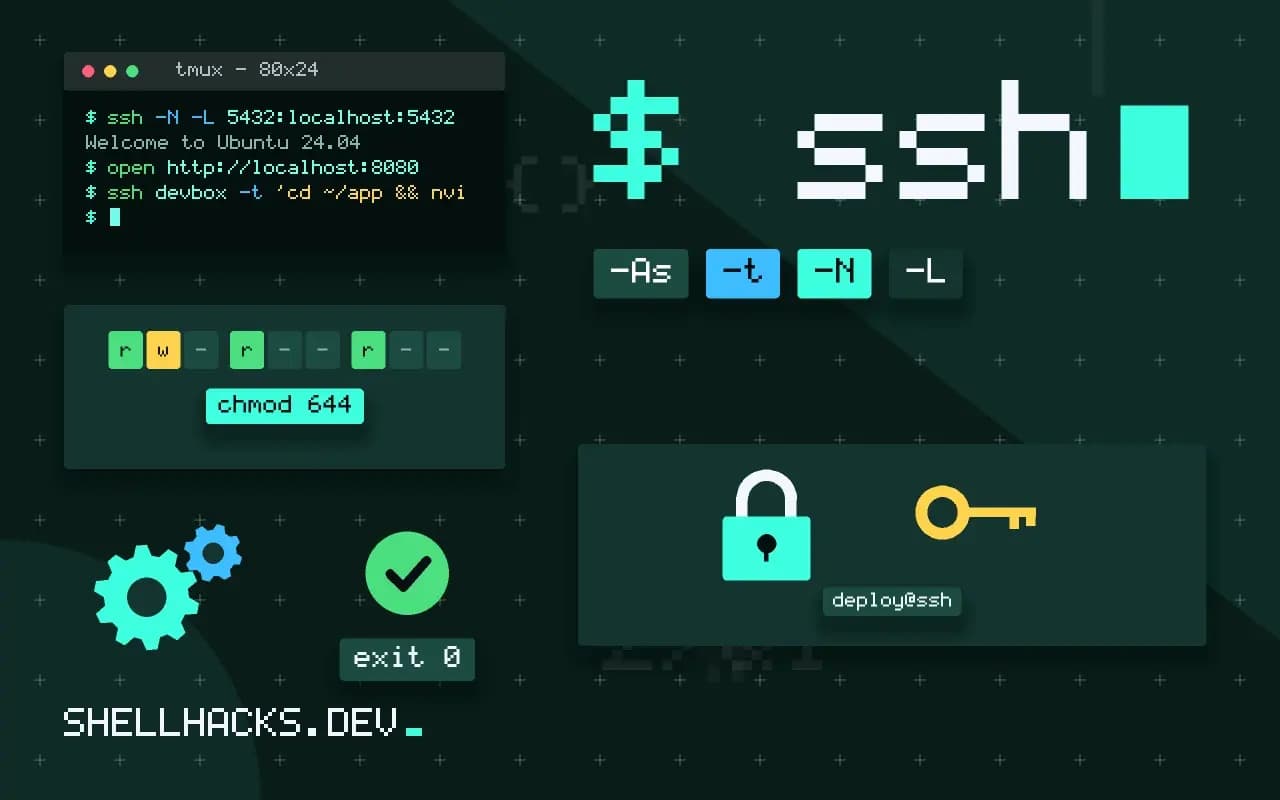
A powerful remote machine (more cores, more memory, a GPU, a production-like environment) is a fine development box if the connection is pleasant. The experience depends on a small amount of configuration: connection reuse for fast commands, a session that survives network drops and a way to see the web page the remote server serves. It builds on the SSH config guide and tmux sessions, and leads to VS Code Remote SSH. The examples assume OpenSSH 9.x and tmux 3.4.
The SSH configuration
Host devbox
    HostName dev.example.test
    User alice
    IdentityFile ~/.ssh/id_ed25519
    IdentitiesOnly yes
    ServerAliveInterval 30
    ServerAliveCountMax 4
    ControlMaster auto
    ControlPath ~/.ssh/cm-%C
    ControlPersist 10m
    ForwardAgent no
    LocalForward 8080 localhost:8080
Add this to ~/.ssh/config, then ssh devbox is enough. ControlMaster auto with ControlPersist keeps one connection open and reuses it, so the second ssh, scp or git command to that host starts instantly without a new handshake. Keepalives detect a dead link in a couple of minutes instead of hanging. LocalForward sets up a port forward automatically. Leave agent forwarding off unless you need it, since a compromised remote could use your keys, as discussed in agent forwarding.
Survive disconnects with tmux
ssh devbox
tmux new -As work
# ... work, then detach with Ctrl-b d, or lose the connection
ssh devbox
tmux attach -t work
tmux new -As work attaches to the session named work or creates it. Everything running in it, editors, builds and servers, keeps going when the SSH connection drops. Reconnect and reattach. Mosh is an alternative that survives roaming and sleep, see Mosh. A one-liner ssh -t devbox tmux new -As work from a shell alias makes it a single step.
See what the server serves
ssh -N -L 8080:localhost:8080 devbox
ssh -N -L 5432:localhost:5432 devbox
open http://localhost:8080
A local forward makes the remote's port 8080 appear on your machine's port 8080, so a development server bound only to the remote loopback is reachable in your browser, and your local database tools can connect to a remote database. The server stays unexposed to the internet, which is safer than opening a port. See SSH port forwarding for the remote and dynamic forms.
Editing: remote versus mounted
ssh devbox -t 'cd ~/app && nvim'
sshfs devbox:/home/alice/app ~/mnt/app -o reconnect,ServerAliveInterval=15
rsync -az --delete --exclude .git --exclude node_modules ./ devbox:~/app/
The most reliable editing setups run the editor on the remote: a terminal editor inside tmux, or VS Code with its remote extension, which runs a server on the host and keeps the interface local. A network file system mount (sshfs) lets a local editor open remote files, but file watchers, language servers and builds are slow or unreliable over it. Syncing with rsync or Git gives a local copy for a local editor and a remote copy for running; pushing with a watcher such as entr from rerunning tests on change automates the copy.
Security and upkeep
sudo ufw default deny incoming && sudo ufw allow from 203.0.113.0/24 to any port 22 proto tcp
sudo sshd -T | grep -E 'passwordauthentication|permitrootlogin'
sudo apt install unattended-upgrades
A development machine on the internet is a target. Allow SSH only from your network or through a VPN or jump host (ProxyJump), disable password login and root login, keep it patched and do not store production secrets on it. Back up work that exists only on the machine; the Git remote is the backup for code. Time zone and locale settings follow the remote's setup, see time zones with timedatectl.
Choosing the machine and the connection
A remote development box repays its setup when the work needs resources a laptop lacks or when the environment should match production. The machine should sit close to you in network terms: a region within a few tens of milliseconds gives a fluid terminal, while one across an ocean makes every keystroke echo with noticeable delay. Measure with ping and with mtr for packet loss, since a lossy link hurts interactive use much more than a slow one. If the network is poor, favour tools that tolerate it, such as tmux, mosh and an editor that runs remotely.
Size the box for the peak, not the average. Compilation, test suites and local databases spike resource use, and an undersized machine turns those spikes into stalls and out-of-memory kills. Cloud instances that stop when idle save money, so script starting and stopping them, and keep data on a persistent volume so that a stopped machine resumes with its work intact.
Keeping the environment reproducible
A remote box tends to become a pet, configured by hand over months and impossible to recreate. Avoid that by keeping a setup script or a configuration management file in a repository: packages, dotfiles, language runtimes and services. Rebuilding the machine from it should take minutes, and doing so every few months proves it still works. Keep project code in Git and treat the machine as disposable; the only things that live only there should be work in progress that you push regularly.
Keep a note of the ports and services you use, and bind development servers to the loopback interface of the box, reaching them through forwards. A server bound to all interfaces on a machine reachable from the internet is an unplanned exposure, and the default of many frameworks is exactly that.
Day-to-day habits
Name tmux sessions after the project so that reattaching is a single command, and keep windows for the editor, the server and logs. Use a shell prompt that shows the host name clearly, with a different colour for the remote, so you never run a destructive command on the wrong machine. Copy files with rsync or Git instead of dragging them through a graphical client, which leaves a clear record of what moved. For clipboard integration and image previews, learn what your terminal supports, such as OSC 52 for copying from a remote session to the local clipboard.
Cost and teardown
Remote machines cost money while they exist. Set a budget alert, tag instances with an owner, and stop them automatically after a period of inactivity with a systemd timer or the provider's idle shutdown. Review the list of running machines weekly. When a project ends, snapshot or archive what matters, delete the rest and remove the SSH host entry so the configuration stays tidy. A development box that is cheap to start, cheap to stop and easy to rebuild is a tool, and one that nobody dares touch is a liability.
Back up the box as you would any machine that holds work: the repository is the main backup, and a periodic snapshot of the data volume covers uncommitted changes and local databases. Test restoring a snapshot once, so the first time you need one is not the first time you try.
Where this does not apply
Latency matters: a remote on another continent makes editing feel slow, and a terminal editor on the remote is far better than a local GUI editing a mount. For flaky networks, Mosh and tmux are essential. If your laptop can do the work, local development is simpler. Cloud workspaces (Codespaces and similar) package the same idea with less setup. See the ssh_config manual and the tmux wiki.