How to Version Config and Scripts in a Dotfiles Style Repo
Version config and scripts in a dotfiles-style repository: layout, Stow symlinks, per-machine overrides, secrets handling, a bootstrap script and testing.
Configuration lives in dozens of small files, and it gets lost the moment a laptop dies or a server is rebuilt. Putting it in Git gives history, review and a way to reproduce a machine. The structure and install method make the difference between a repository you use and one you abandon. The commands use Git 2.45, GNU Stow 2.4 and Bash 5.2; the dotfiles tools are compared in GNU Stow for dotfiles.
A layout that mirrors the target
dotfiles/
  bash/.bashrc
  bash/.bash_profile
  git/.gitconfig
  git/.config/git/ignore
  tmux/.tmux.conf
  bin/.local/bin/backup-notes
  install.sh
  README.md
Each top-level directory is a package, and its contents are laid out as they should appear under the home directory. That lets one command link the package into place. For server configuration, the same layout can target /etc from a separate repository, with stow -t /etc run as root or a script that copies files and reloads services.
Install with stow
cd ~/dotfiles
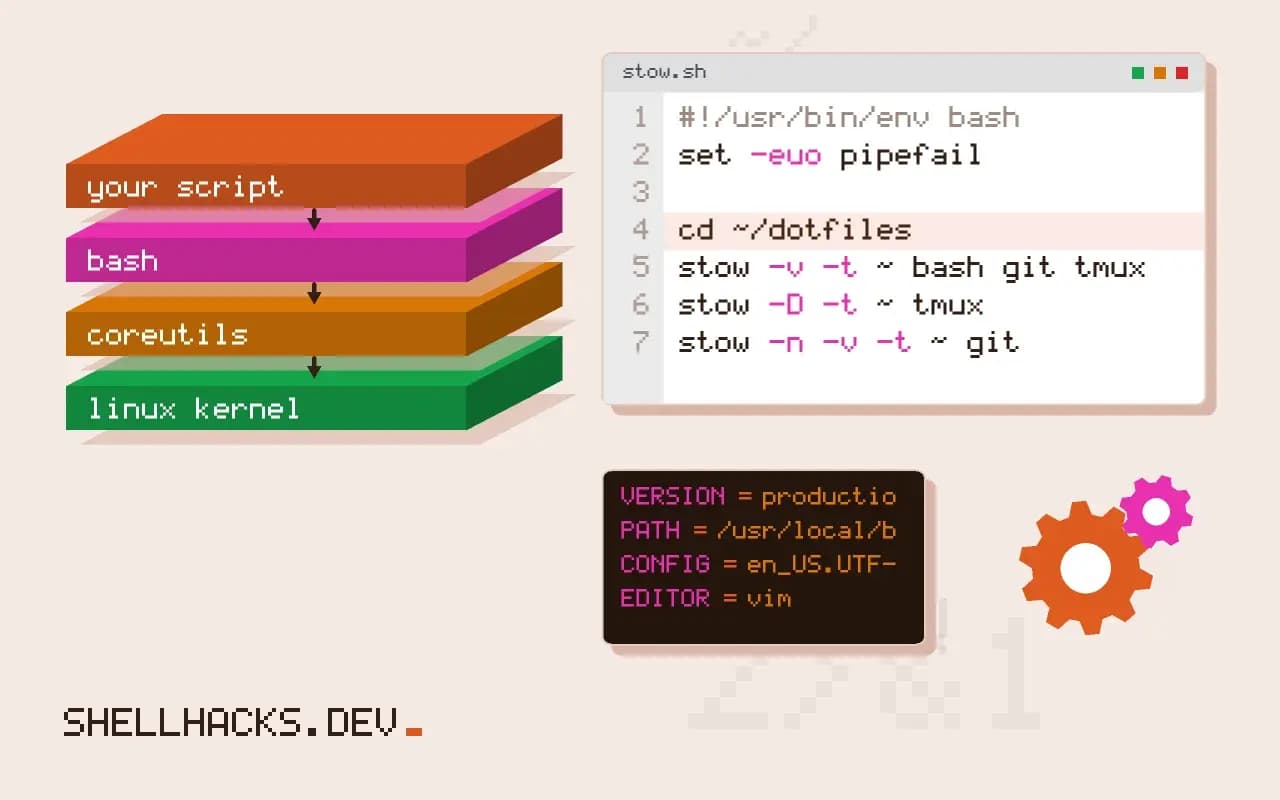
stow -v -t ~ bash git tmux bin
stow -D -t ~ tmux          # remove one package's links
stow -n -v -t ~ git # dry runLINK: .gitconfig => dotfiles/git/.gitconfig
LINK: .config/git => ../dotfiles/git/.config/git
Stow creates symlinks from the home directory into the repository and refuses to overwrite existing real files, which makes it safe to run again. Move the existing config into the repository first with stow --adopt, then check git diff, since adoption pulls the live file's content into your repository and may overwrite your tracked version. Edits made through the symlink land in the repository, so changes are visible in git status.
A bootstrap script
#!/usr/bin/env bash
set -euo pipefail
cd "$(dirname "${BASH_SOURCE[0]}")"

command -v stow >/dev/null || { echo "install stow first" >&2; exit 1; }
packages=(bash git tmux bin)
[[ $(uname) == Darwin ]] && packages+=(macos)

stow -t "$HOME" --restow "${packages[@]}"
git config --global include.path "$HOME/.gitconfig.local"
echo "done"
--restow unlinks and relinks, so rerunning after adding files works. Per-machine differences go in files that the main config includes and that are not tracked, such as ~/.gitconfig.local or ~/.bashrc.local, which is simpler than keeping a branch per machine. The idea of repeatable installs is the same one in idempotent provisioning scripts.
Secrets stay out
Never commit tokens, private keys or passwords, even in a private repository, since history lasts forever and repositories get shared. Put them in untracked local files listed in .gitignore, or store them encrypted with age, sops or gopass, as in pass, gopass and age. If one slips in, rotate it and clean the history, as covered in removing a secret from Git history.
Test and tag
docker run --rm -v "$PWD":/home/dev/dotfiles -w /home/dev/dotfiles ubuntu:24.04 \
  bash -c 'apt-get update -qq && apt-get install -y -qq stow git >/dev/null && HOME=/tmp/h ./install.sh'
git tag -a known-good-2026-11 -m "works on laptop and server"
A clean container proves the install does not depend on files only your machine has. Tags mark states you trust, so a rebuilt machine can start from one rather than the tip of the branch.
What belongs in the repository
The files that define how you work are good candidates: shell startup files, editor settings, Git configuration, terminal and multiplexer settings, small scripts in a personal bin directory, package lists. Files that are generated, large, or machine-specific are not. Caches, history files, plugin directories that a manager reinstalls, and application state should stay out, and a .gitignore that lists them keeps accidents from happening. Decide for each file whether it is shared across machines or varies; the varying ones go through an include mechanism, such as [include] path = ~/.gitconfig.local in Git or a source ~/.bashrc.local line at the end of the shell file, with the local file untracked. That split lets the shared file stay identical everywhere and absorbs the differences in a small, per-machine file.
Keep the repository readable for someone who has never seen it. A README that lists the packages, explains the install command and notes any manual steps, such as installing fonts or importing a terminal profile, makes a rebuild after a disk failure a matter of an hour and not a weekend.
Alternatives to symlink managers
Stow is one of several approaches. A bare Git repository with the work tree set to the home directory, used through an alias such as dot='git --git-dir=$HOME/.dotfiles --work-tree=$HOME', tracks files in place without links and needs no extra tool, at the price of a home directory where every command could affect the repository if the alias is mistyped. Chezmoi copies files rather than linking them, supports templates for per-machine differences, encrypted files and password-manager integration, which suit people with many machines and some secrets. Plain scripts that copy or link files are the simplest, and become hard to maintain as the list grows. The right choice depends on how many machines you manage and how much they differ, and switching later is not difficult, because the files themselves stay the same.
Handling differences between machines and systems
Laptops, servers and work and home machines need different settings. Conditionals in the shell file based on uname or the host name cover small differences: a different PATH on macOS, an alias that exists only where a tool is installed. Test for the tool before using it, with command -v tool >/dev/null && alias ..., so a missing program does not produce errors at login. Keep the startup files fast, since they run on every new terminal; a slow prompt or a version manager that adds a second to each shell is a daily cost that profiling with time bash -i -c exit makes visible.
Keeping secrets out and finding them if they slip in
Credentials sometimes leak into configuration files: a token in a Git credential helper entry, an API key exported in a shell file. Keep them in a password manager or an encrypted file read at run time, and add a secret scanner as a pre-commit hook to the dotfiles repository too. A public dotfiles repository is a common place for accidents, since the files are copied from live configuration and the commit feels harmless. If a secret is committed, rotate it and rewrite the history before the repository is shared. Mark private files that must exist with a placeholder in the repository and instructions in the README for creating them.
Keeping it alive
A configuration repository drifts if edits are made on the machine and never committed. Make the habit easy: a shell function that opens the file through the link, so edits land in the repository, a weekly look at git status in the directory, and a prompt marker or reminder for uncommitted changes. When something breaks after an edit, the history shows what changed and when. Revert the last commit or check out the tagged known-good state, and the machine is back to a working configuration within a minute.
Where this does not apply
For a fleet of servers, configuration management tools such as Ansible offer templating, ordering and drift detection that symlinks do not, see Ansible basics. Files that applications rewrite constantly, such as browser profiles and caches, do not belong in the repository. Tools such as chezmoi handle templates and encryption in one tool, as covered in chezmoi for dotfiles. See the GNU Stow manual and the dotfiles community guide.