How to Remove a Secret From Git History in Real Scripts
Remove a leaked secret from Git history safely: rotate the credential first, rewrite with git filter-repo, force push, clean clones and check for copies.
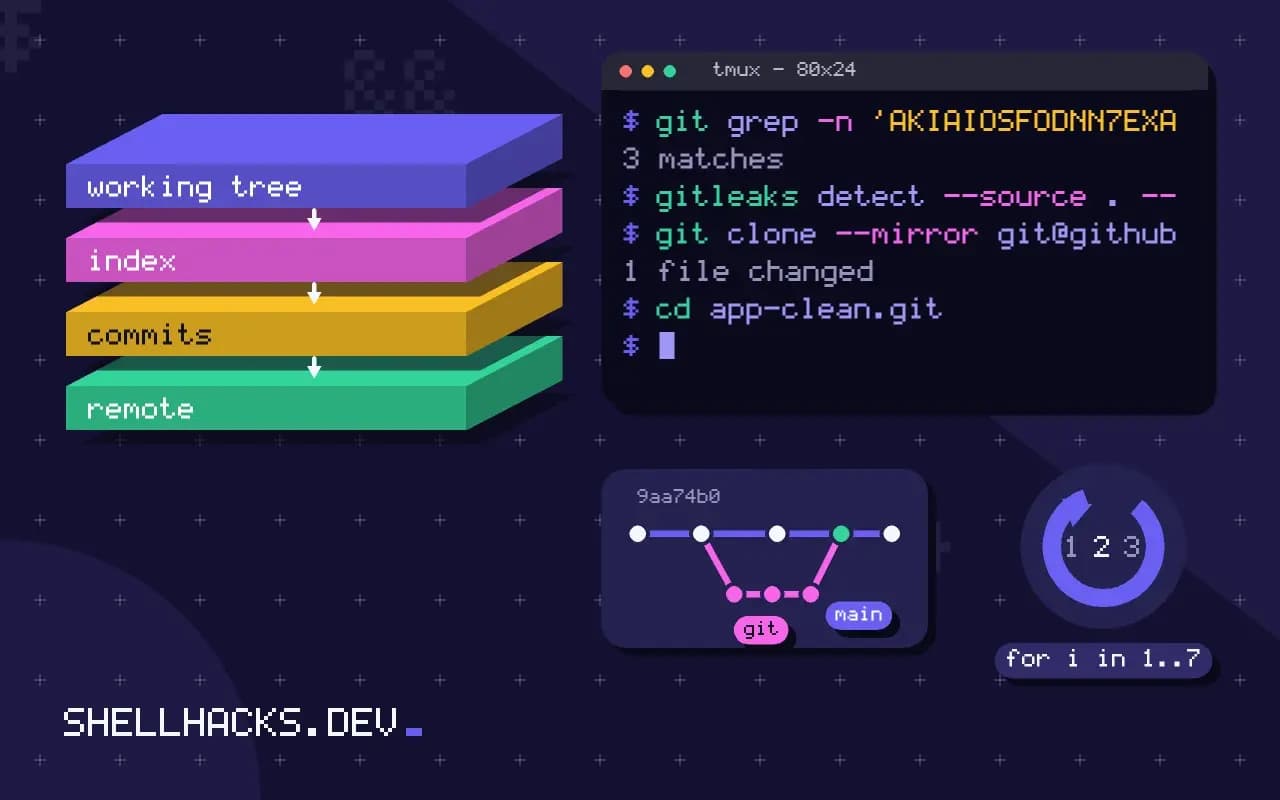
A token pushed to a public repository is typically found and used by automated scanners within minutes, so the order of work matters: contain the leak, then clean the history. A rewritten repository is tidier, but only a changed credential makes the leak harmless. The commands use Git 2.45 and git-filter-repo 2.45; the tool is introduced in git filter-repo.
Step 1: revoke and rotate
Revoke the key in the provider's console and issue a new one, then check the provider's audit log for use you did not make. For cloud keys, assume the worst and review what the key could reach. Put the new secret where it belongs, in an environment or a secret store, as covered in shell script secrets. Do this before anything else, because the rewrite takes time and the old key is still live until revoked.
Step 2: find every occurrence
git log -S'AKIAIOSFODNN7EXAMPLE' --all --oneline
git grep -n 'AKIAIOSFODNN7EXAMPLE' $(git rev-list --all) | head
gitleaks detect --source . --redact
git log -S finds commits that added or removed the string, and git grep over all revisions lists the files. A scanner such as gitleaks or trufflehog finds other secrets you did not know about, as in gitleaks and trufflehog.
Step 3: rewrite history
git clone --mirror [email protected]:team/app.git app-clean.git
cd app-clean.git
printf 'AKIAIOSFODNN7EXAMPLE==>REMOVED\nregex:password=\\S+==>password=REMOVED\n' > ../expressions.txt
git filter-repo --replace-text ../expressions.txt
# or remove a whole file from every commit
git filter-repo --invert-paths --path config/secrets.yml
Working in a fresh mirror clone keeps your normal checkout safe. --replace-text reads one rule per line, with regex: for patterns, and rewrites every blob. --invert-paths deletes files. Every commit ID after the first change is new, so branches, tags and signed commits are all rewritten. filter-repo removes the origin remote on purpose, to avoid pushing the wrong thing.
Step 4: publish and cut over
git remote add origin [email protected]:team/app.git
git push --force --mirror origin
This replaces every ref on the remote. Branch protection may block it and needs a temporary lift. Tell collaborators to delete their clones and re-clone, because merging old history back reintroduces the secret. Ask the hosting provider's support to purge cached views and pull request refs that still point at old commits; GitHub documents this in removing sensitive data from a repository.
Why deleting the commit is not enough
Git stores snapshots, and a secret committed once is present in that commit's tree and in every later commit that still contains the file. Reverting the change in a new commit hides it from the current files and leaves it one git show away. Amending the latest commit removes it from that commit, but the old object remains in the repository until garbage collection discards unreachable objects, which the reflog and any pushed copy prevent. Platforms also keep references that history rewriting does not touch: pull request heads, cached views and forks. This is why the first step is always to treat the secret as compromised, and why the cleanup is hygiene and not a fix.
Scanners that harvest secrets from public code watch the event streams of large hosting providers and find new pushes within seconds. Some providers run their own secret scanning and revoke or flag known token formats automatically. Do not rely on that, but use it as a prompt to check the notices that arrive by email after a leak, which often name the exact commit.
Choosing a tool
For years the standard tool was git filter-branch, and Git's own documentation now recommends against it because it is slow and easy to misuse, with corner cases that silently leave data behind. git filter-repo, a separate Python script that is the recommended replacement, is much faster and has safer defaults, such as refusing to run on a repository that is not a fresh clone unless forced. The BFG Repo-Cleaner, a Java tool, is simple for the two common jobs of deleting files and replacing strings, and is fast on large histories, but it protects the latest commit by default so that you must remove the secret from the working tree first. Pick one, and read its documentation before running it on the only copy of a repository.
Cleaning up the hosting side
After pushing the rewritten history, the platform may still serve the old commits by hash. Contact the provider's support to remove cached views and unreachable commits, and ask them to run garbage collection on the repository. Pull requests opened before the rewrite hold references to the old commits, and closing and deleting them, where the platform allows it, removes the refs. Forks are separate repositories owned by other accounts, and only their owners can change them. For public repositories, assume the content has been copied, which is the reason revocation comes first.
Also check other places the secret may have gone: CI logs, build artifacts and caches, container images that copied the file, package archives published from the repository, issue and pull request comments, chat messages and pasted snippets. Search each for the value or its prefix, and clean or rotate as needed.
Preventing the next one
Install a secret scanner as a pre-commit hook, run the same scanner in CI as a required check, and enable push protection on the hosting platform if it is offered, since it blocks a push that contains a recognised token. Keep real configuration out of the repository by design: commit an example file, load real values from the environment or a secrets manager, and add the real file names to .gitignore before the first commit. Teach the team what to do first when it happens anyway: tell the security contact, revoke, rotate, and only then talk about history. A short written runbook with the commands saves the time that matters in the first hour.
Checking the result
After the rewrite, verify before pushing. Clone the cleaned mirror to a fresh directory and search it again with git log -S and with the scanner, across all refs, for the secret and for its variants, such as a base64 form or a prefix. Compare branch and tag lists with the original so nothing was lost, and run the test suite on the tip. Commit hashes change for every rewritten commit, so signed tags and commit signatures are invalidated and must be recreated, and any references in issues or documentation that quote old hashes break. Record the old and new heads in the incident notes so that the mapping can be found later.
Where this does not apply
Forks and clones made before the rewrite keep the old history, and you cannot force them to change. Software caches, mirrors, search engines and CI logs may have copies too. That is why the credential must be changed. A secret that was only ever in a local, unpushed commit can be removed with git commit --amend or an interactive rebase. To prevent a repeat, add a pre-commit hook, as in git hooks, and keep real values out of tracked files, as in stopping tracking a file. The tool is documented in the git-filter-repo manual.