How to Use zoxide and autojump to Jump Between Directories
Jump between directories with zoxide or autojump: how frecency ranking works, install and init, interactive selection, database upkeep and limits in scripts.
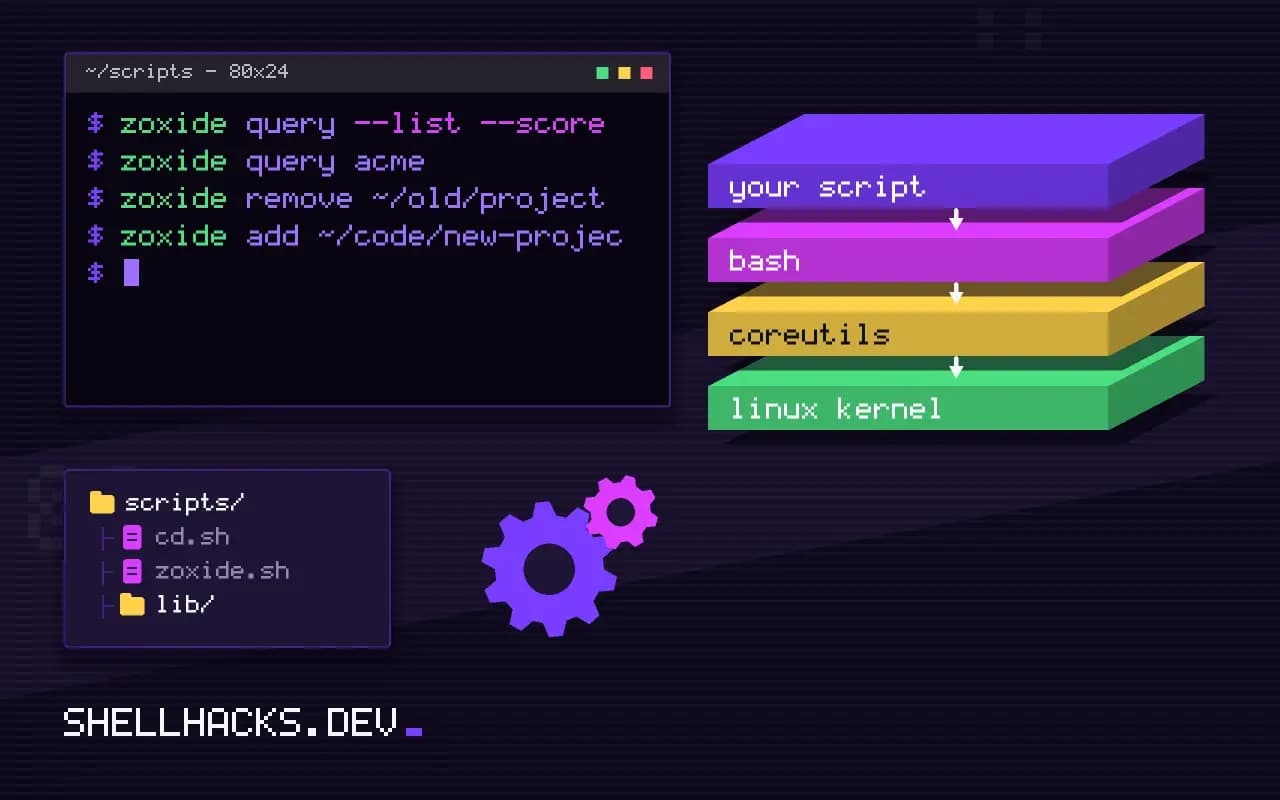
Typing cd ~/code/clients/acme/website/src fifty times a week is a tax. Tab completion softens it and a jump tool removes it: after you have been to a directory once, z acme takes you back. Two tools do this, with the same idea and different implementations. This post compares them and shows the setup and the rough edges. It is part of the terminal setup, next to fzf pickers. Examples use zoxide 0.9 and Bash 5.2.
How they rank
Each tool keeps a small database of directories with a visit count and the time of the last visit. A query matches paths that contain your words, and the best match is the one with the highest frecency: a score that grows with how often you go there and decays with time since the last visit. A directory you used ten times this week beats one you used fifty times last year. The database grows as you work; no setup is needed beyond the shell hook.
zoxide
sudo apt install zoxide
echo 'eval "$(zoxide init bash)"' >> ~/.bashrc
cd ~/code/clients/acme/website
cd ~
z acme
pwd/home/ada/code/clients/acme/website
The init line defines z (jump), zi (jump with an interactive list, needs fzf) and hooks the shell to record every directory change. Matching is case-insensitive and by word: z acme web requires both words to appear, in order, with the last matching the final path component. z - goes to the previous directory, and z .. works like cd. With zoxide init bash --cmd cd, the commands are named cd and cdi, replacing the built-in with a smarter one that falls back to normal behavior for real paths.
Inspect and edit the database
zoxide query --list --score | head -n 5
zoxide query acme
zoxide remove ~/old/project
zoxide add ~/code/new-project 42.5 /home/ada/code/clients/acme/website
17.0 /home/ada/code/zoxide-notes
query shows what z would pick without moving, with --list --score for the ranking. remove forgets a path that no longer exists or no longer matters, and add seeds a new one. The database is a file under ~/.local/share/zoxide/; set _ZO_EXCLUDE_DIRS to keep sensitive paths and /tmp from being recorded.
autojump
sudo apt install autojump
echo '. /usr/share/autojump/autojump.sh' >> ~/.bashrc
j acme
autojump --stat
autojump is the older tool, written in Python, with the command j. It does the same job, with a similar ranking. Its development has slowed to maintenance, though it remains in distribution repositories; zoxide is faster (a compiled binary instead of a Python process on every prompt), supports more shells and is actively developed. For a new setup, choose zoxide. If you have an autojump database, zoxide can import it: zoxide import --from autojump ~/.local/share/autojump/autojump.txt.
Other ways to move faster
cd -andpushd/popdfor the last few places.CDPATH=.:~/codeletscd acmework from anywhere for children of those directories.- Shell options
shopt -s autocd cdspellin Bash allow typing a directory name alone and fix small typos.
Where this does not apply
Do not call z in scripts or aliases that must be predictable: its answer depends on your history, and on a different machine or a cleared database it goes elsewhere or nowhere. Scripts use full paths or paths relative to the script, as in realpath and readlink. A fresh machine has an empty database, so the first days feel slower. A match you did not expect can send you to a directory with a similar name; check with zoxide query before running a destructive command right after a jump.
What frecency means and how a database is built
Both tools keep a database of directories you have visited and rank them with a score that combines how often and how recently, a measure called frecency. A directory you used ten times this week outranks one you used once last month, and one you used a hundred times last year fades if you stop going there. Every cd you run, through a shell hook, adds or bumps an entry, so the database learns from your habits and needs no configuration. When you type a few characters, the tool picks the best-ranked entry whose path matches, and with several words it requires each in order. Zoxide stores its data in a single file under the data directory, ~/.local/share/zoxide on Linux, and it is written in Rust, which makes the lookup fast enough that you do not notice it in the prompt. Autojump is older, written in Python, and keeps a text file of weights, and it is much less actively developed. The two feel similar in use, with different commands and different details of the ranking.
The database only knows directories you have entered since installing the tool. On a new machine it starts empty and the first few days involve typing full paths, which is a normal price of a learned system.
Setting up and inspecting zoxide
Installation is a package and a line in your shell configuration, eval "$(zoxide init bash)" for Bash and the matching forms for Zsh and Fish, which defines the z and zi commands and the hook that records directories. Put it near the end of the file, after anything that changes the prompt, since the hook is attached to the prompt command and a later change can overwrite it. z foo jumps to the best match, and zi foo opens an interactive picker through fzf when several are plausible, which resolves ambiguity without guessing. zoxide query -l lists the database with scores, zoxide add path inserts an entry by hand, zoxide remove path deletes a stale one, and zoxide edit opens an interface for pruning. Set _ZO_EXCLUDE_DIRS to keep temporary and private locations out of the database. Stale entries for directories that no longer exist are removed on a schedule and when a lookup finds them missing, so the database cleans itself over time.
Because the database is a record of where you work, it can reveal project names. It is a local file, and keep it out of a public dotfiles repository.
Comparing the two and other ways to move around
Zoxide is the safer choice today: it is maintained, fast, works across Bash, Zsh, Fish, PowerShell and others, and integrates with fzf. Autojump works and has the advantage of long familiarity, with a command called j, and a Python dependency that some minimal systems lack. Neither is suitable for scripts. Their behavior depends on a history that differs on every machine, so a script that runs z project works for you and fails for a colleague, and scripts should use explicit paths. Other built-in tools are worth knowing: cd - returns to the previous directory, pushd and popd keep a stack, and CDPATH lets cd name find a directory under a list of parents. Shell aliases for your five most-used directories cost nothing and never surprise you. A jump tool earns its place when you move between many directories and cannot remember where they all are, and is wasted if you work in two folders all day.
See the zoxide project and autojump.